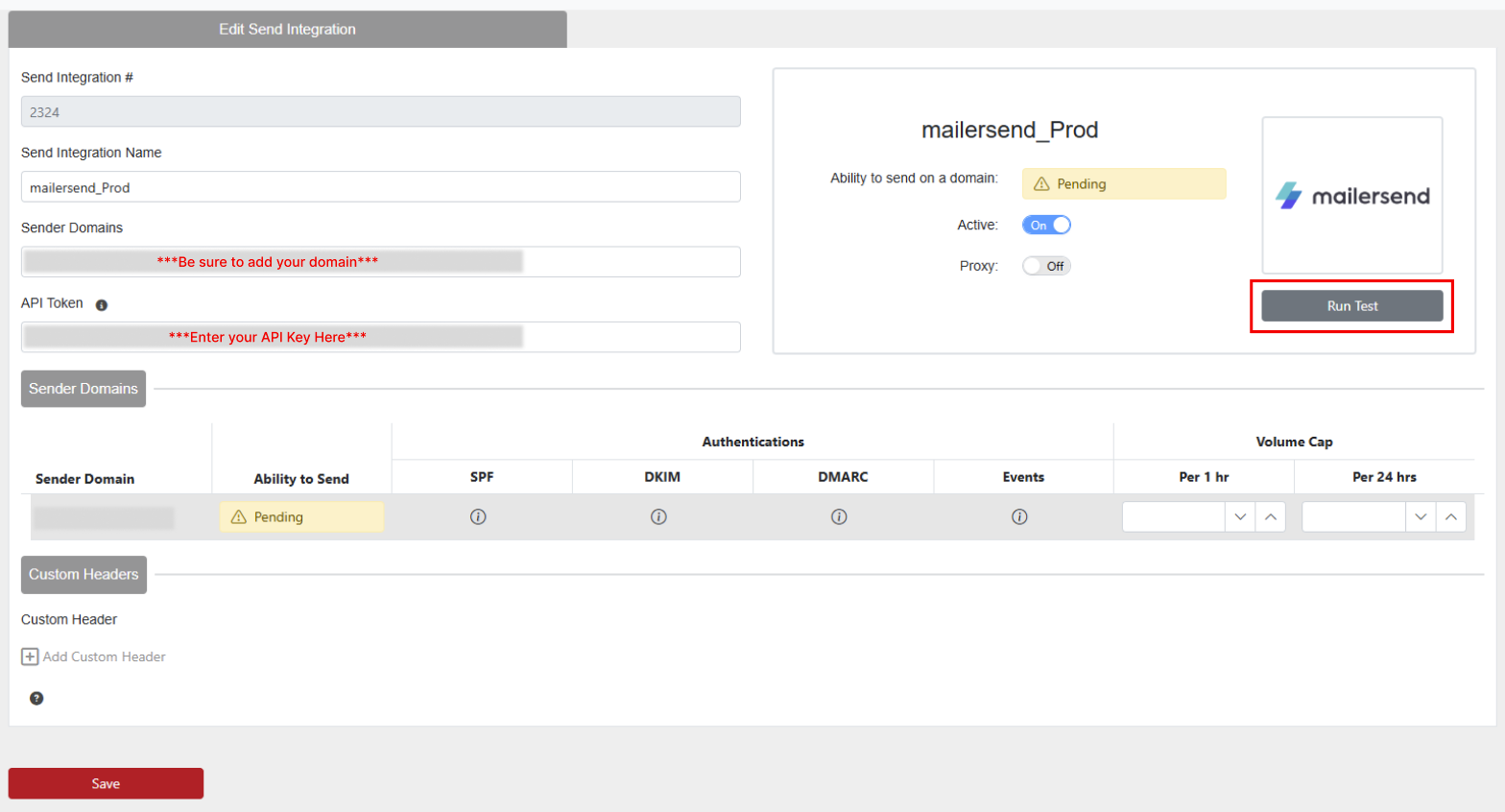
To setup Mailersend to be used as an Email Service Provider in EmailElement, you will need:
- At least 1 Email Domain configured and verified
- Your API Key for Mailersend
Create API Key
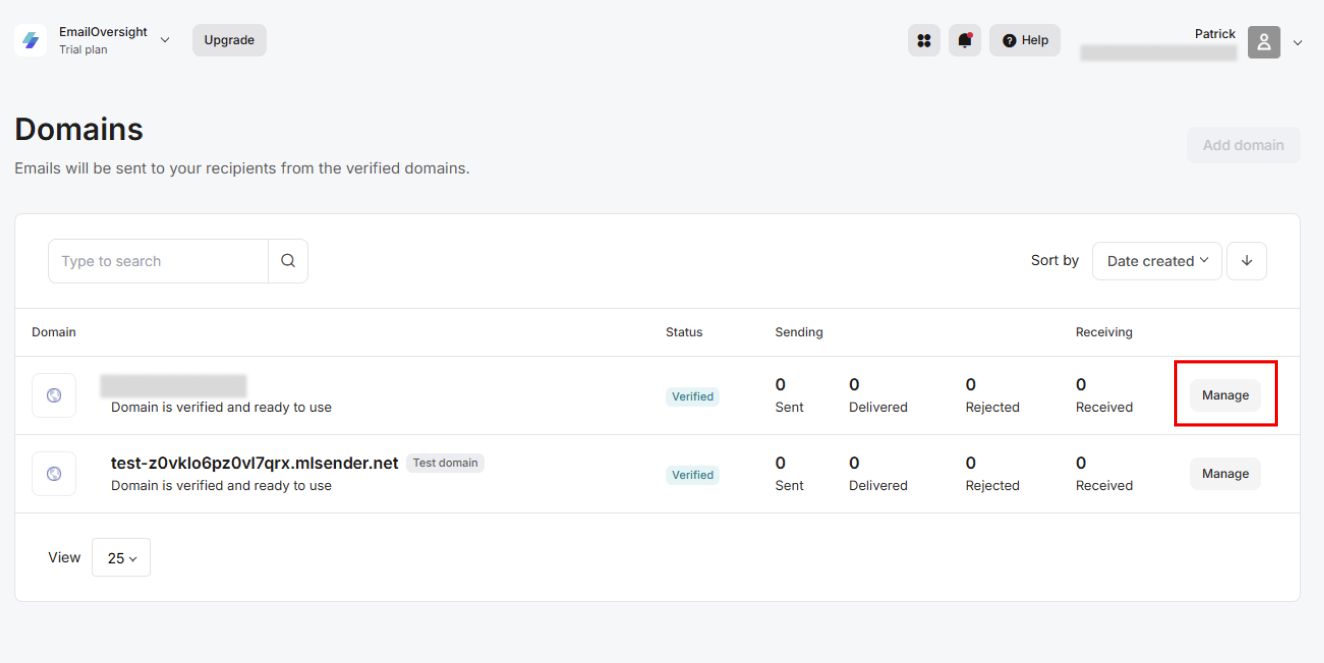
- From the Left Pane select Domains
- Select ‘Manage’ on your verified domain
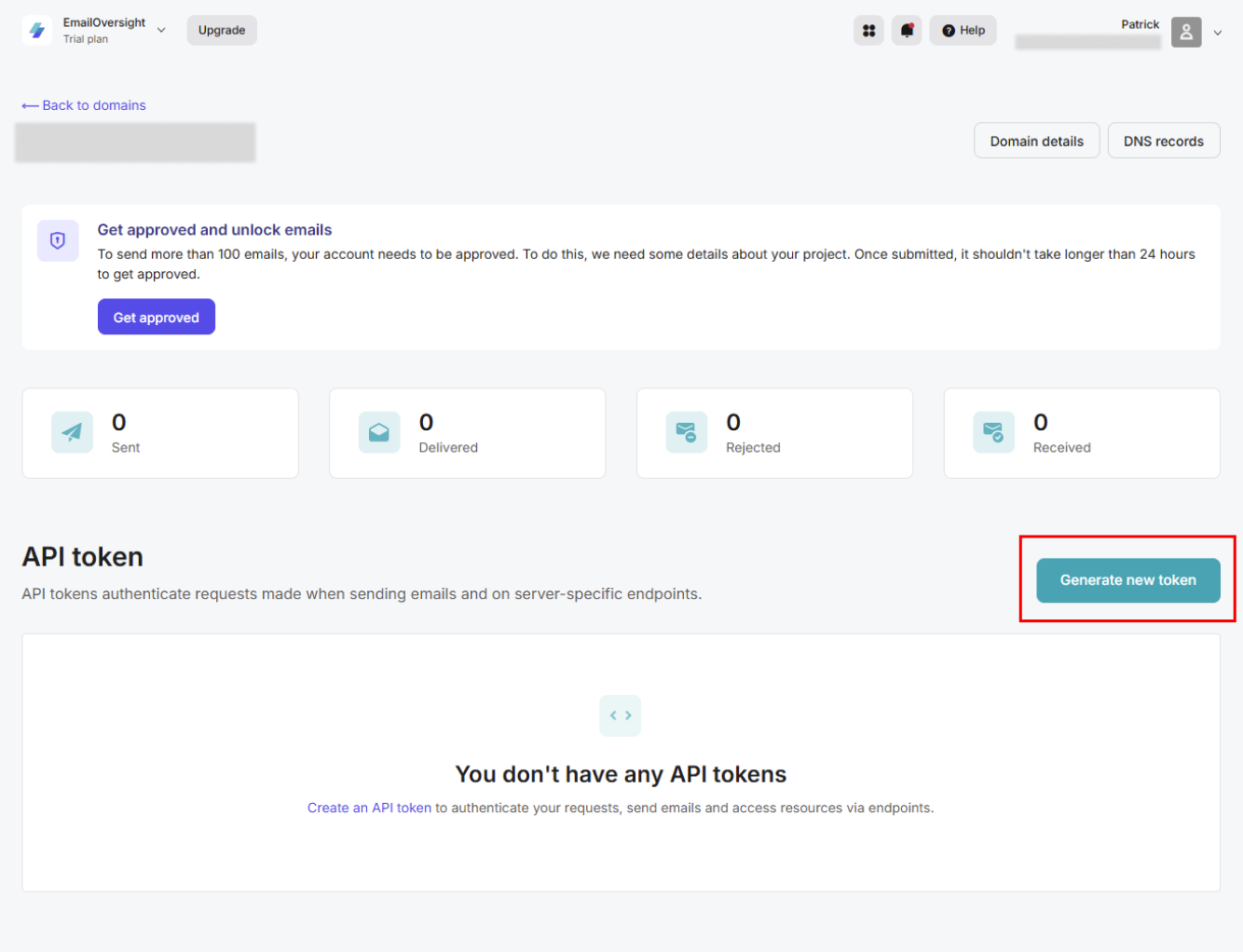
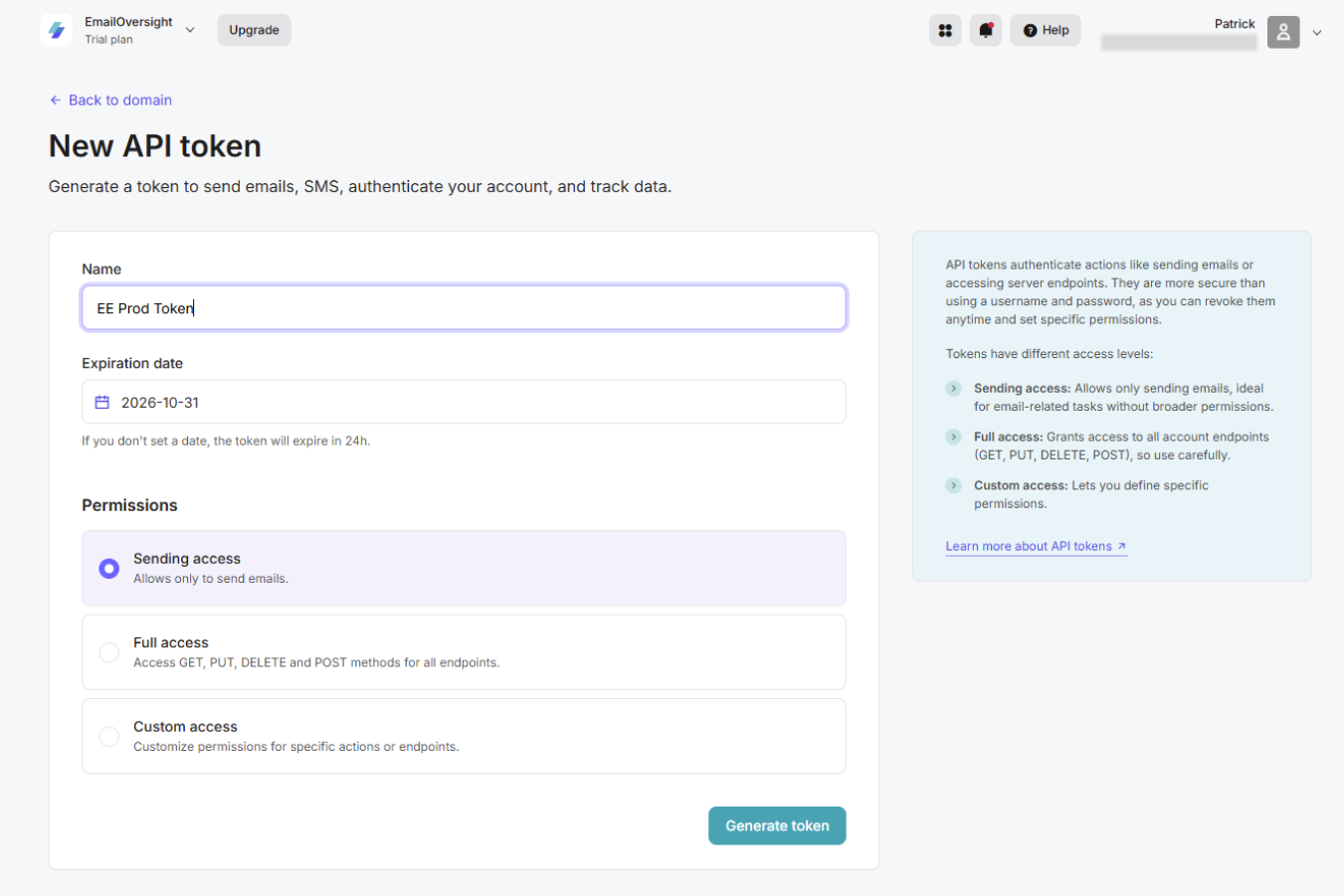
- Select ‘Generate new token’ and follow the prompts, being sure to store your generated token to add in EmailElement later
Set Up Mailersend in EmailElement
- Once you have your API Key, go to EmailElement and select Send Integrations>Create Send Integration
- Select Mailersend from the list of ESPs
- Add your Sender Domain and API Key, then Save your integration
- Be sure to ‘Run Test’ after saving to ensure everything is setup properly and you'll be ready to start sending.