
Sender Domain Authentication
SPF, DKIM and DMARC are how a mailbox provider decides an email really came from you, and one of them failing is a common reason for landing in spam. This page covers what each check means, where to see its state, and what to do when one is not passing.
Where it is
Open a sender domain. The Configuration tab holds everything below.
Authentications
This is what an Other or Gmail domain shows. A domain that sends through EmailElement has no DKIM Selector and no SPF, DKIM or DMARC icons here: it publishes a DKIM Record and a DMARC Record instead, each with its own state, beside Tracking. Which one a domain is was chosen when it was created and cannot be changed.
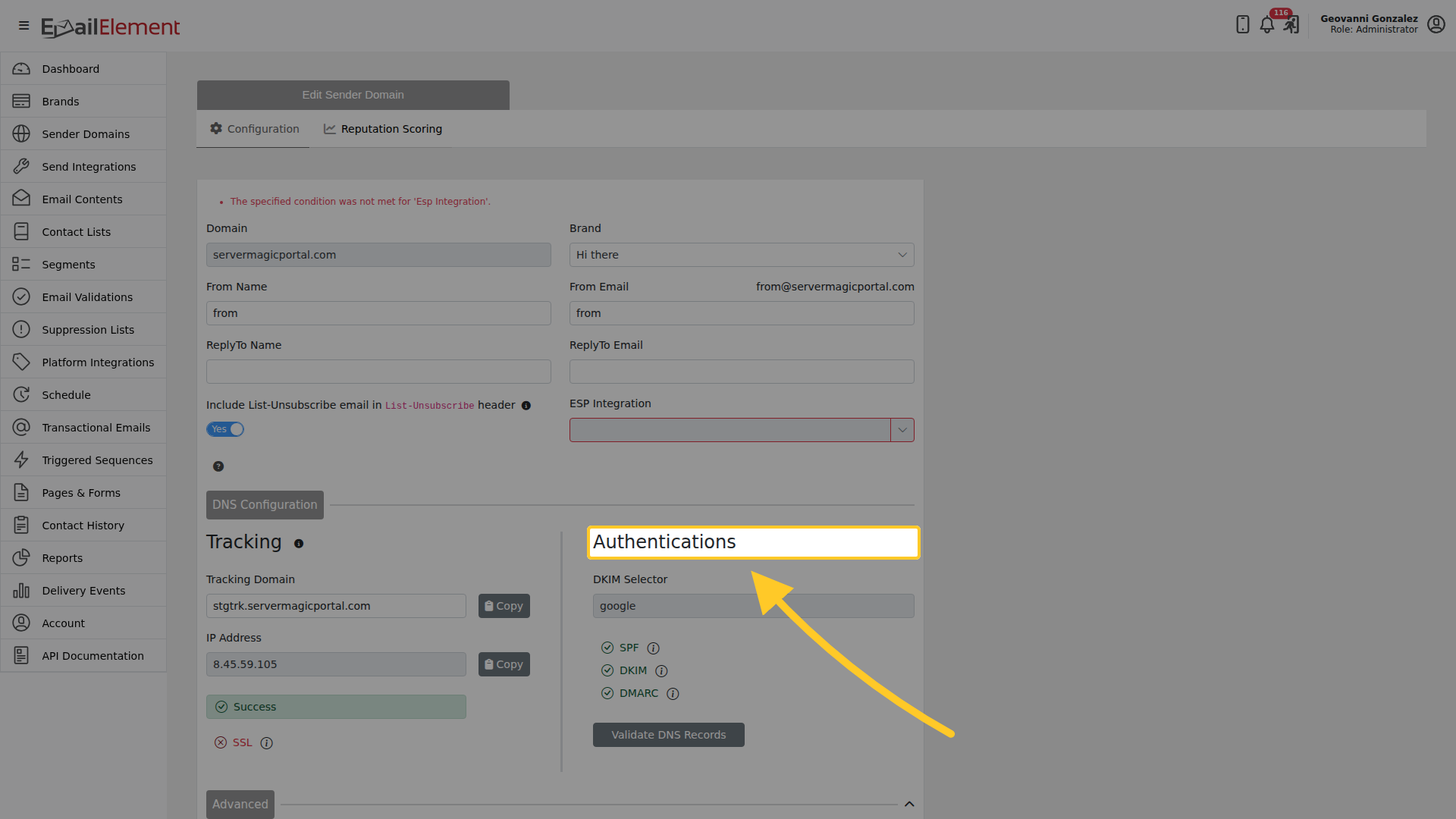
DKIM Selector is the selector the DKIM record is published under, for example google.
Three checks report the state of your DNS, each with an information icon beside it:
| Check | What it looks at |
|---|---|
| SPF | The SPF record on the sending domain |
| DKIM | The DKIM record on the selector above |
| DMARC | The DMARC record on the domain |
Validate DNS Records re-runs all three. Records take time to propagate, so a check that is not green straight after you publish is usually a matter of waiting rather than a mistake.
Tracking
Beside the authentications is the Tracking Domain and the IP Address the domain sends from. Each reports its own state, and the tracking domain also reports SSL for its certificate.
List-Unsubscribe
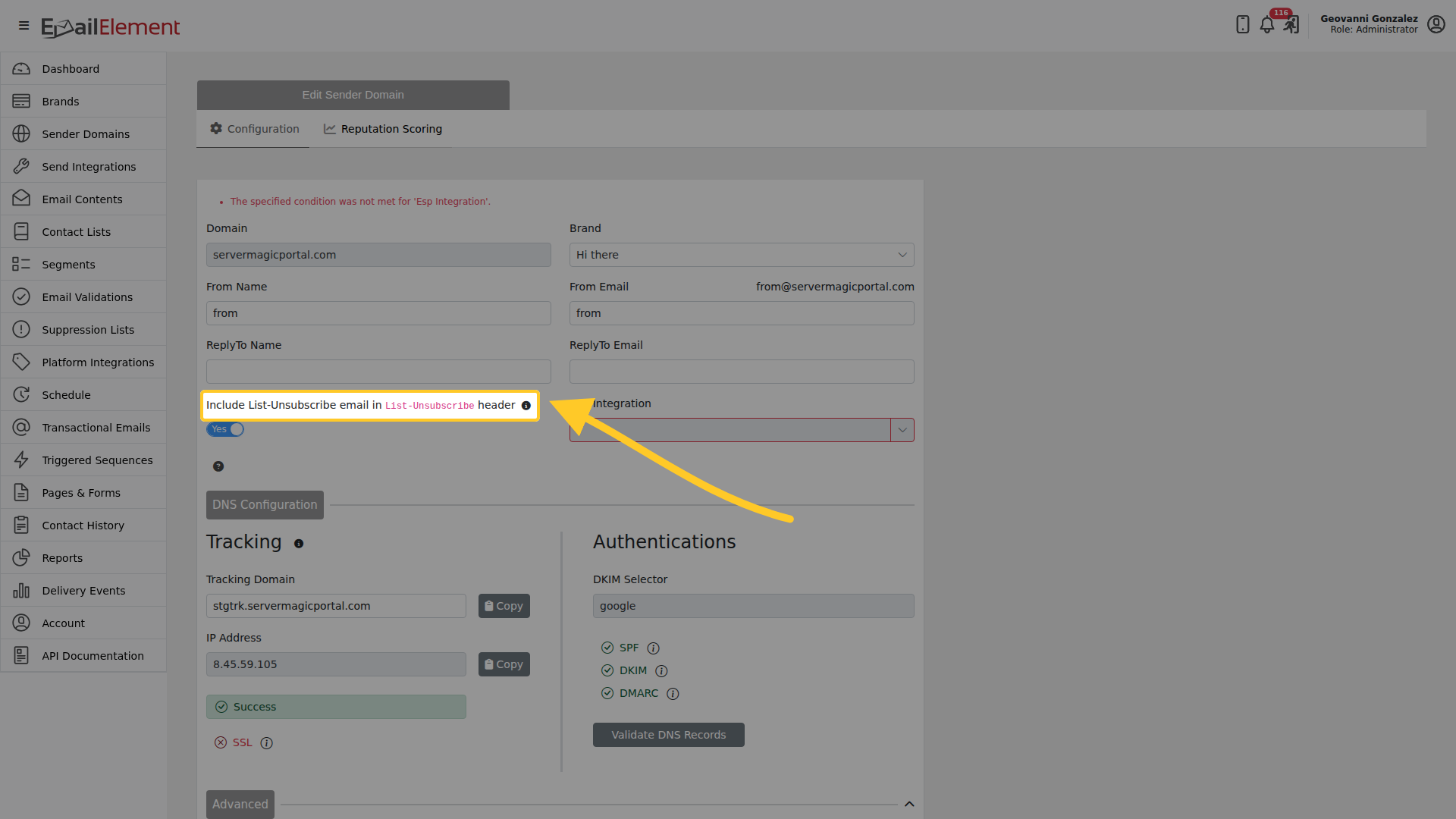
Include List-Unsubscribe email in List-Unsubscribe header adds a mailto to the header alongside the URL. Mailbox providers offer the one-click unsubscribe from that header, so leaving it on gives recipients the route they expect instead of a spam complaint.
DNS Configuration
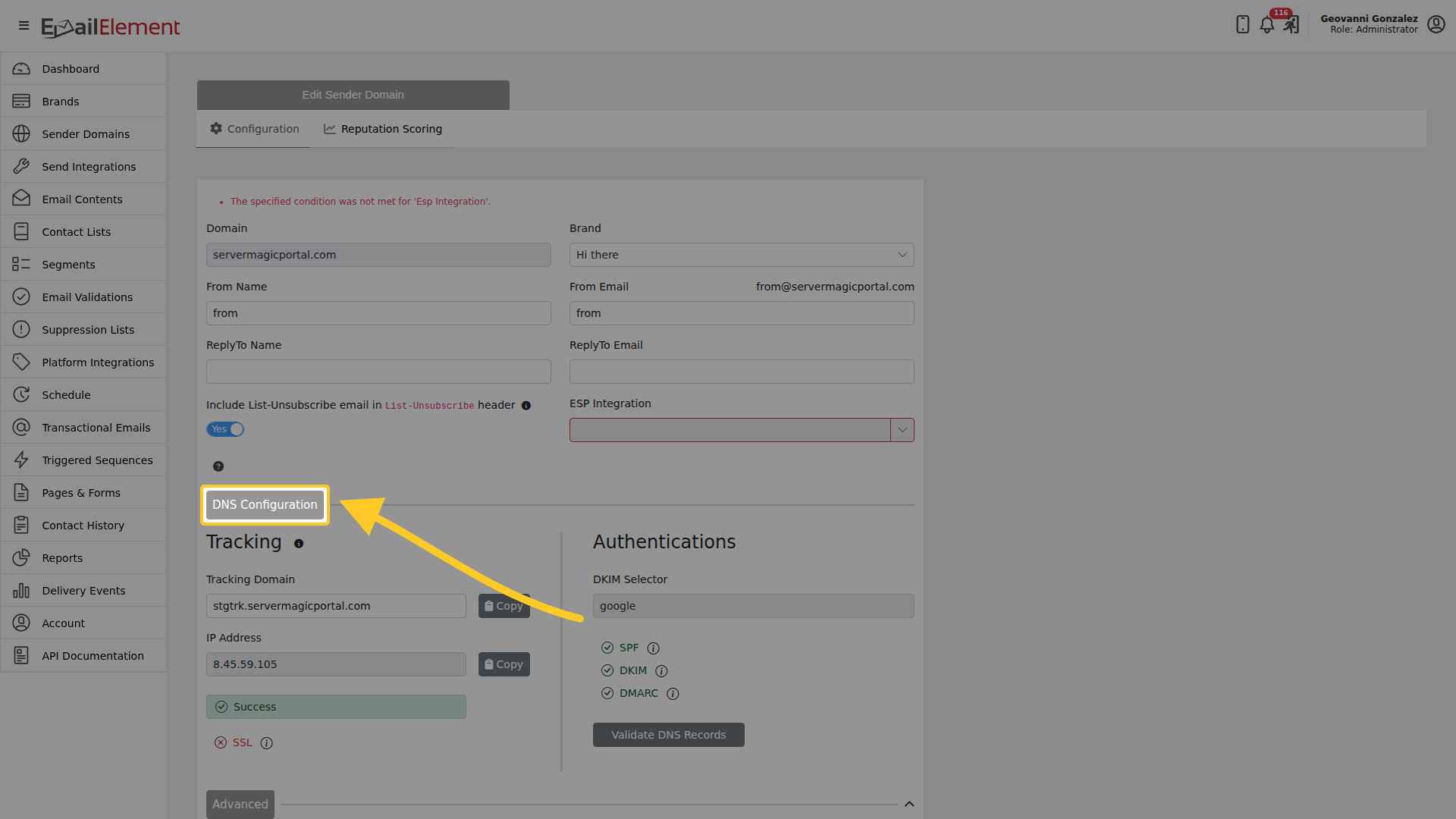
The DNS Configuration section lists the records to publish, each with a Copy button.
When a check will not go green
Each record reports its own state on the domain:
- Success — the record is published and correct.
- Failed — it is missing, wrong, or has not propagated yet.
- Pending or InProgress — the check is queued or running.
DNS changes can take up to 48 hours to reach us. If you have only just published a record, wait before treating a red check as a fault. Validate DNS Records re-runs the checks once the change is live.
SPF
Publish the TXT record exactly as EmailElement shows it. The three things that usually break it:
- More than one SPF record on the domain. Only one is allowed. Merge them into a single record.
- More than 10 DNS lookups. Every
include:,a,mxandredirectcounts towards the limit, and going over makes the whole record fail. - A typo in the value.
DKIM
The record is a TXT record on the selector shown in DKIM Selector, and the selector in DNS has to match the one here. The public key is generated when the sender domain is saved, so there is nothing to publish until then. An external ESP may sign with a selector of its own, which is published separately.
DMARC
The record lives at _dmarc.yourdomain.com. DMARC passes on SPF or DKIM alignment, so a failing
DMARC check is usually one of those two rather than the DMARC record itself. Start at p=none and
watch the reports before moving to p=quarantine or p=reject.
Tracking domain
The tracking domain needs an A record pointing at the address shown here. Its SSL state should also read Success: the certificate is issued after the A record resolves, so SSL trails the DNS change rather than failing on its own.
Related pages
- DNS Authentication Troubleshooting — the records themselves, every validation status, and SPF and DKIM in depth
- Sender Domains — creating and verifying a domain
- Advanced Options — webhook, reply-to, bounce processing and the feedback loop
- Reputation Scoring — the score these records feed