Bounce Rules Walkthrough
What Are Bounce Rules?
Bounce Rules define conditions for soft bounces. When a contact's soft bounces meet the conditions, they are automatically added to one or more Suppression Lists. This prevents continued sending to addresses that consistently fail.
Creating a Bounce Rule
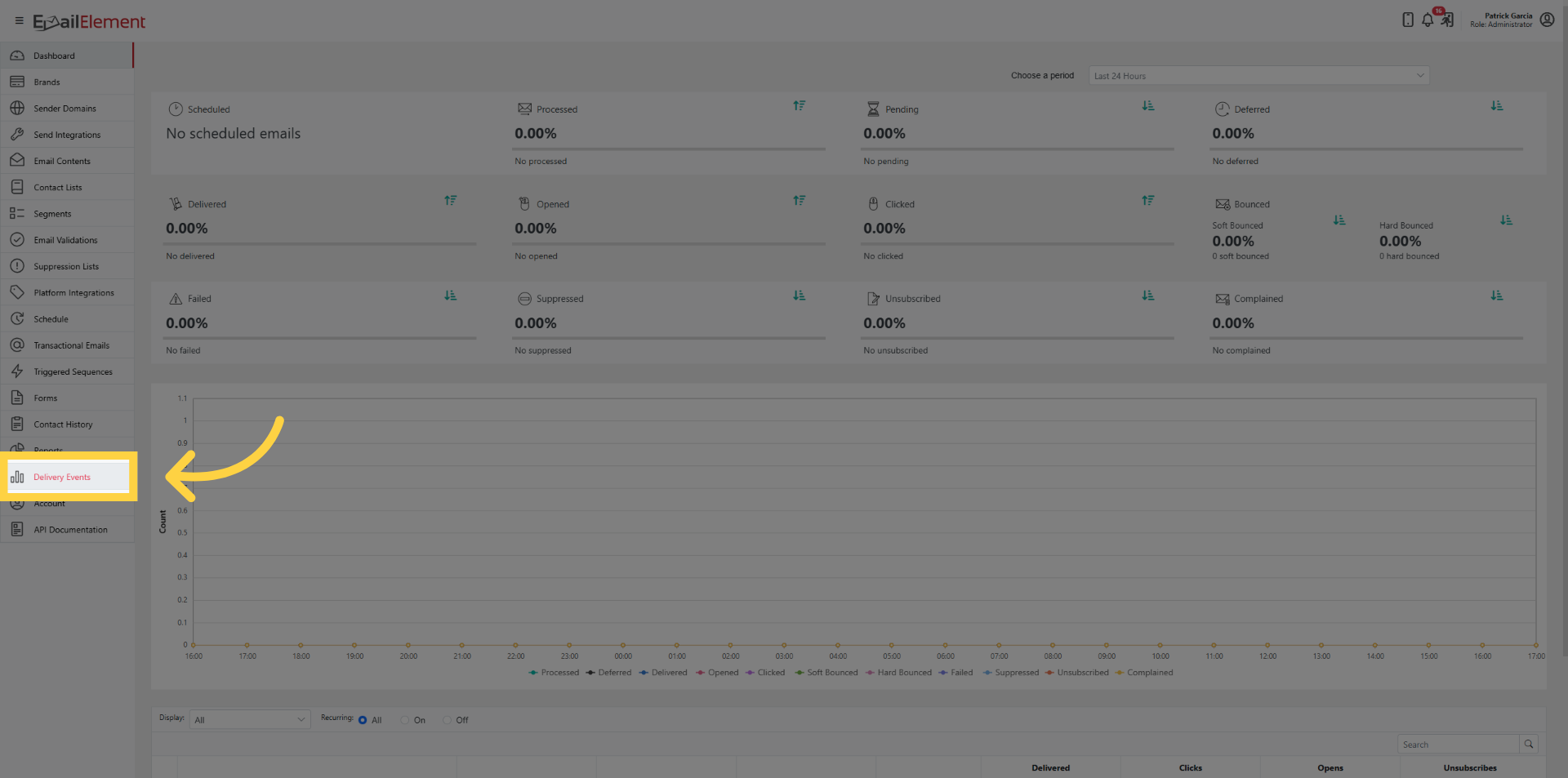
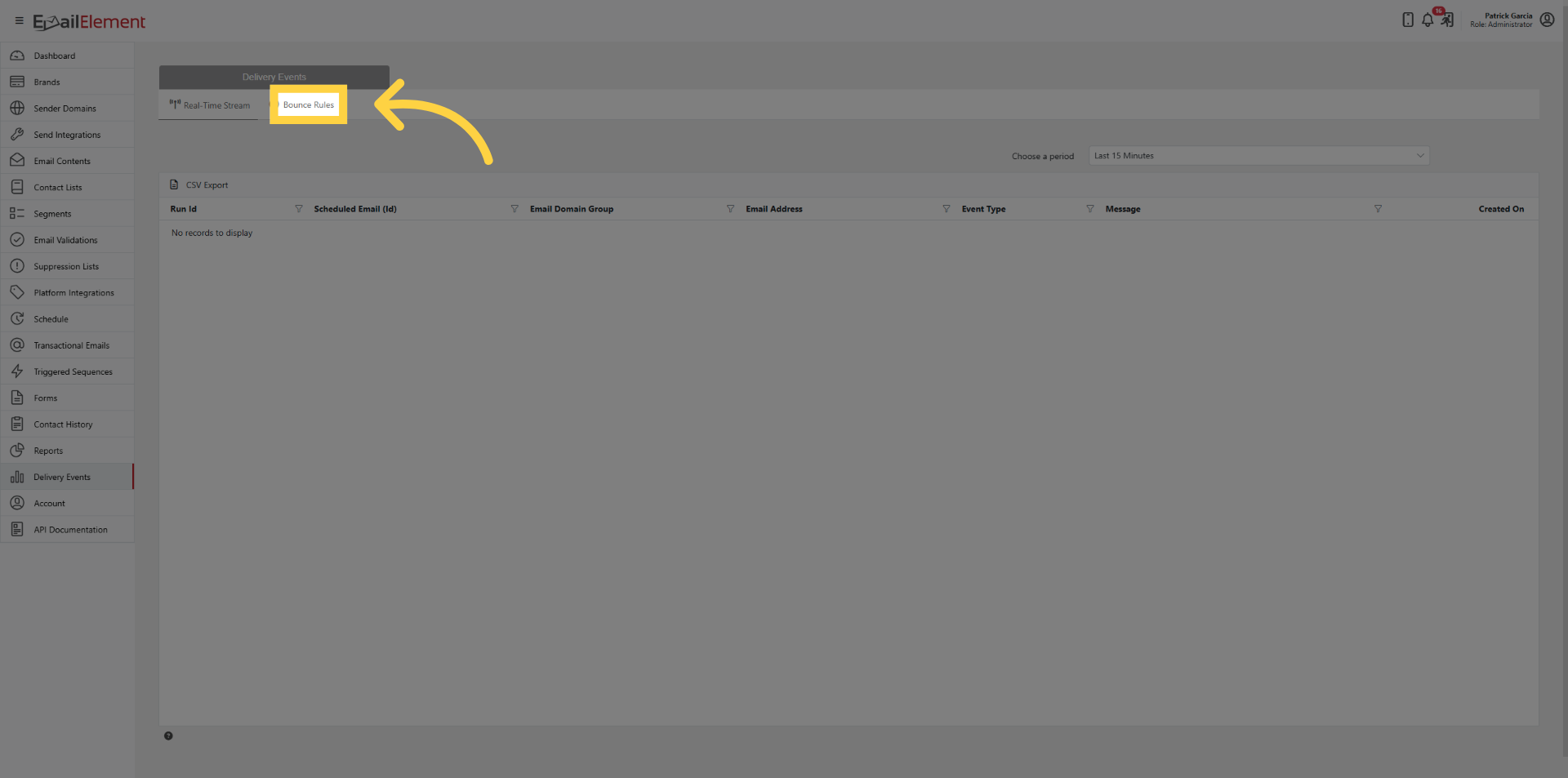
Click Delivery Events > Bounce Rules tab
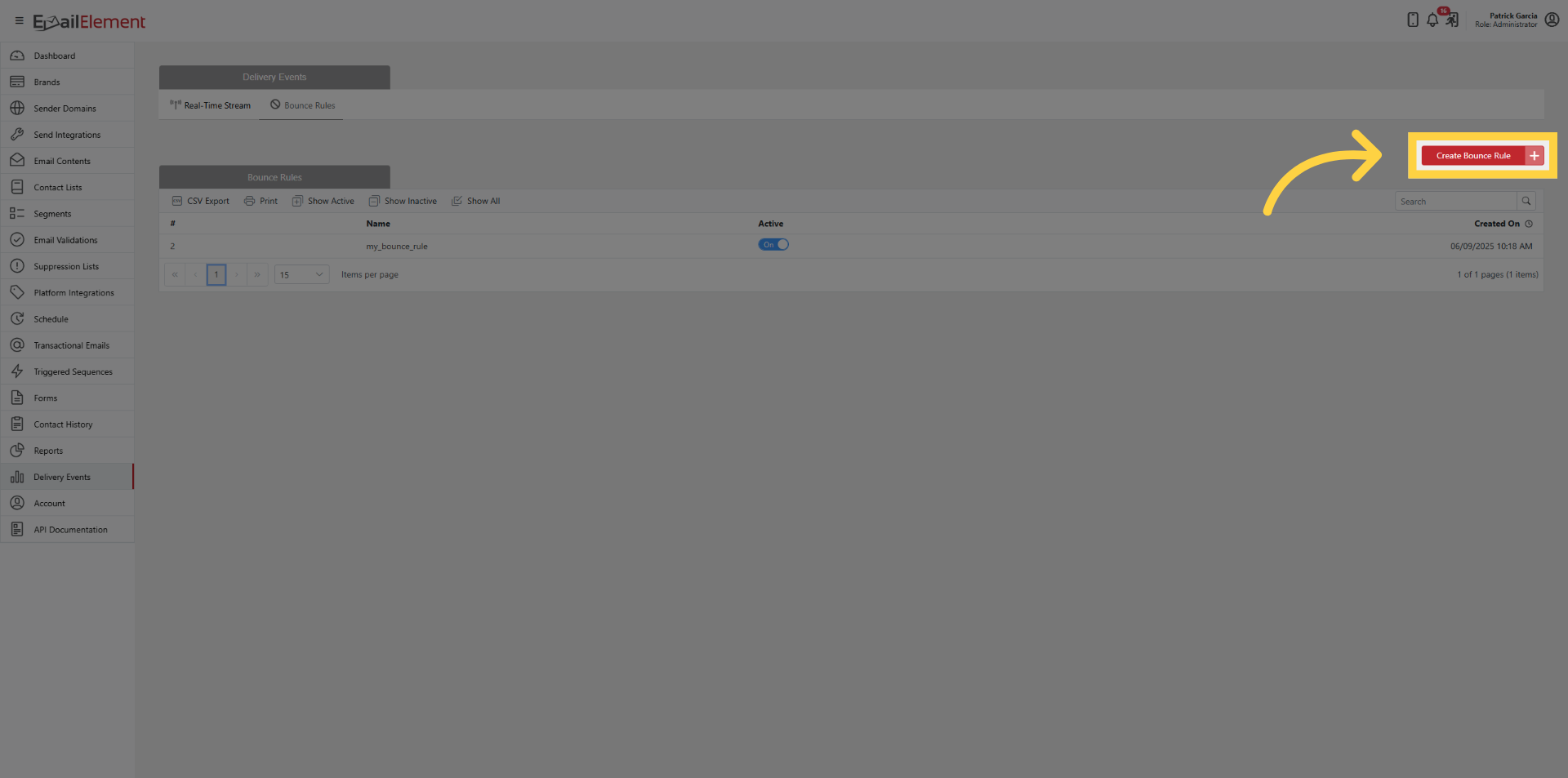
Click Create Bounce Rule
Enter a name for the rule
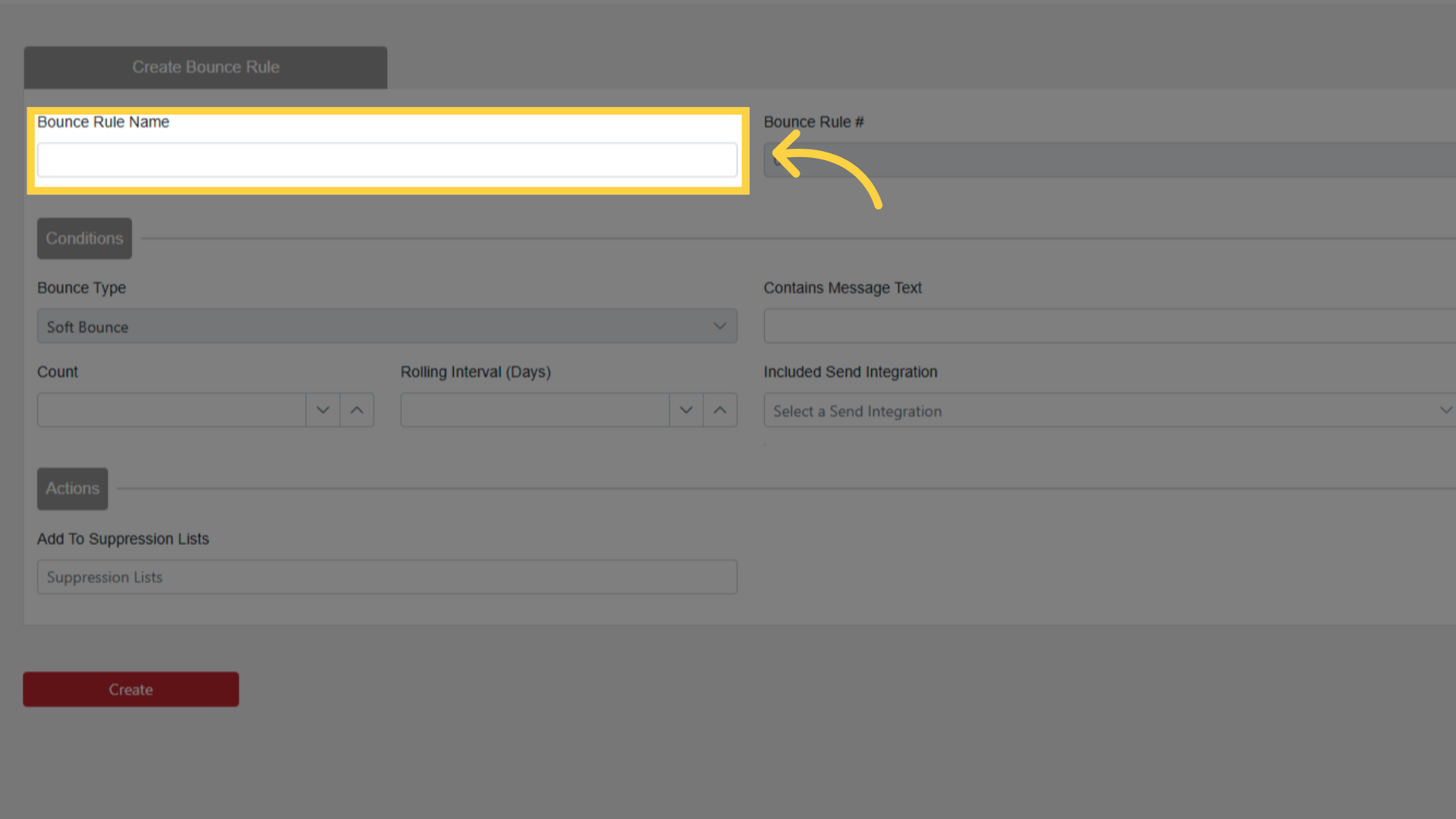
Configuring Conditions
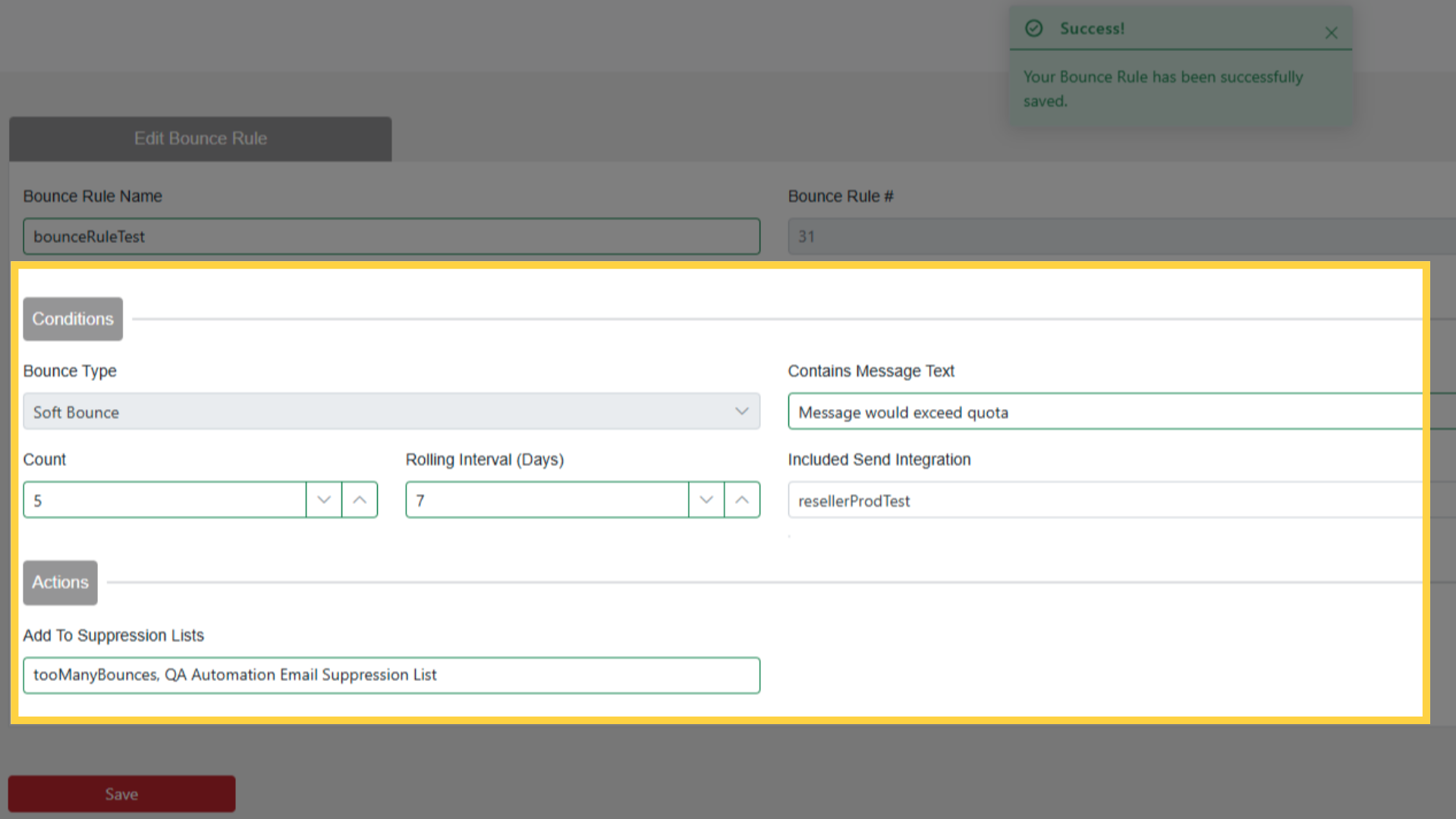
Contains Message Text: Enter a substring from the soft bounce message (e.g., "would exceed quota", "mailbox full")
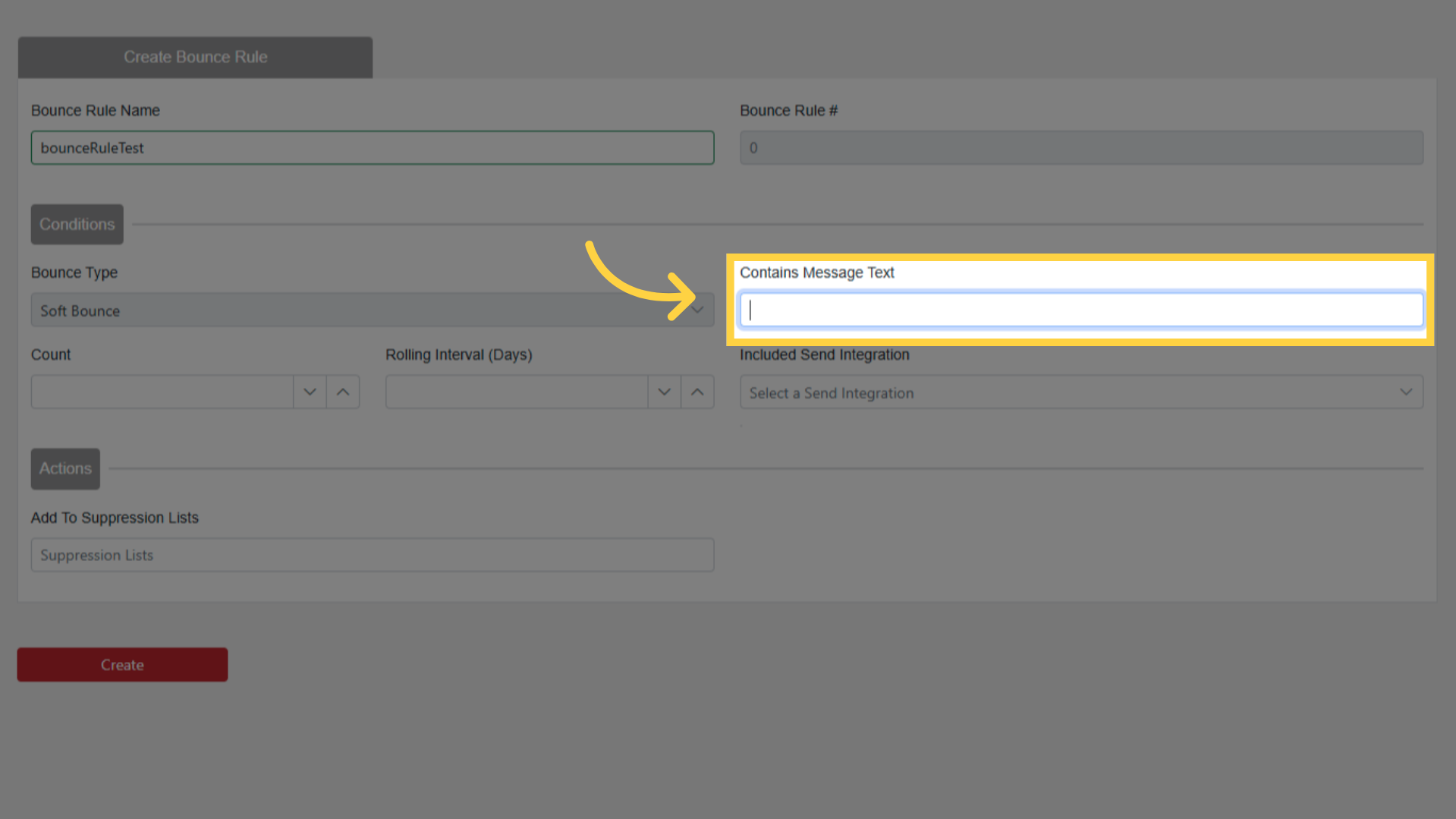
Find these messages in Delivery Events by filtering for soft bounces
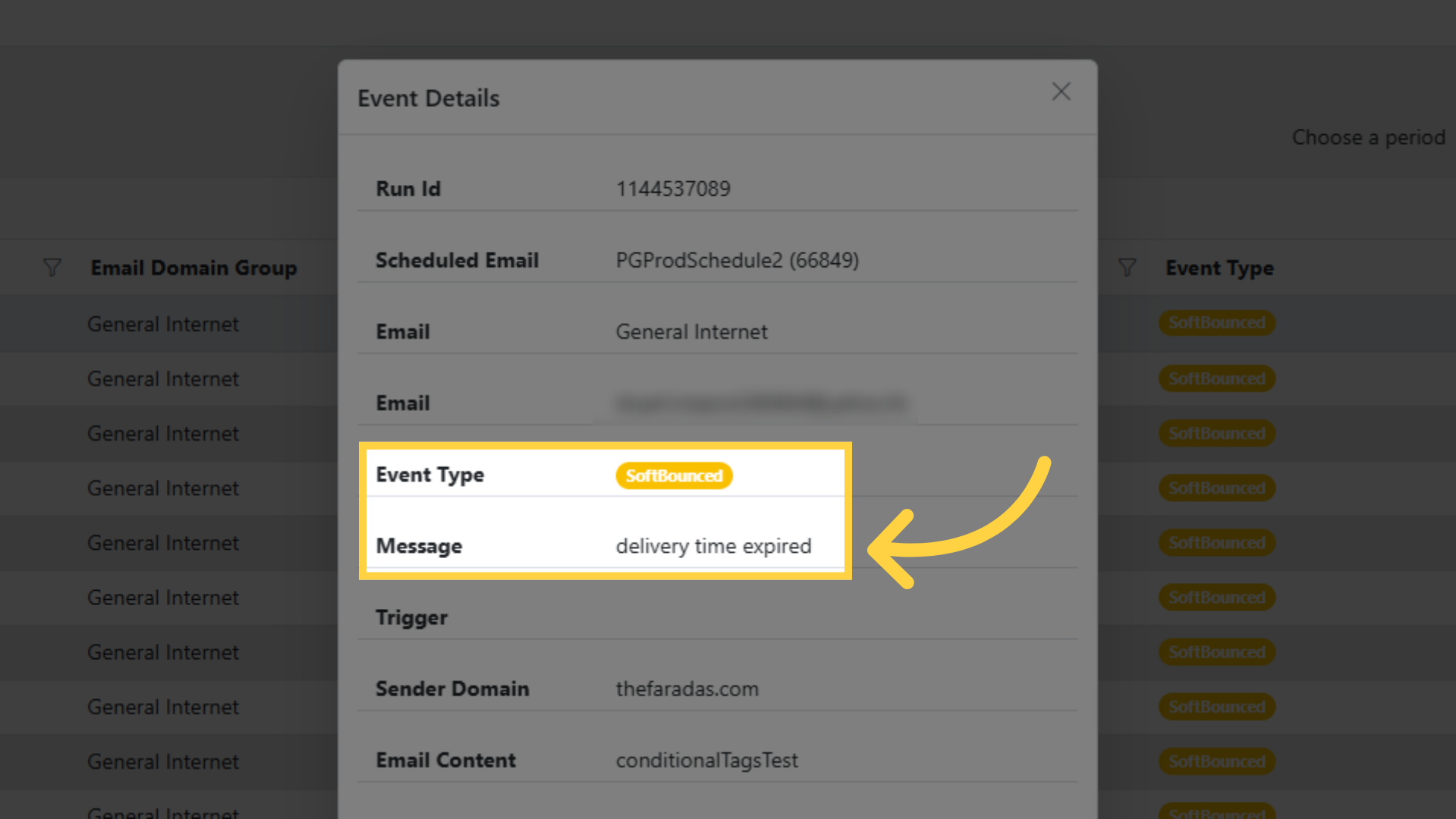
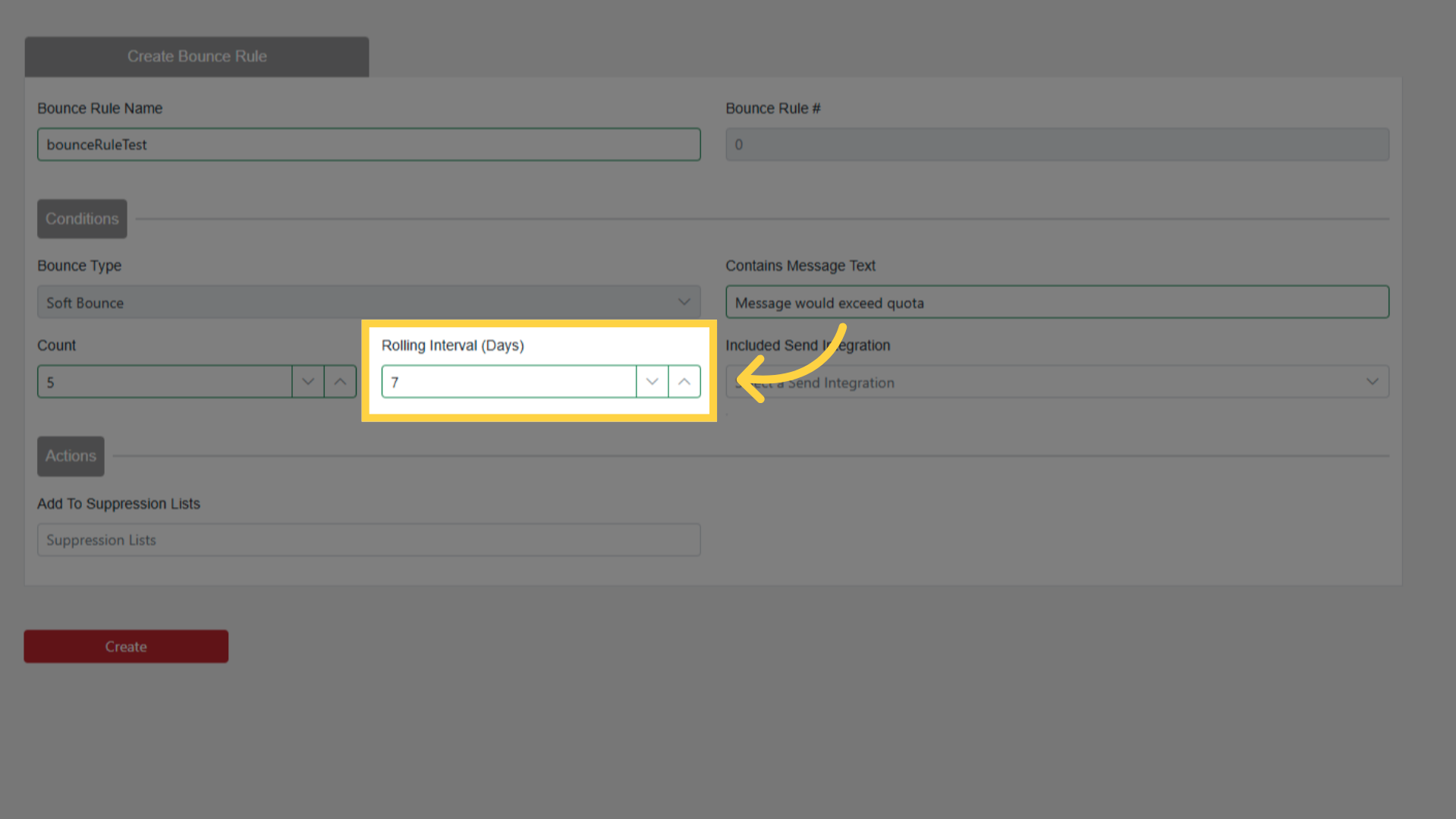
Soft Bounce Count: Number of times the bounce must occur (e.g., 5)
Rolling Interval: Number of days the bounces must happen within (e.g., 7 days)
Scoping and Actions
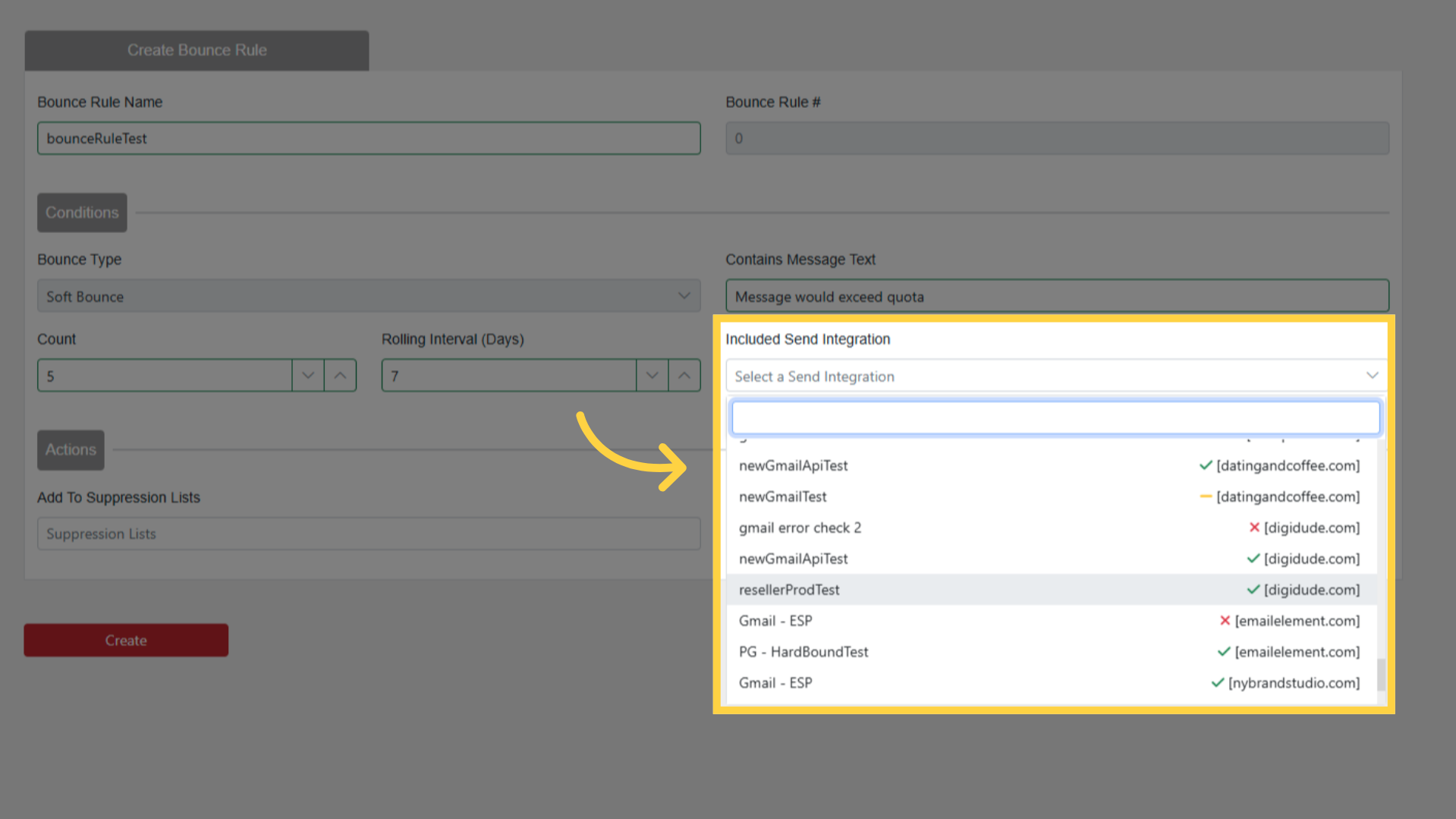
Send Integration(s) (optional): Limit the rule to specific integrations
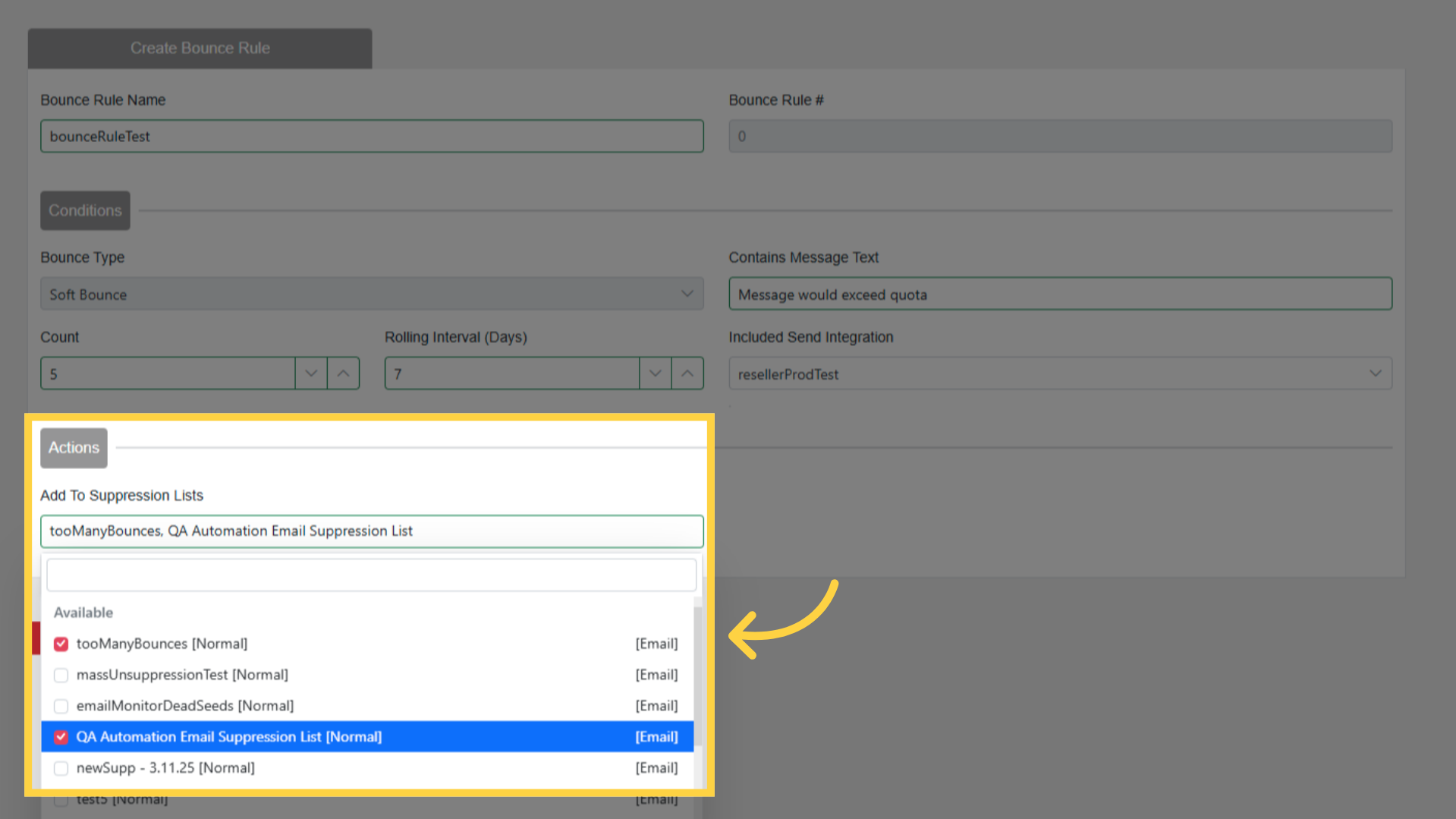
Suppression List(s): Select where matching contacts get added
Example
Rule: "Quota Exceeded"
Message contains: "would exceed quota"
Count: 5
Rolling Interval: 7 days
Send Integration: My SendGrid
Suppression Lists: Bounced Contacts, Global Suppressions
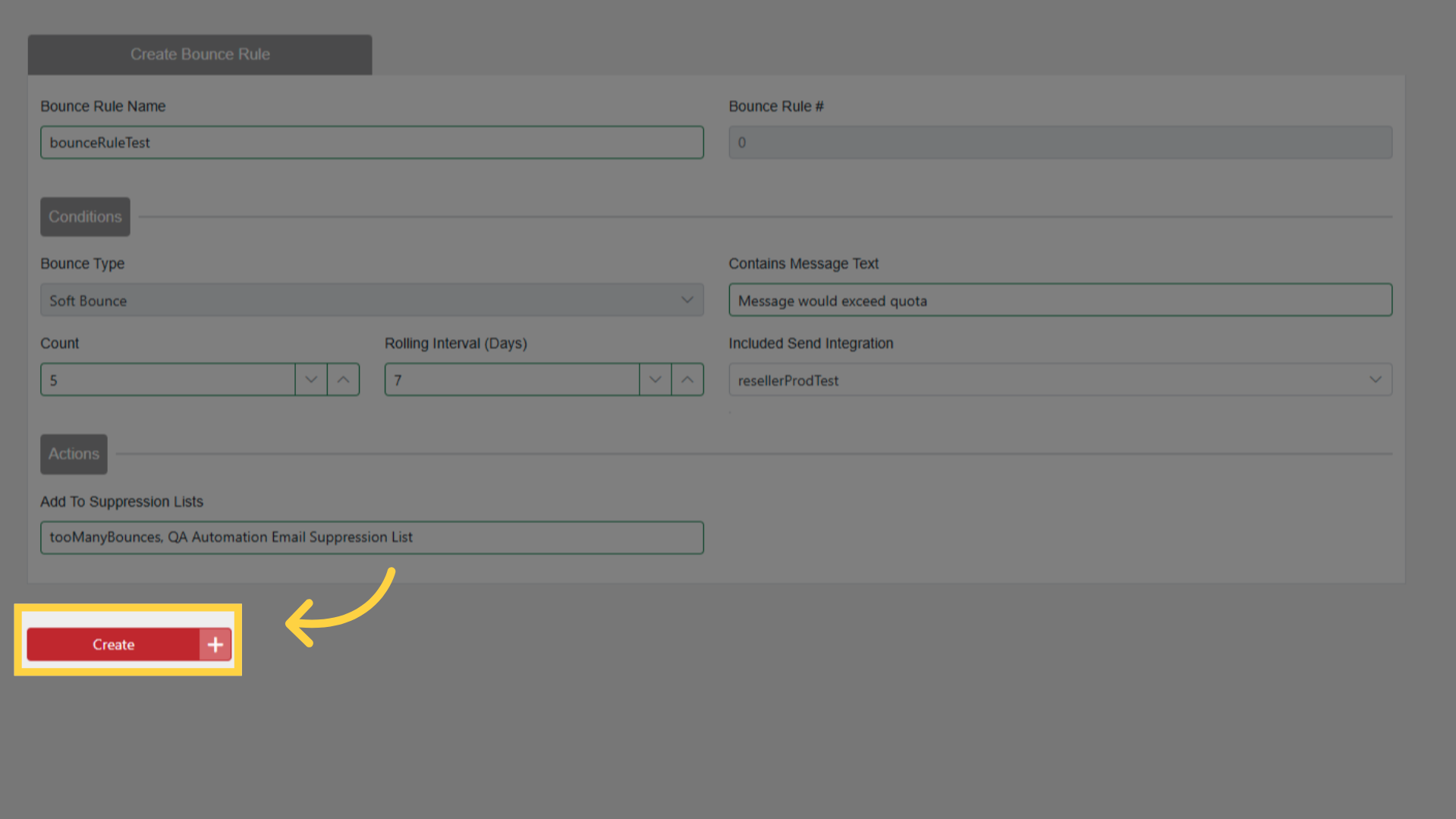
Result: If a contact soft bounces 5 times in 7 days with "would exceed quota" from My SendGrid, they are suppressed.