
Suppression API Walkthrough
Prerequisites
An EmailElement account with at least one Suppression List
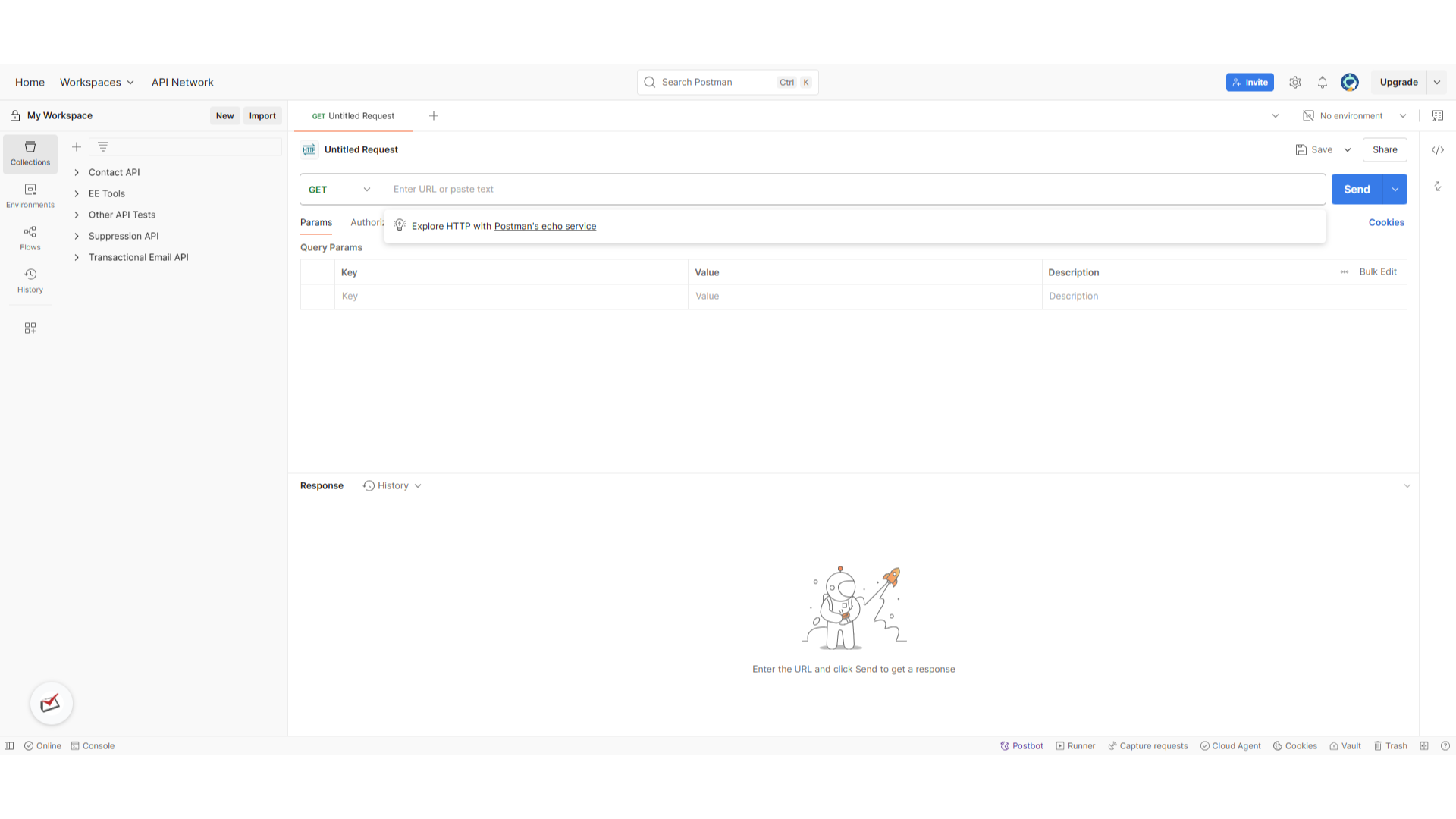
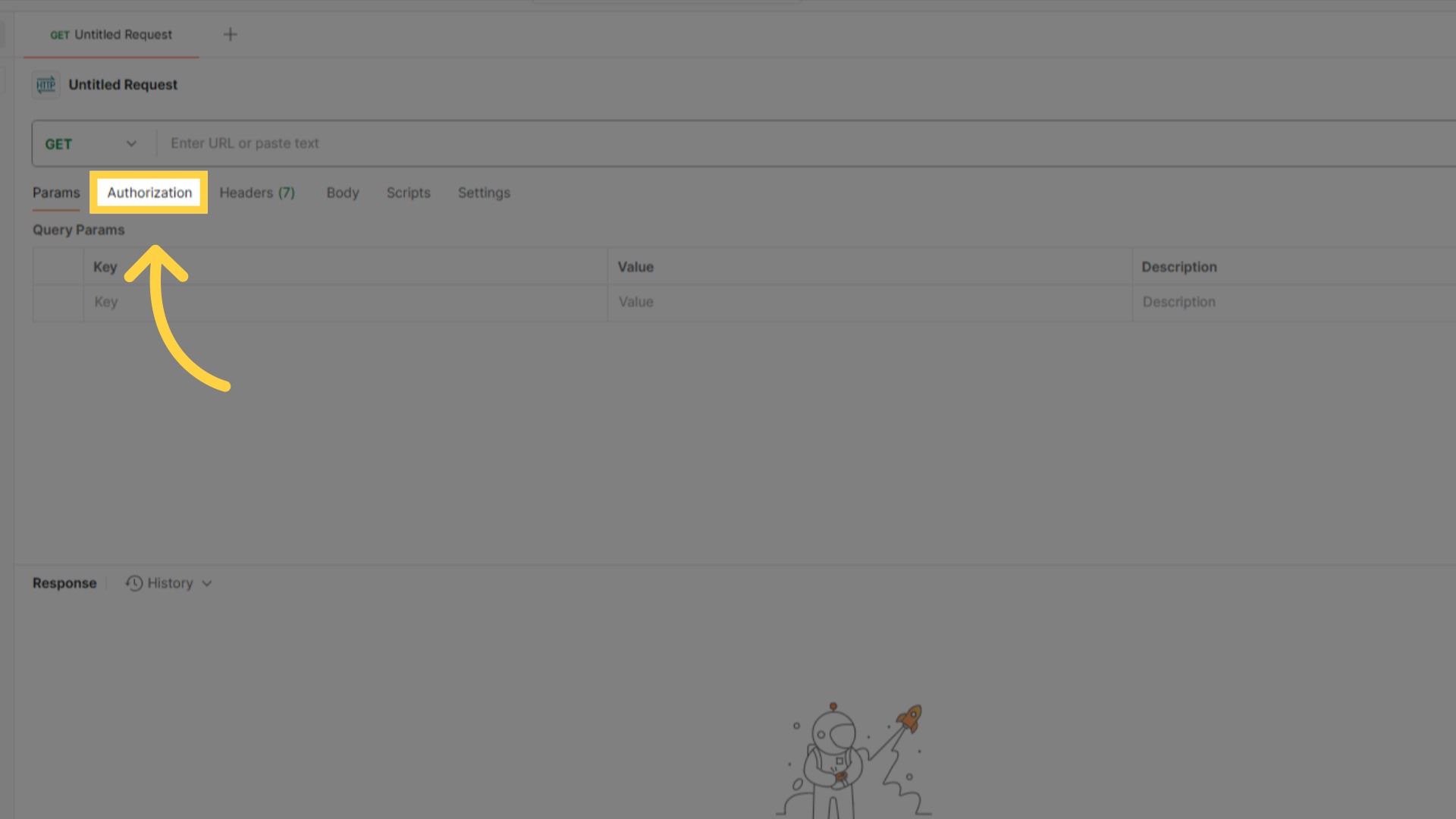
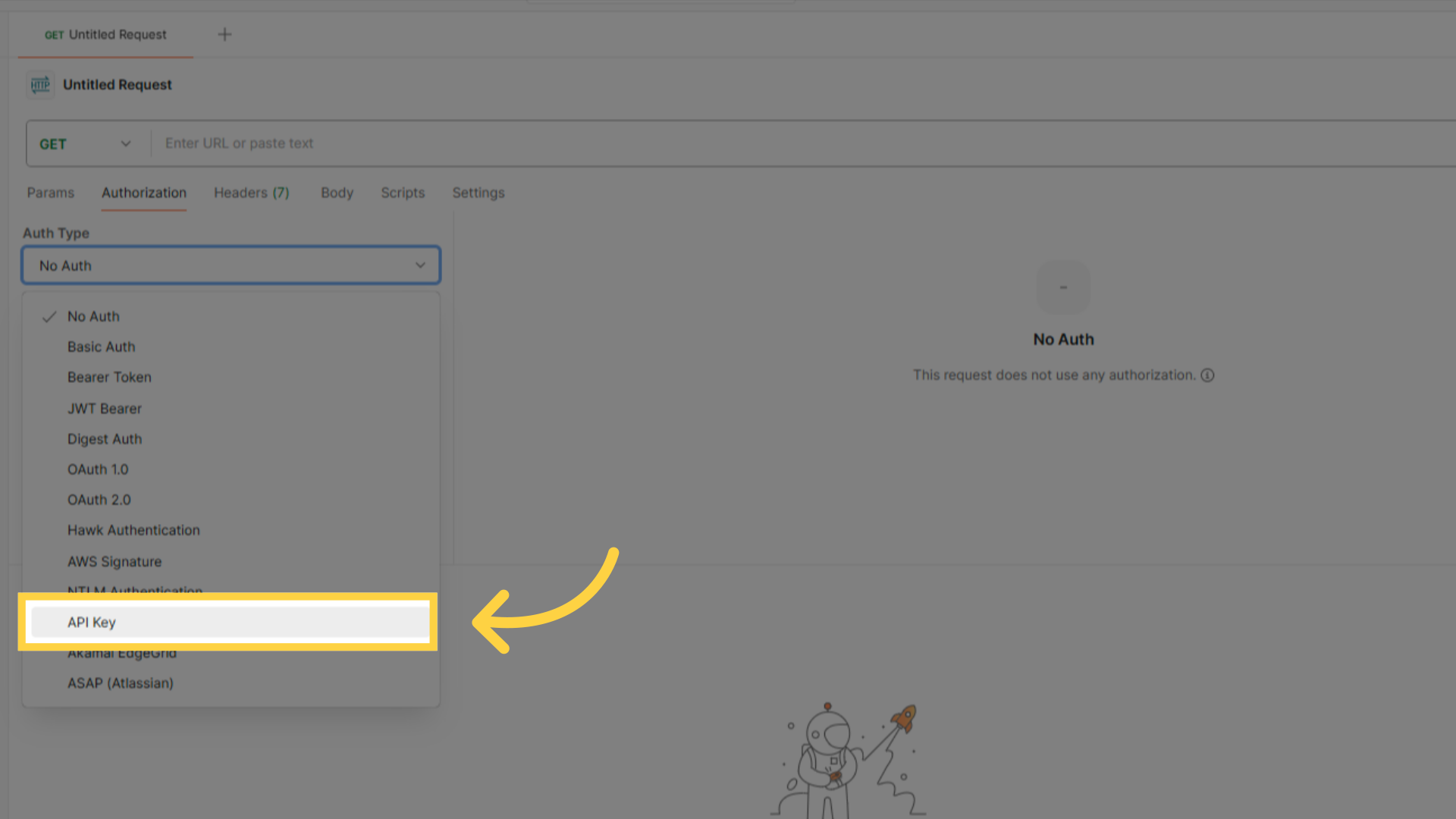
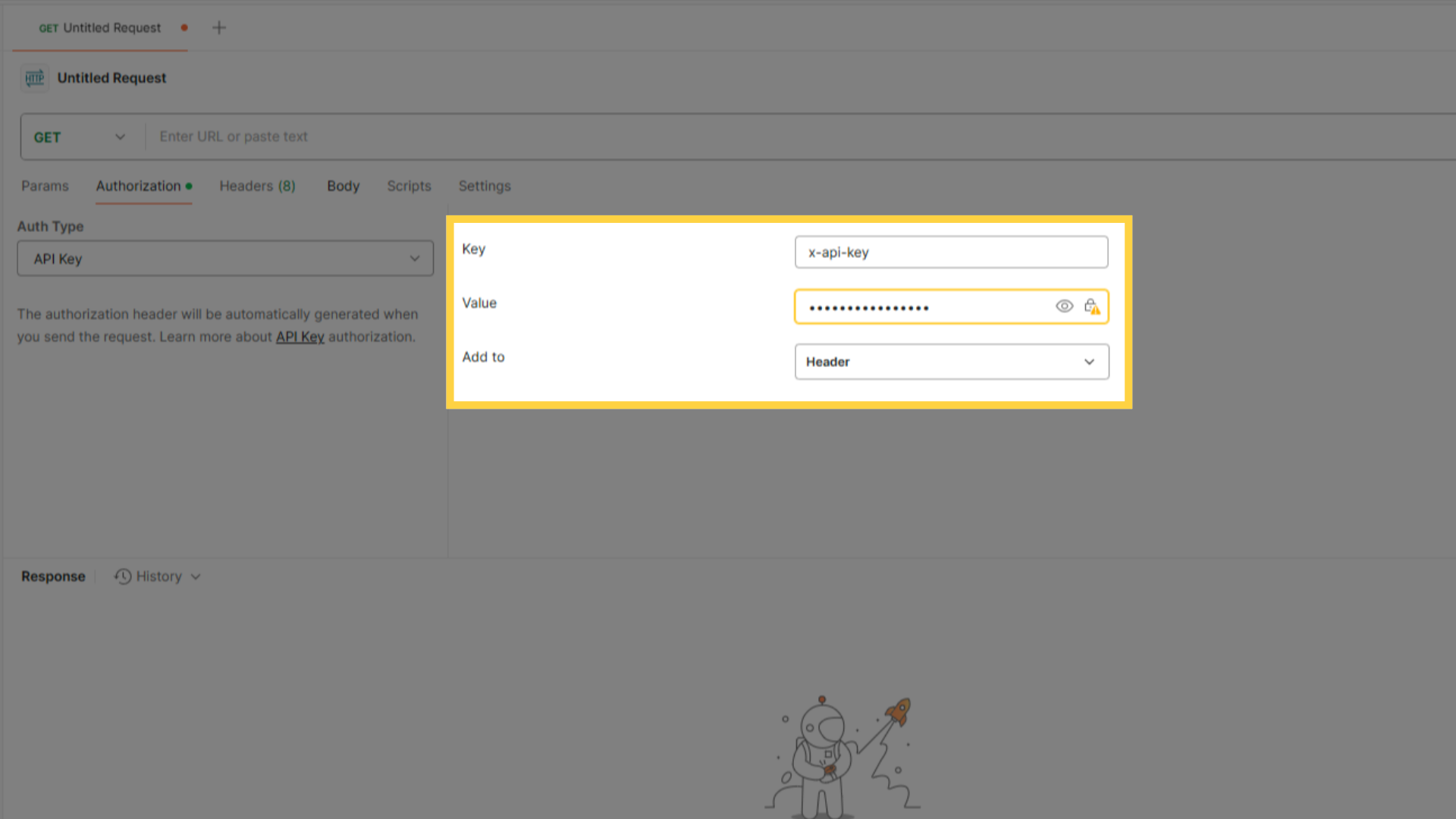
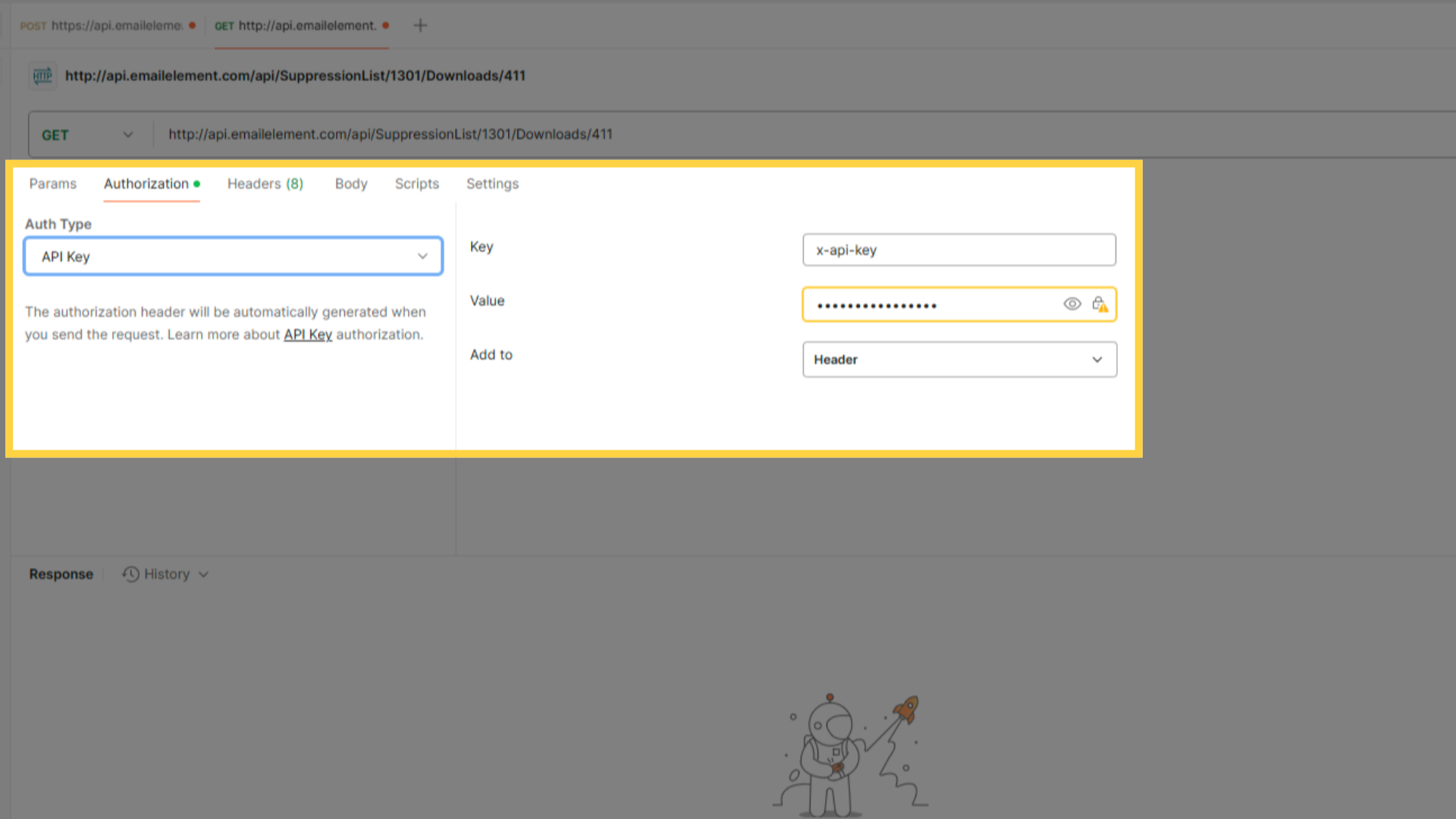
An API key with the Suppression API permission. Read Only downloads, Full Access adds and deletes
An API client such as Postman, cURL, or your application code
Step 1: Configure API Key Permissions
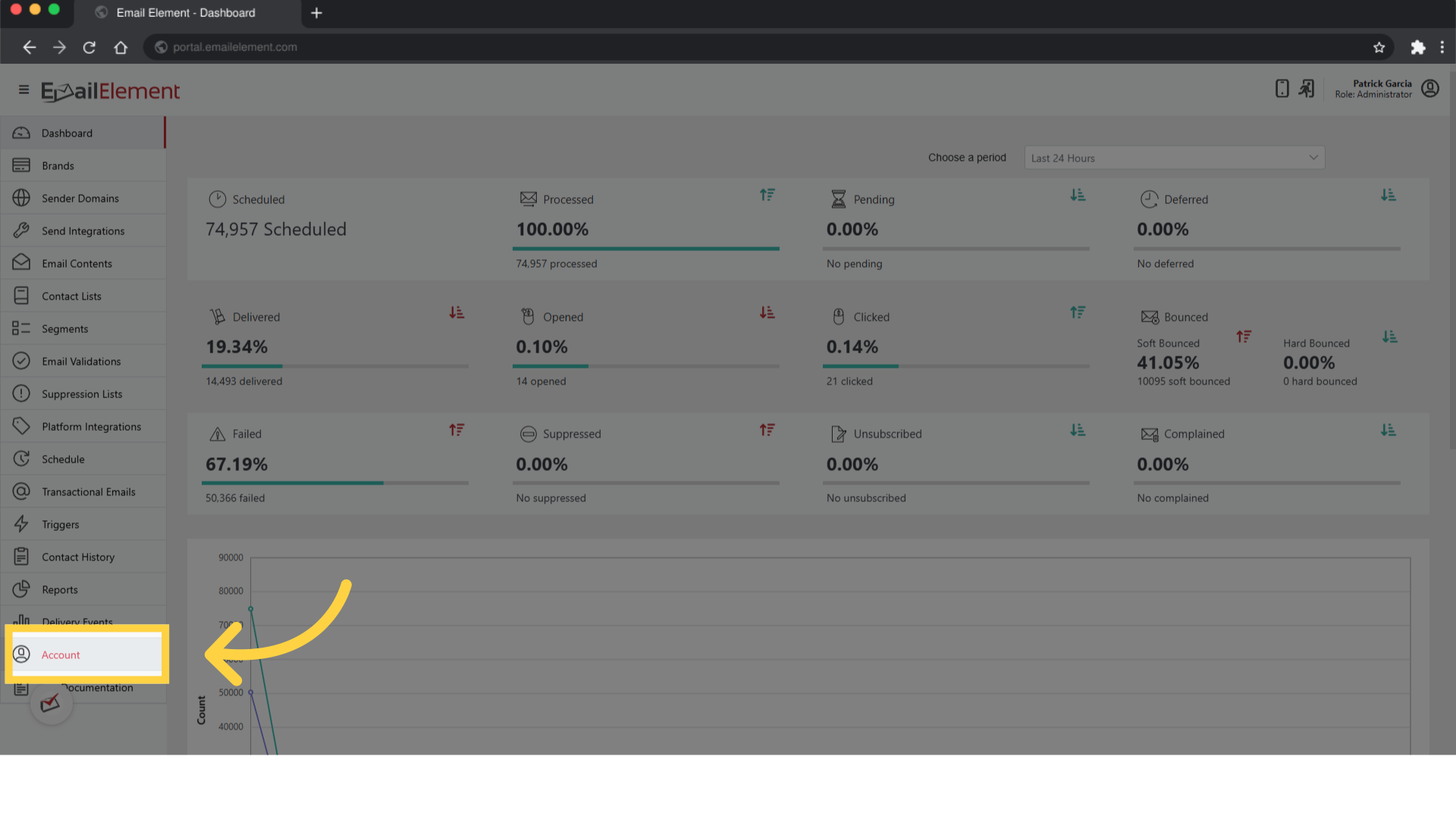
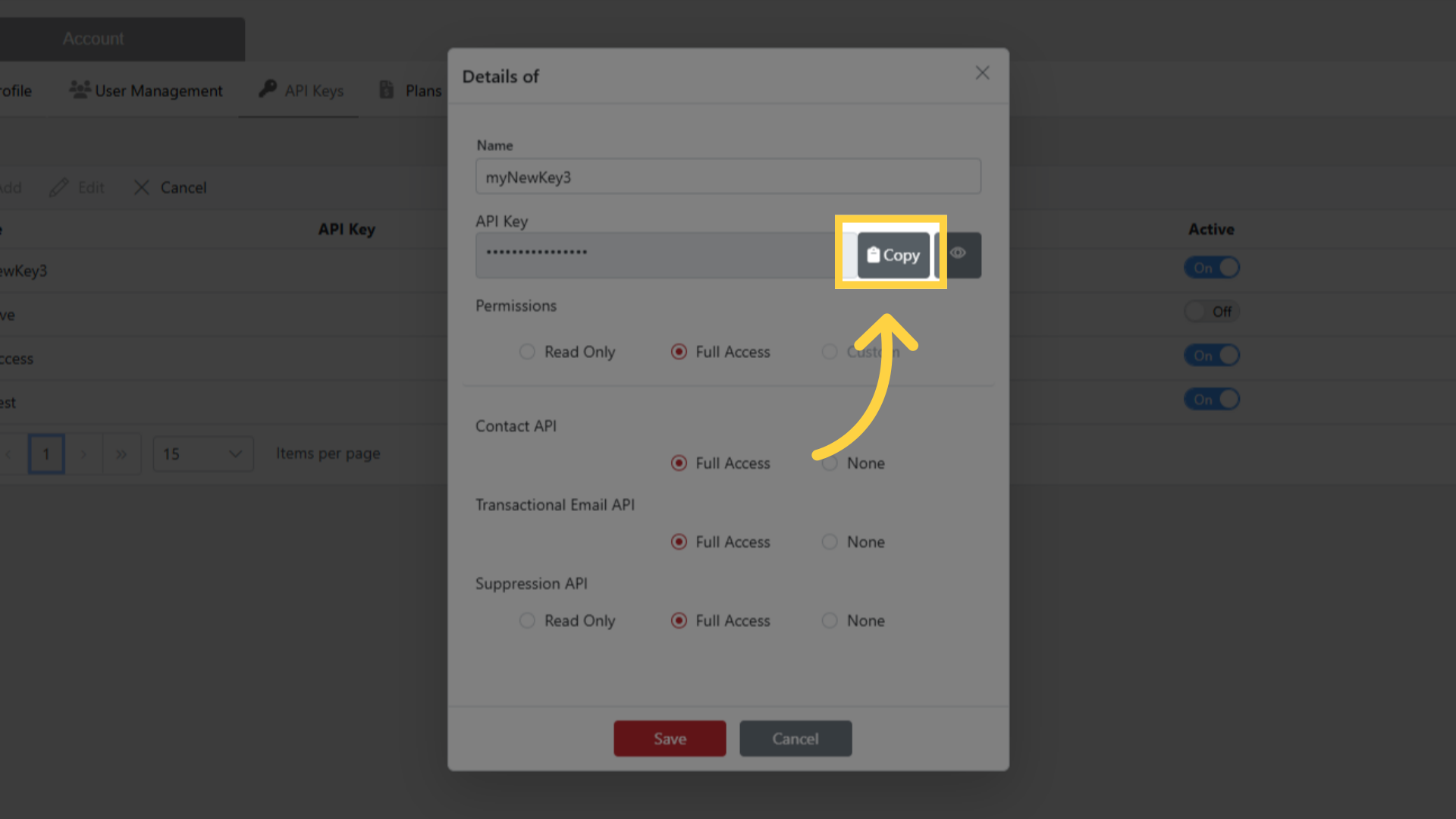
Navigate to Account > API Keys
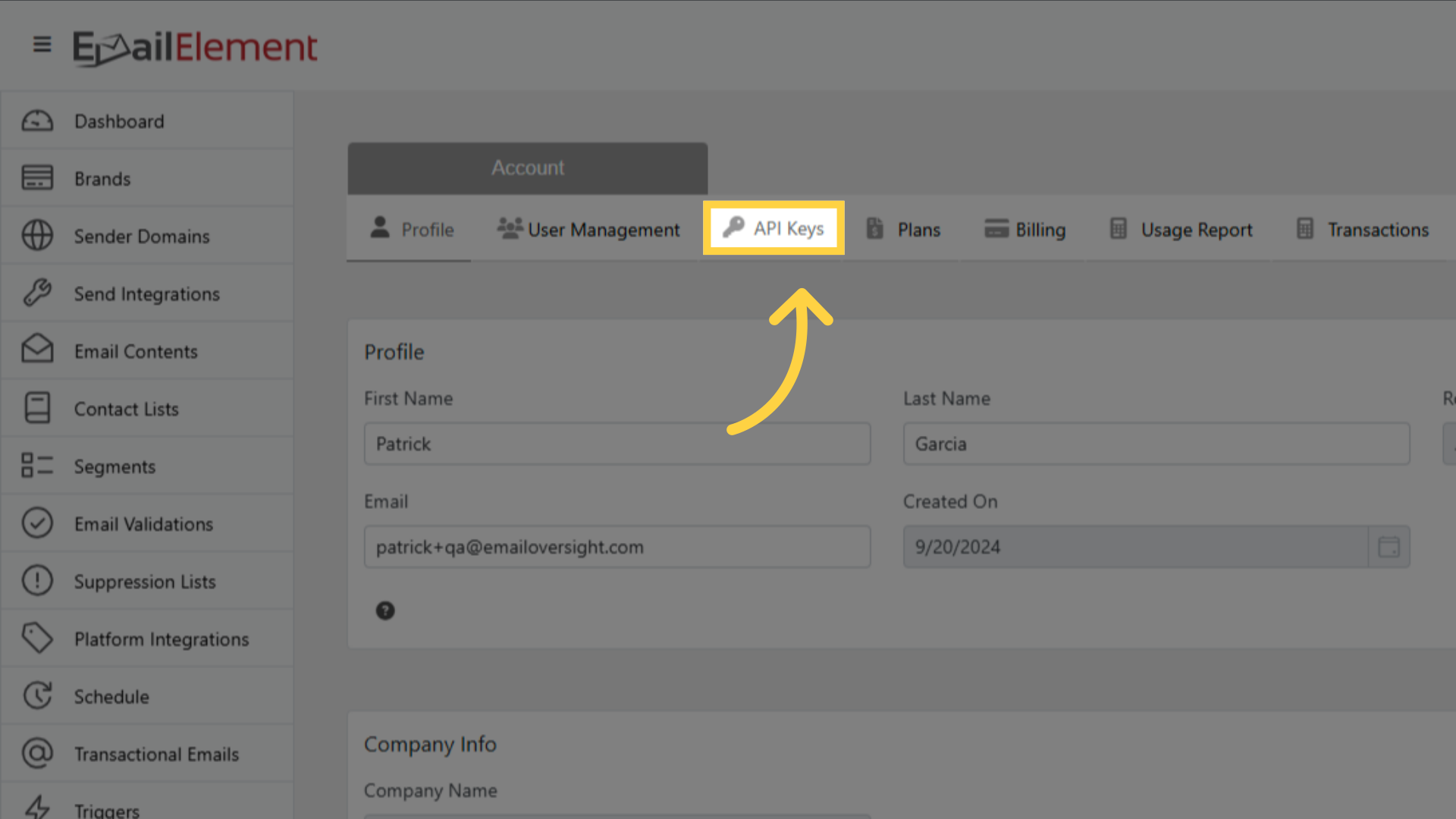
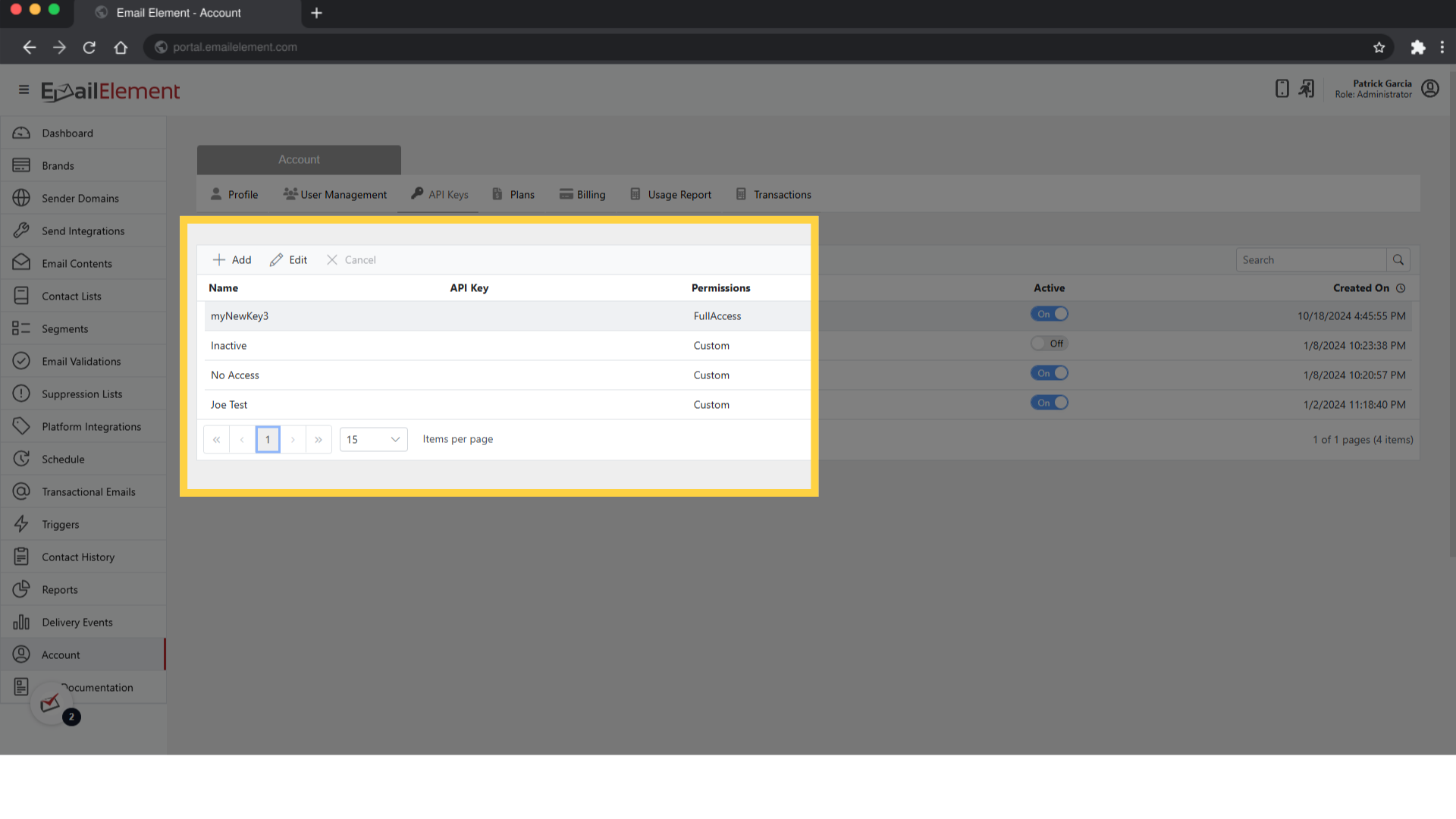
Select an existing key, or click Add
Set the Suppression API permission:
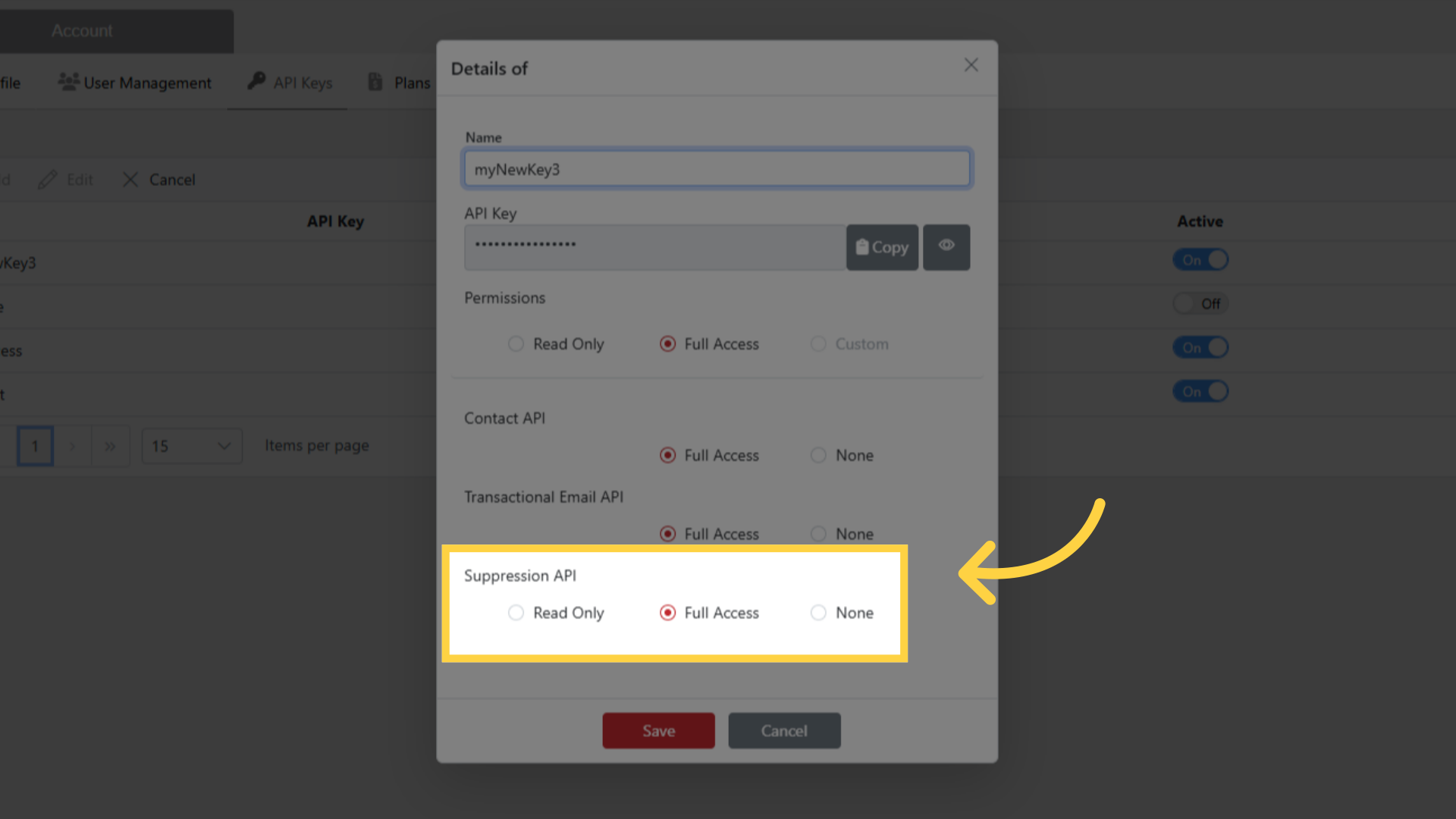
- Read Only — download only
- Full Access — download, add and delete
Click Save, then Copy
Step 2: Find Your Suppression List ID
- Navigate to Suppression Lists from the sidebar
- Find the list you want
- The ID is in the grid
- Note the list Type — Email, MD5, SHA512, Domain or Pattern. Records must match it
Step 3: Download a Suppression List
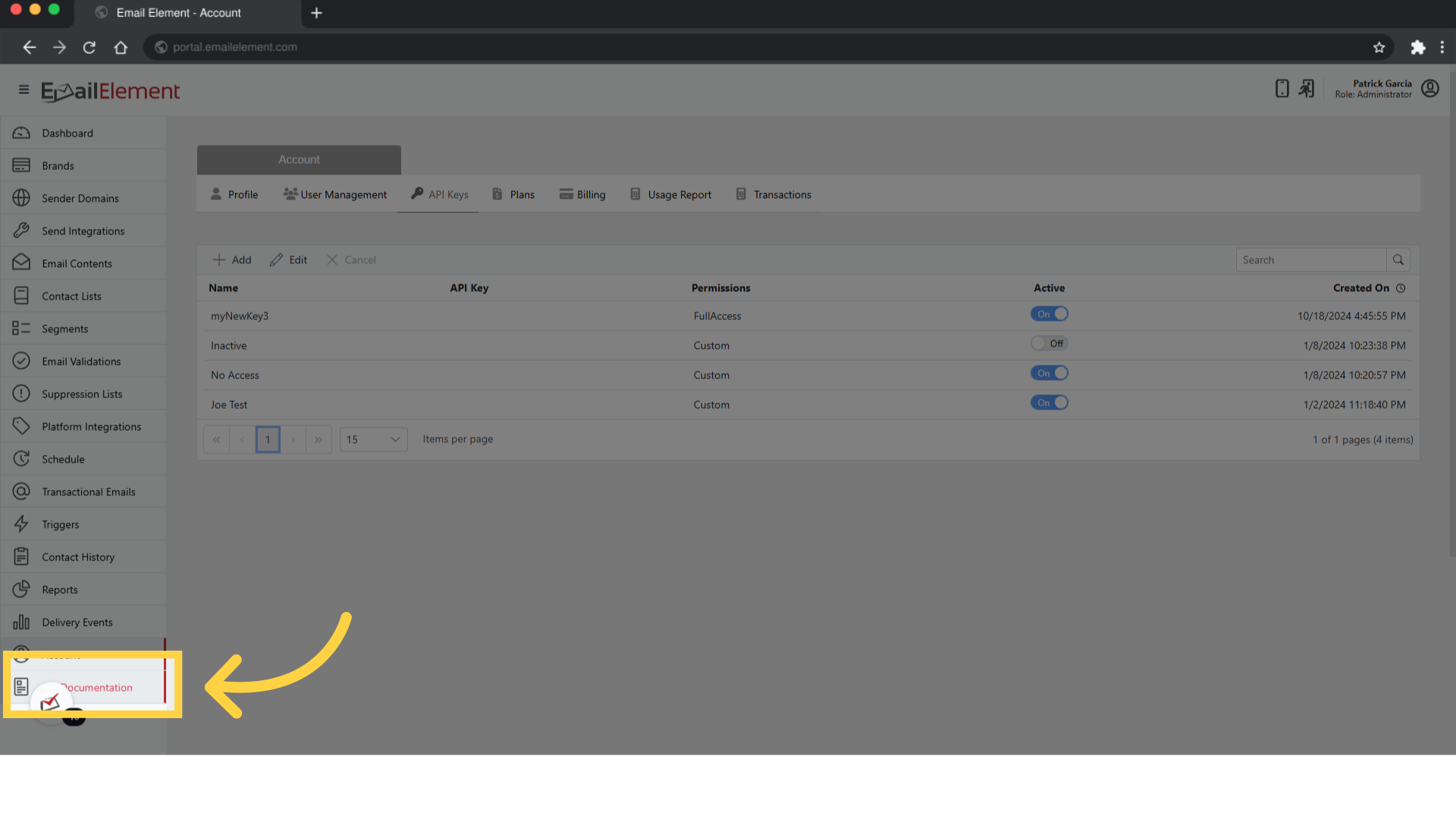
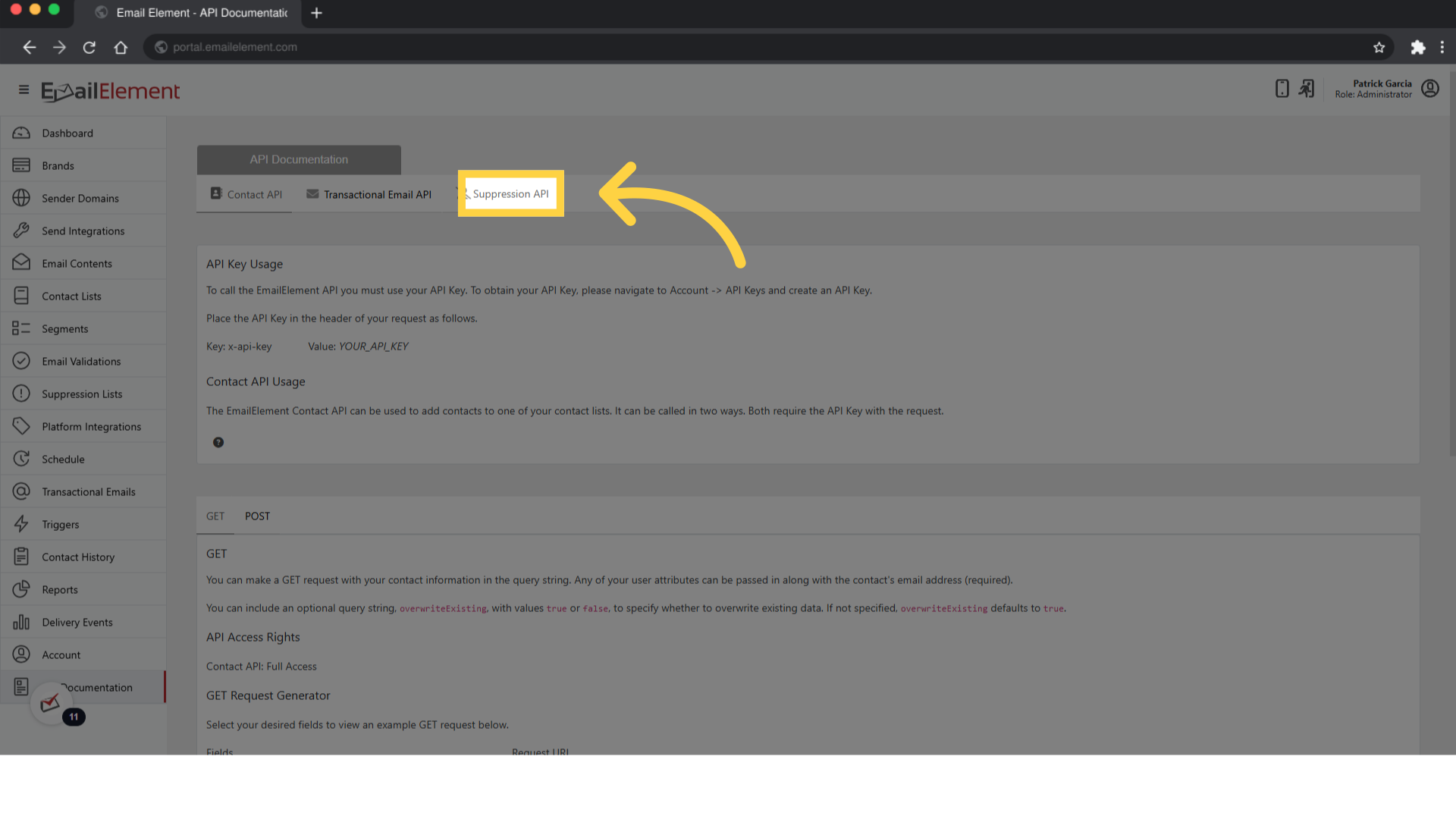
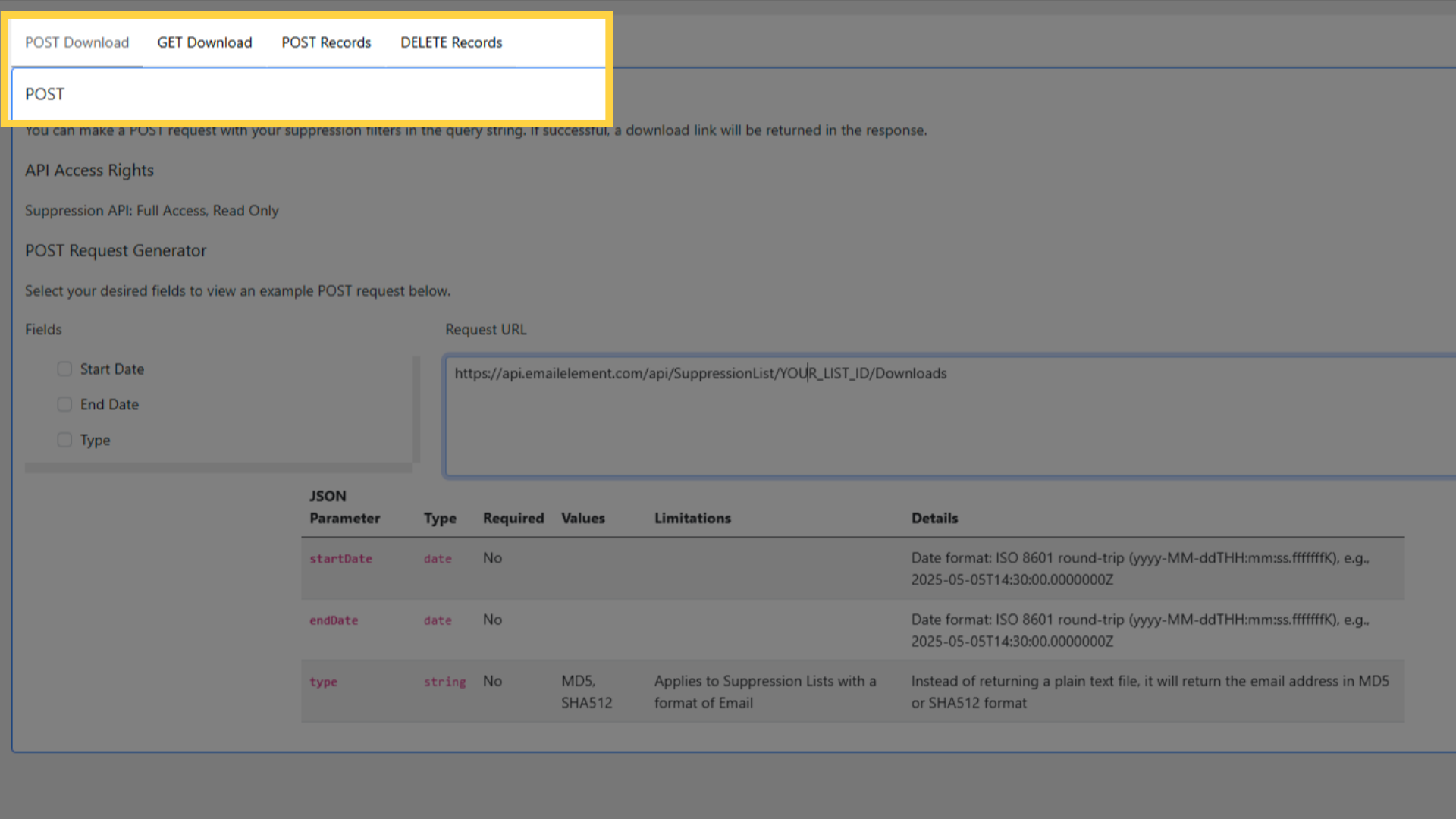
Two calls.
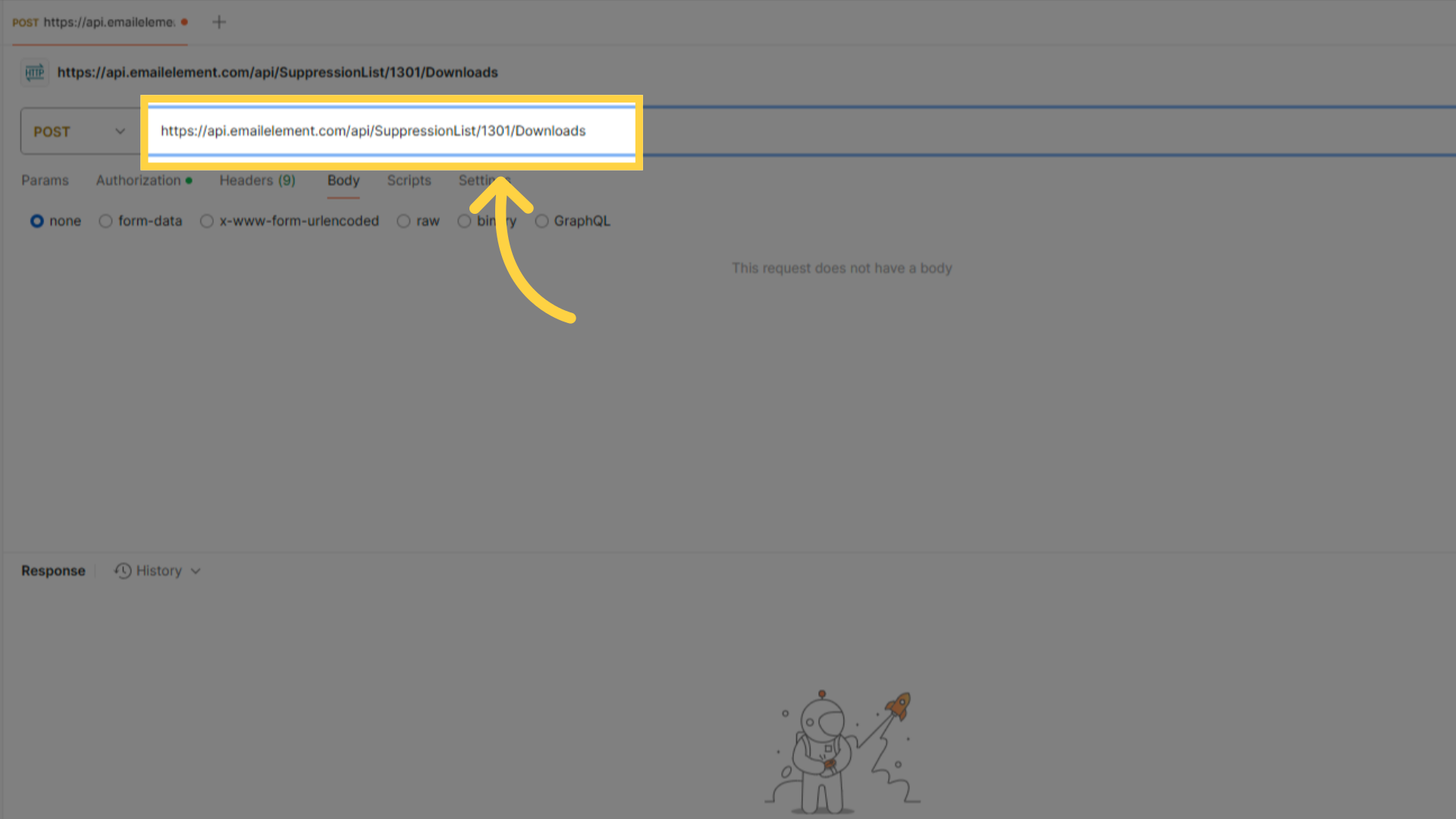
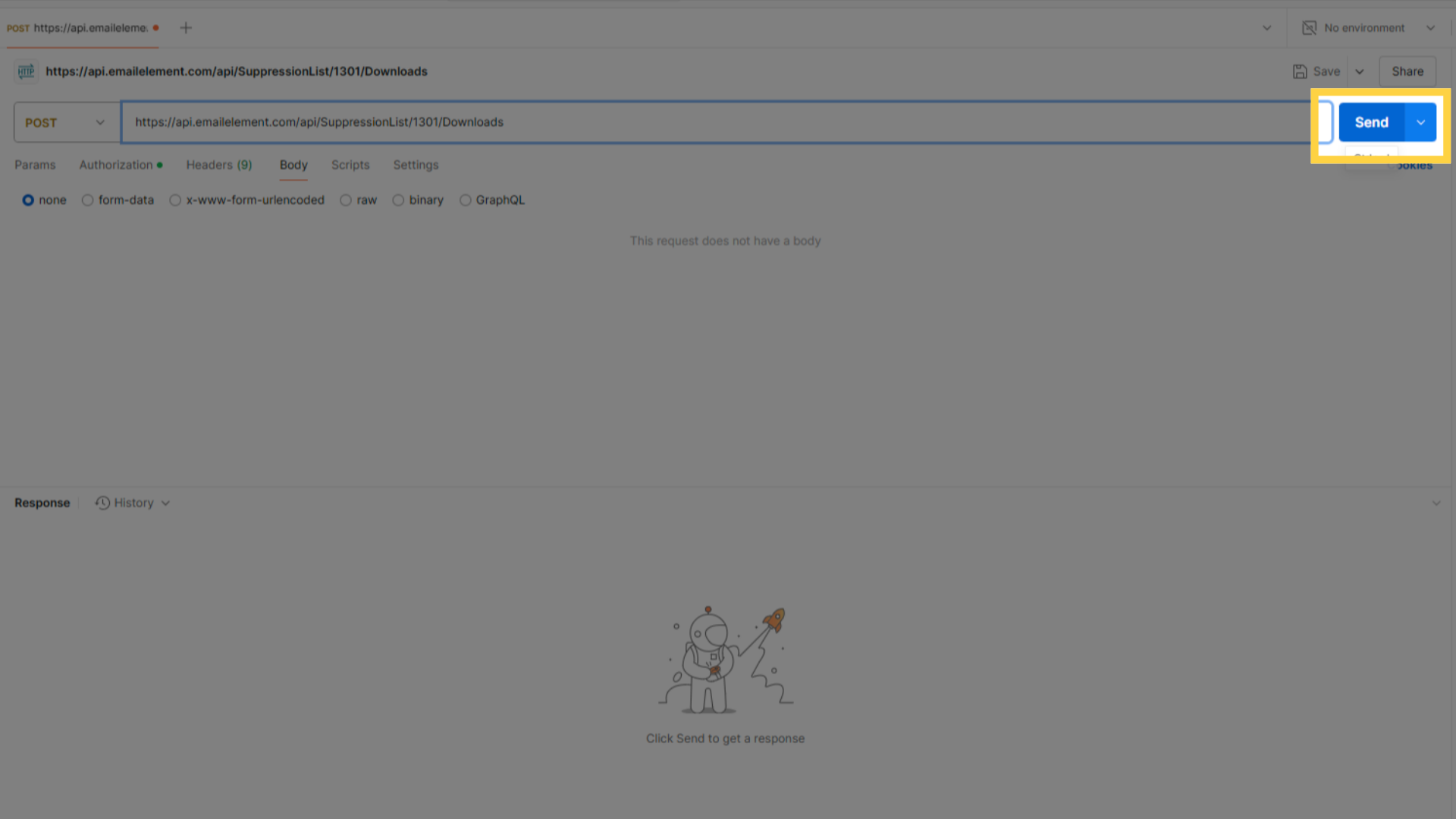
3a: Request the download
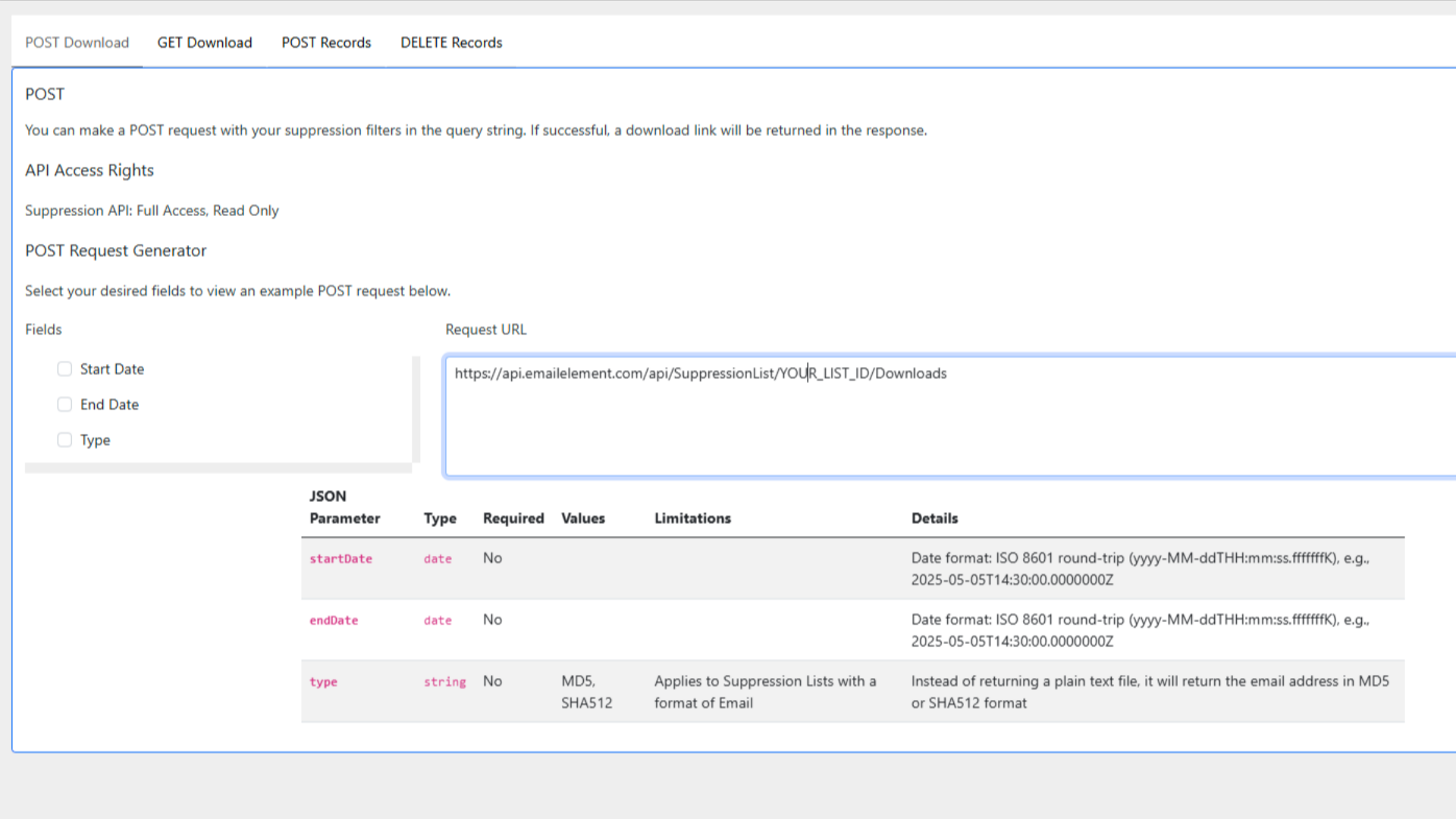
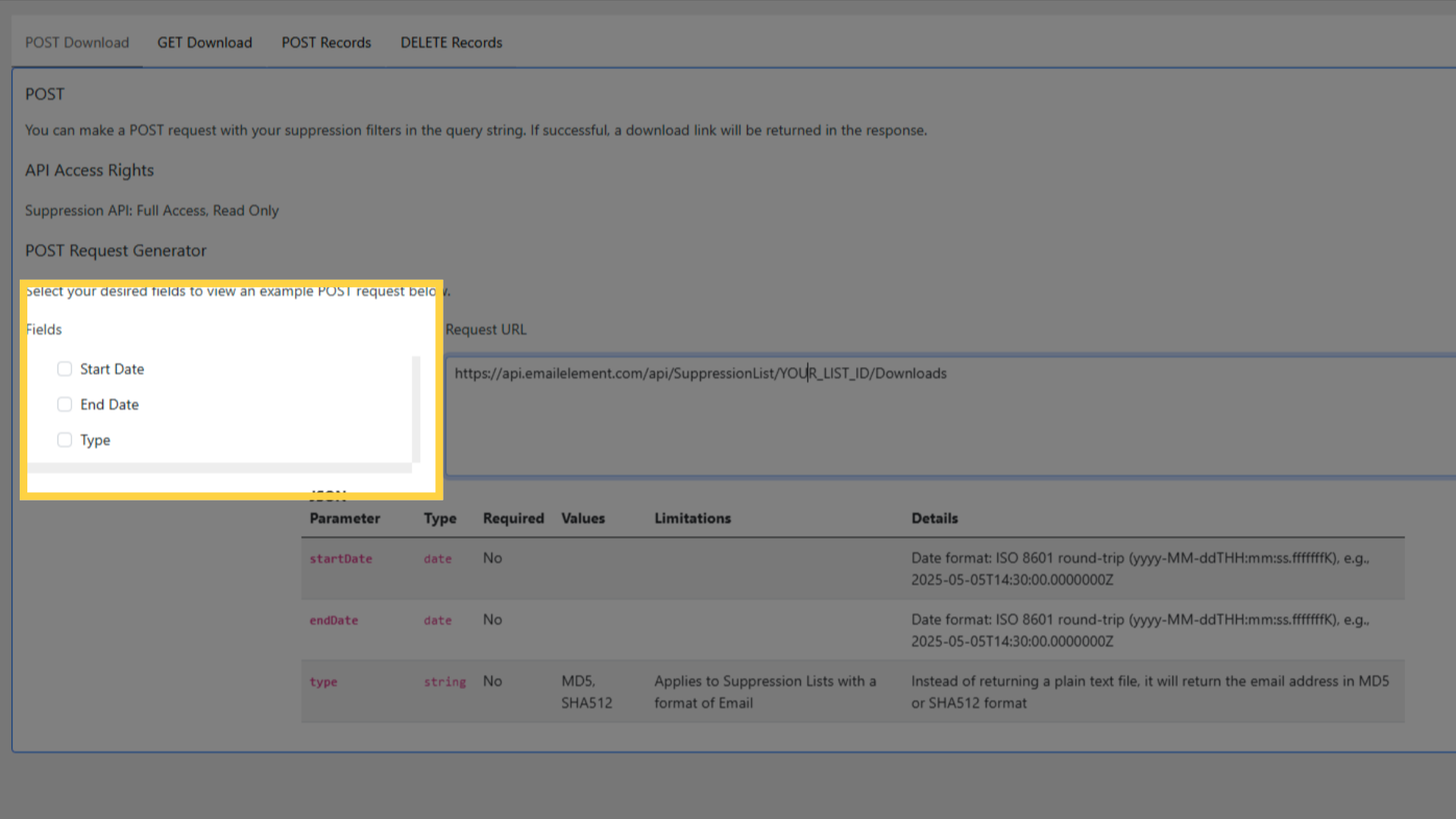
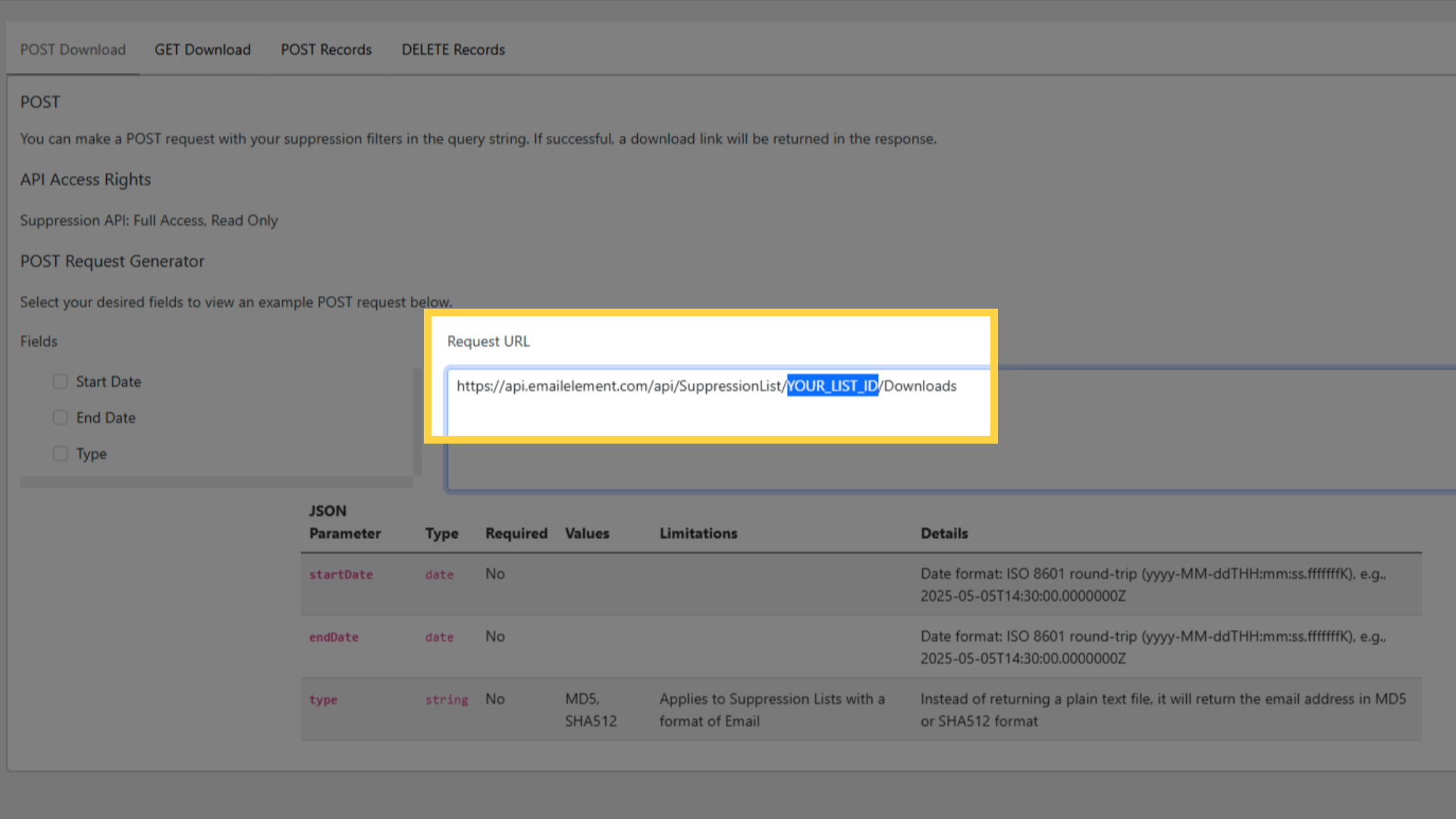
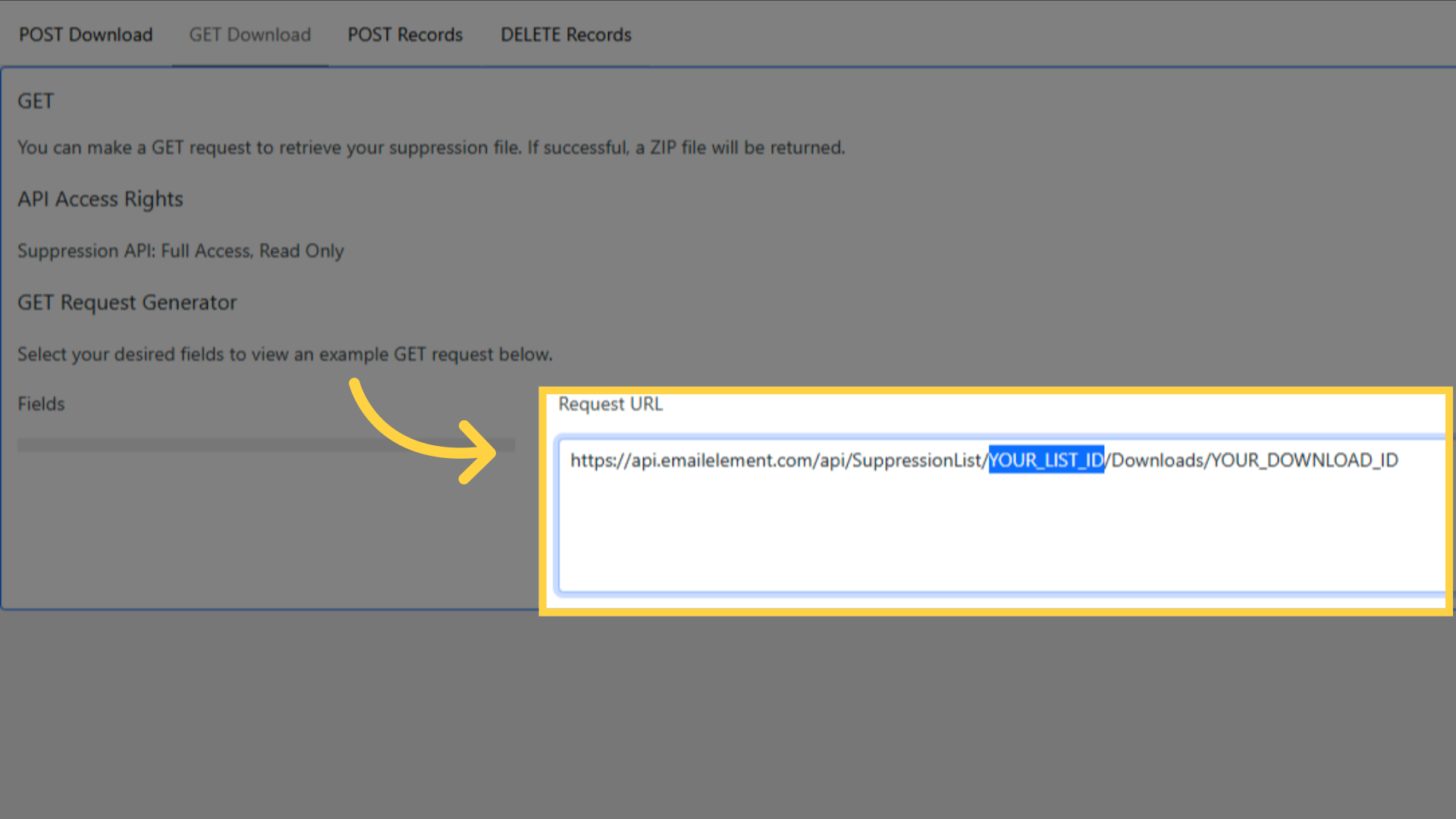
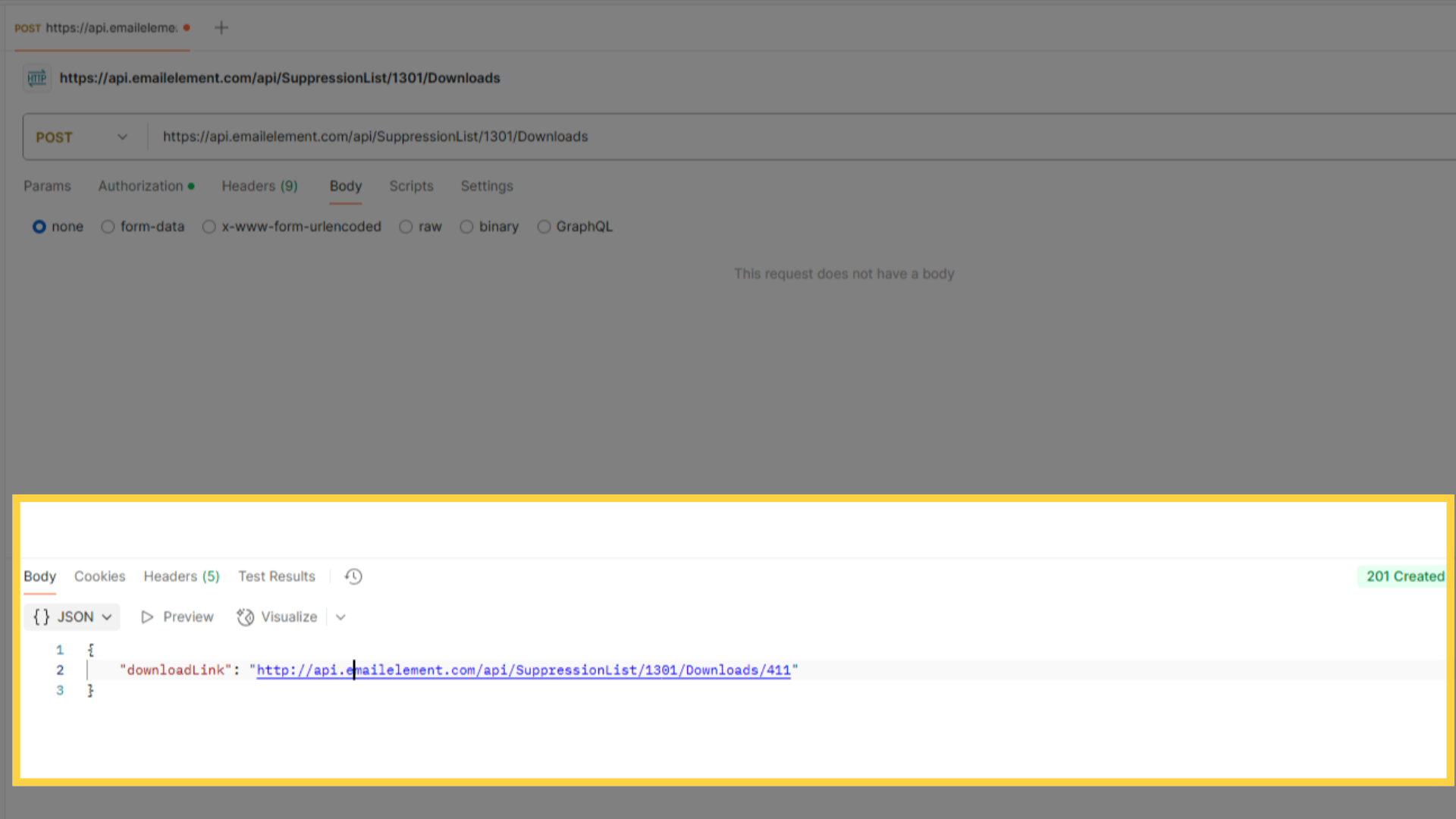
POST https://api.emailelement.com/api/SuppressionList/YOUR_LIST_ID/Downloads
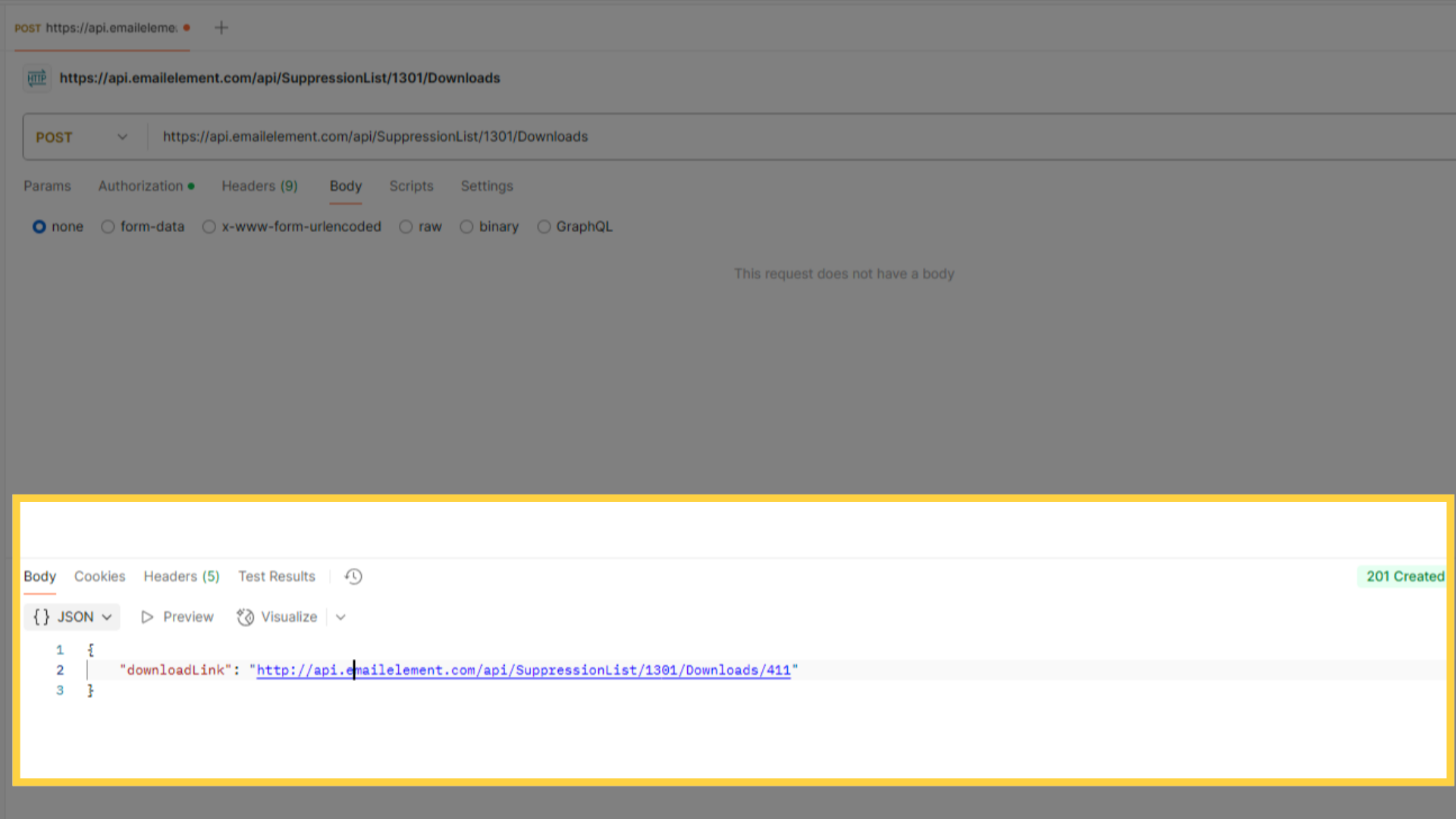
A 201 comes back with a downloadLink.
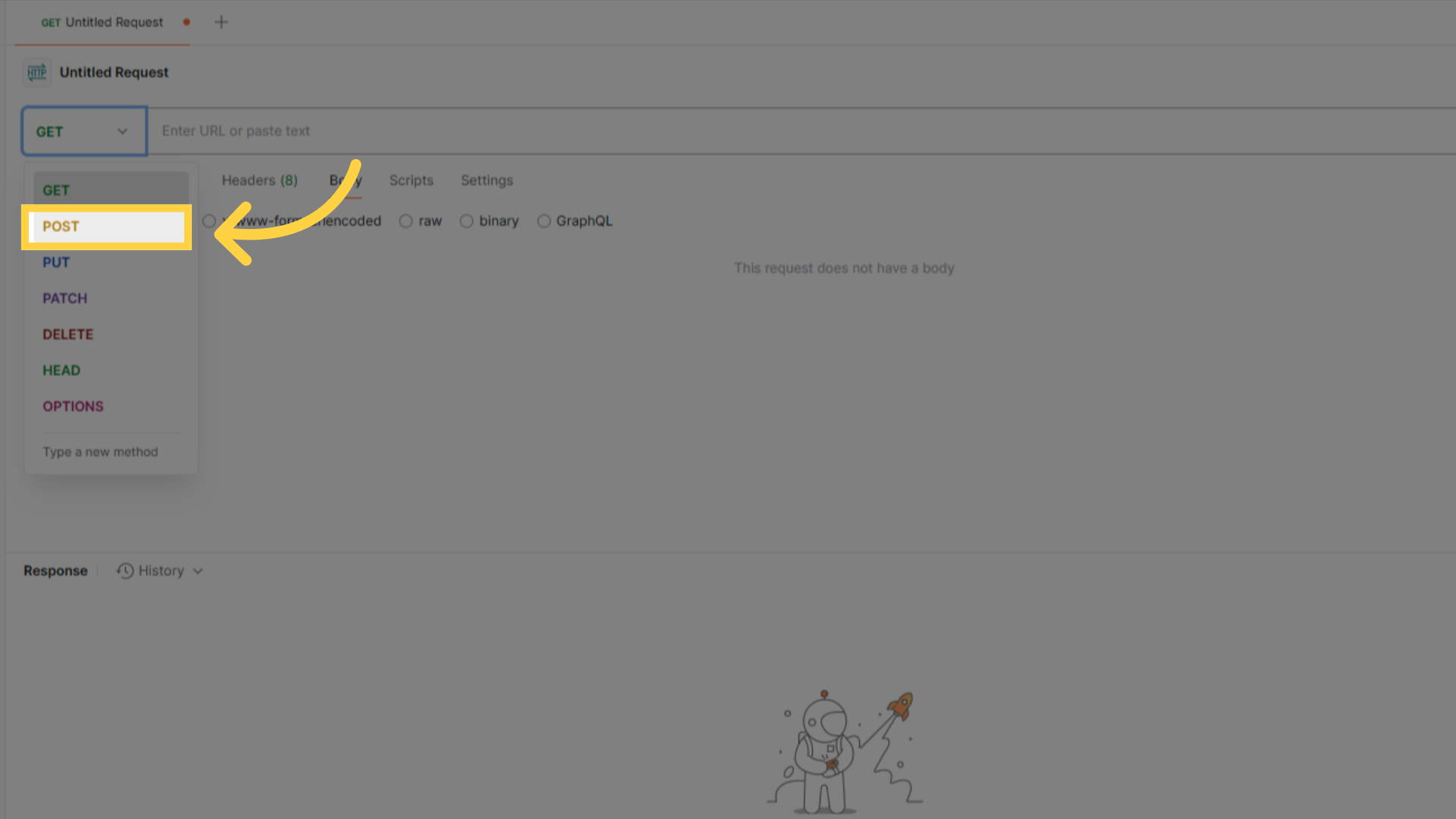
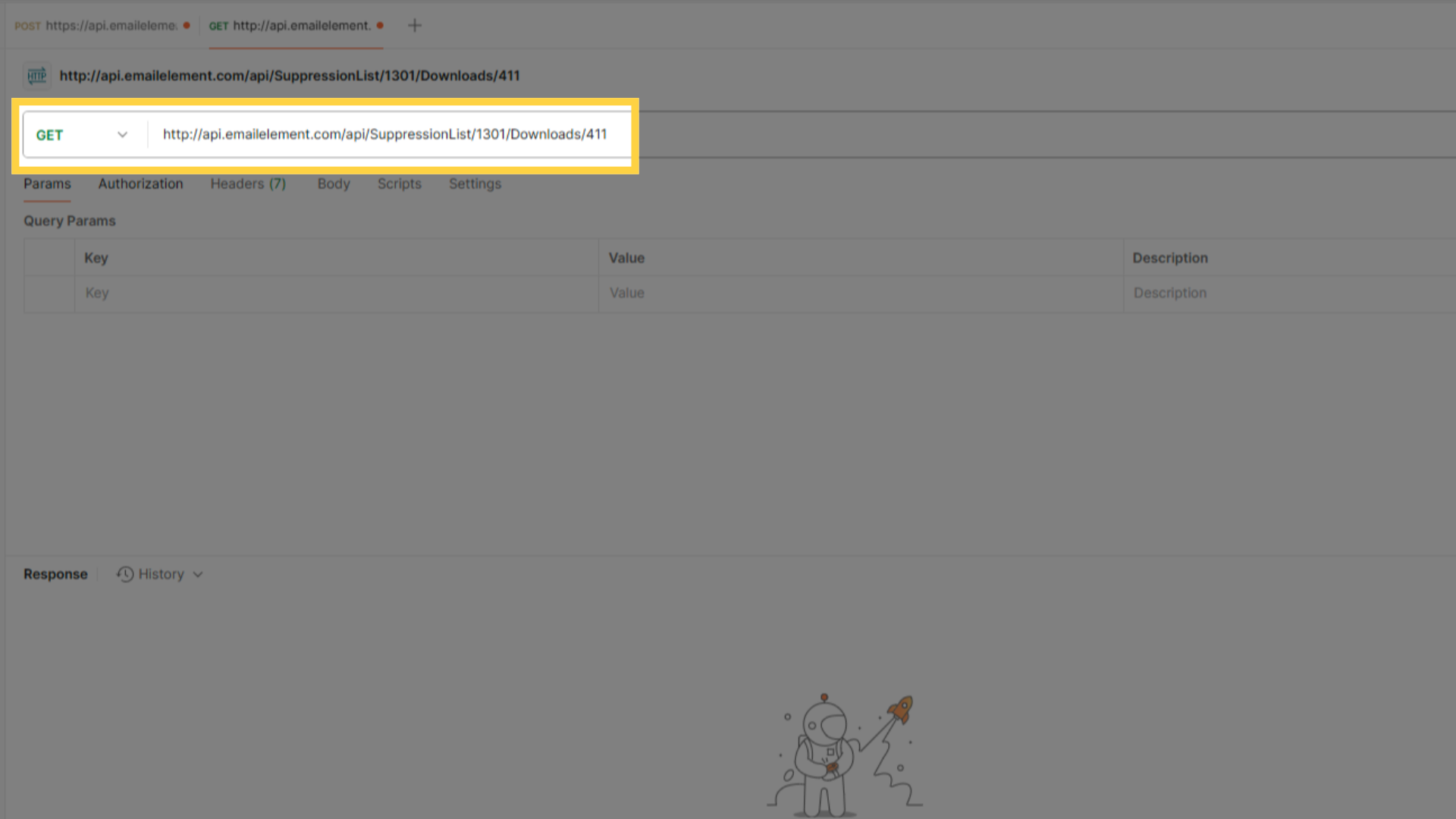
3b: Fetch the file
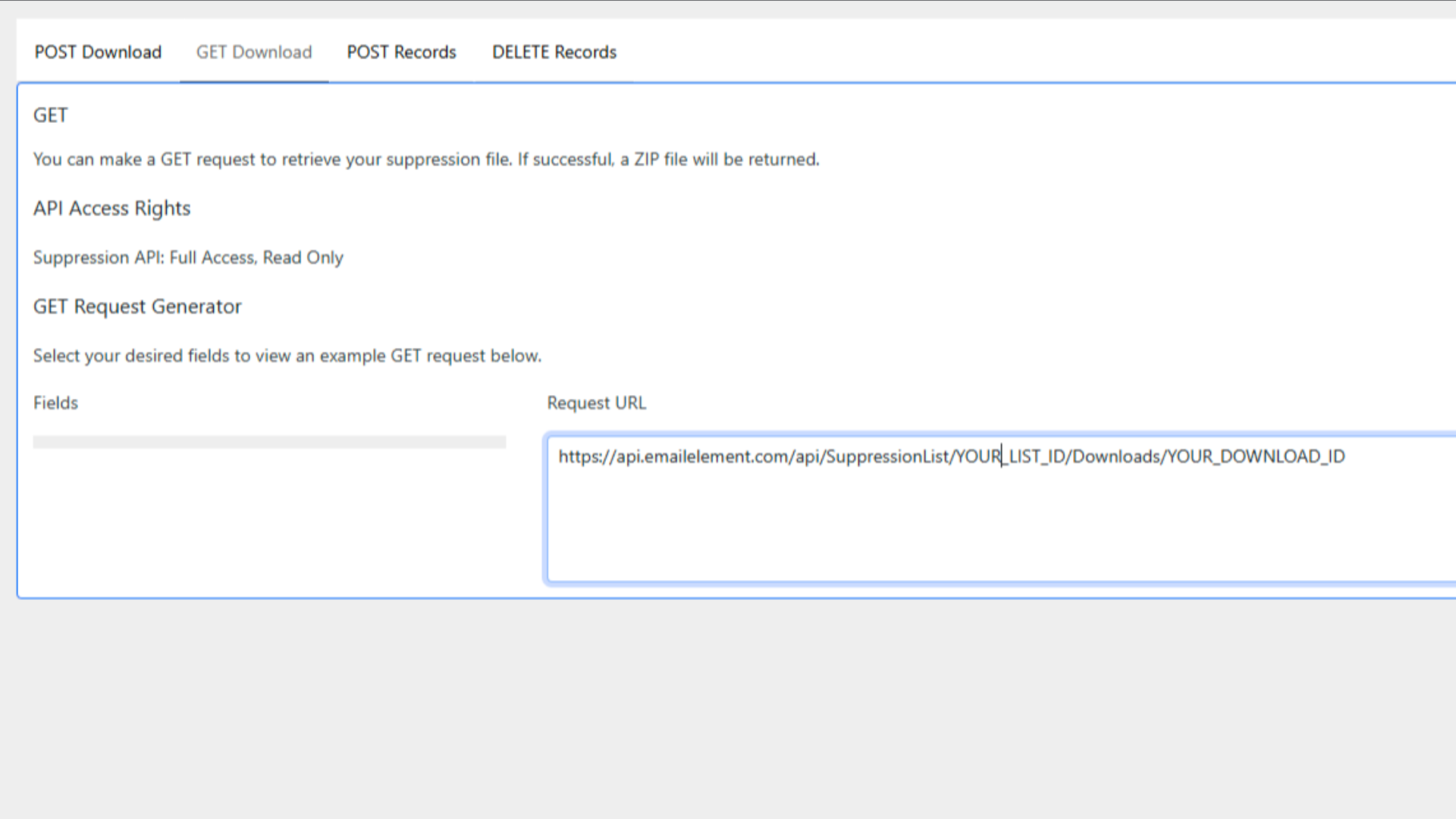
GET {downloadLink}
A 200 returns a ZIP holding a CSV of the records.
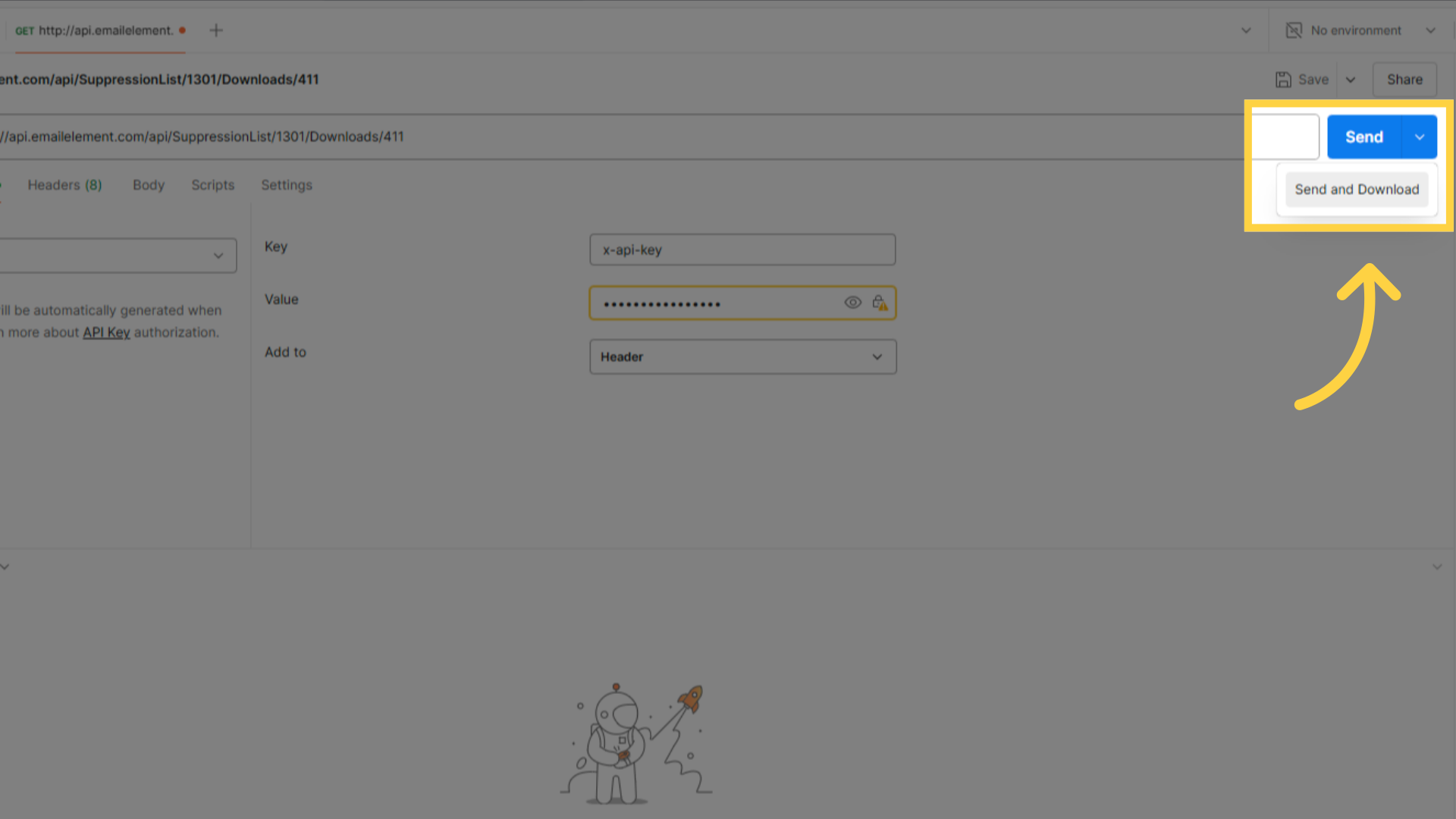
The file is built in the background, so a 404 straight after step 3a is normal. Poll until it turns into a 200. The 404 body says which state it is in:
File is still in progress. Please check back later— keep pollingFile has expired. Please initiate a new file download— files last one dayFile failed to download. Please initiate a new file download— start againFile not found— wrong download id, or it belongs to another list
Step 4: Add Suppression Records
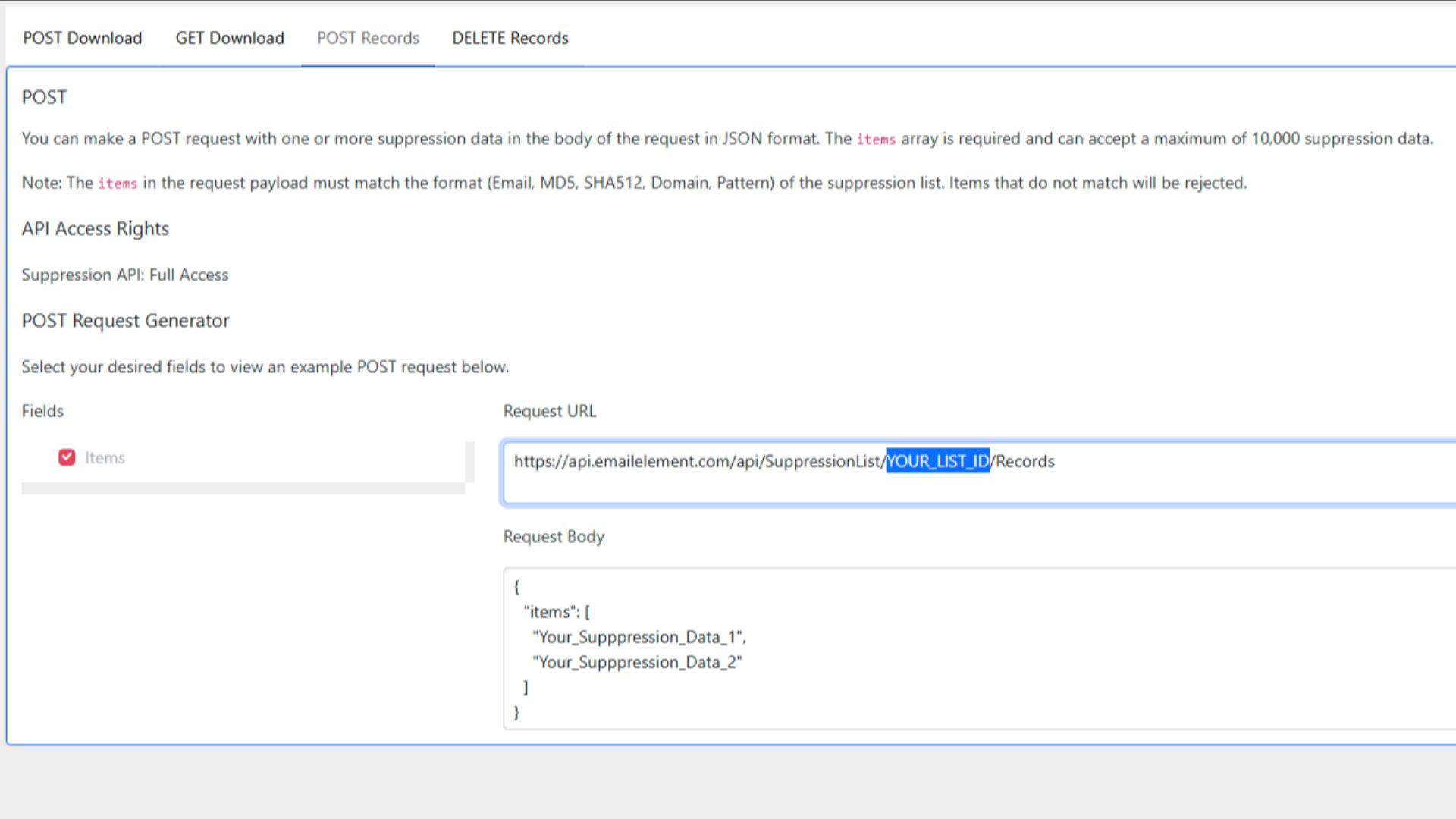
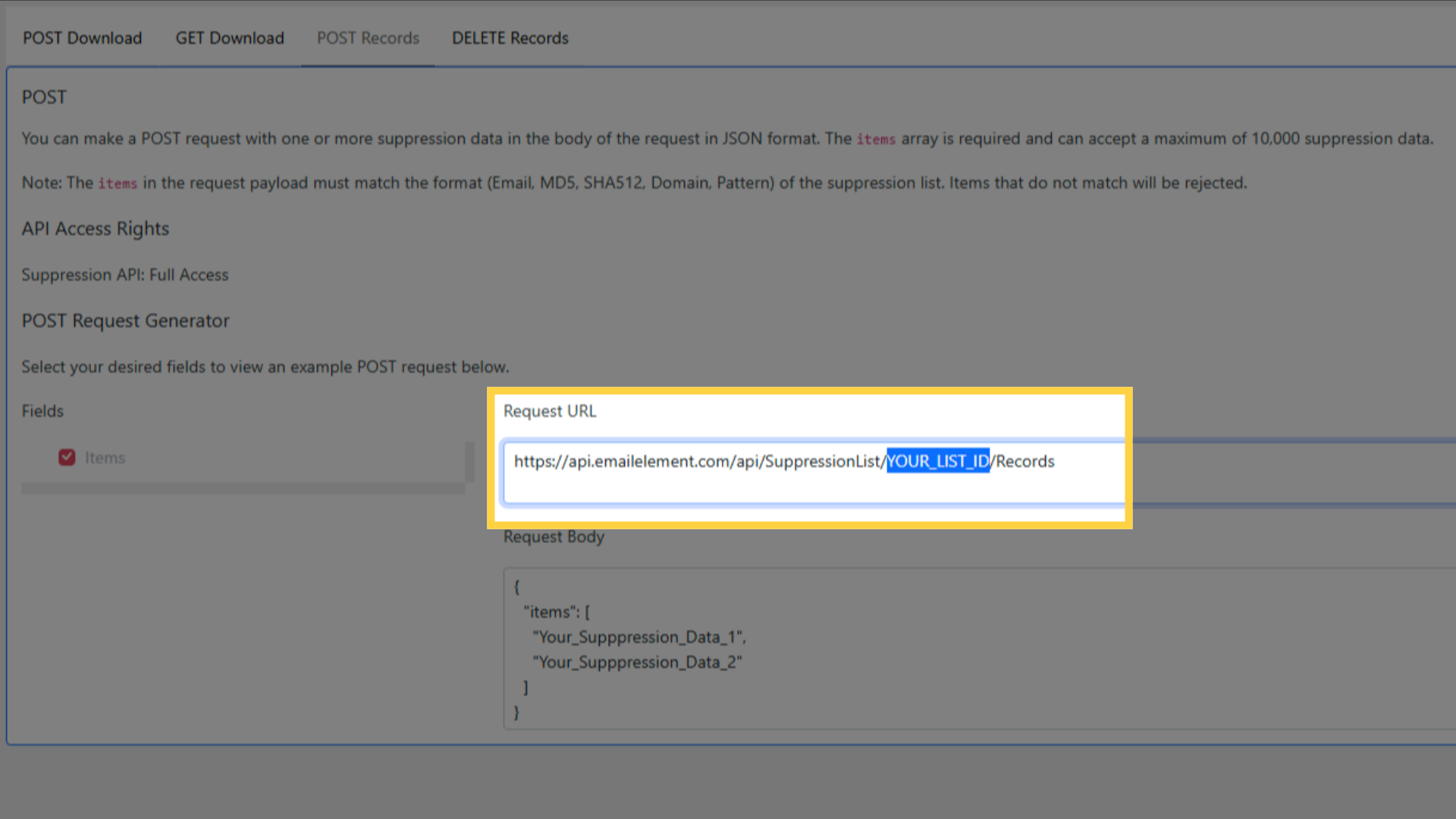
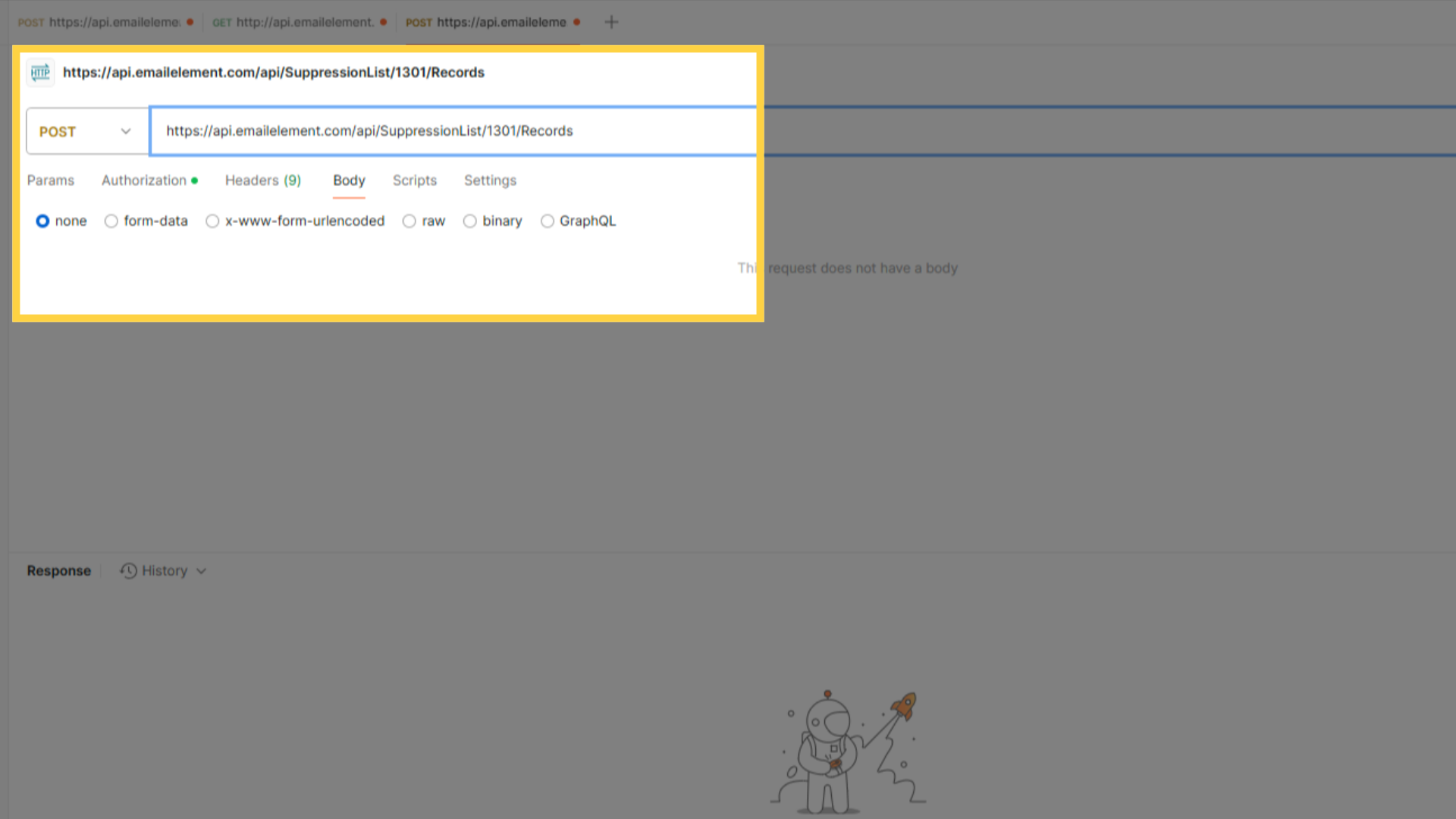
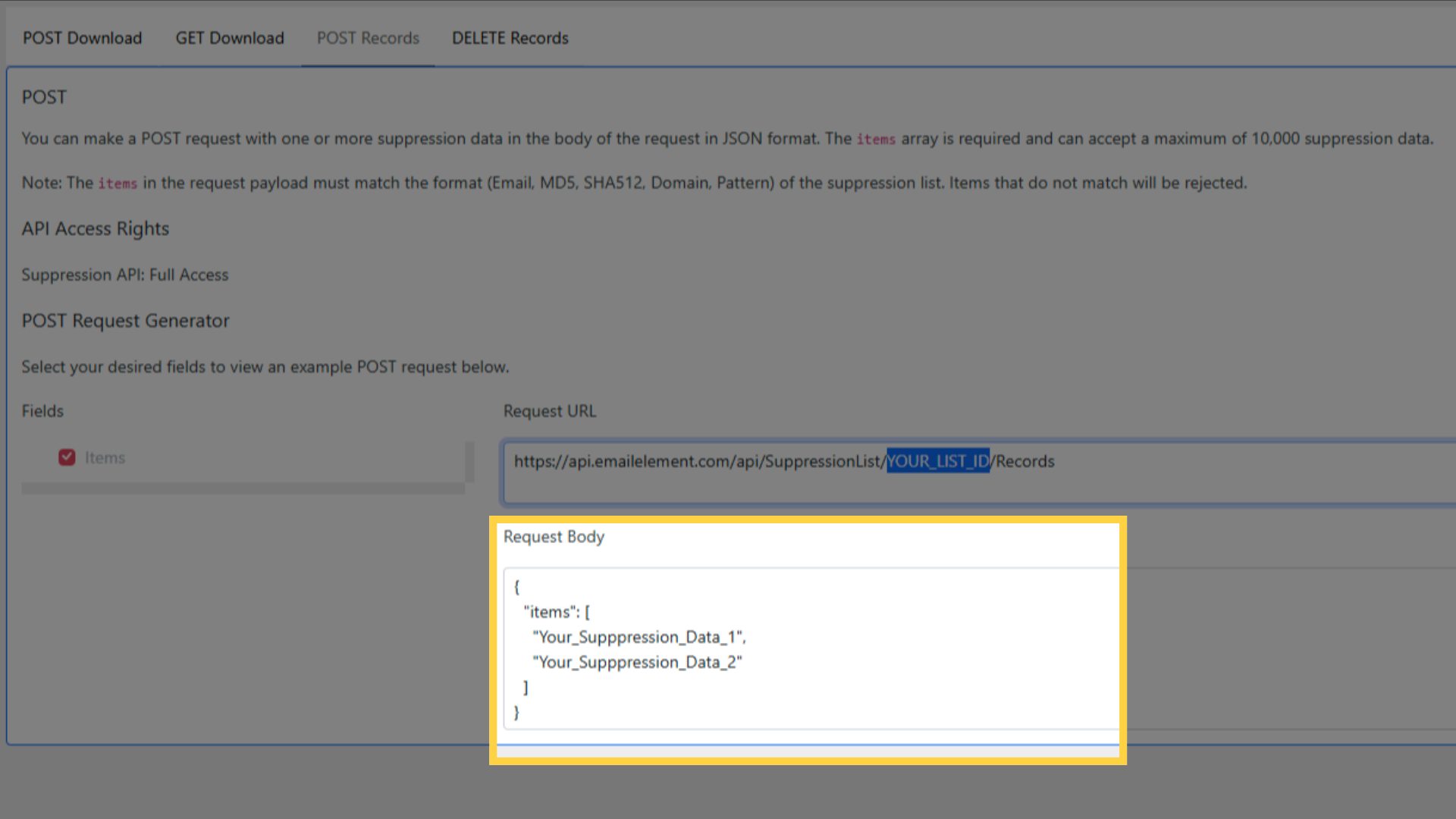
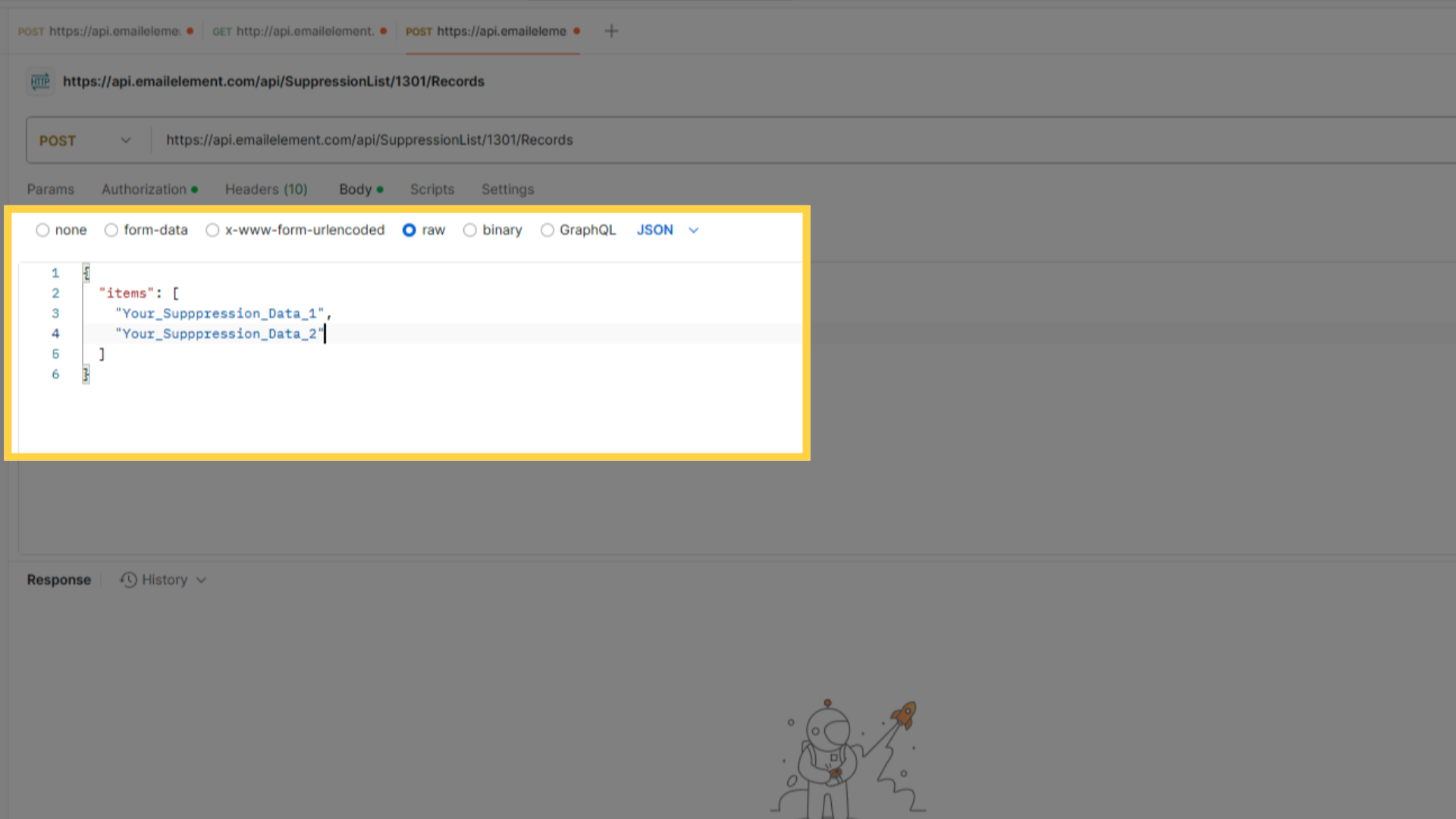
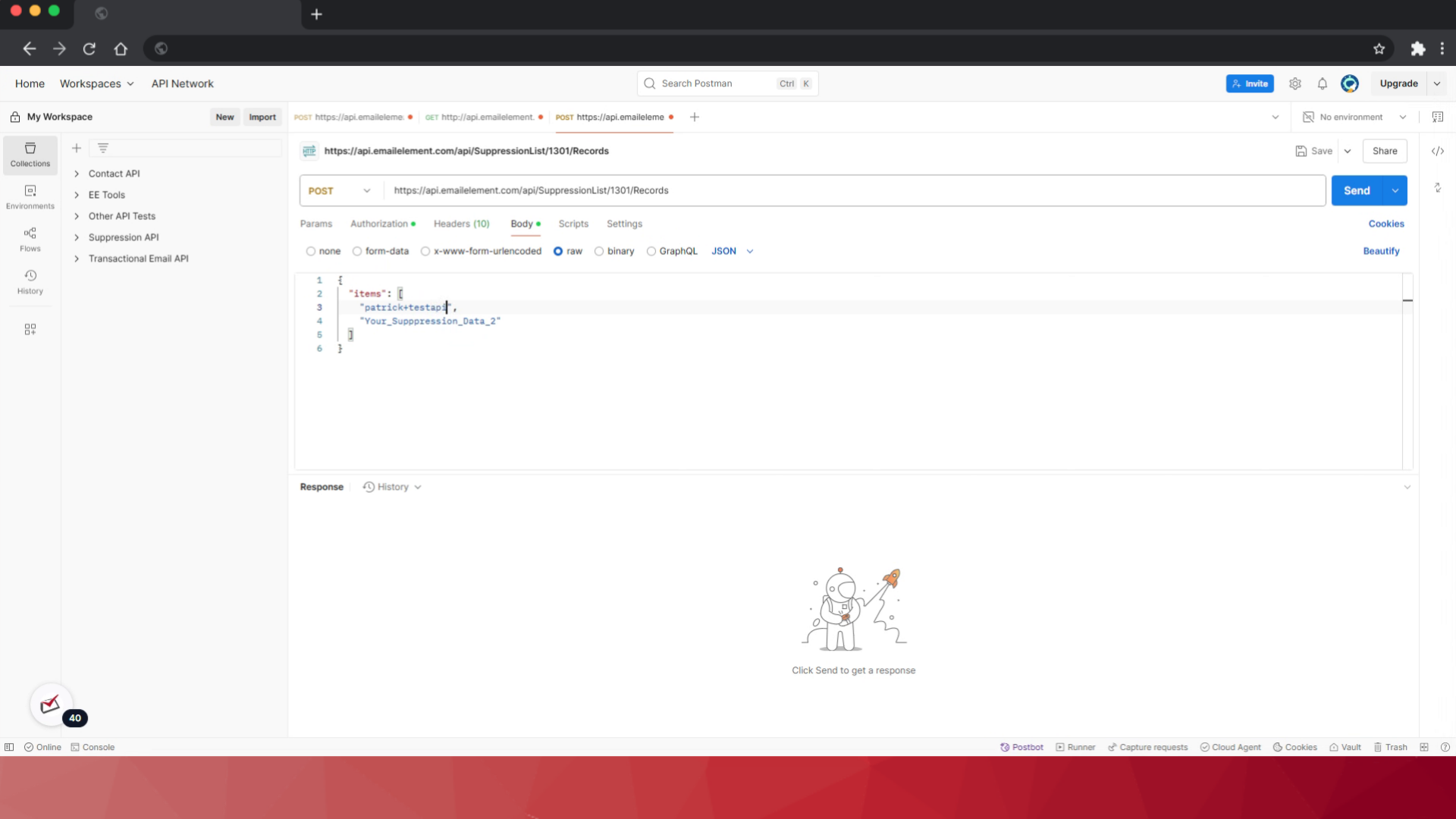
POST https://api.emailelement.com/api/SuppressionList/YOUR_LIST_ID/Records
{ "items": ["user1@example.com", "user2@example.com"] }
Up to 10,000 items per request
Items must match the list type:
- Email — full addresses,
user@example.com - MD5 — 32 hex characters
- SHA512 — 128 hex characters
- Domain —
example.com, no @ - Pattern —
*@example.com,noreply@*,*bot*
- Email — full addresses,
Success is a 201, not a 200
Read
dataon the response. That is what was actually added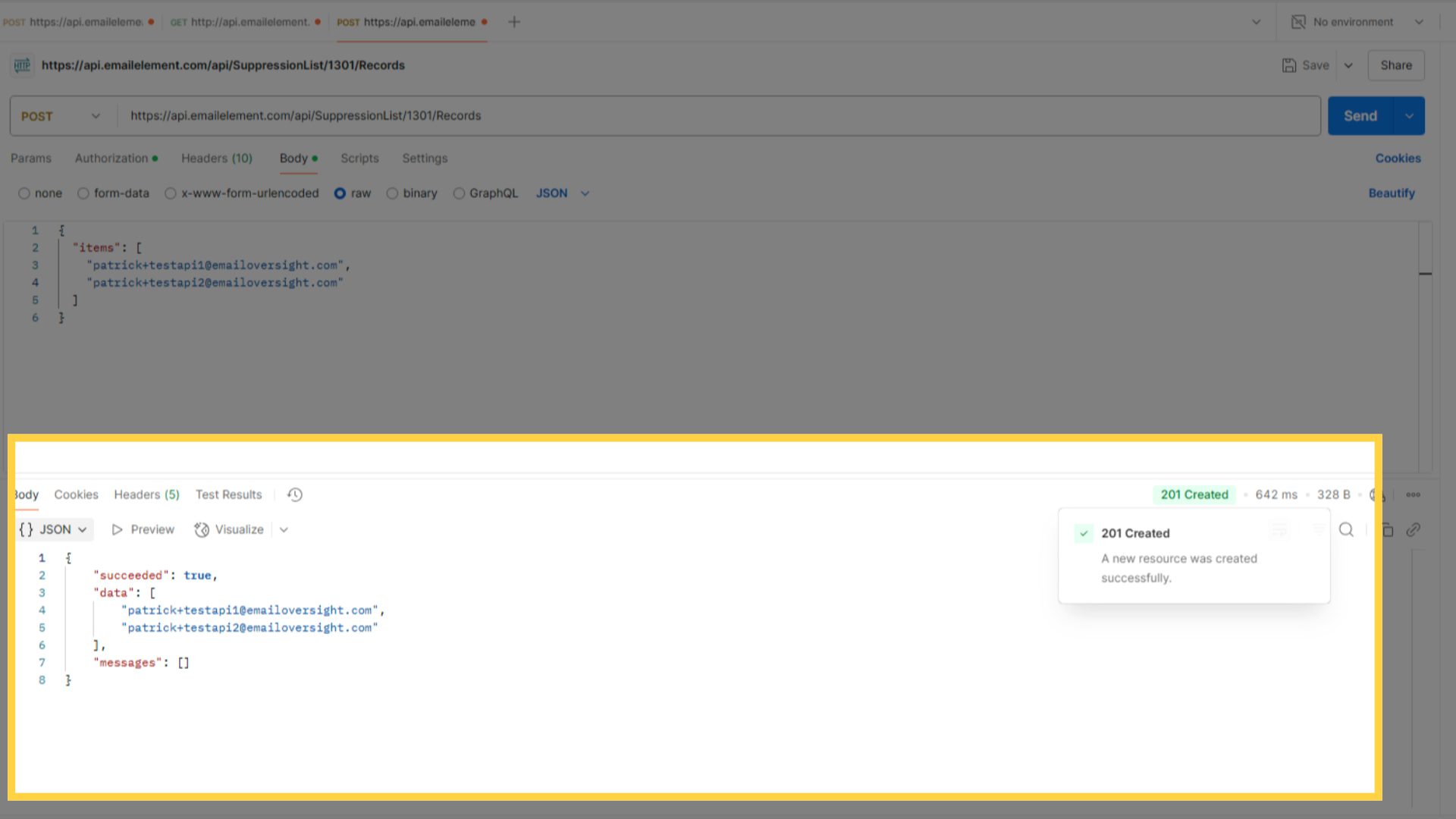
Check the record count on the Suppression List in the UI
Step 5: Delete Suppression Records
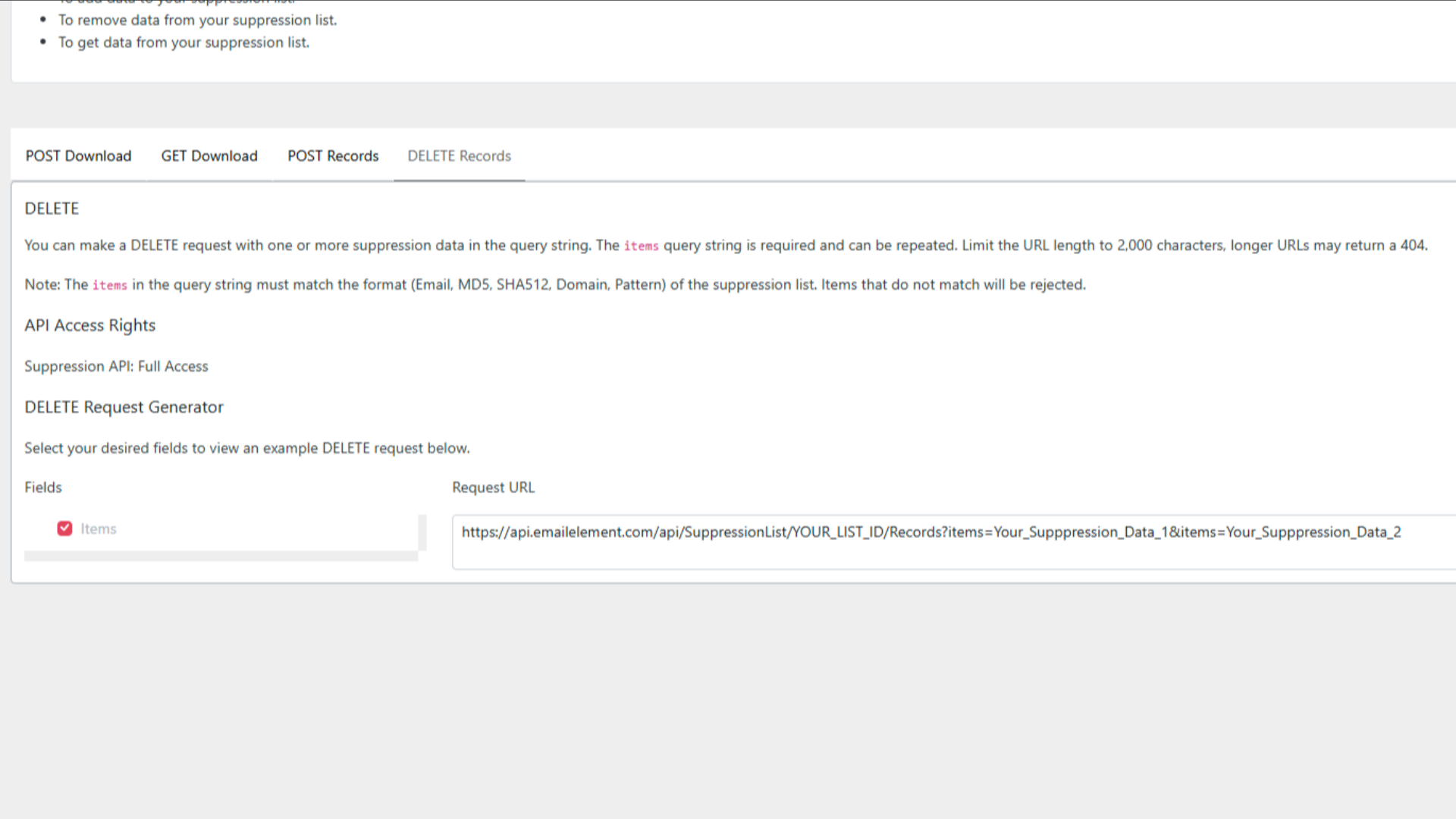
DELETE https://api.emailelement.com/api/SuppressionList/YOUR_LIST_ID/Records?items=user1%40example.com&items=user2%40example.com
itemsis repeated once per entry and URL-encoded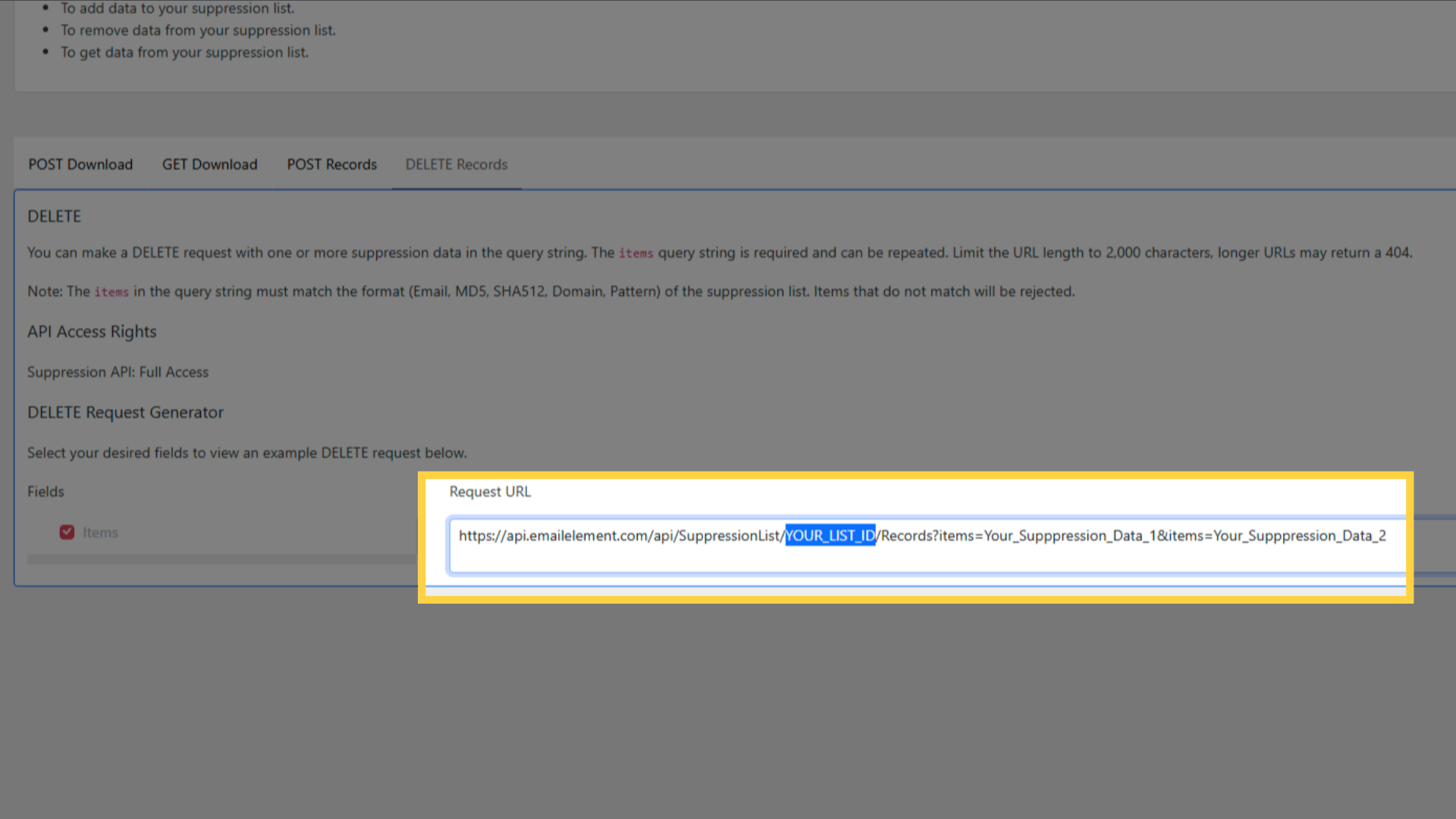
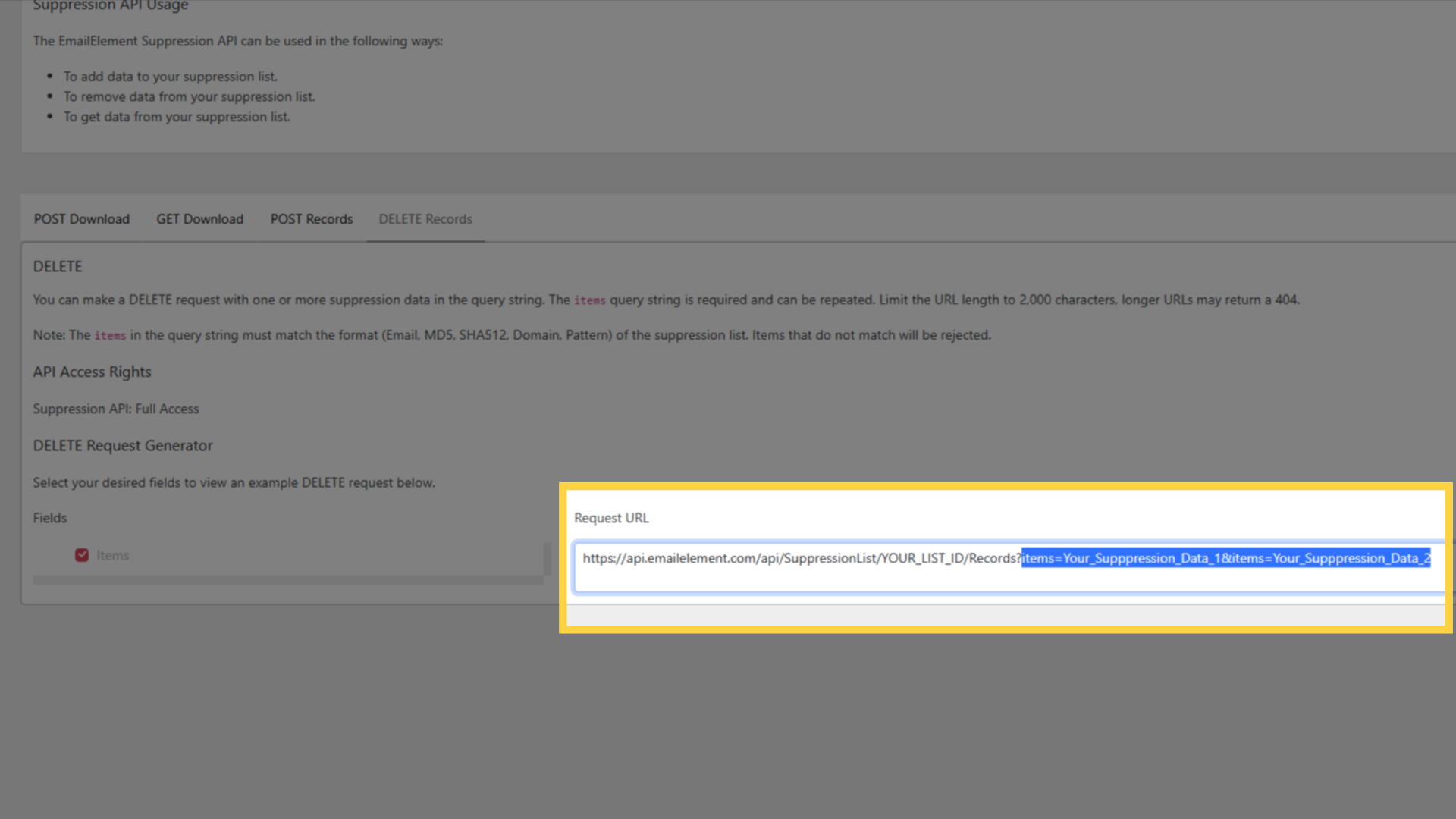
Up to 10,000 entries, and keep the whole URL under 2,000 characters
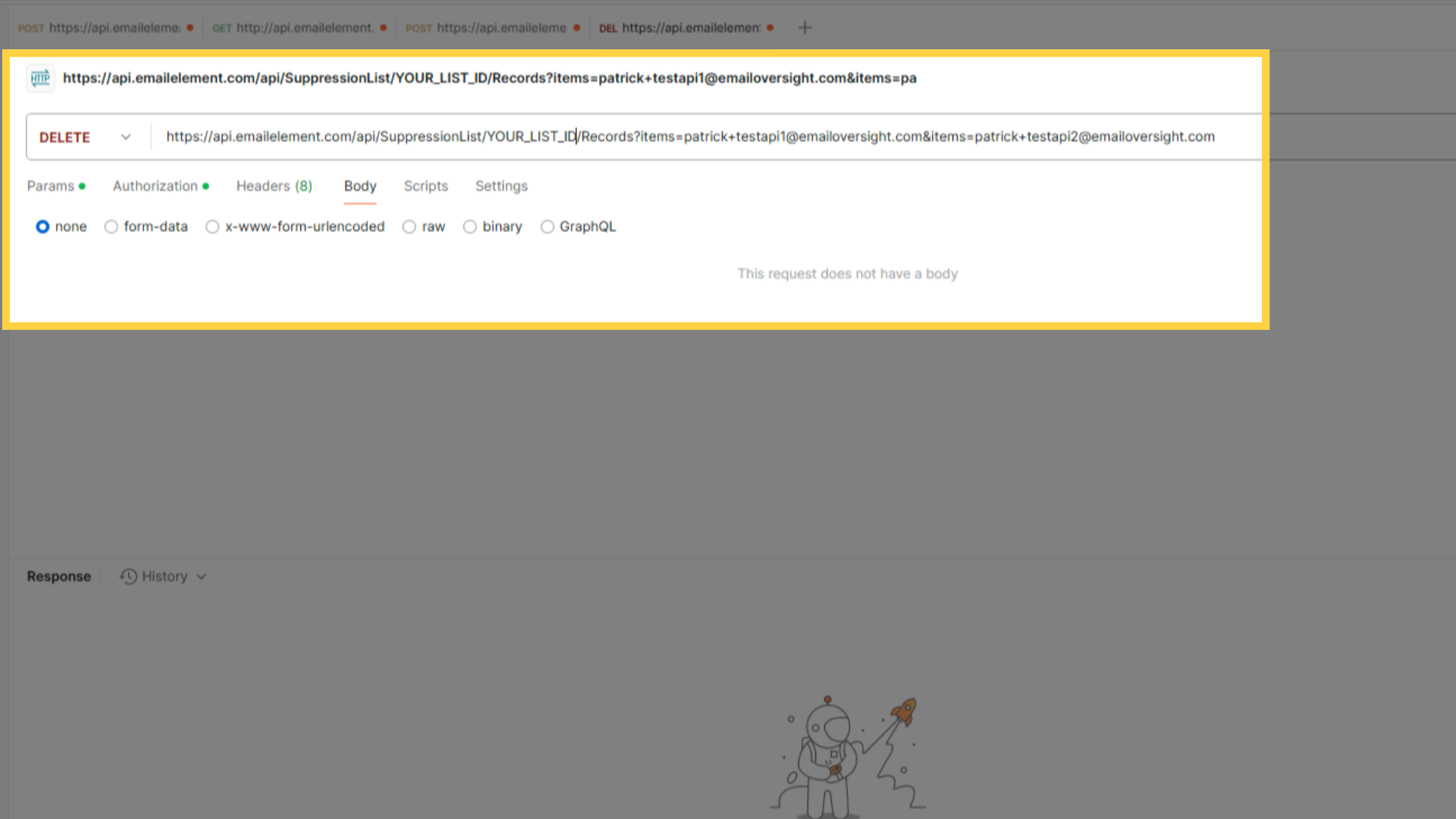
The URL length runs out first in practice, because every item is spelled out in it. Split a long delete across several requests
Items must match the list type, the same as adding
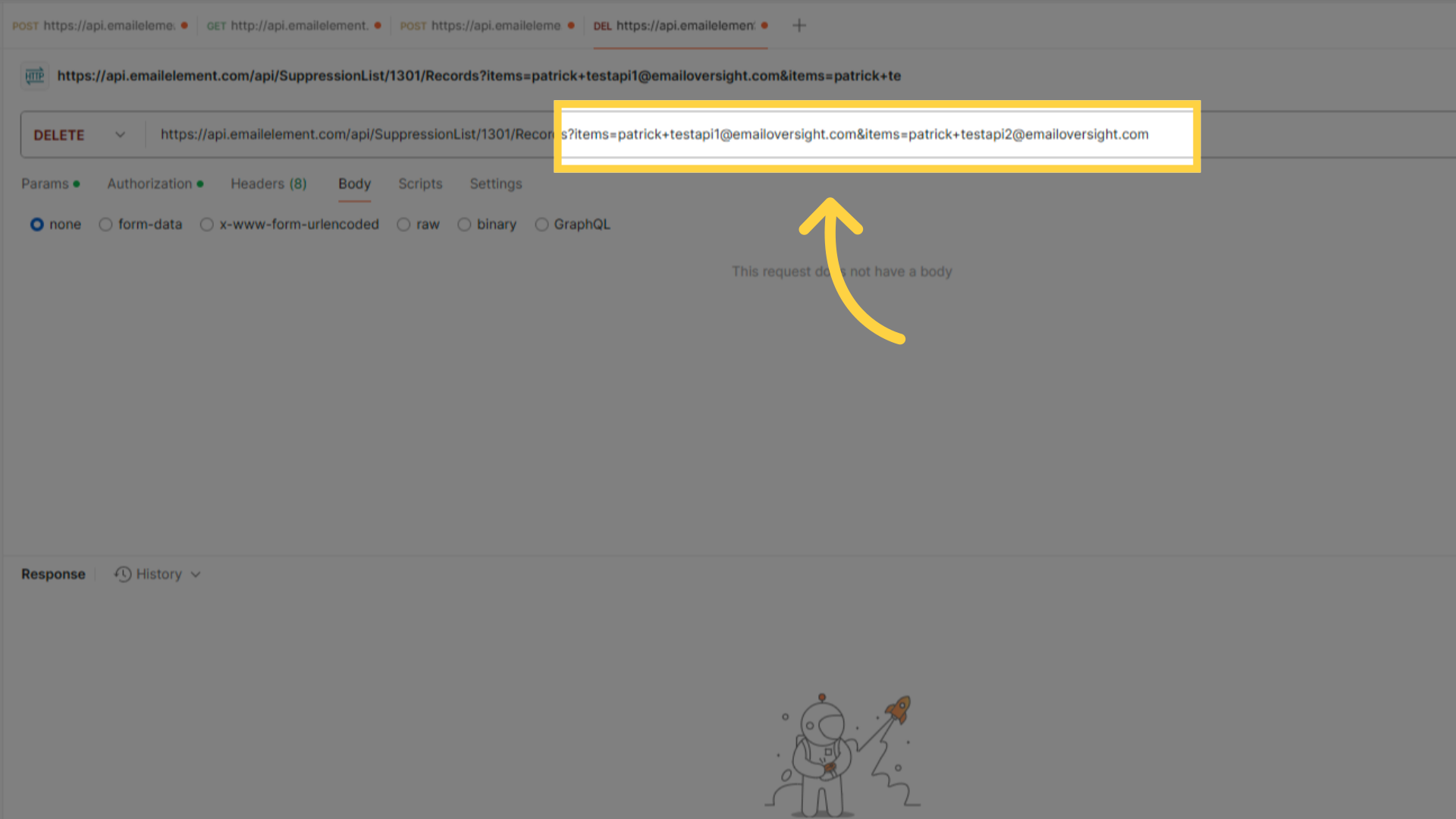
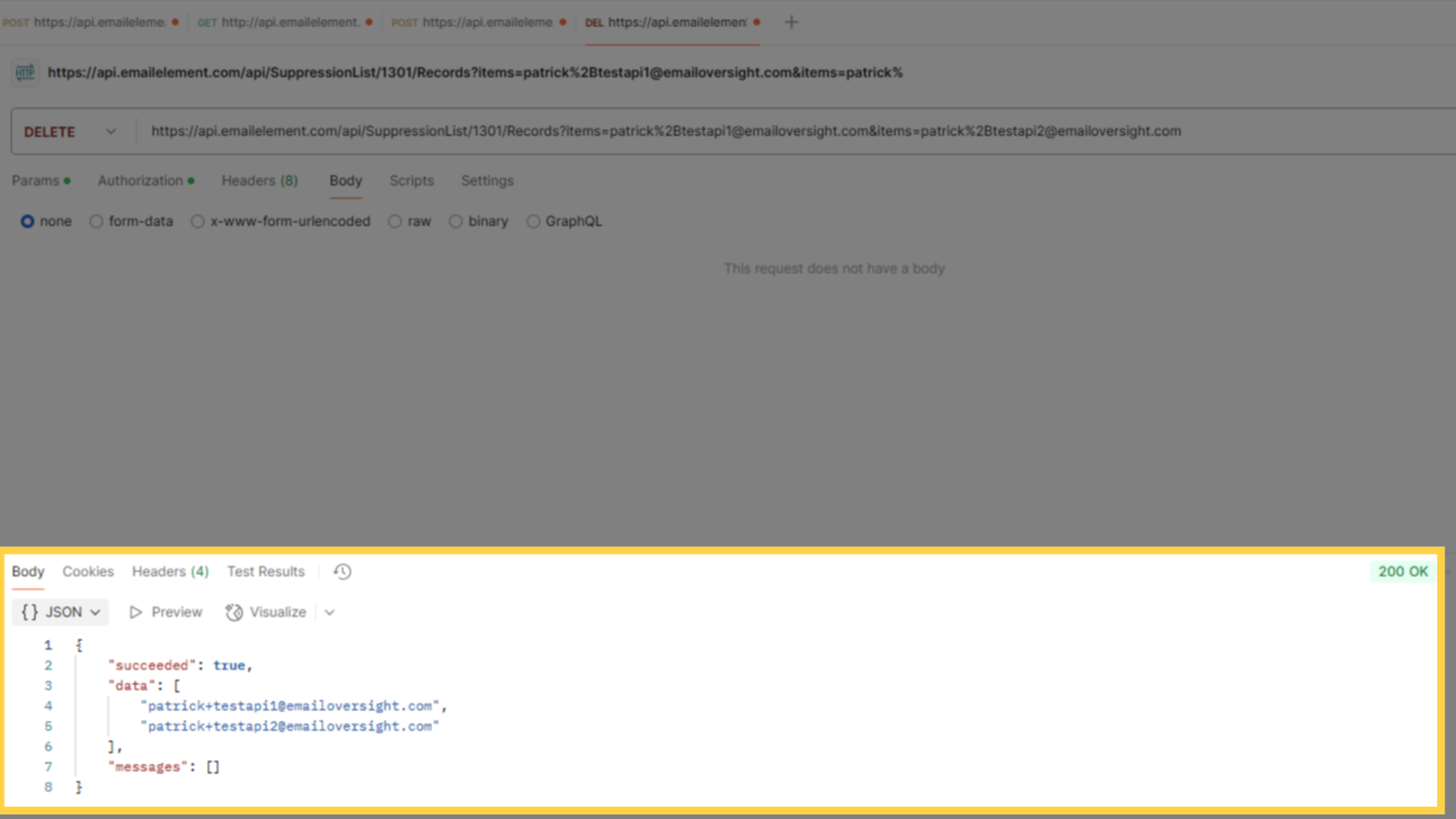
A 200 comes back with
dataholding what was deleted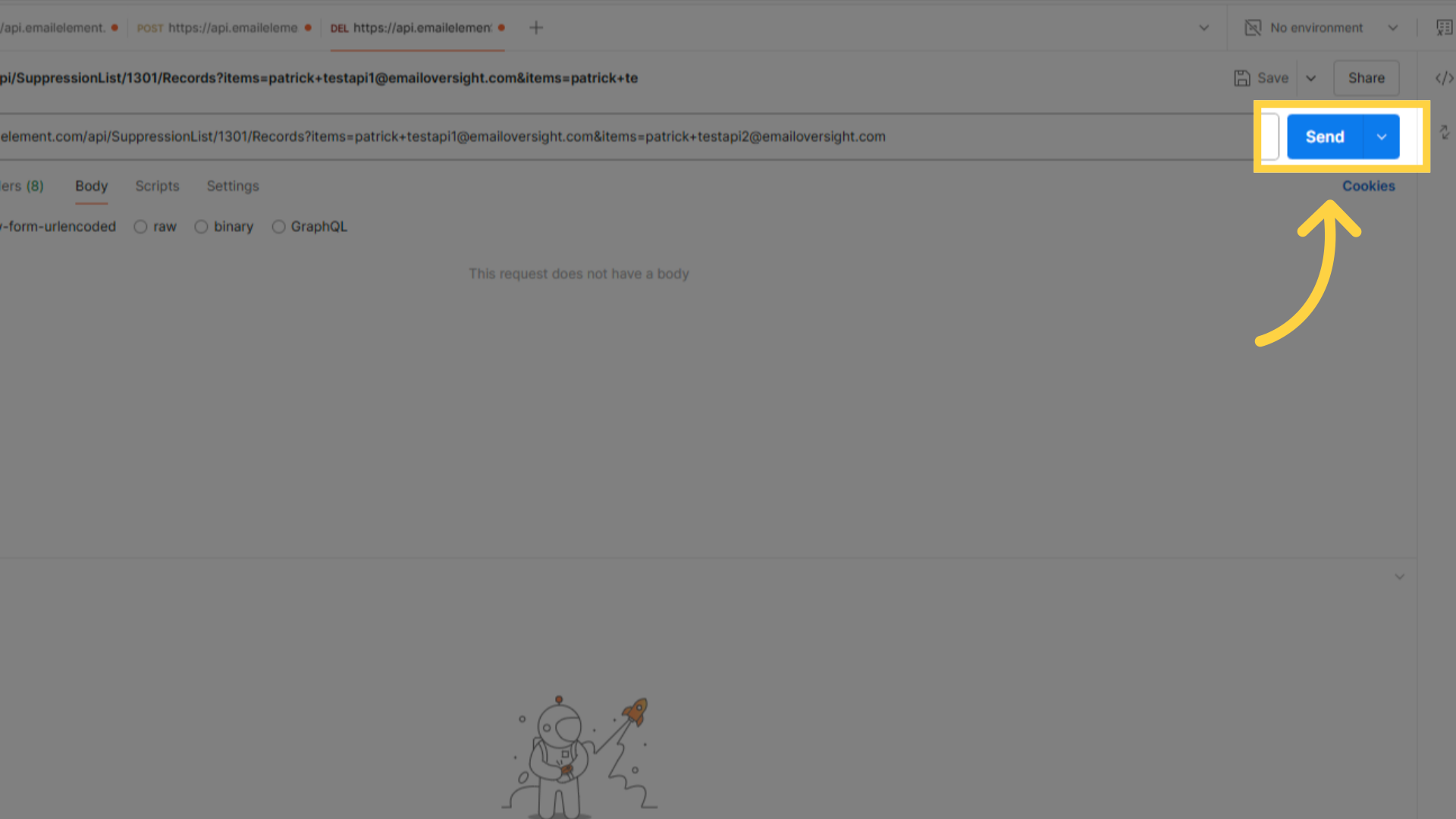
Reading the failures
Add and delete both apply the same 10% batch rule. More than 10% of items failing rejects the whole request with a 400 and changes nothing. 10% or fewer failing succeeds, applies the rest, and reports the failures in messages.
Each entry in messages looks like this:
{ "suppresssionData": "not-an-email", "errorMessage": "..." }
The key is suppresssionData, with three s's. That spelling is what the API returns. A parser looking for suppressionData finds nothing.
Common Use Cases
- Automated bounce processing — add hard-bounced addresses from your own system
- Compliance removal — delete records that should no longer be suppressed
- List synchronization — download to sync with external systems
- Cross-platform suppression — bring suppressions in from another sending platform