
Creating an Account Walkthrough
Signing in
The sign-in page takes the email address you signed up with and your password.
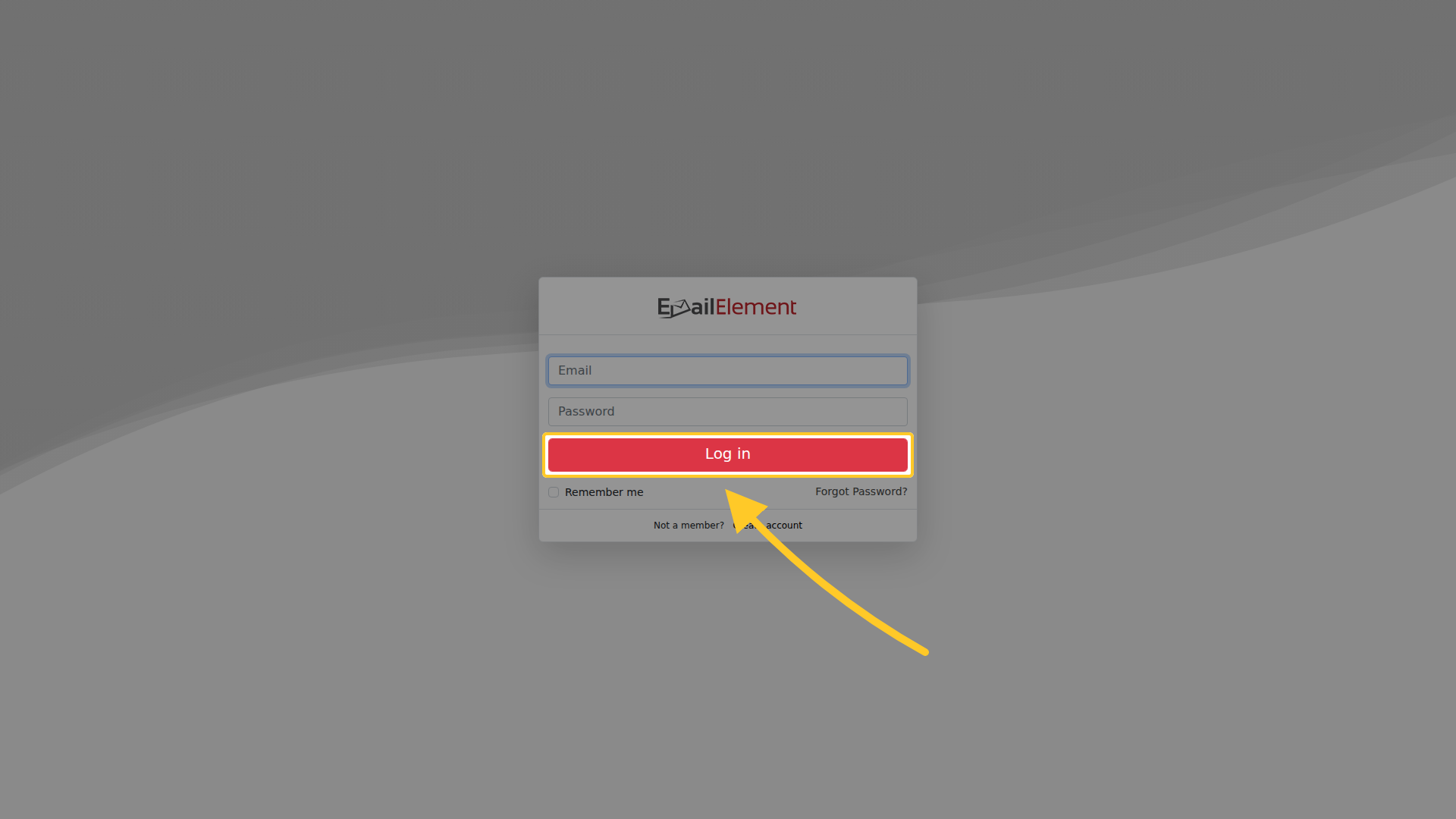
Remember me keeps you signed in on that browser. The two links below it are Forgot Password? and, for a new account, Create account.
Signing up
Create account opens a four-step form. Step 1 collects your details.
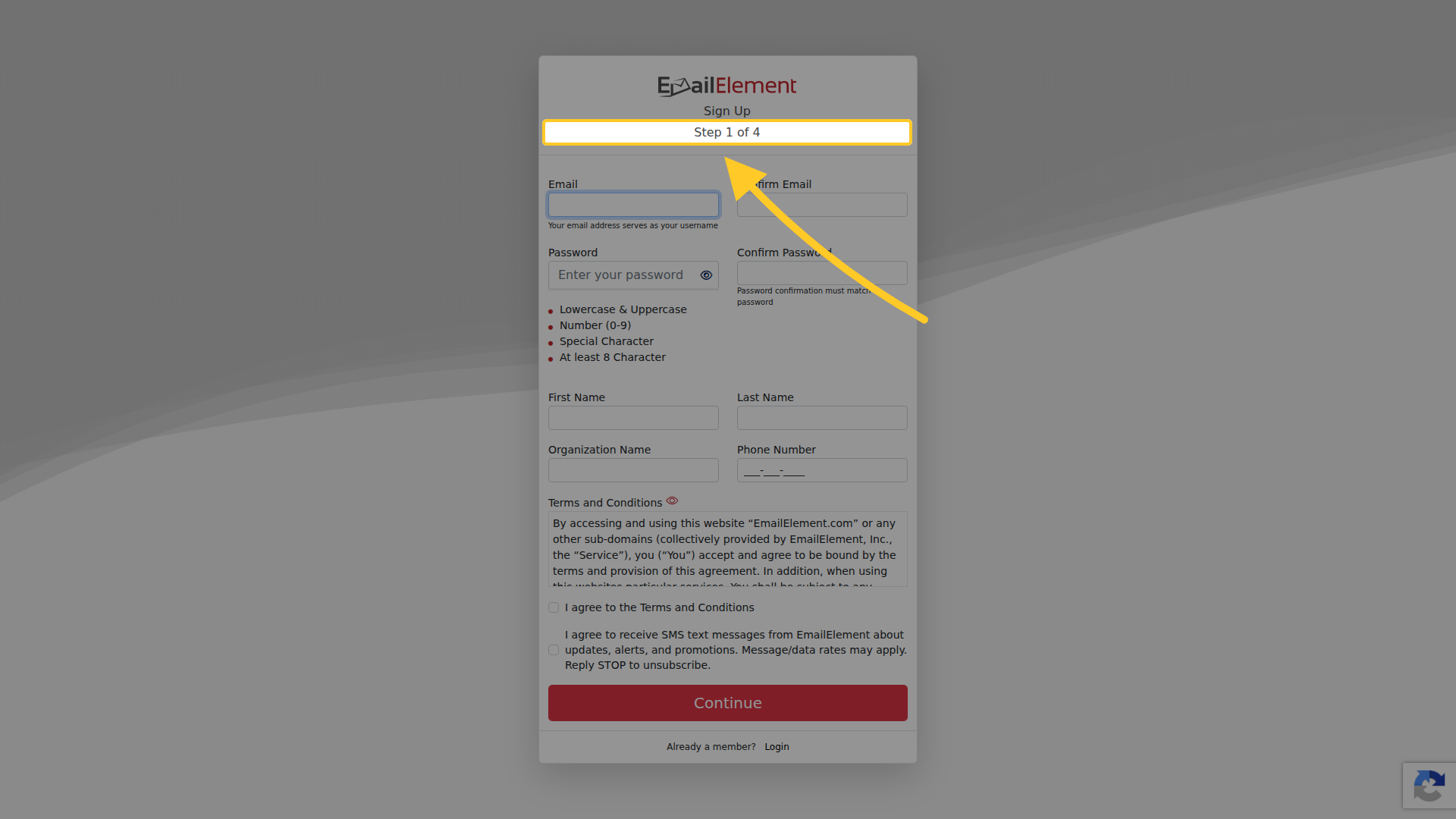
| Field | Notes |
|---|---|
| Email, Confirm Email | The address becomes your username |
| Password, Confirm Password | Needs uppercase and lowercase, a number, a special character, and at least 8 characters. The rules are listed under the field and tick off as you type |
| First Name, Last Name | |
| Organization Name | The company the account belongs to |
| Phone Number | |
| Terms and Conditions | Readable in the panel, and you tick to agree |
| SMS messages | A separate tick, and optional |
The three remaining steps are:
- Step 2 — address, country, city, state and time zone. The time zone is the one every date in the product is shown in afterwards.
- Step 3 — choosing a billing plan.
- Step 4 — the payment card.
Finishing sends a confirmation email. The account is not usable until you follow the link in it.
Forgotten password
Forgot Password? on the sign-in page asks for the email you sign in with.
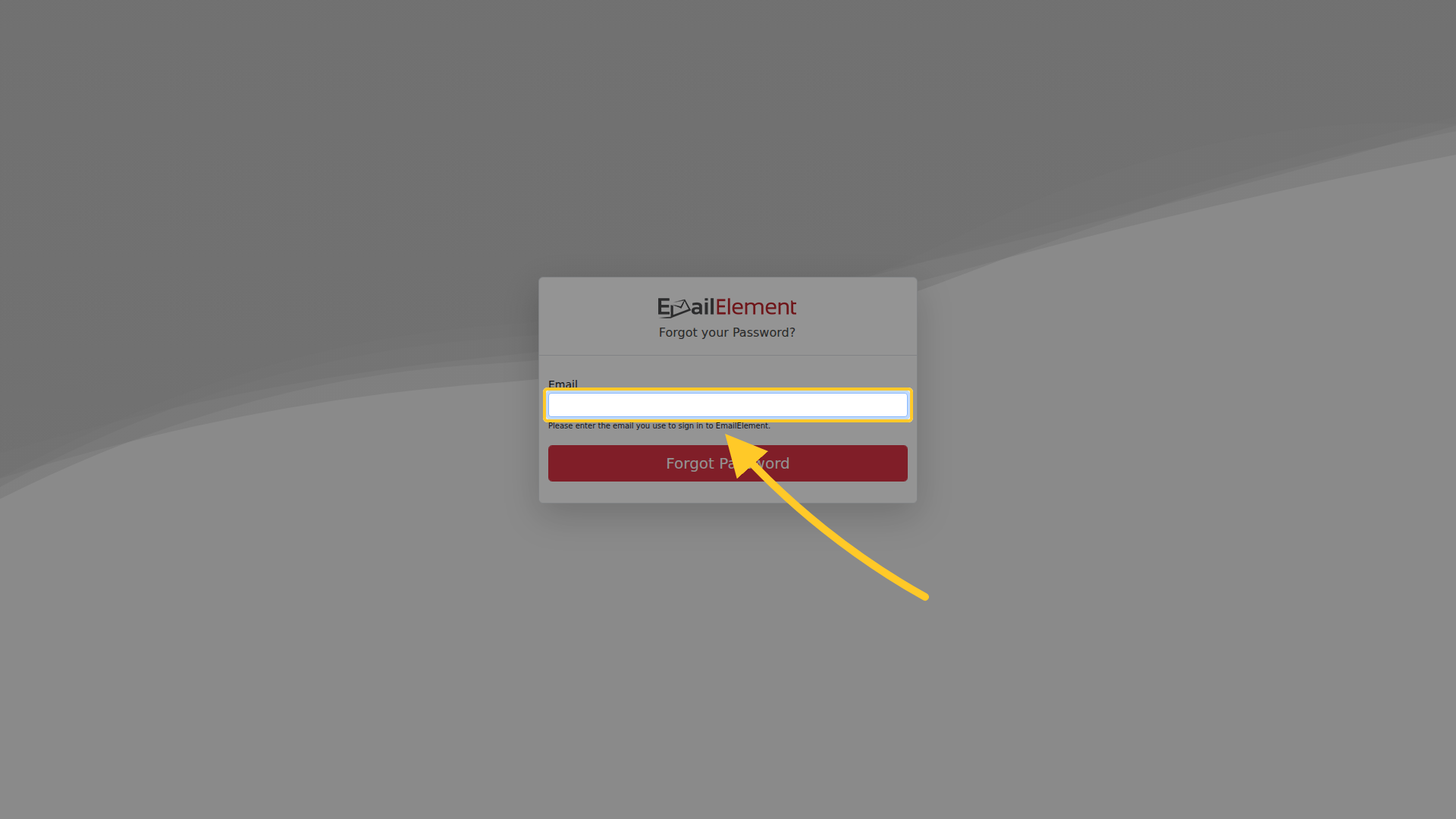
It sends a link that opens a page where you set a new password. The new password has the same rules as at sign-up.
What the sign-in errors mean
| Message | What it means | What to do |
|---|---|---|
| User was not found | No account exists for that address | Check for a typo in the address |
| Password did not match | The account exists and the password is wrong | Use Forgot Password? |
The two are deliberately different, so the message tells you which of the two to fix.