Mailtrap
To setup Mailtrap to be used as an Email Service Provider in EmailElement, you will need:
- At least 1 Email Domain configured and verified
- At least 1 valid Sender Address (this is created with your account, but you can optionally make another if need from the “Sending Domain” menu)
- A webhook setup and enabled
- Your API Token for Mailtrap
Create and Enable Webhook
- From the left pane, select Settings > Webhooks
- Click “Create New Webhook”
- Edit the Webhook with the settings seen here: Select the correct stream and ONLY select the domain that is integrated within EmailElement
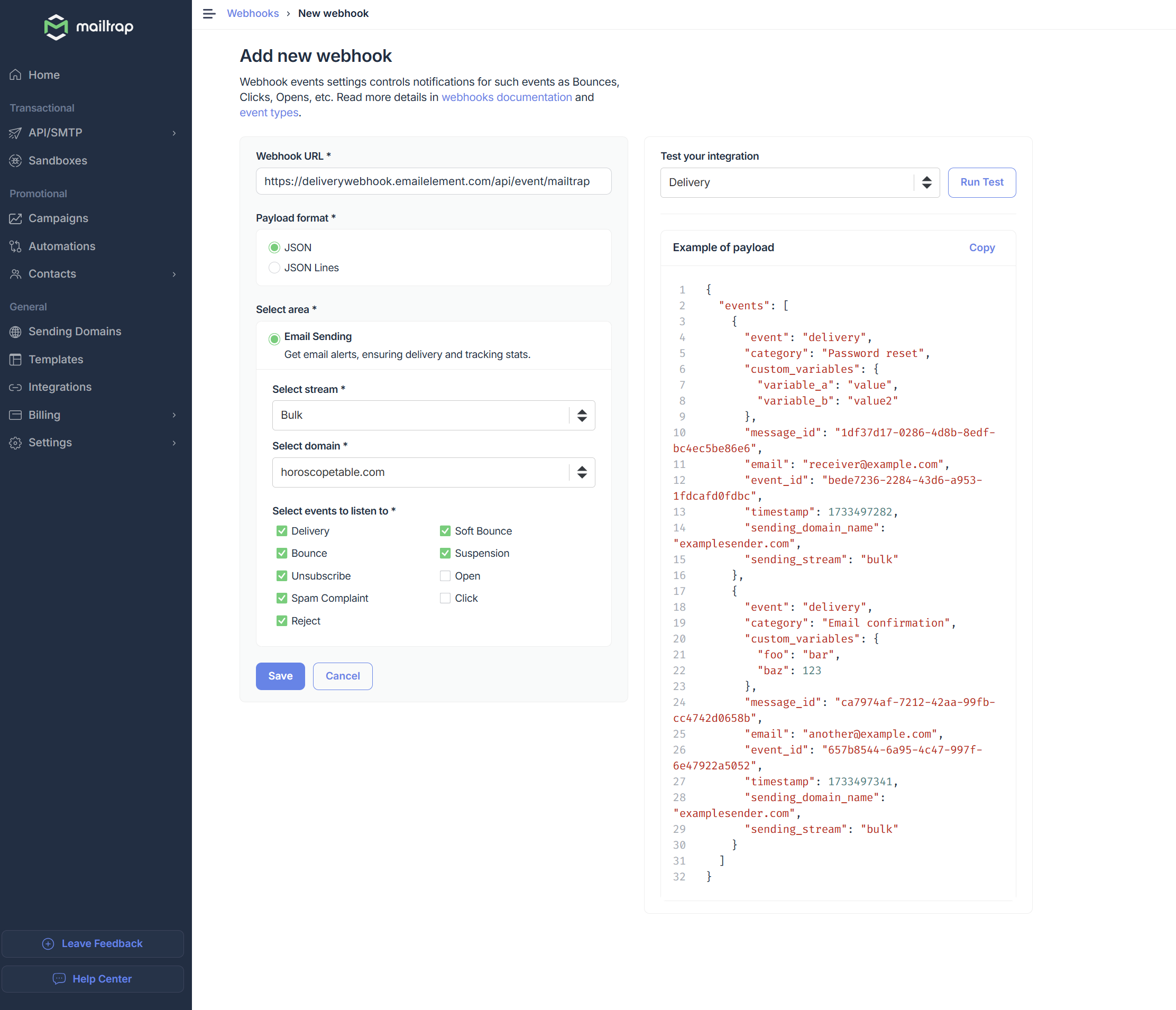
[Use this for easier copy/paste]
Webhook URL: https://deliverywebhook.emailelement.com/api/event/mailtrap
Get API Token
- From the same pane you found the Webhook settings, click on “API Tokens”
- Click “Add Token”
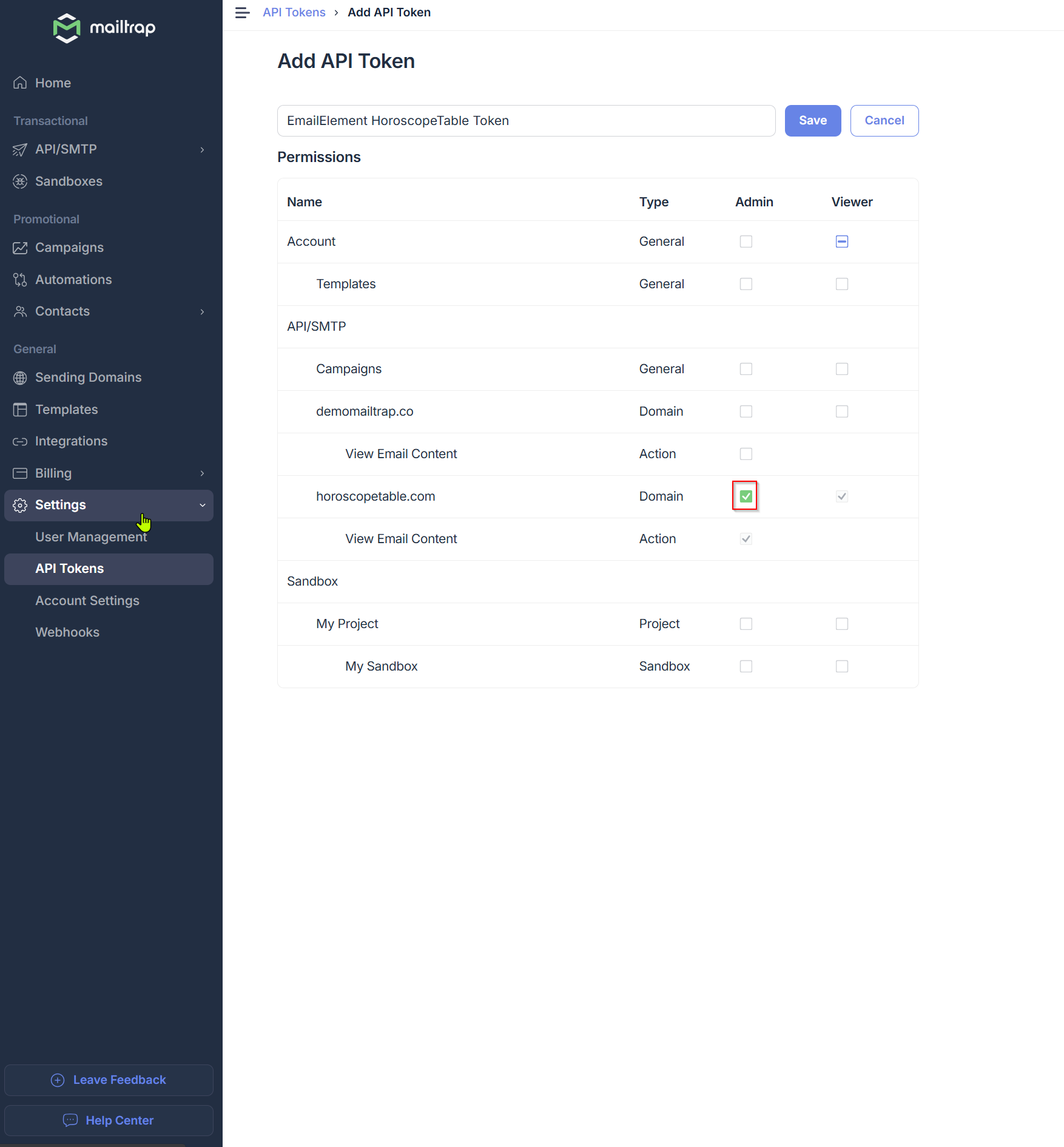
- Edit the Api Token with the settings seen here: Under Permissions > API/SMTP, select Admin for the domain that is integrated within EmailElement
- Click Save
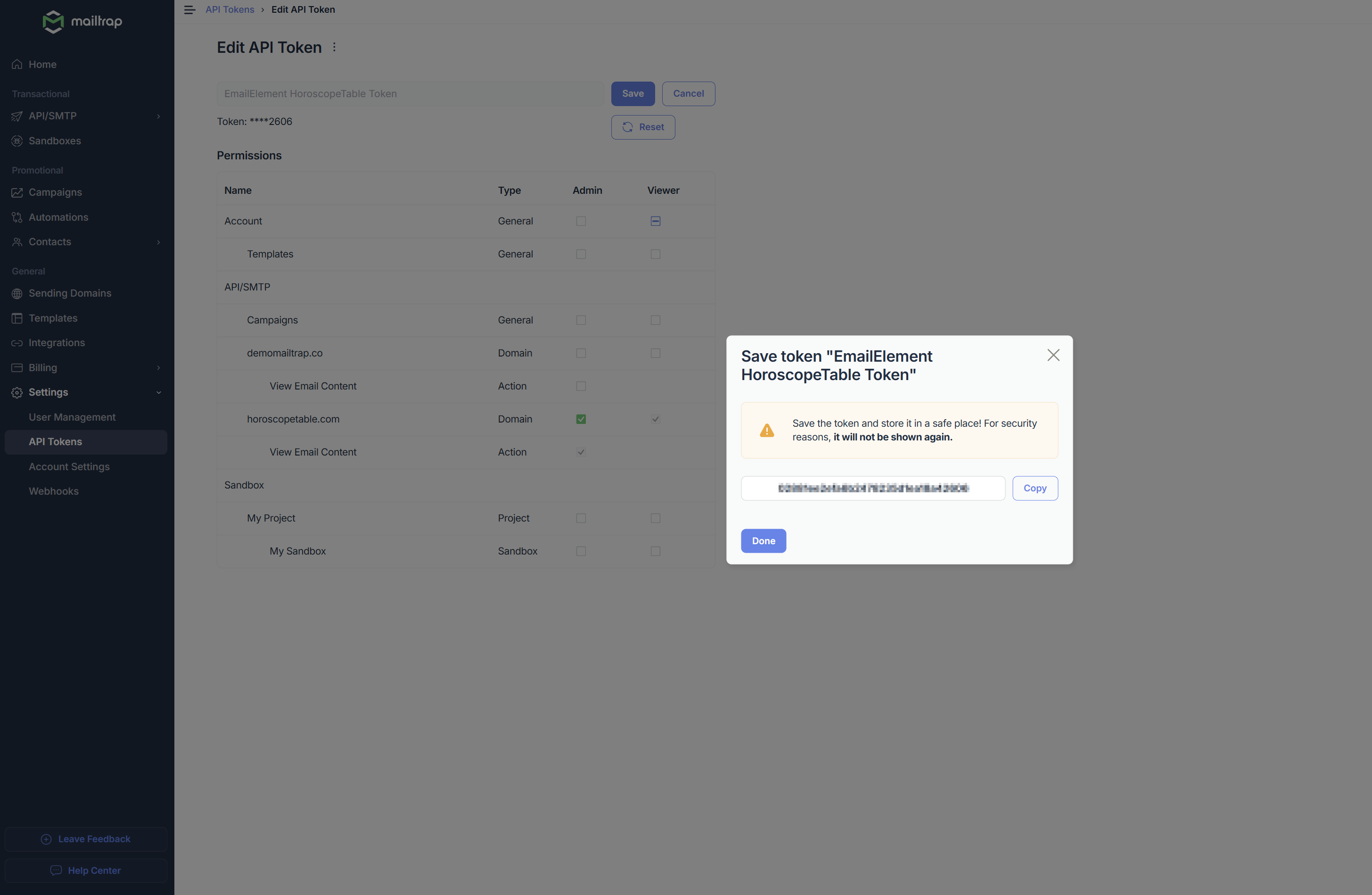
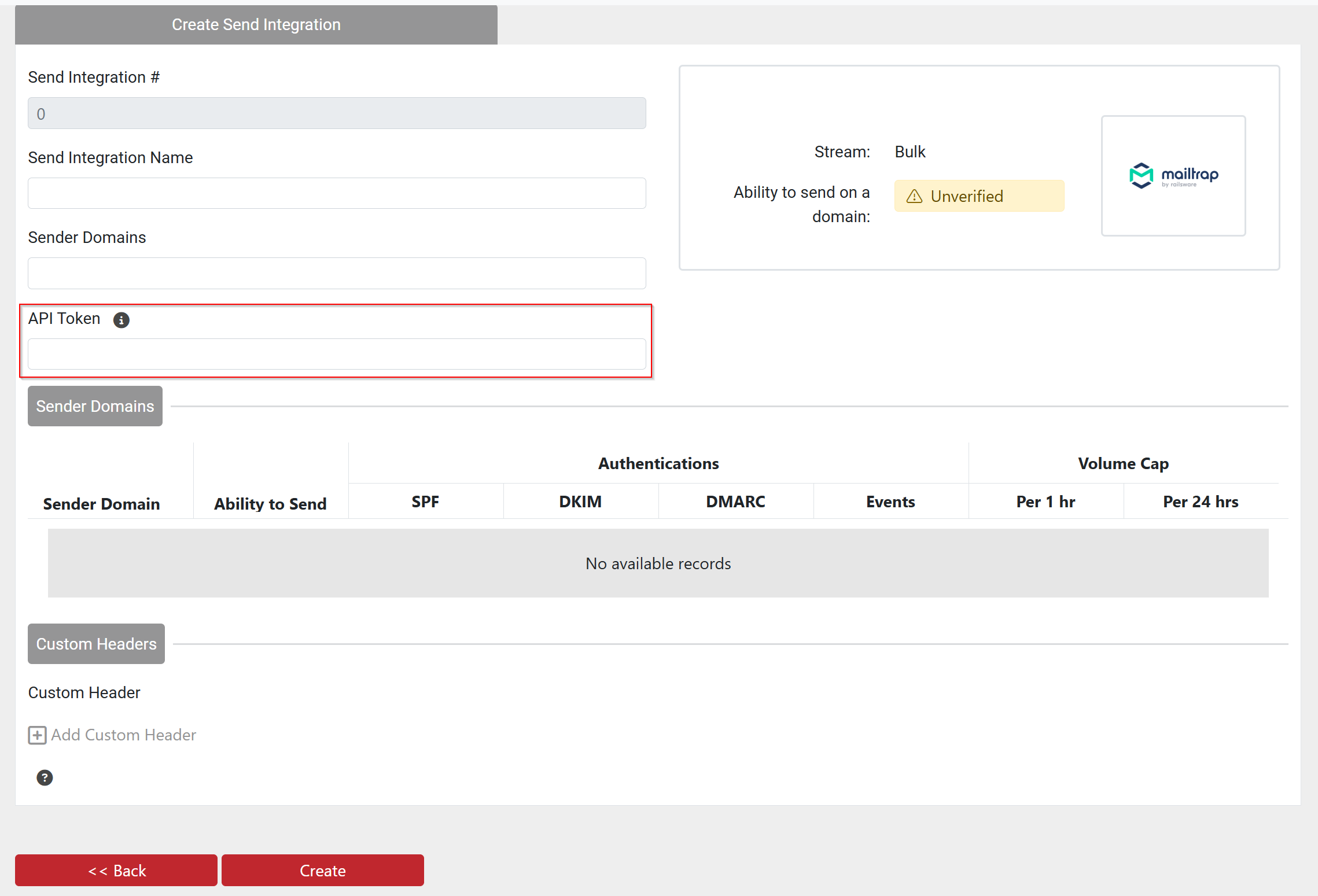
- Back in EmailElement, when setting up your integration, enter this item into its appropriate field