
Segment Filter Types Reference
Where the filters are
Filters are chosen while building a segment. Open a segment and use Add Filter, then pick the type from the list.
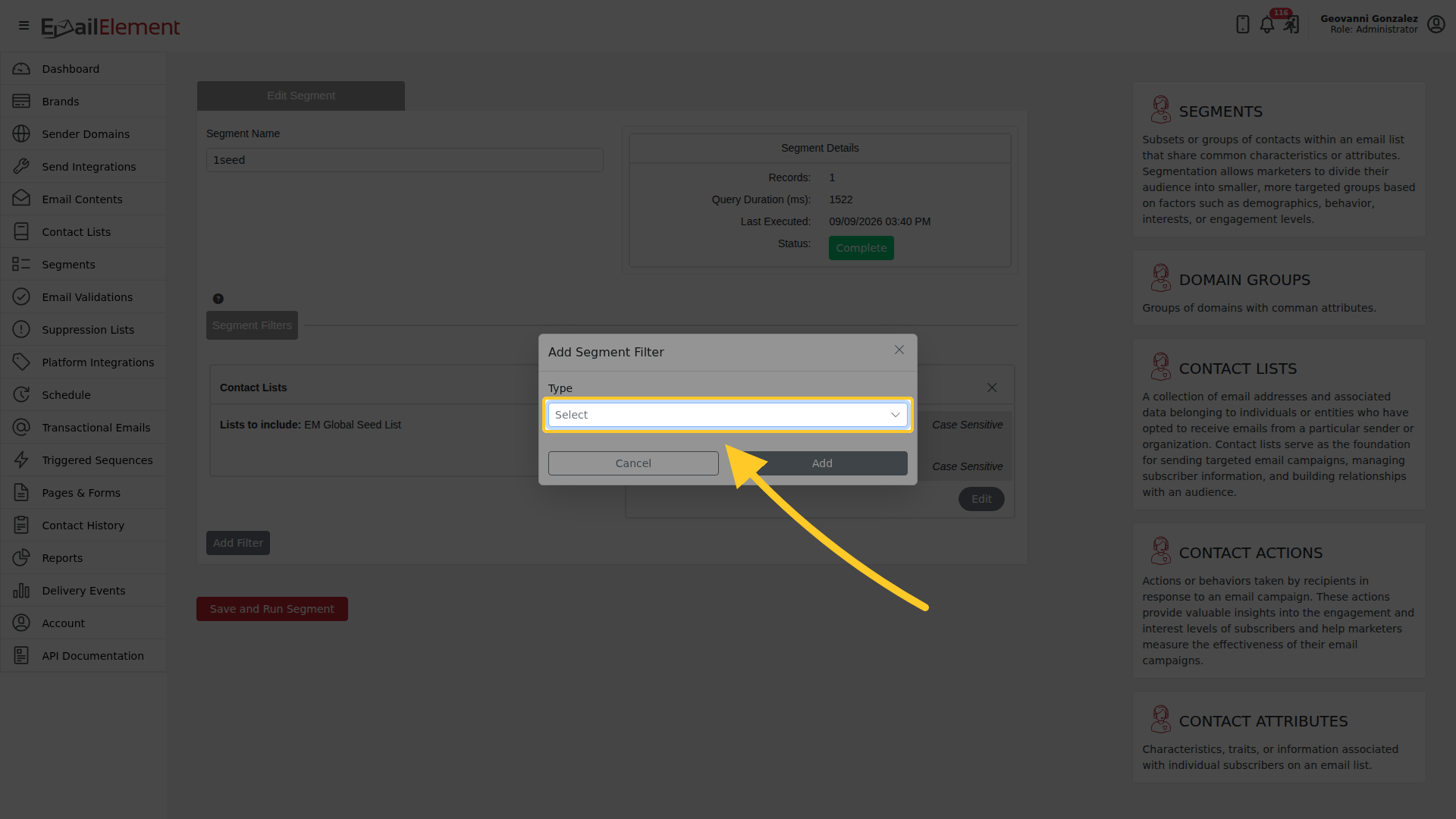
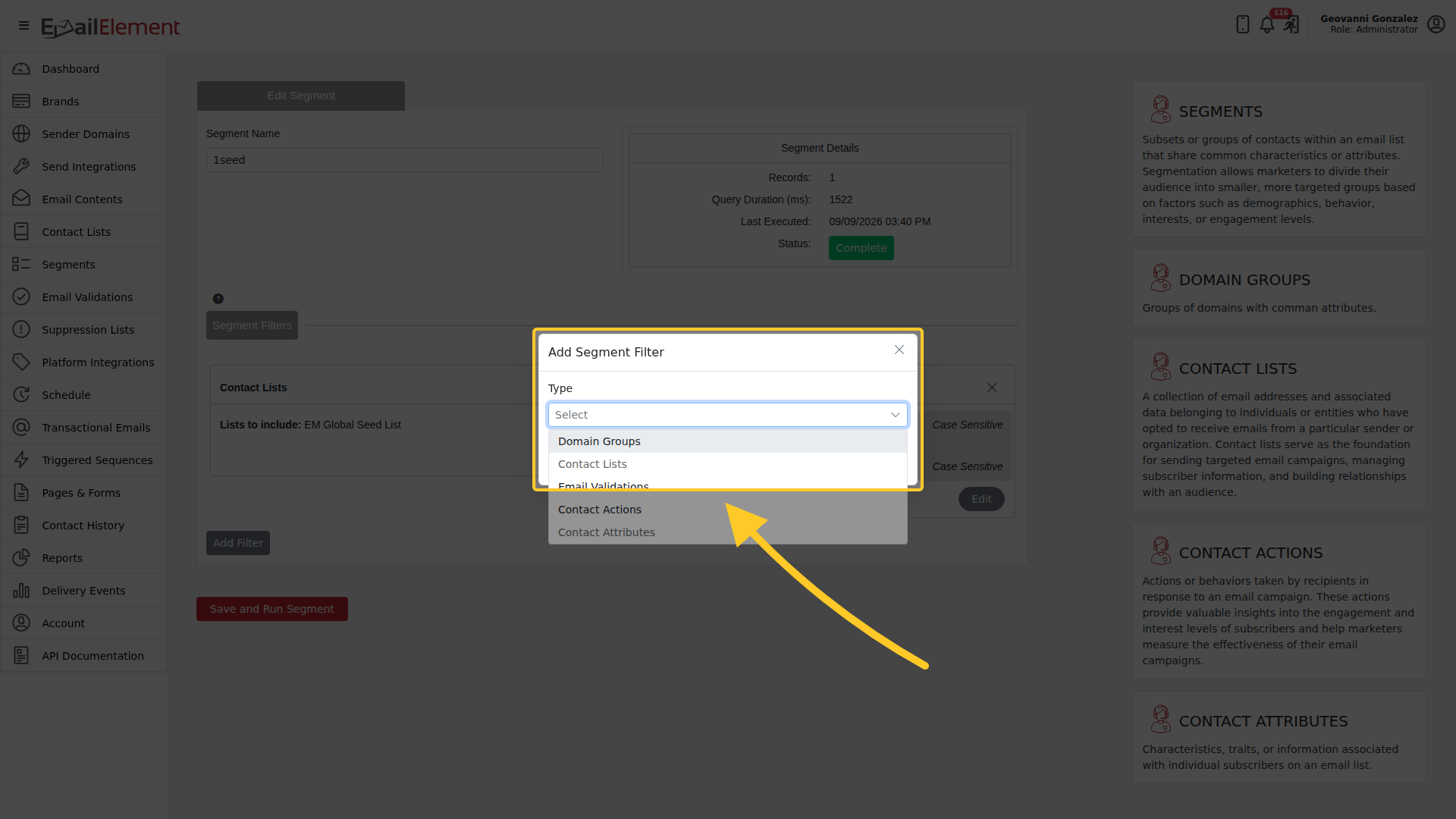
The list offers Domain Groups, Contact Lists, Email Validations, Contact Actions and Contact Attributes.
The trigger Filter action and the If/Else action use the same list, so a filter written for a segment reads the same way inside a sequence.
Filters are chosen while building a segment. Segments > Create Segment, then add a rule and pick the filter type from the list. There is no separate filters screen: the types below are the choices offered there.
The trigger Filter action and the If/Else action use the same list, so a filter written for a segment reads the same way inside a sequence.
Filter Types
| Type | Description | Available Operators |
|---|---|---|
| Domain Groups | Filter by recipient email domain | Select domain group (AOL, Google, Microsoft, Yahoo, etc.), specific TLDs, string match |
| Contact Lists | Filter by list membership | Include/exclude lists, date range (All Time, Last 7 Days, Last 30 Days, Last 90 Days, Custom) |
| Contact Attributes | Filter by contact metadata | Is Empty, Is Not Empty, Contains, Does Not Contain, Equals, Does Not Equal, Greater Than, Less Than, Starts With, Ends With |
| Contact Actions | Filter by engagement | Clicked, Opened, Converted, Received + count operators (at least, at most, exactly) + date range |
| Email Validations | Filter by validation status | Provider (EmailOversight), In/Not In validation status (Verified, Undeliverable, Unknown, Accept All, Disposable, Spam Trap) |
Contact Attributes Operators
| Operator | Description | Requires Value |
|---|---|---|
| Is Empty | Field has no value | No |
| Is Not Empty | Field has a value | No |
| Contains | Field contains text | Yes |
| Does Not Contain | Field does not contain text | Yes |
| Equals | Exact match | Yes |
| Does Not Equal | Not an exact match | Yes |
| Greater Than | Numeric/date comparison | Yes |
| Less Than | Numeric/date comparison | Yes |
| Starts With | Field begins with text | Yes |
| Ends With | Field ends with text | Yes |
Contact Actions Count Operators
| Operator | Description | Example |
|---|---|---|
| At Least | Minimum number of times | "Opened at least 3 times" |
| At Most | Maximum number of times | "Clicked at most 1 time" |
| Exactly | Exact number of times | "Received exactly 5 times" |
Combining Conditions
- AND — contact must match ALL conditions (intersection)
- OR — contact must match ANY condition (union)
- Multiple conditions are available within the Contact Attributes filter type
- Multiple filter types stack as AND conditions (e.g., Domain Groups AND Contact Actions)
Domain Groups
| Group | Example Domains |
|---|---|
| AOL | aol.com, aim.com, netscape.net |
| gmail.com, googlemail.com | |
| Microsoft | outlook.com, hotmail.com, live.com, msn.com |
| Yahoo | yahoo.com, ymail.com, rocketmail.com |