
Transactional Relay Walkthrough
A Transactional Relay holds the settings the Transactional Email API sends with: which Send Integration carries the email, which Suppression Lists apply, and whether a Jump Page is used. You pass its number to the API as transactionRelayId.
Before you start
- At least one active Send Integration. A relay cannot be saved without one.
Step 1: Open Transactional Emails
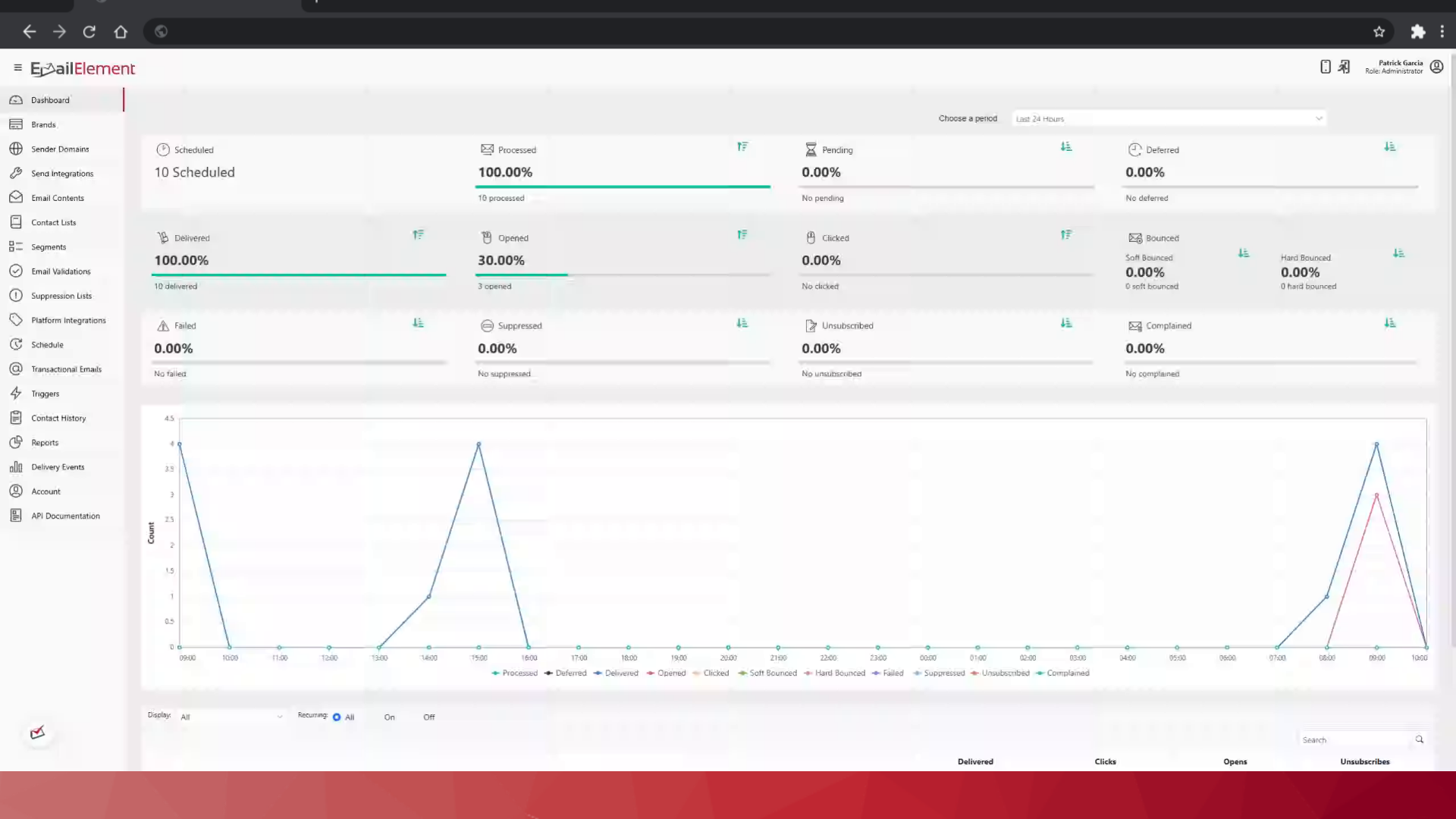
Transactional Emails in the left menu.
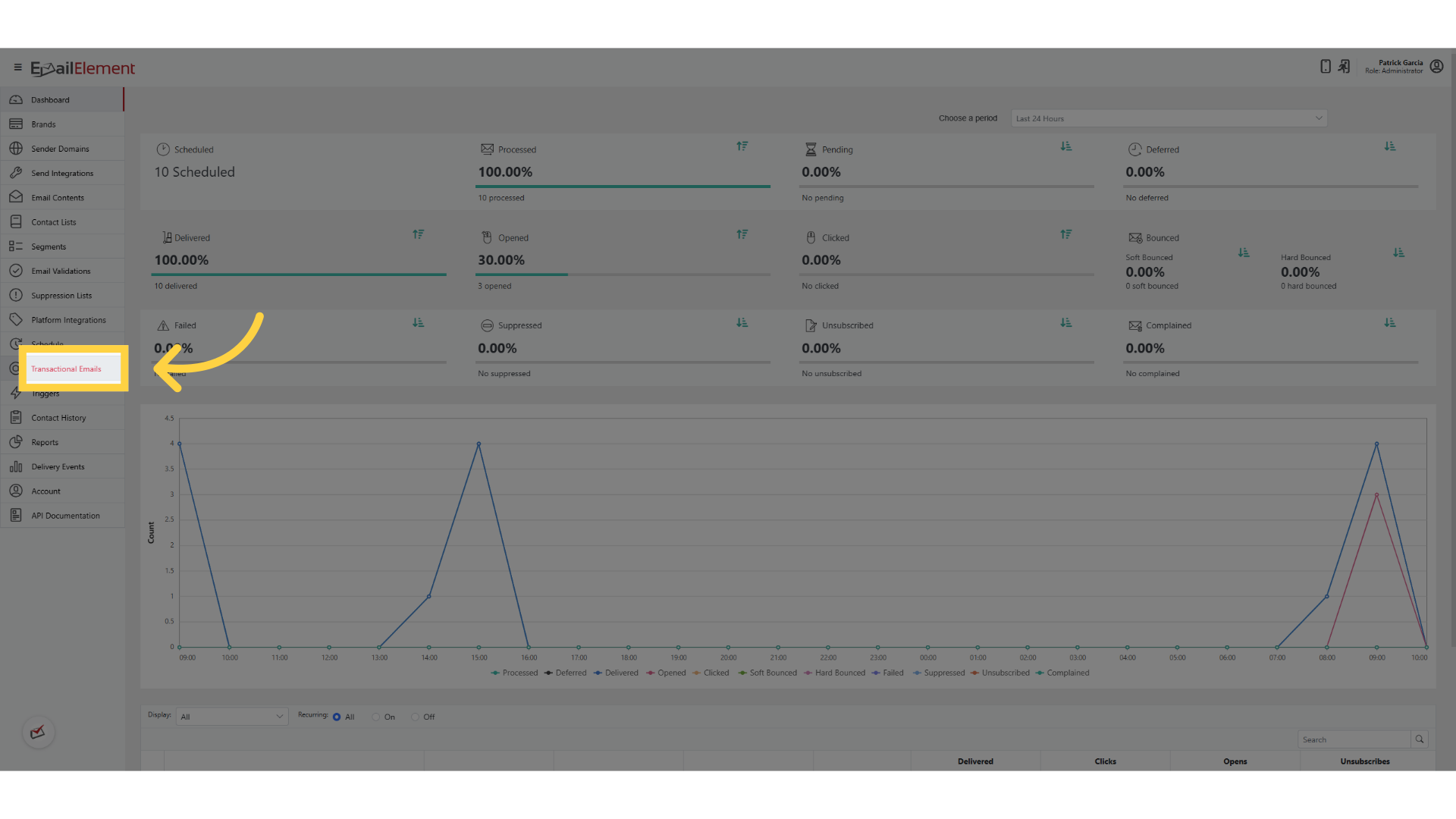
The grid lists the relays you already have. # and Name both open one. Active is a switch, Jump Page shows On or Off, and Created On is in your account time zone — hover the clock in that header to see which one. The toolbar has search, CSV export and print, plus Show Active, Show Inactive and Show All.
Step 2: Create a relay
Create Transactional Relay, at the top right.
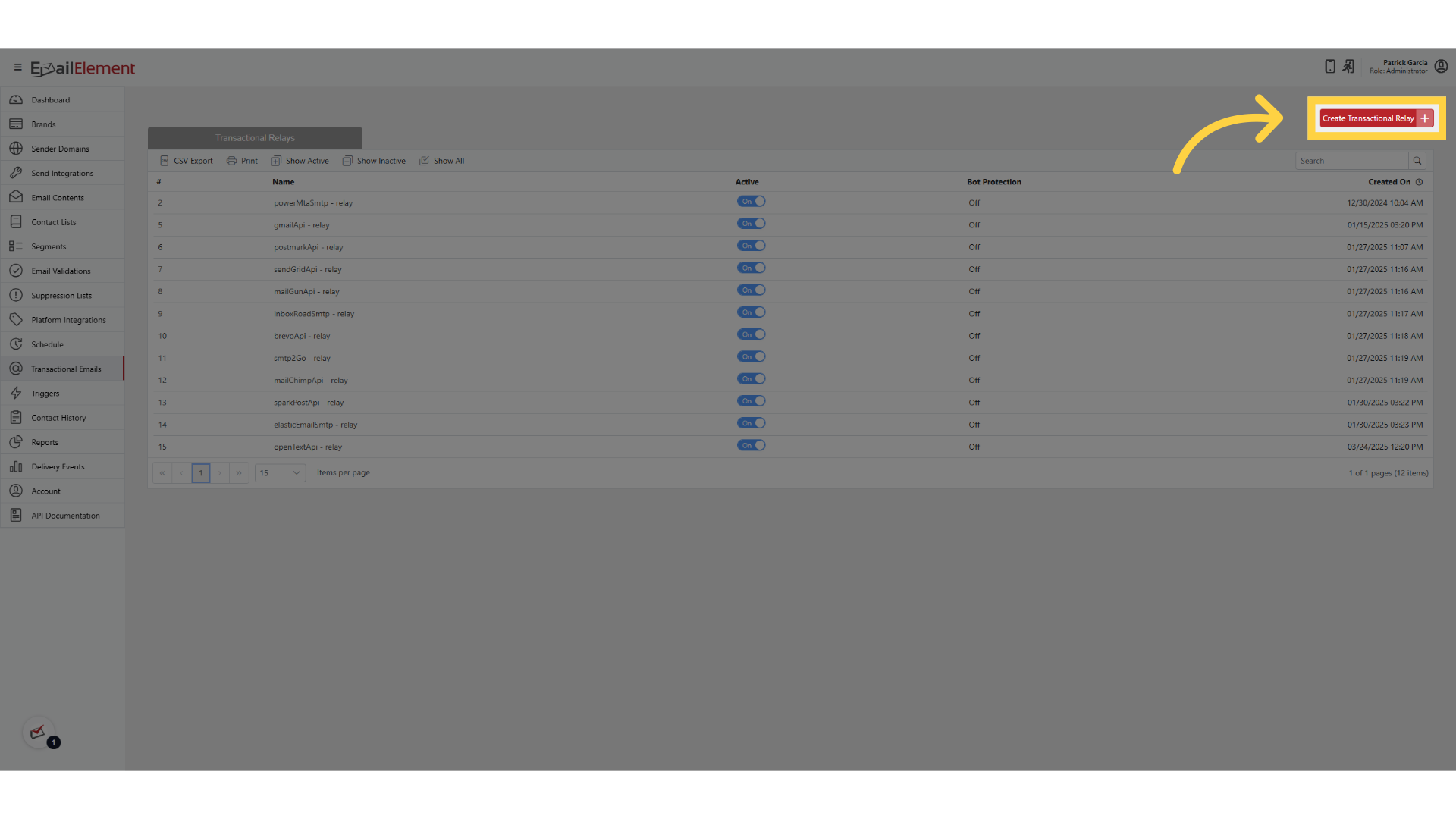
Step 3: Fill in the form
Enter a Name, for example "Password Reset Relay". It is required and can be up to 200 characters.
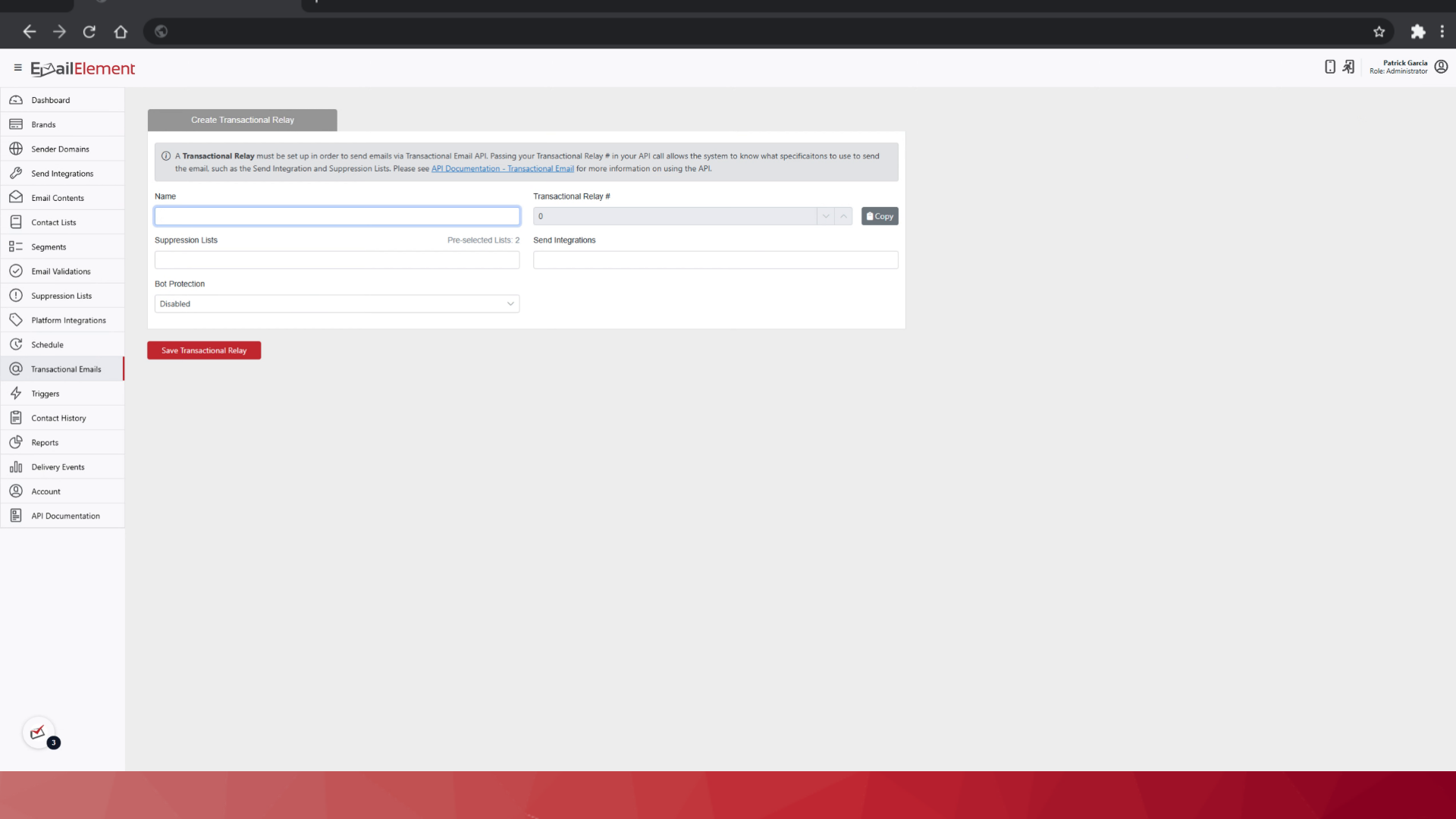
Select a Send Integration. This decides which provider actually sends the email, and at least one must be chosen. If one you pick has been deactivated, a warning appears on the form.
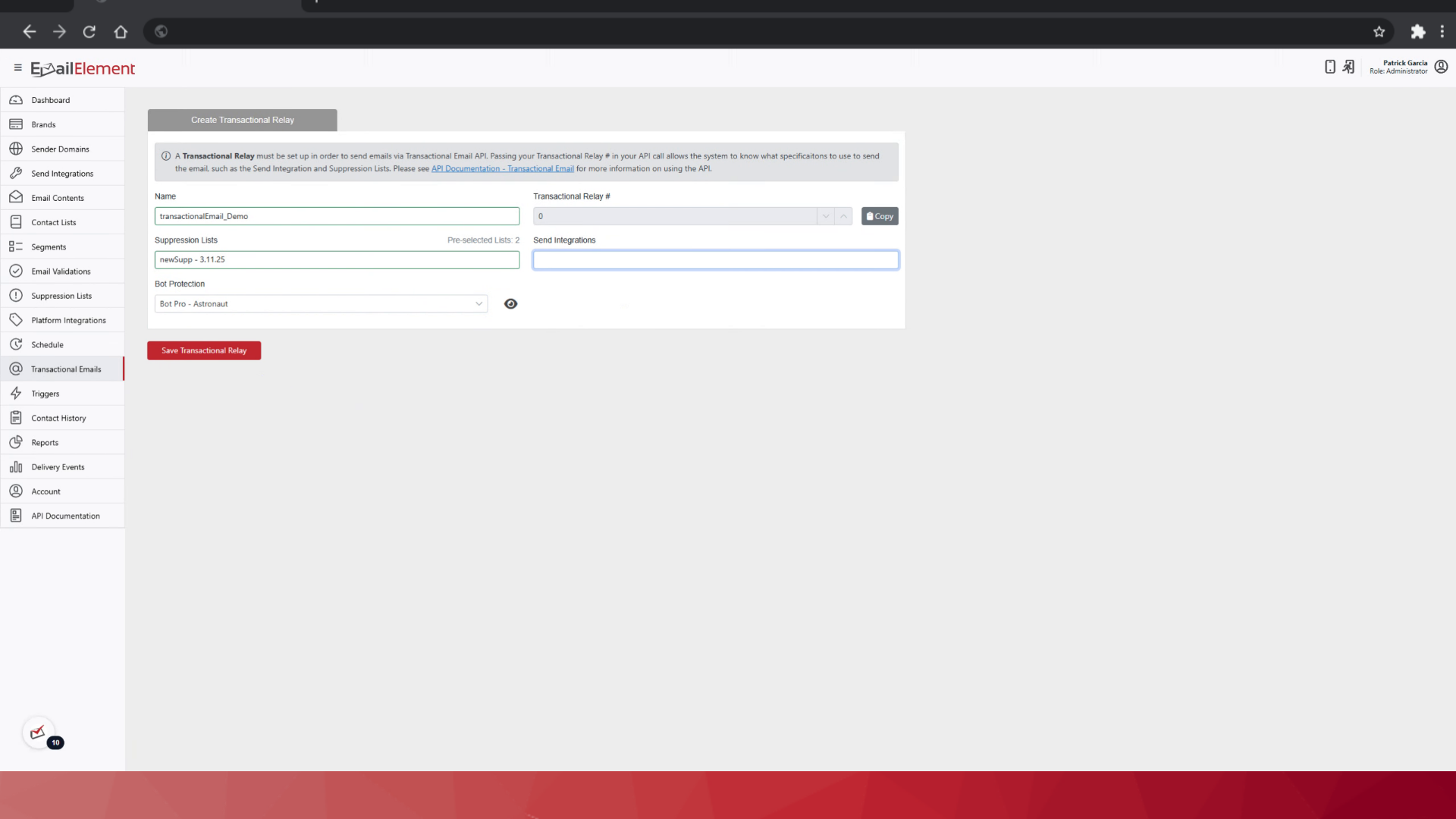
Suppression Lists are optional. Email to an address on one of them is blocked. The picker is searchable and grouped, and shows each list's source and format; the count above it is how many are already selected.
Jump Page is optional.
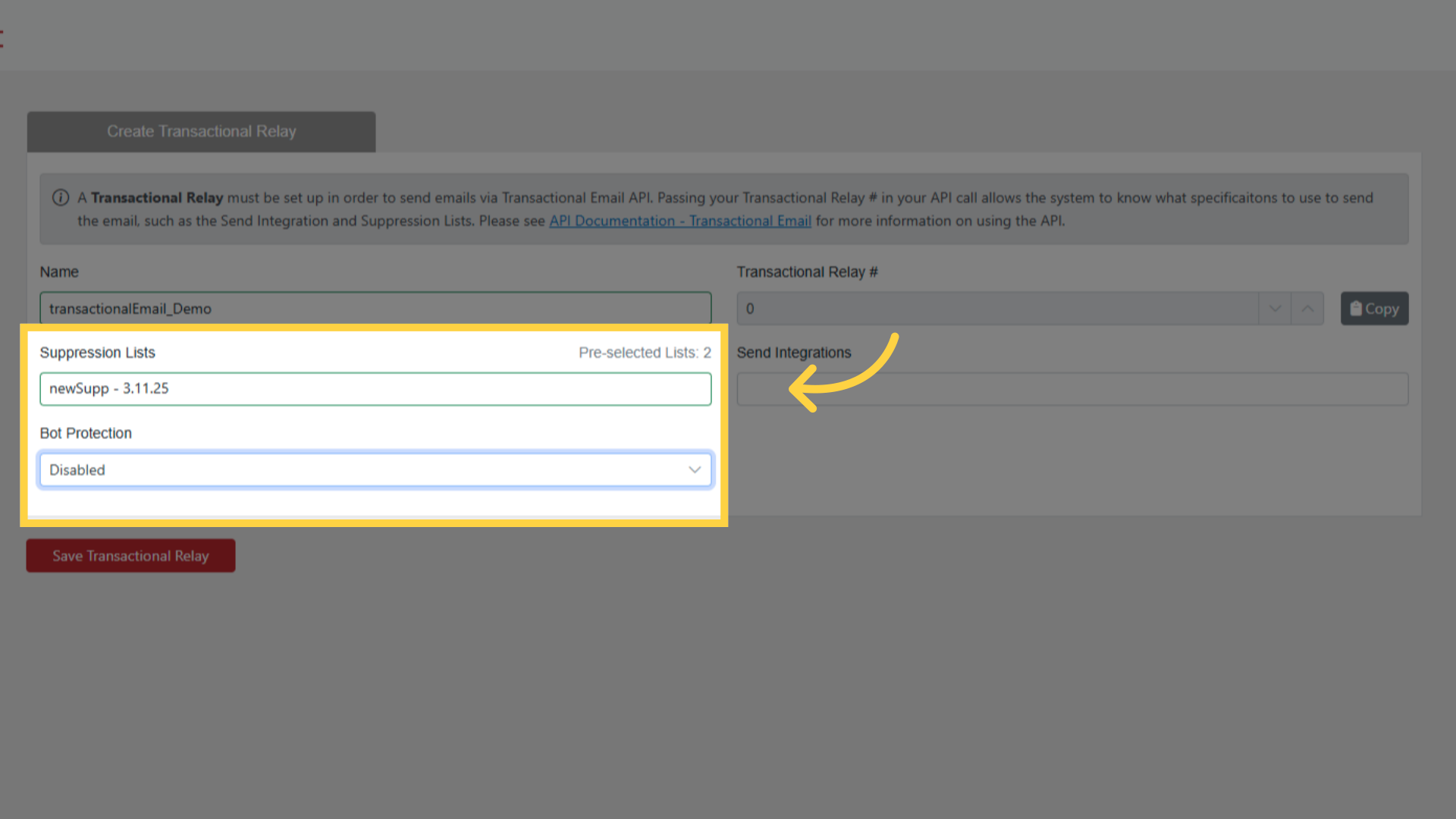
Step 4: Save
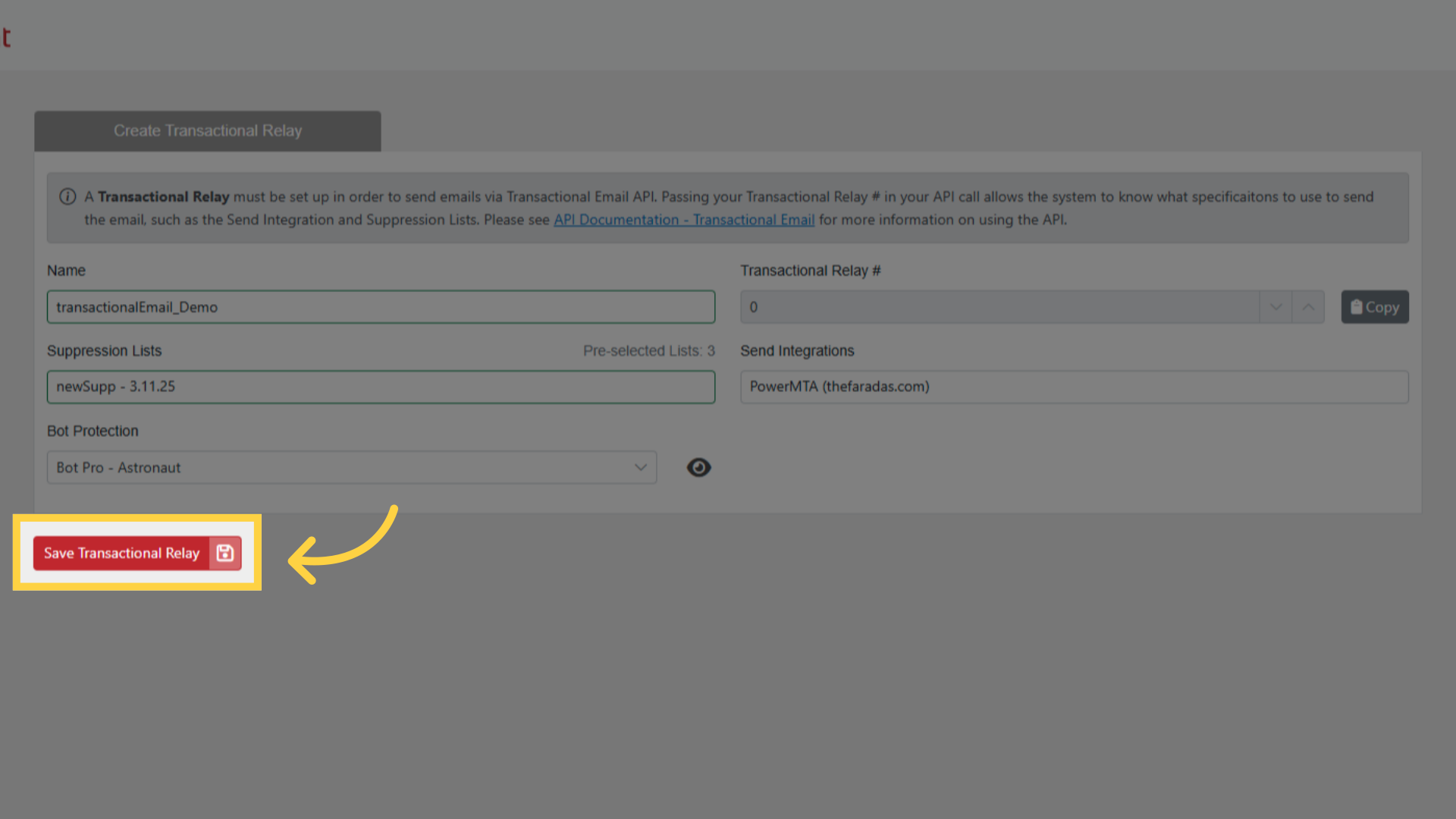
Step 5: Copy the relay number
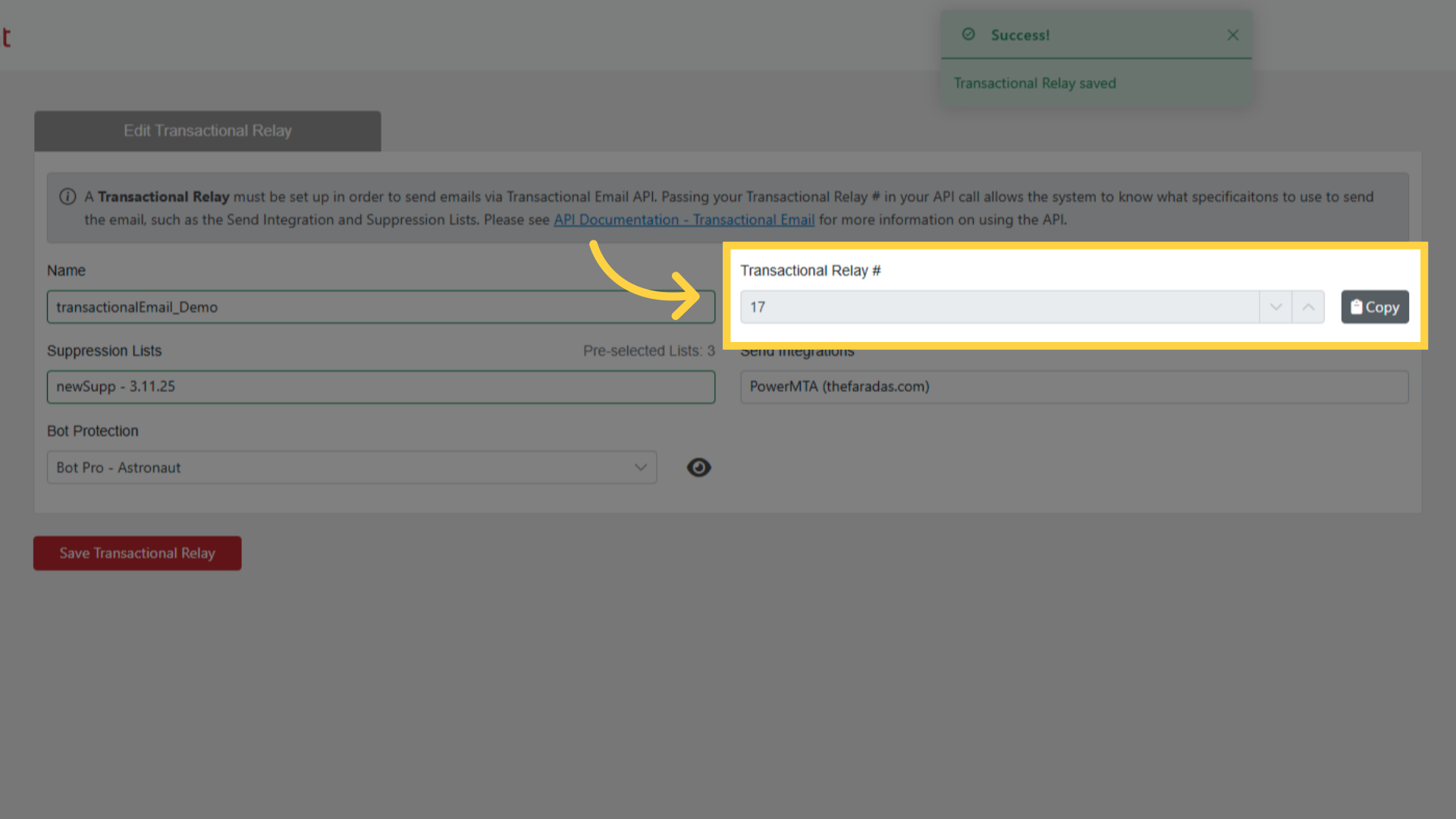
Transactional Relay # is filled in by EmailElement on save and cannot be edited. Use the copy button beside it — this is the number every API call needs.
Managing relays
- Open a relay from the list to change its name, Send Integration, Suppression Lists or Jump Page.
- To stop a relay being used, turn Active off. You are asked to confirm first, and the API rejects an inactive relay with a
400saying "Transactional Relay is not active." - There is no delete. Switching a relay off keeps the row, so you can still see what it was and what used it.
- Relays work on their own. Use a separate relay for each kind of transactional email, so you can turn one off without touching the others.
Related pages
- Transactional Emails — the page itself
- Transactional Email API — sending through the relay
- Transactional Email API Walkthrough — the API side, with screenshots