
Seed Import Walkthrough
What Are Seeds?
Seeds are special email addresses used to test inbox placement across email providers. Sending to seeds helps monitor and improve your sending domain's reputation.
- Live Seeds: Active addresses added to Contact Lists — included in campaign sends
- Dead Seeds: Retired addresses added to Suppression Lists — prevents sending to invalid seeds
Importing Live Seeds to Contact Lists
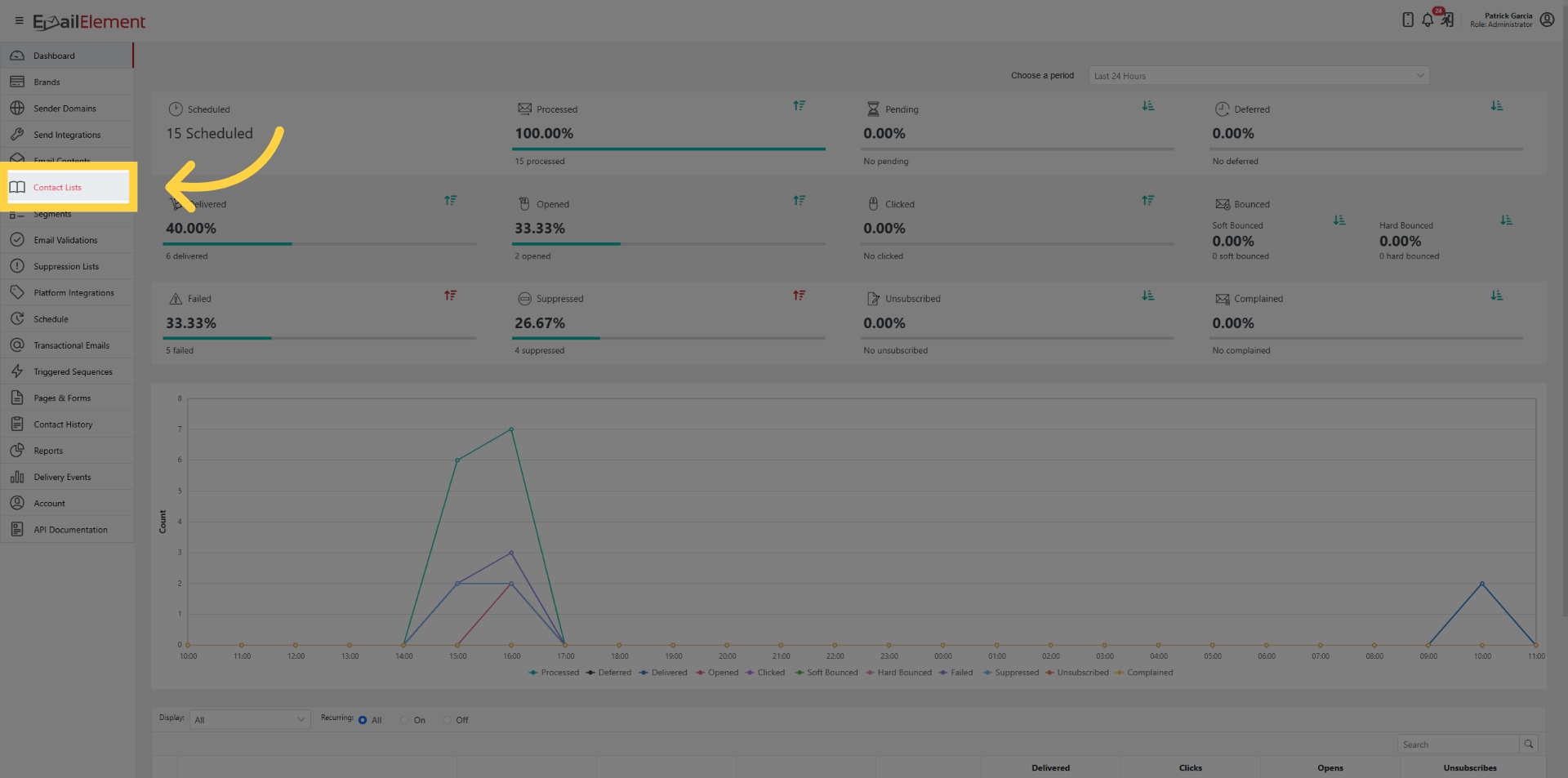
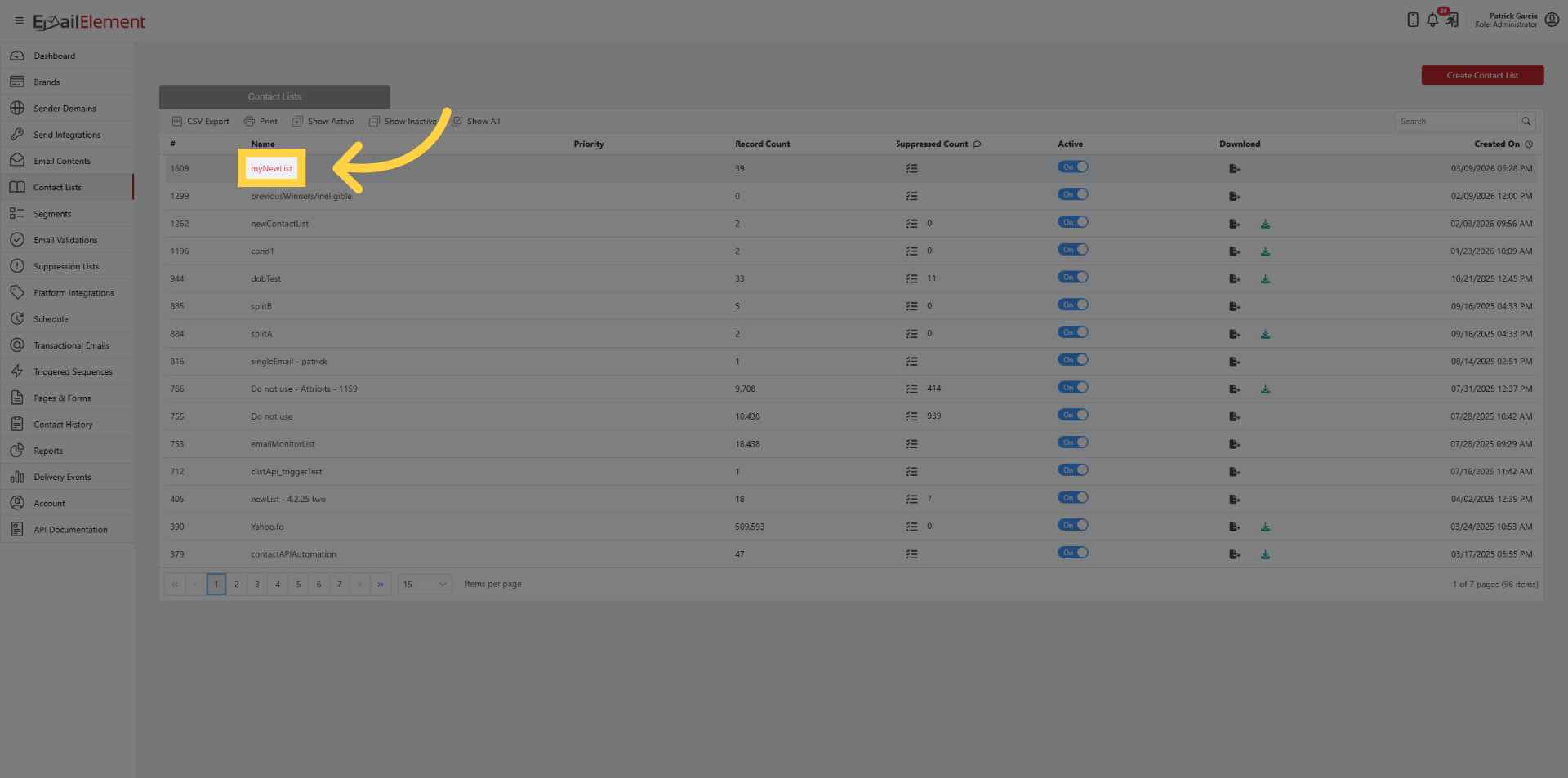
Click Contact Lists > open a Contact List
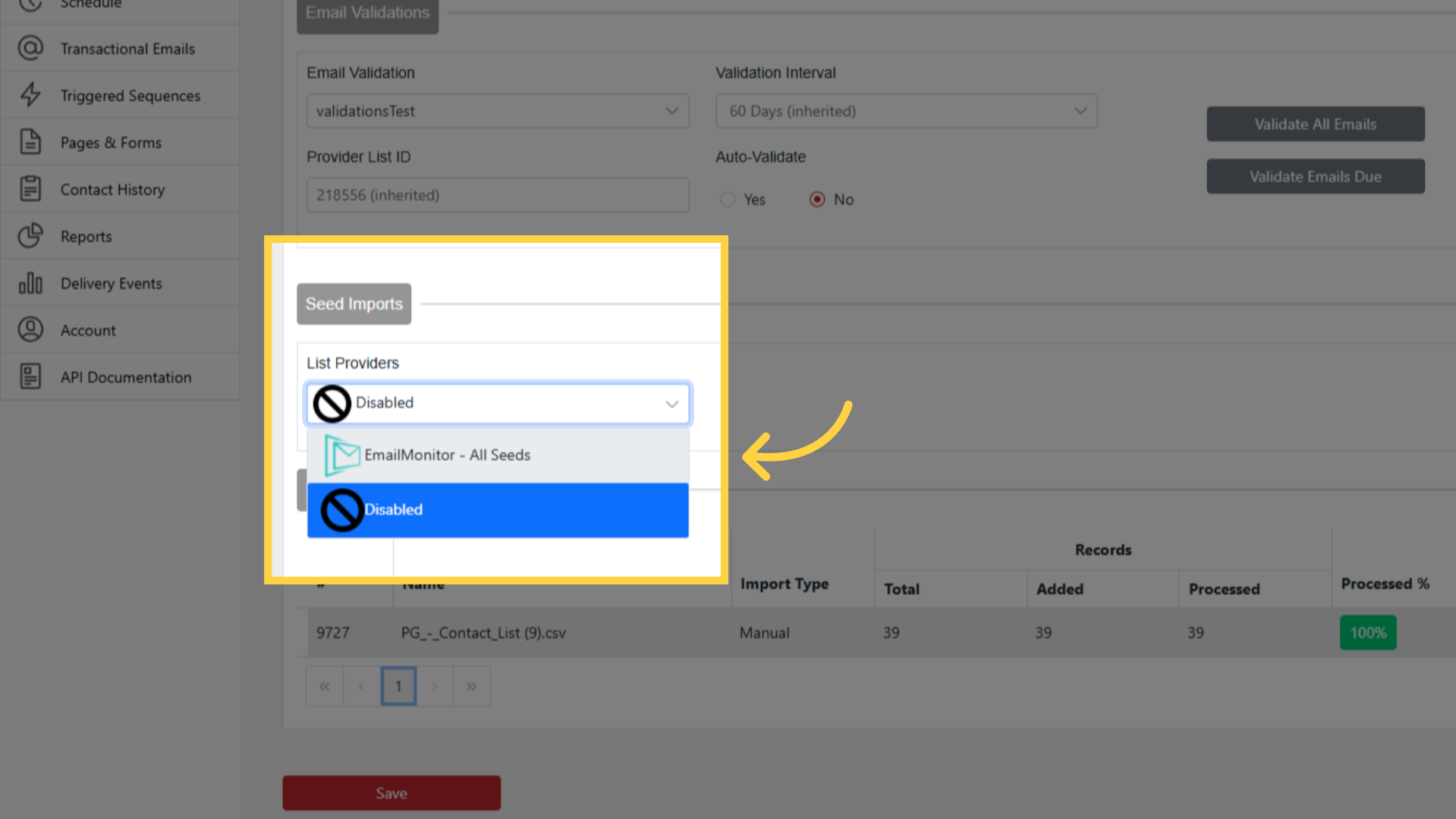
Under Seed Imports, select EmailMonitor - Active Seeds from List Providers dropdown
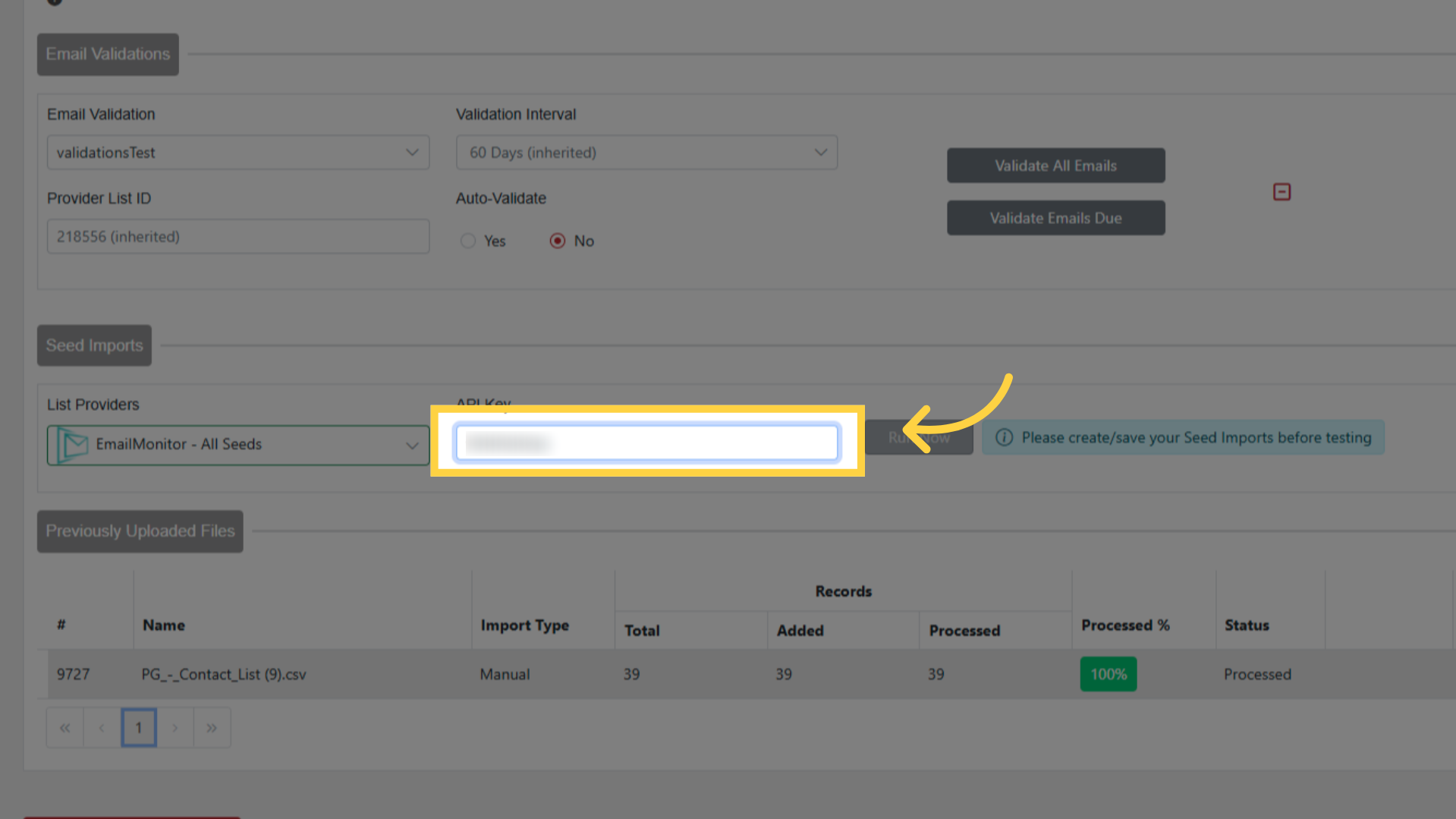
Paste your API Key from EmailMonitor
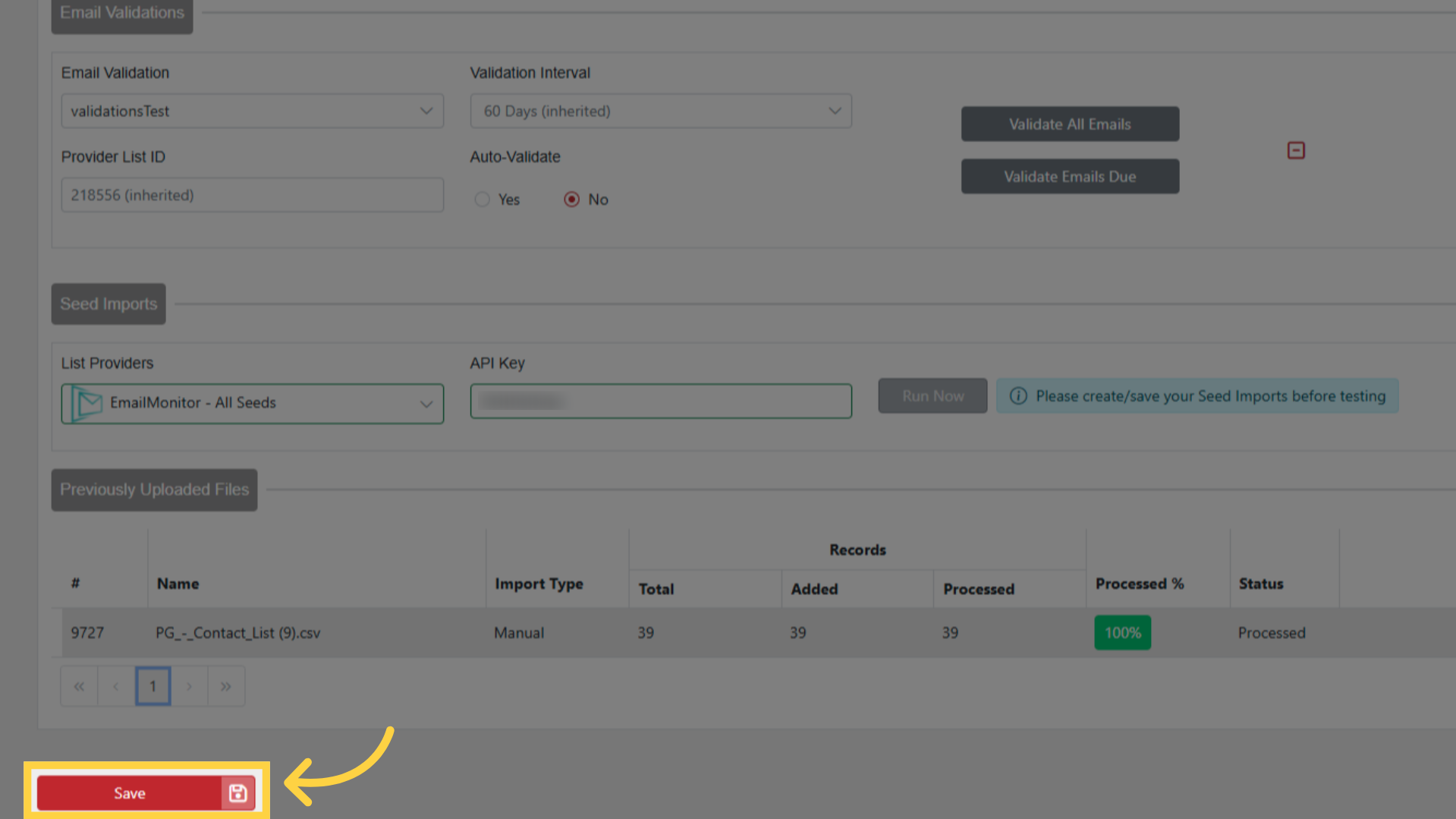
Save the Contact List (required before running)
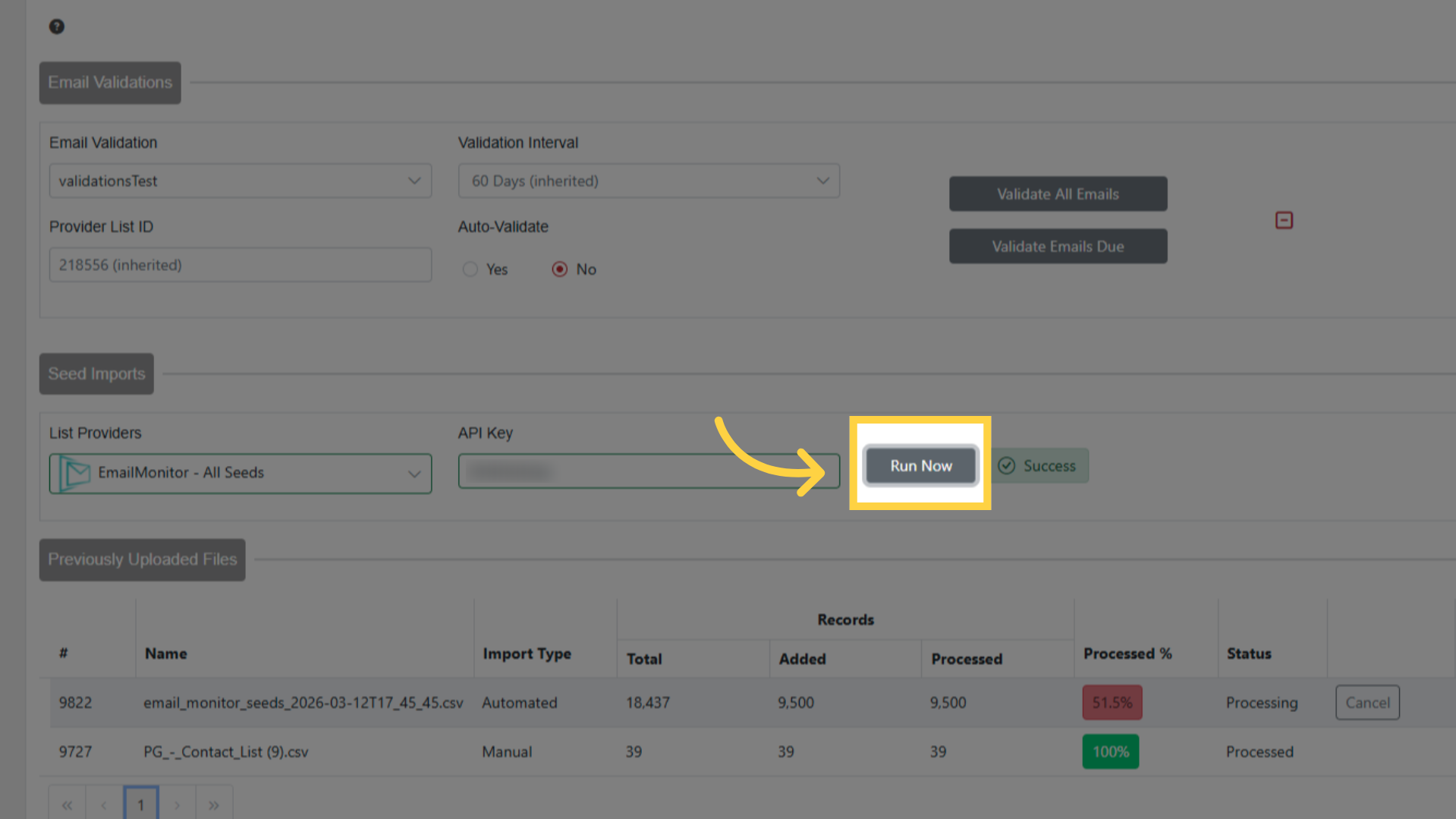
Click Run Now
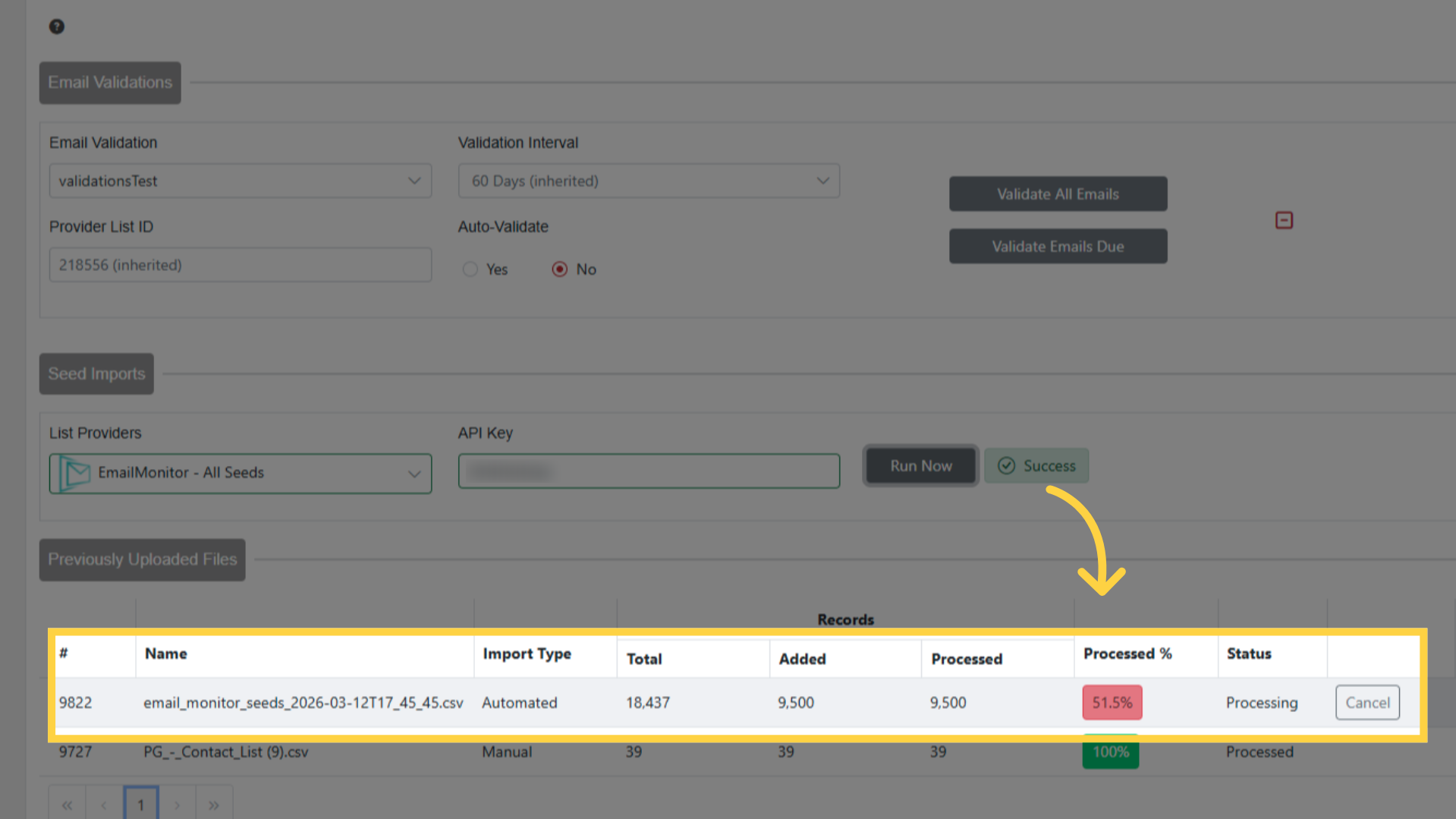
Progress shown in Previously Uploaded Files section
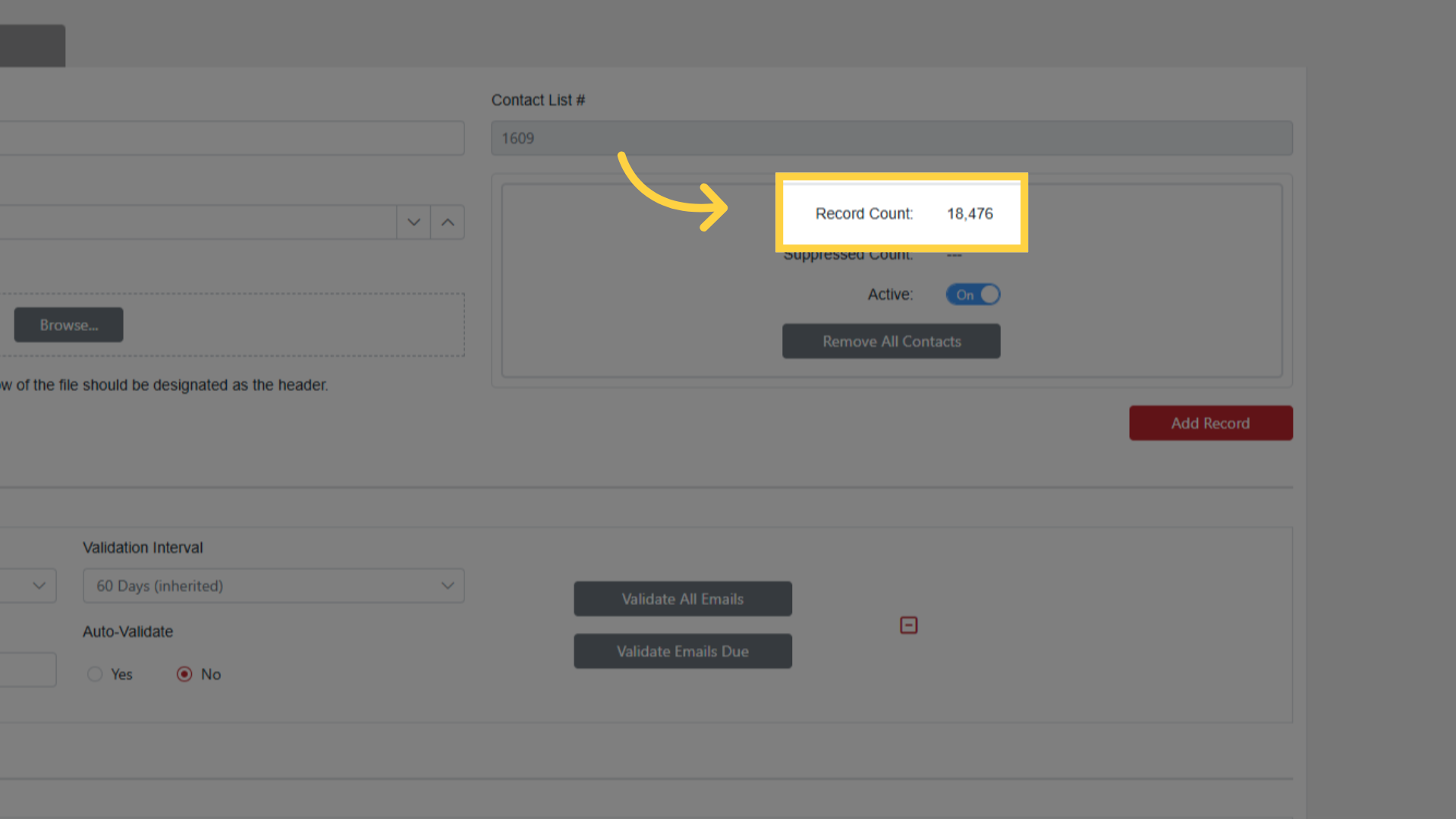
Record Count updates when import completes
Importing Dead Seeds to Suppression Lists
Click Suppression Lists > open a Suppression List
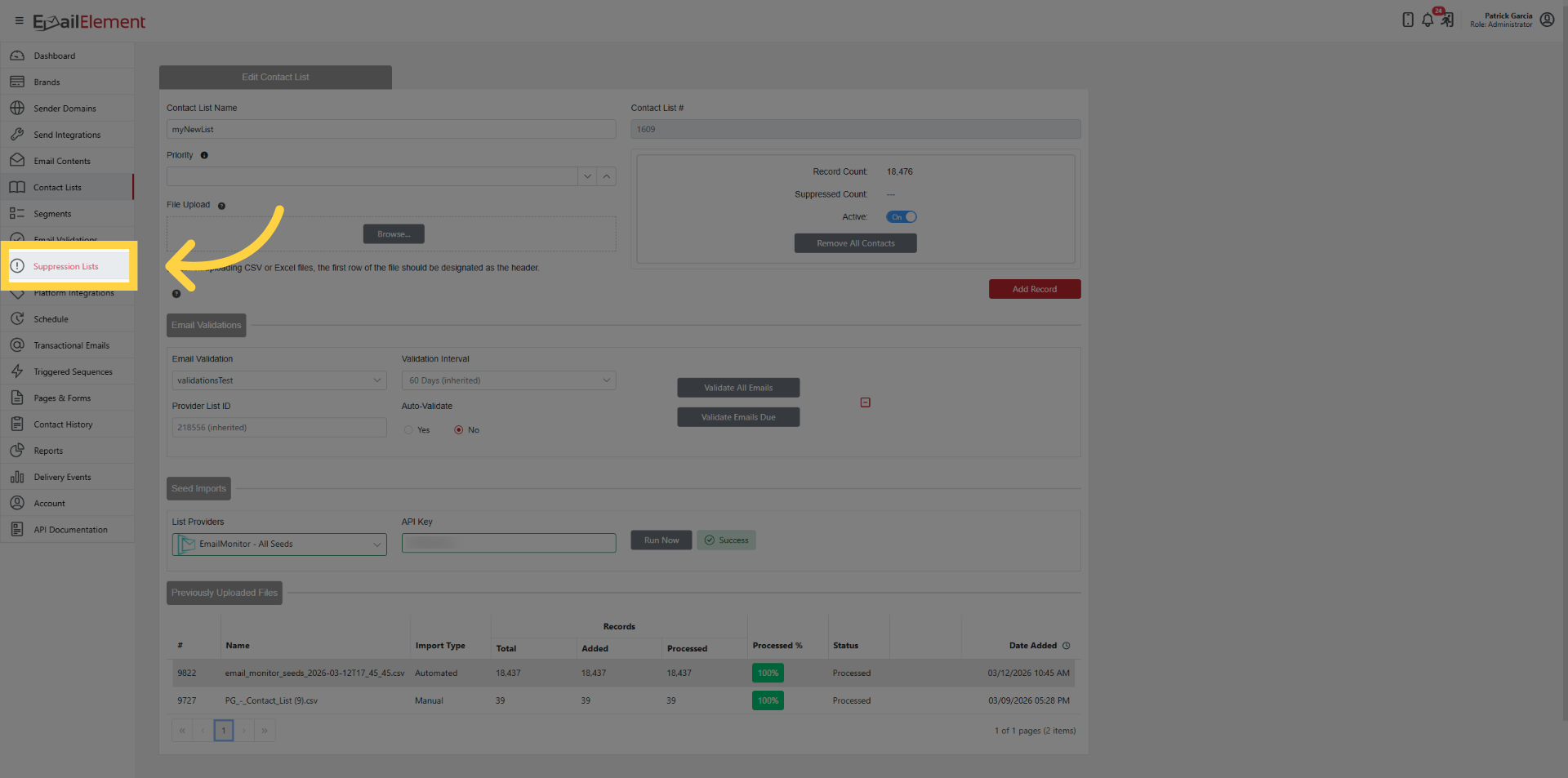
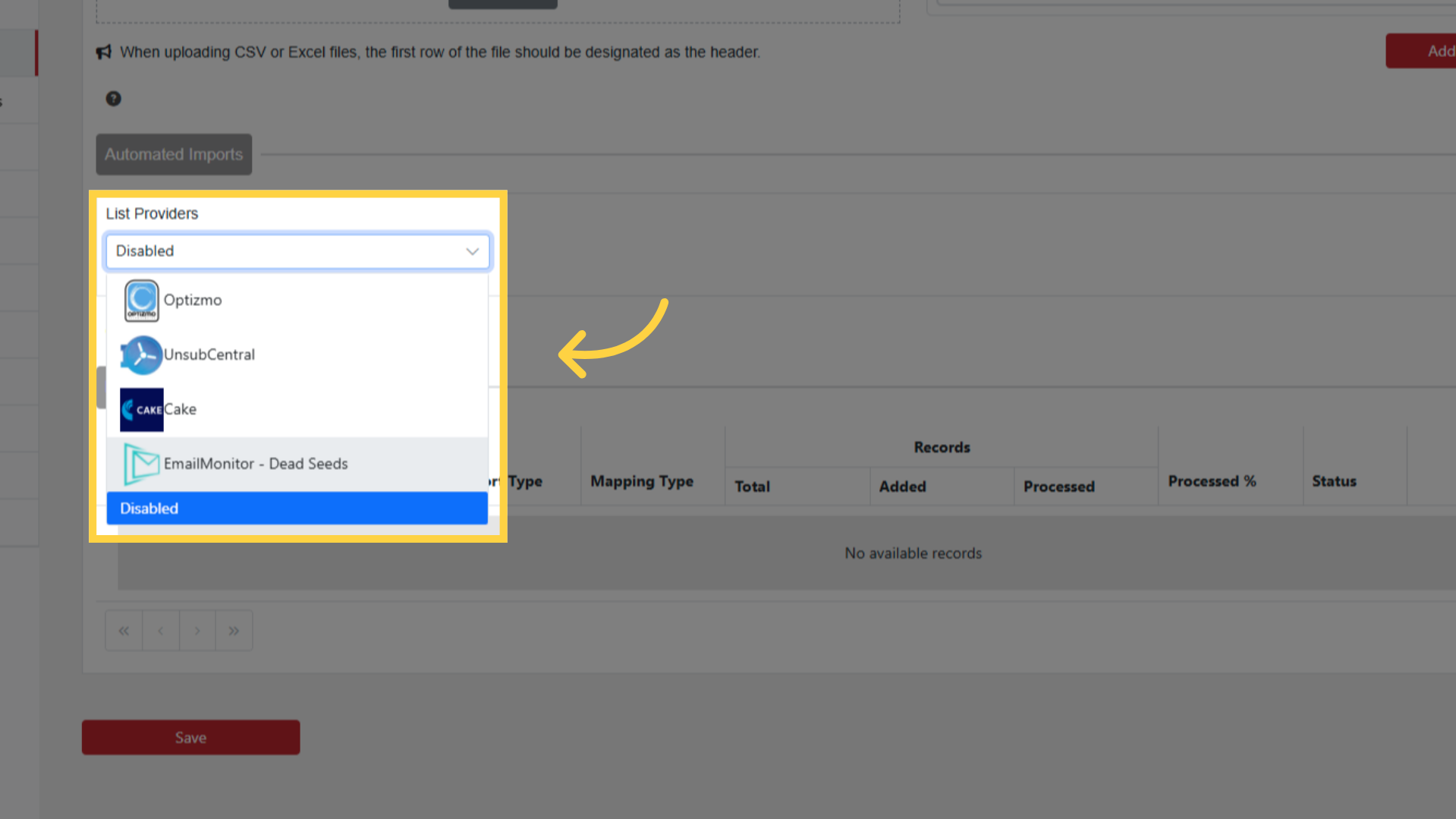
Under Automated Imports, select EmailMonitor - Dead Seeds
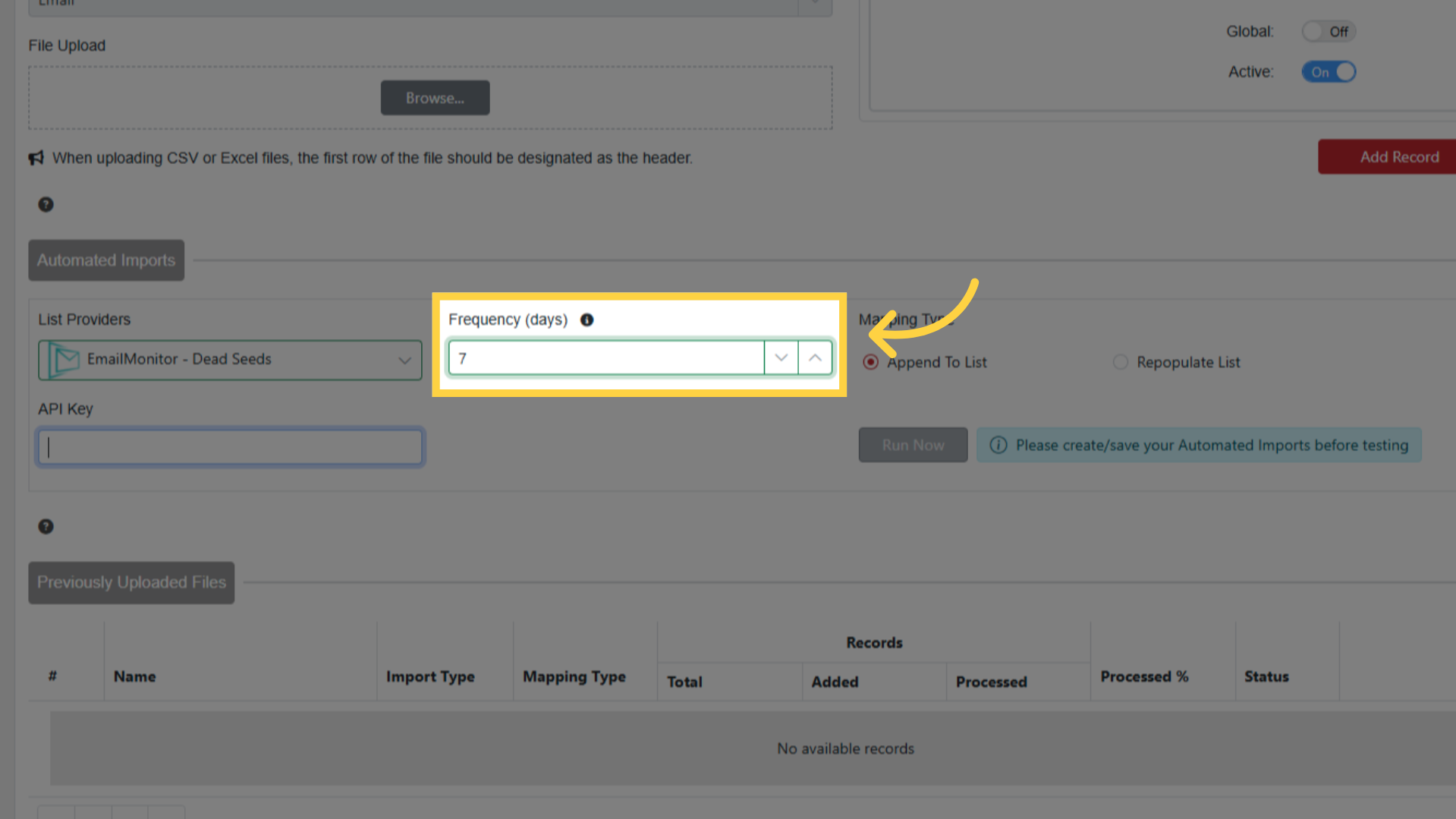
Set Frequency (1-14 days)
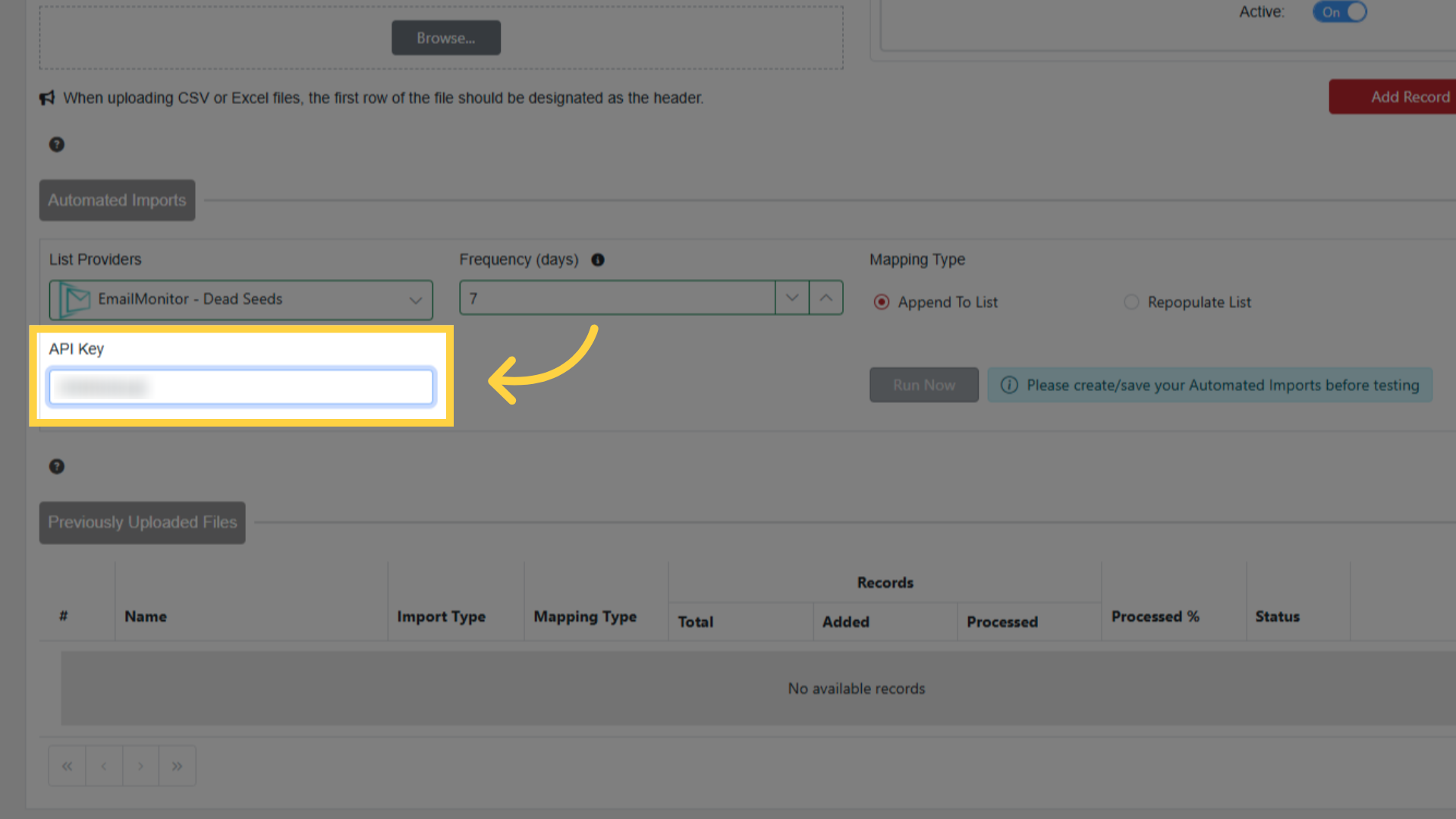
Paste your API Key
Choose Mapping Type:
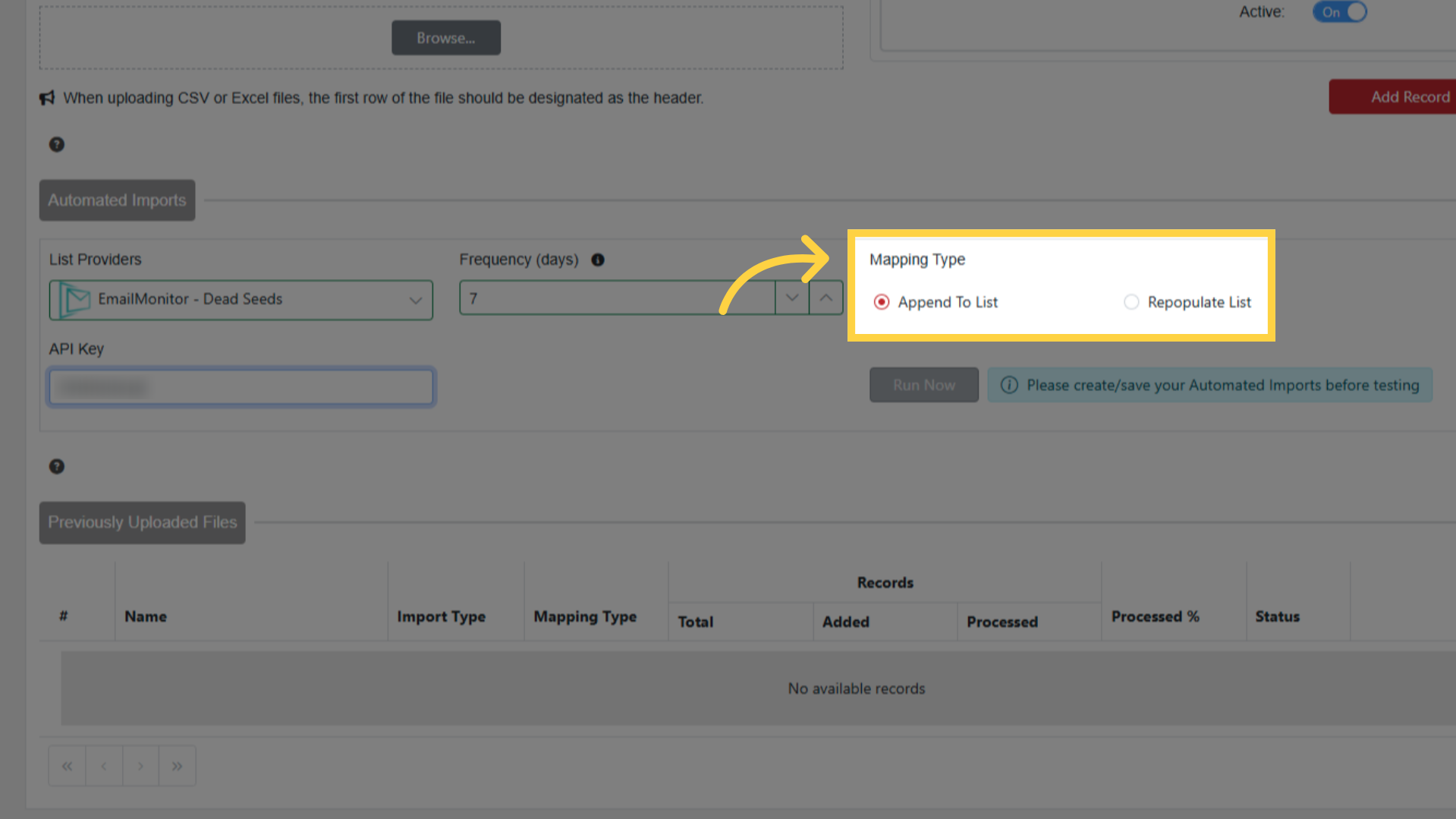
- Append To List: adds new imports to existing records
- Repopulate List: replaces all records with each new import
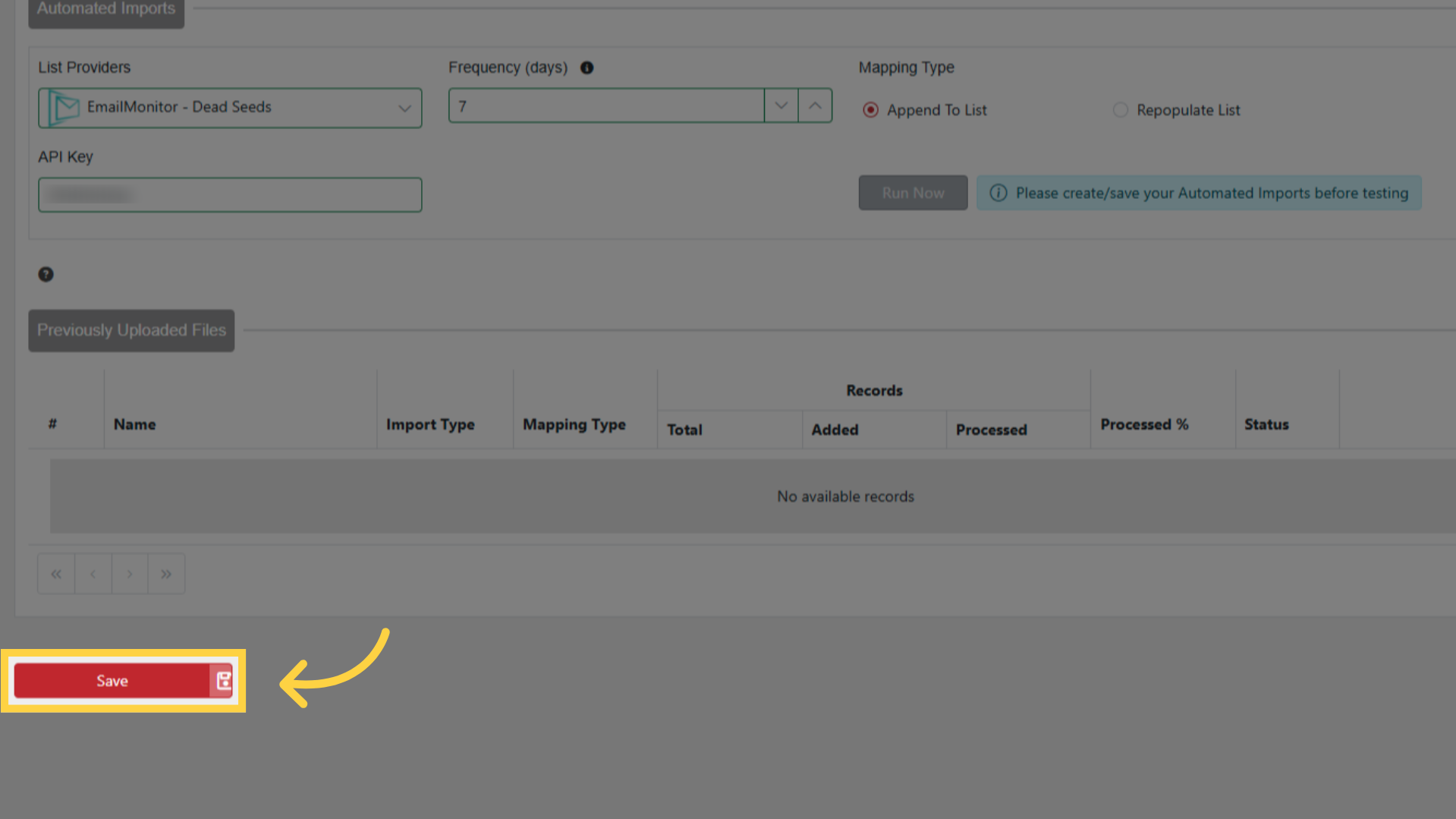
Save the Suppression List
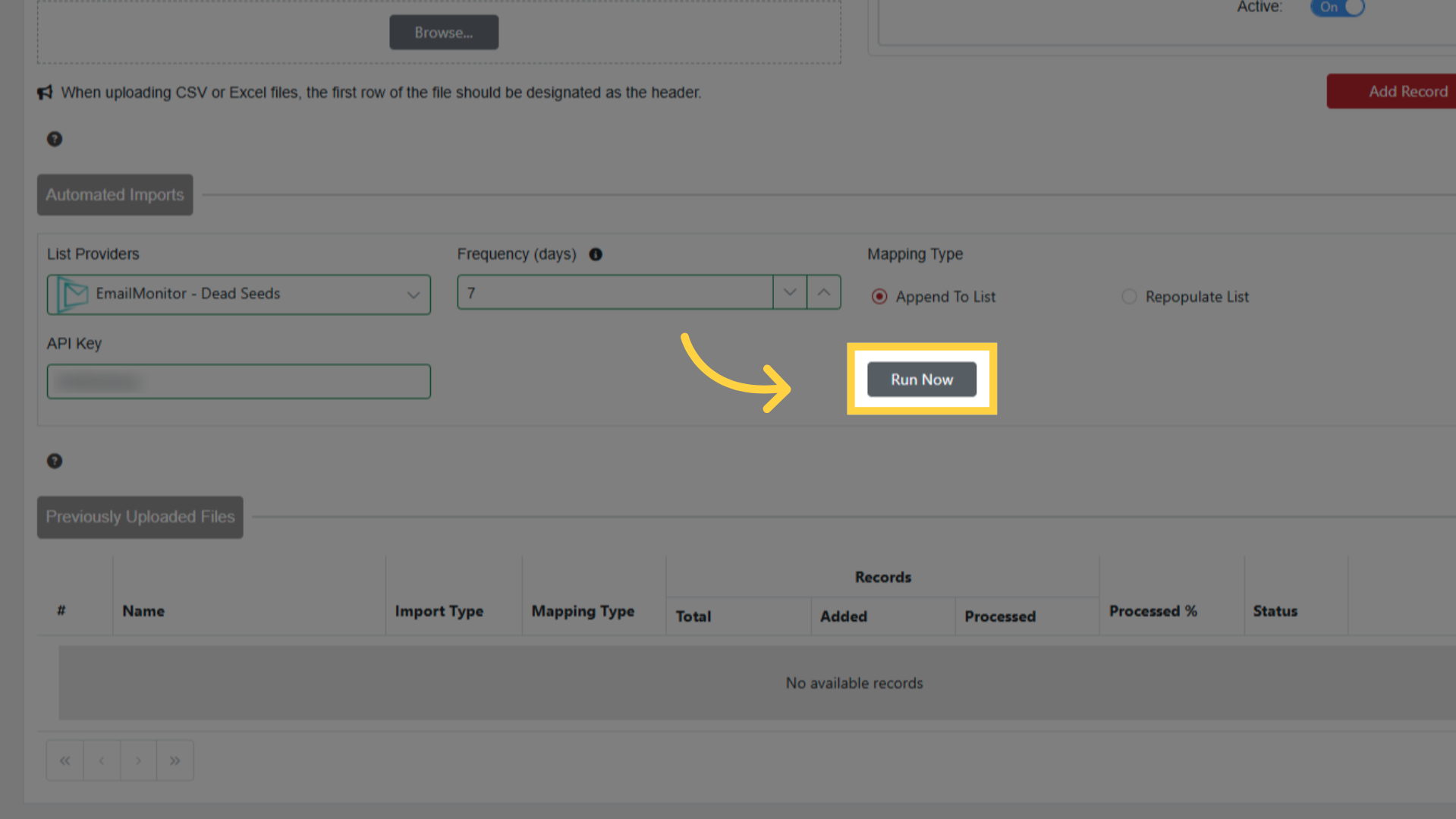
Click Run Now
Progress shown in Previously Uploaded Files
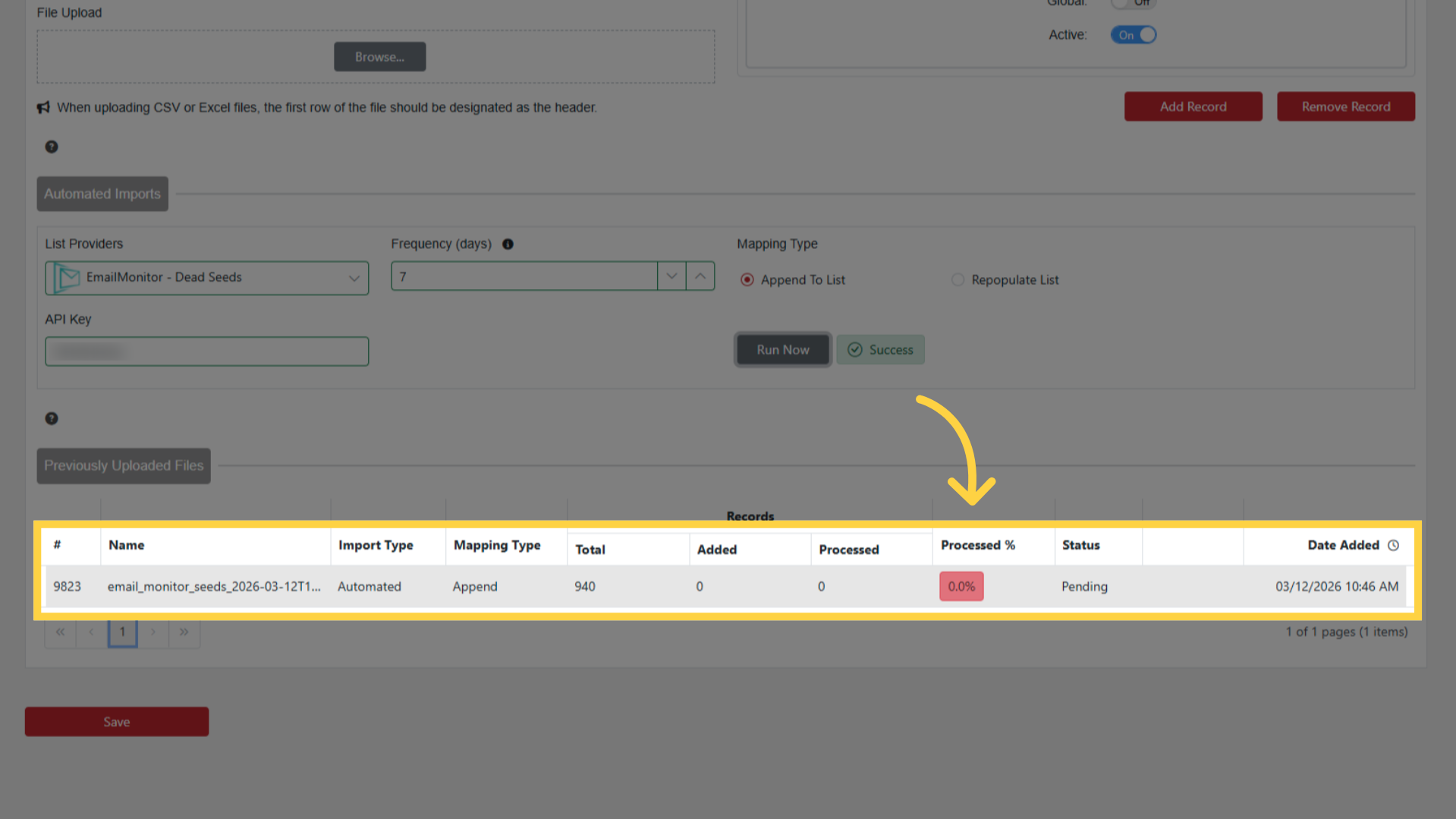
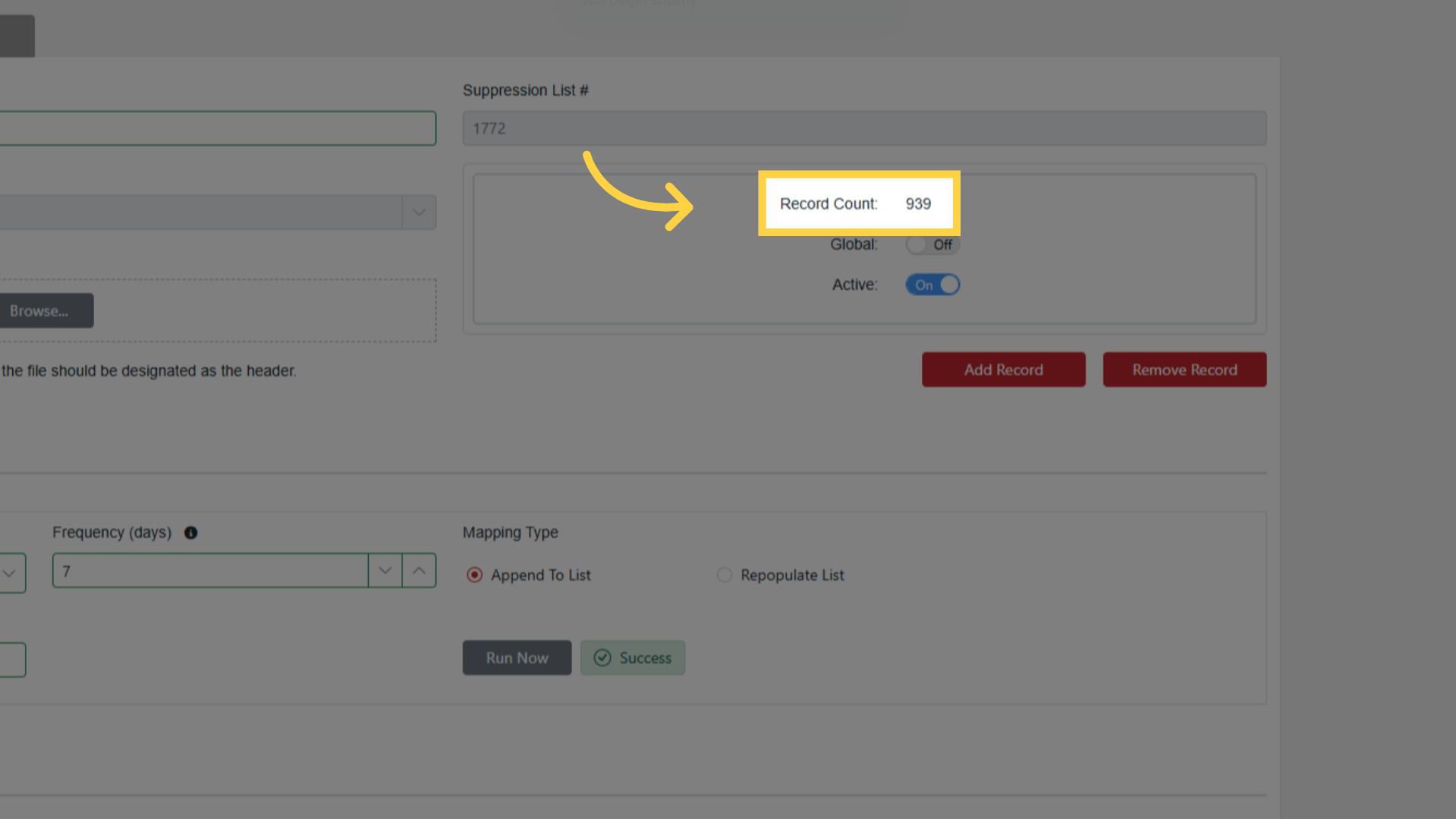
Record Count updates when complete
Future imports happen automatically per frequency setting