
Advanced Report
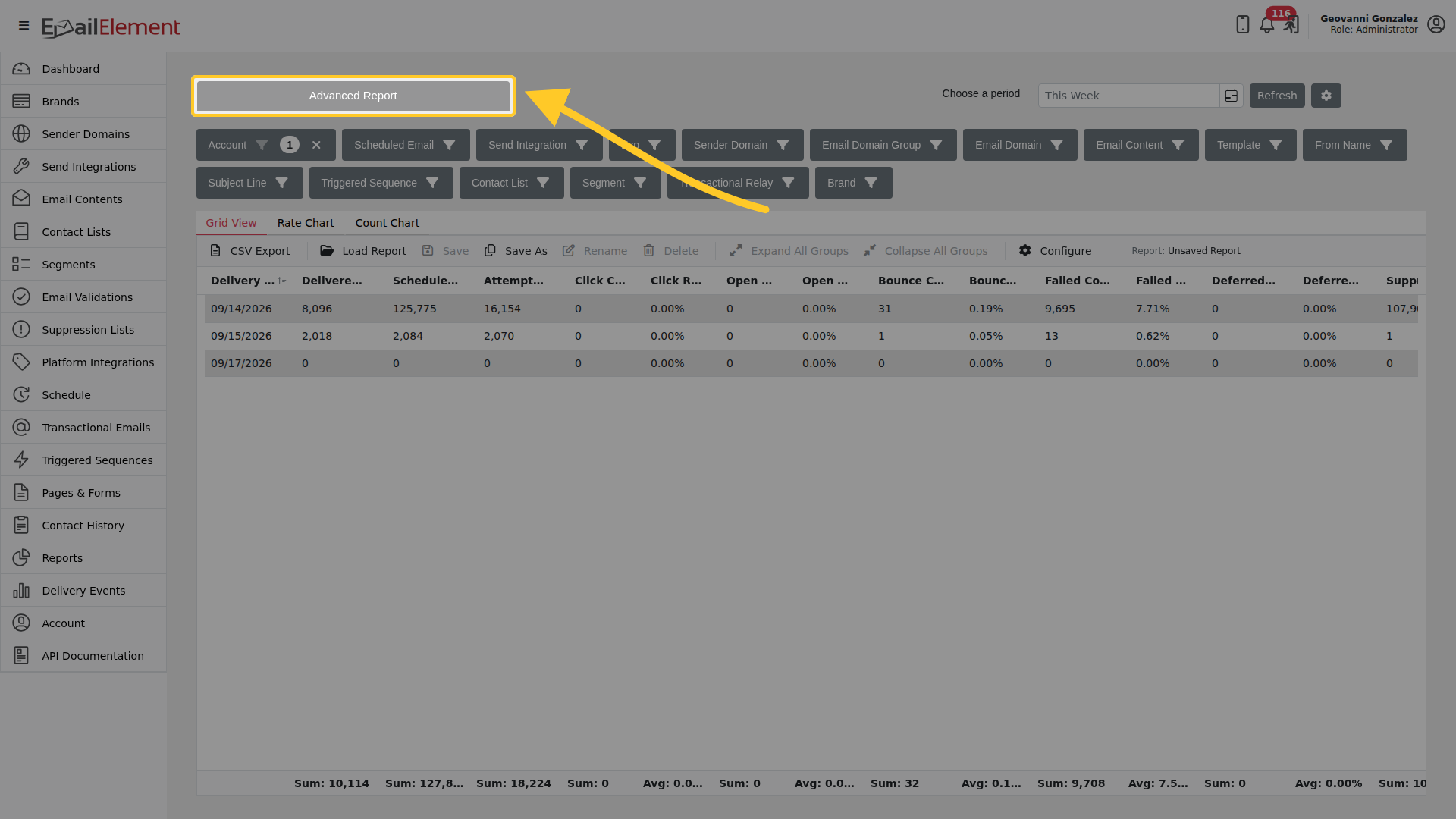
Explore delivery and action data as a grid you build yourself: choose which figures to show, group them by one or more dimensions, and narrow them with filters.
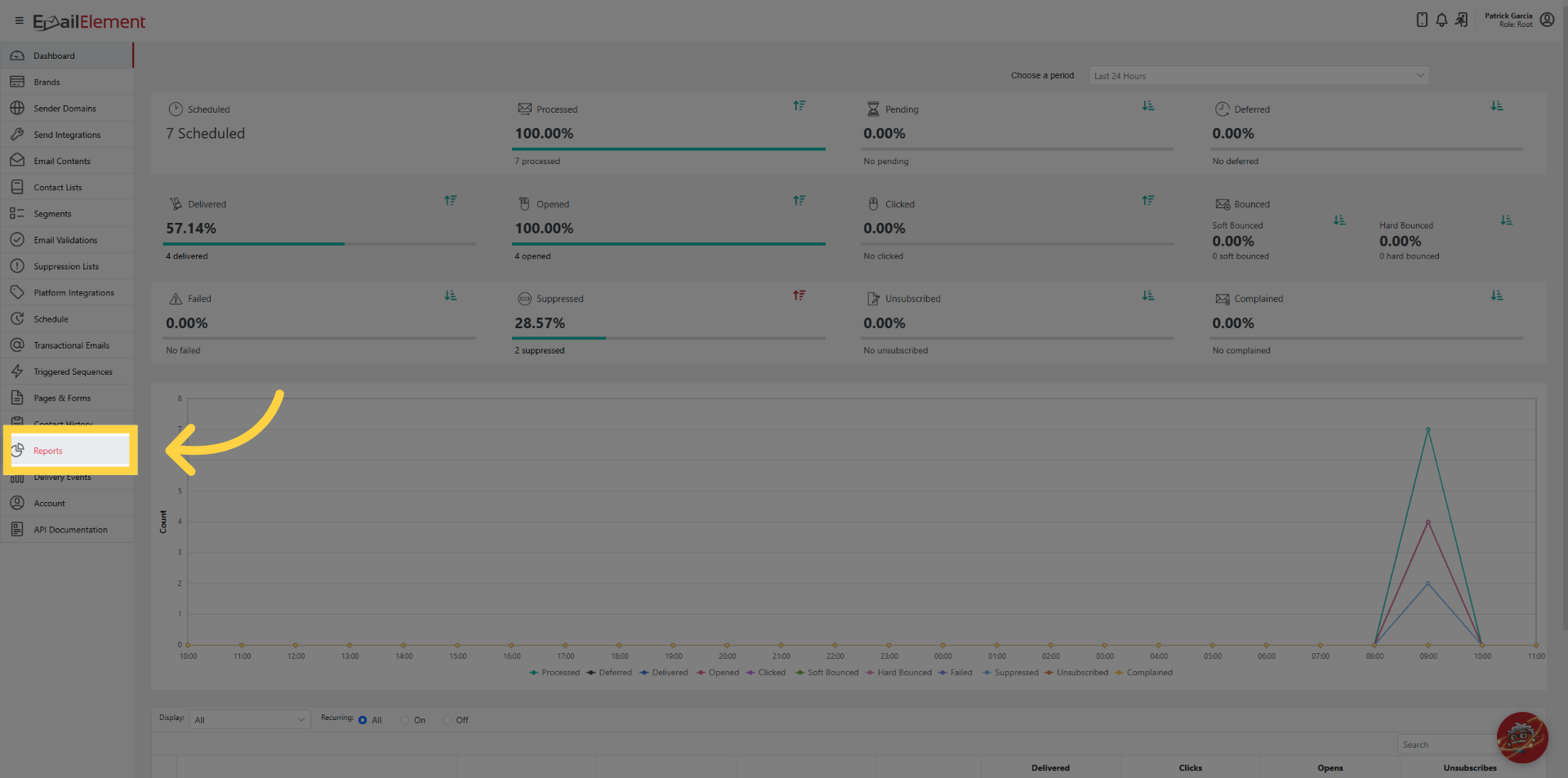
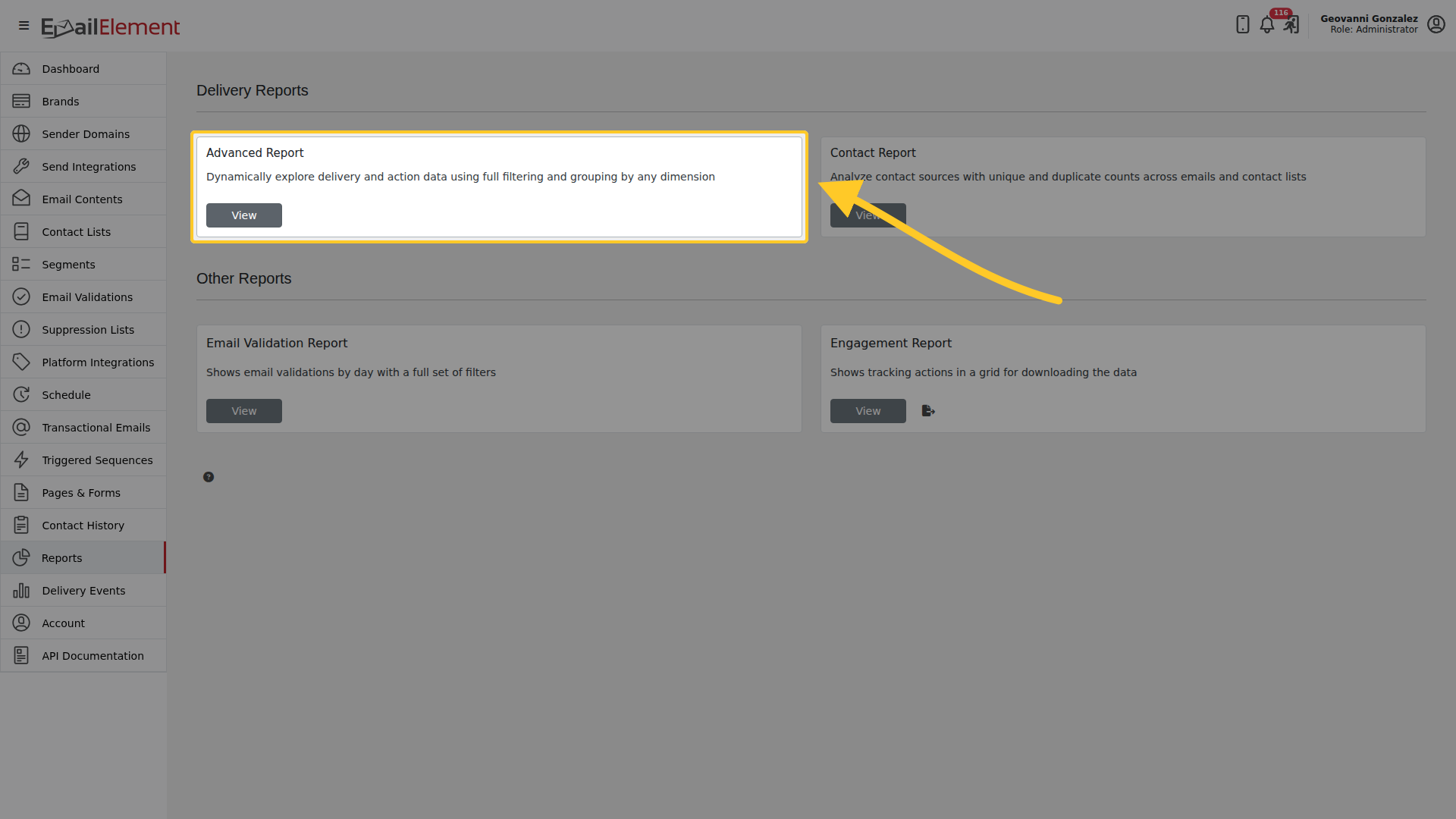
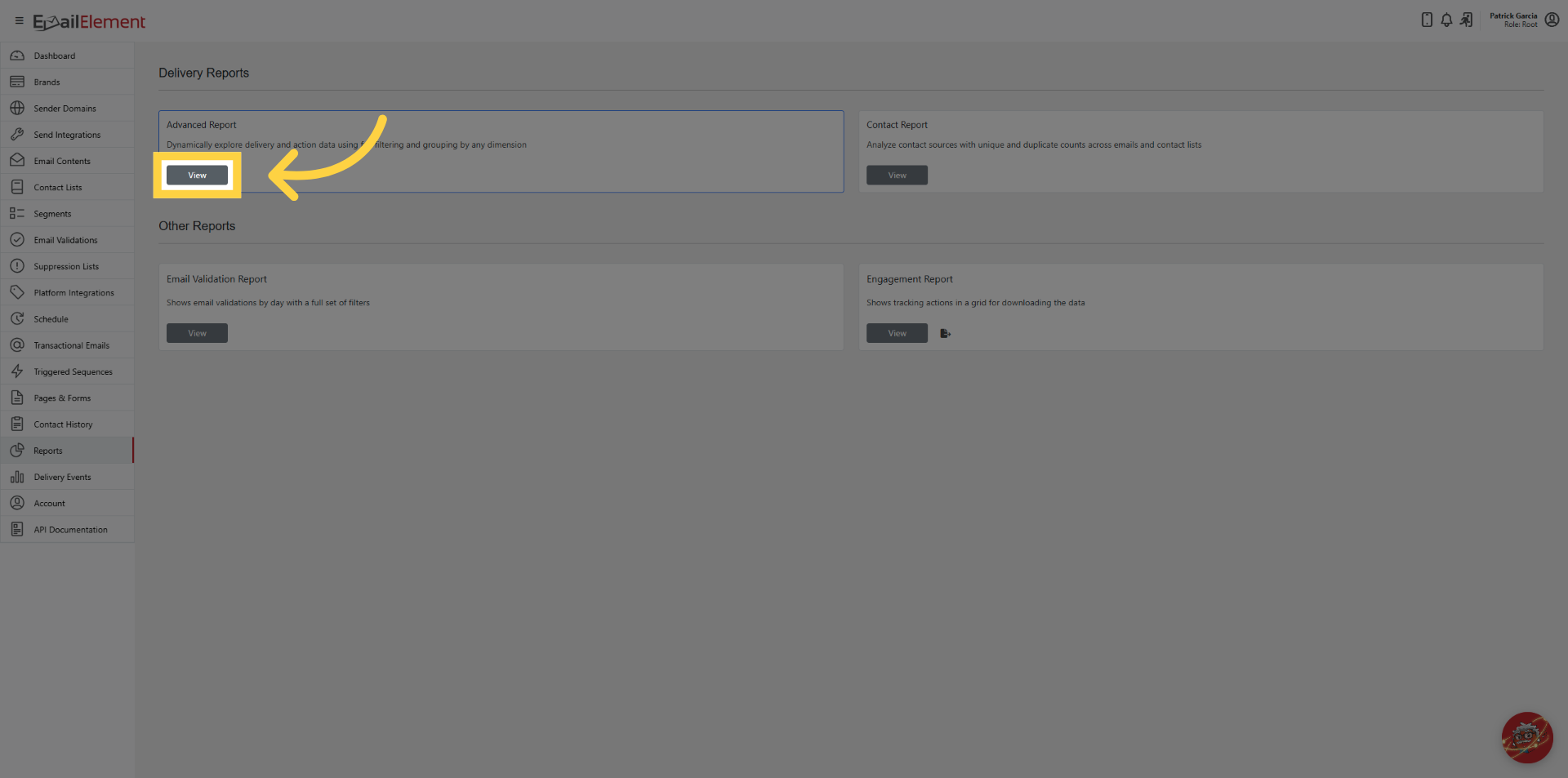
Reports > Advanced Report > View, or go to /advancedreportgrid.
Choosing a period
The date picker has Today, This Week, Last 30 Days, Last 60 Days and
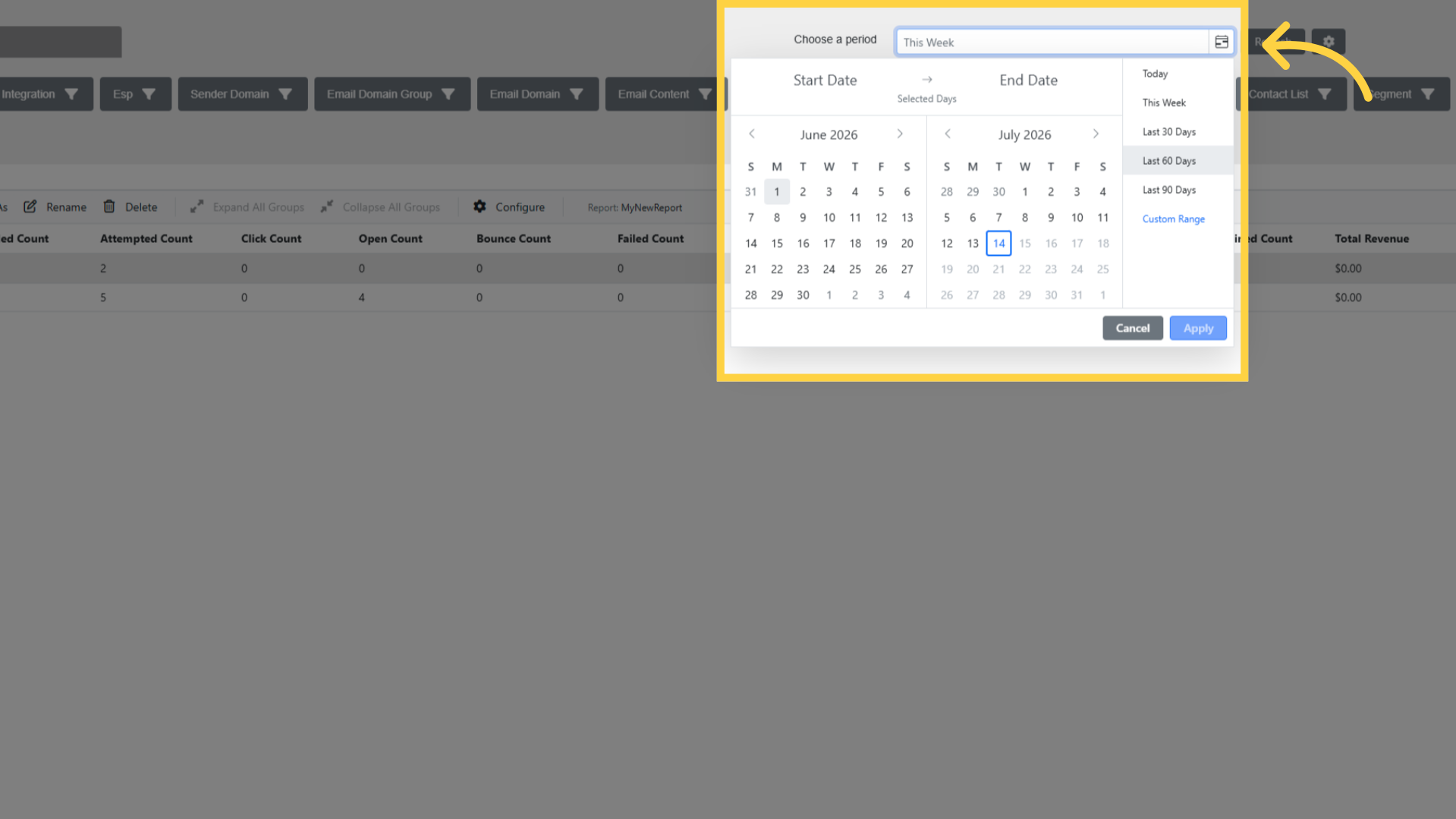 Last 90 Days. You can also pick your own dates. The earliest date you can choose is six months
back. Dates are in your account time zone.
Last 90 Days. You can also pick your own dates. The earliest date you can choose is six months
back. Dates are in your account time zone.
Configure
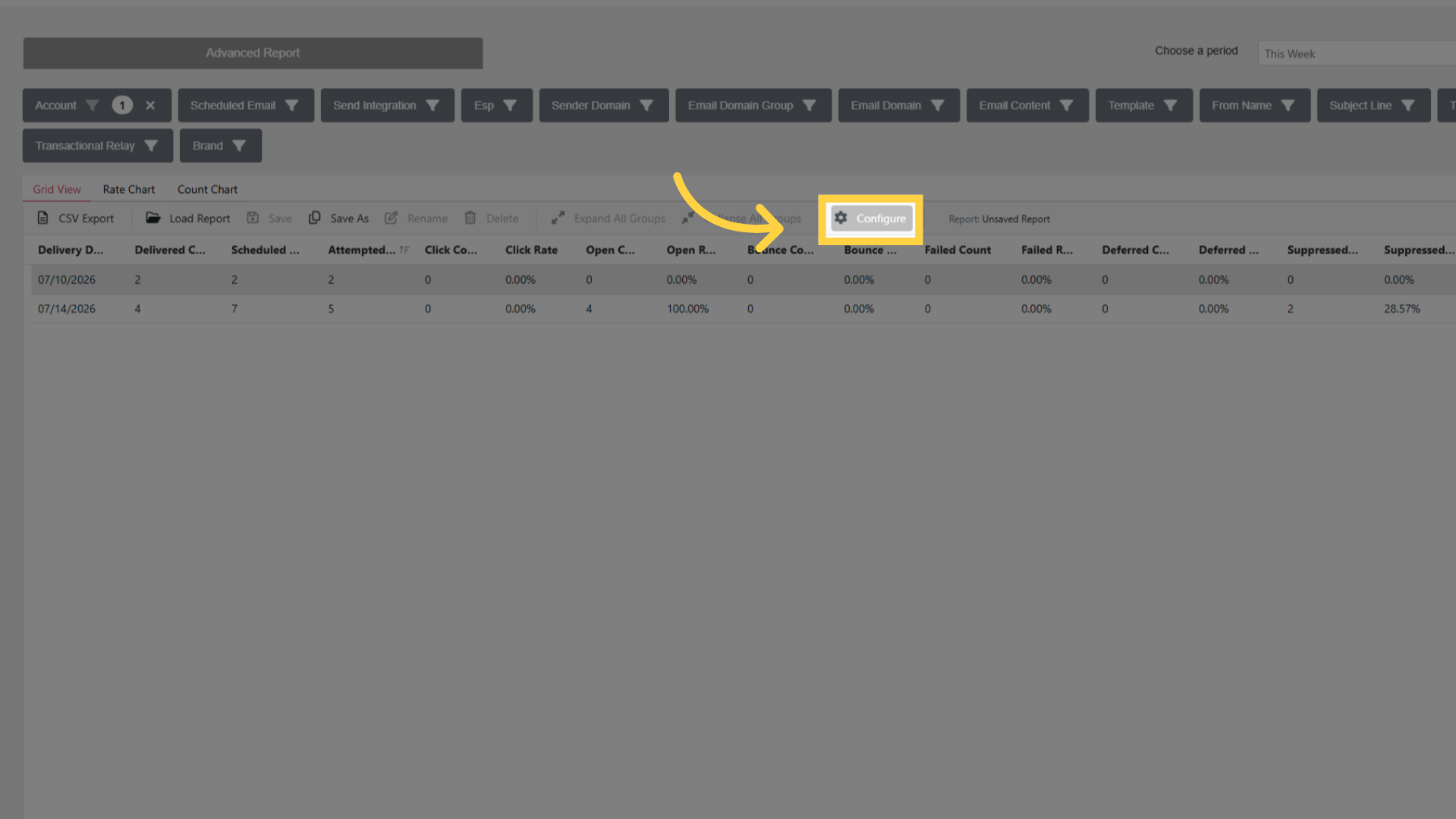
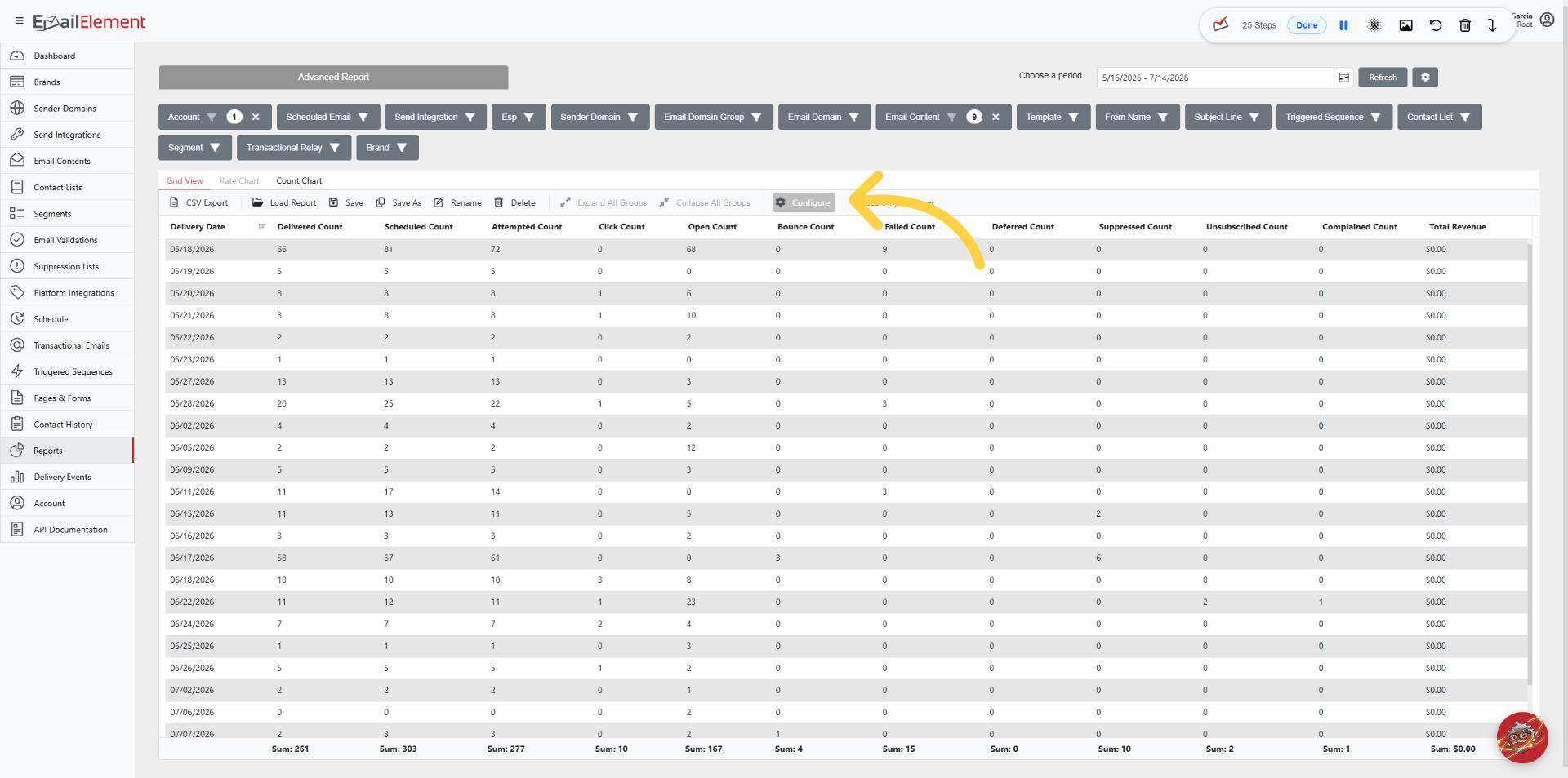
Configure opens the picker for what the grid shows.
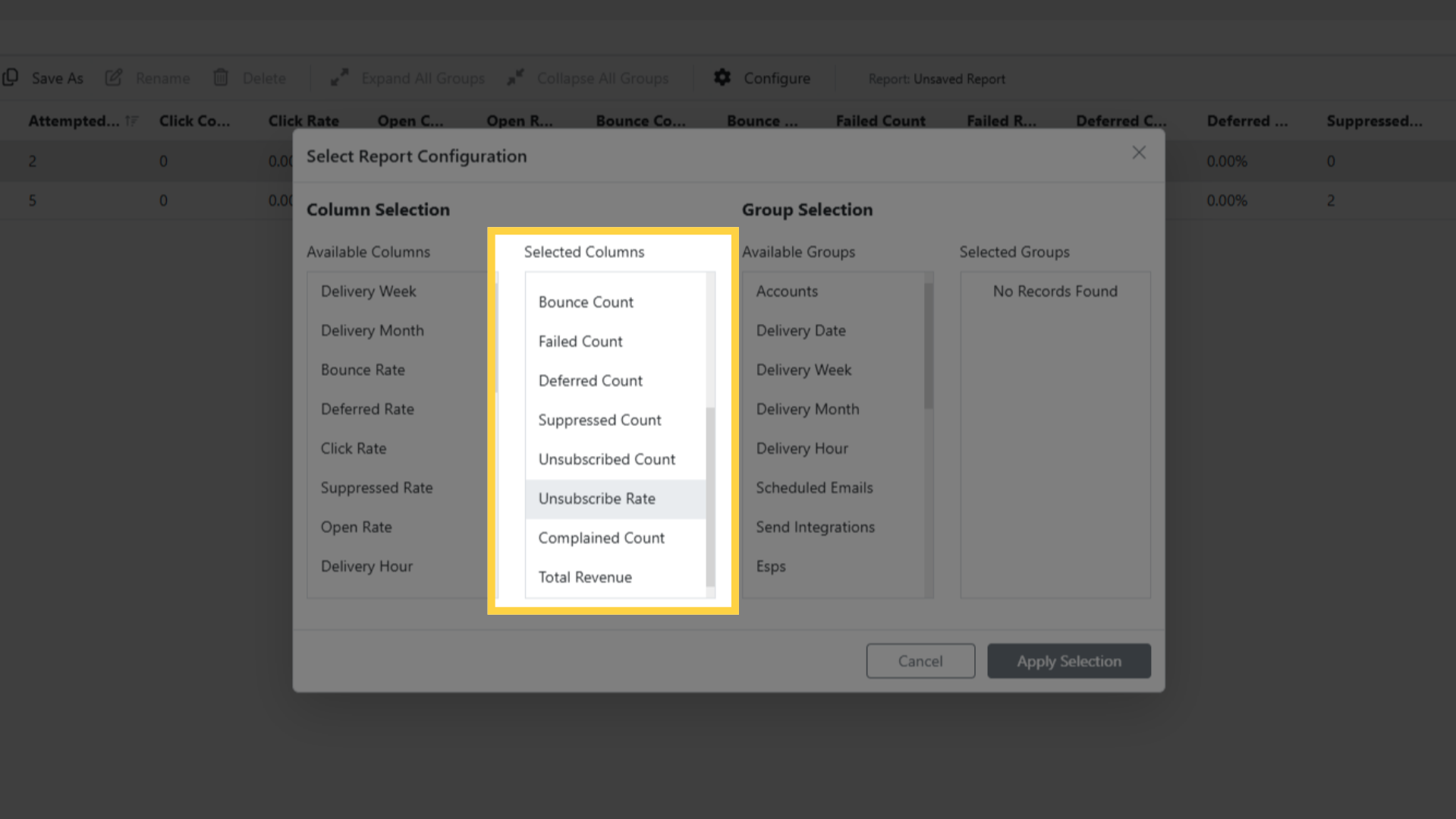
Available Columns and Selected Columns decide which figures appear.
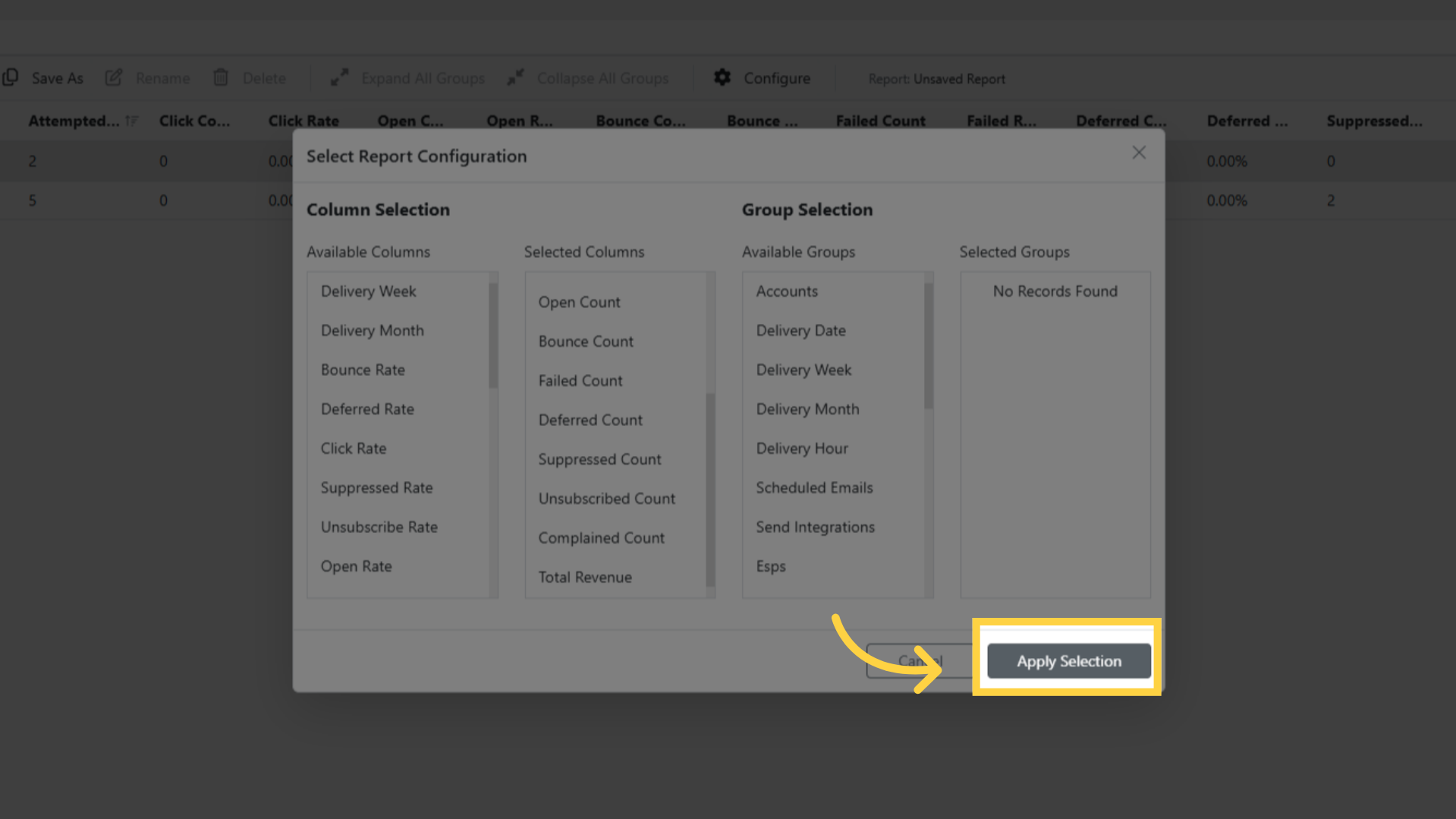
Available Groups and Selected Groups decide how rows are grouped. Drag between the two
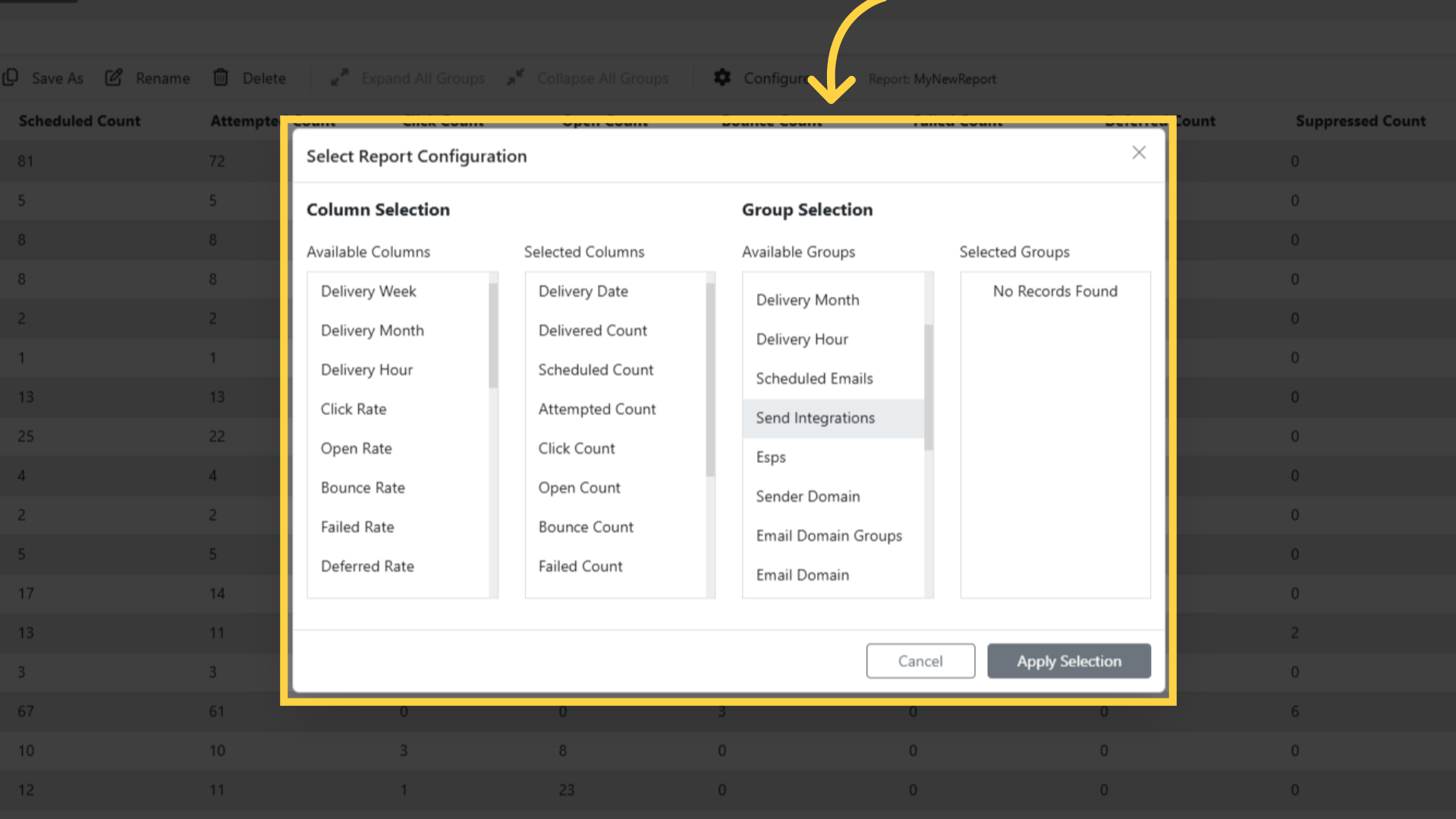
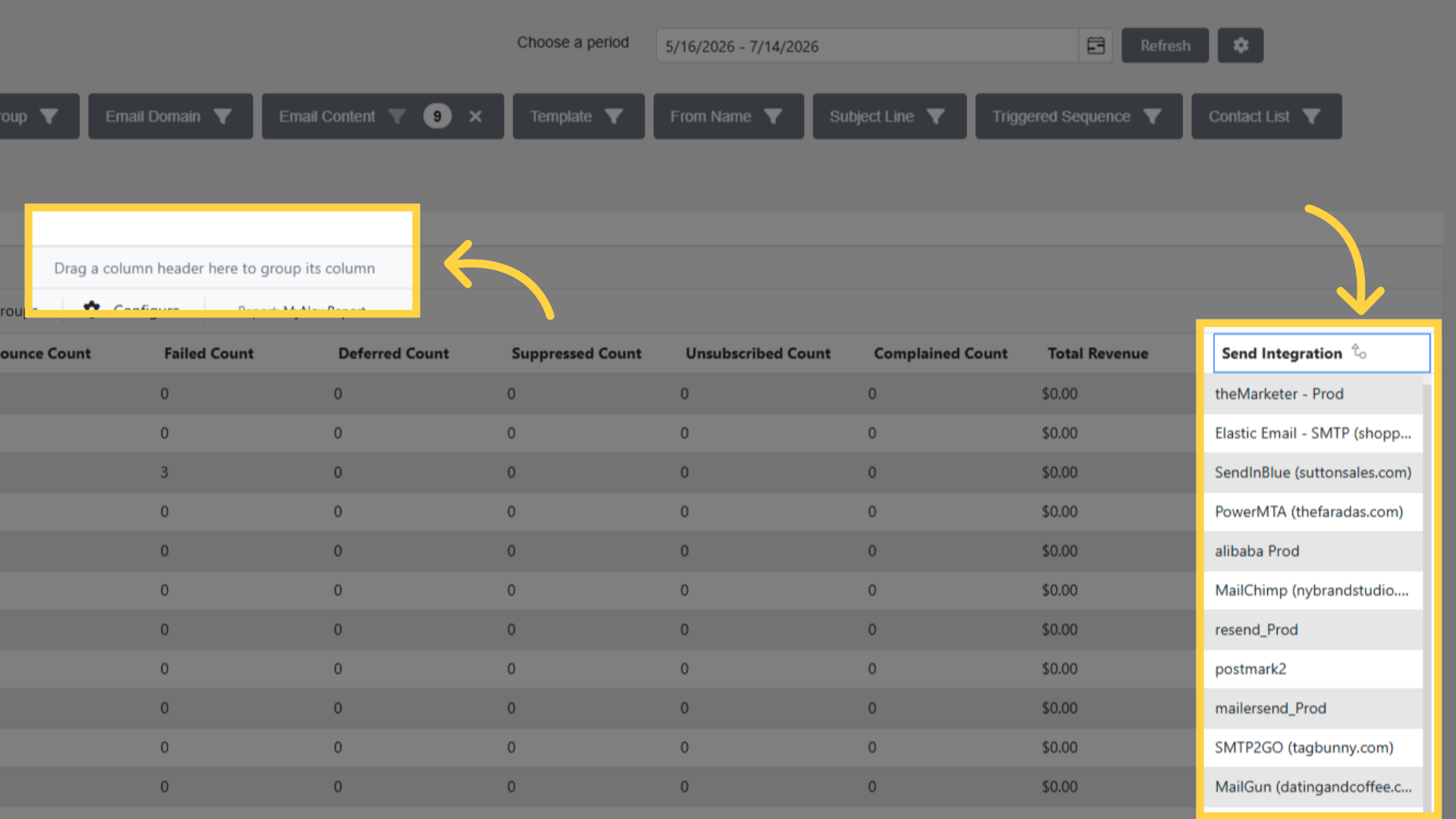
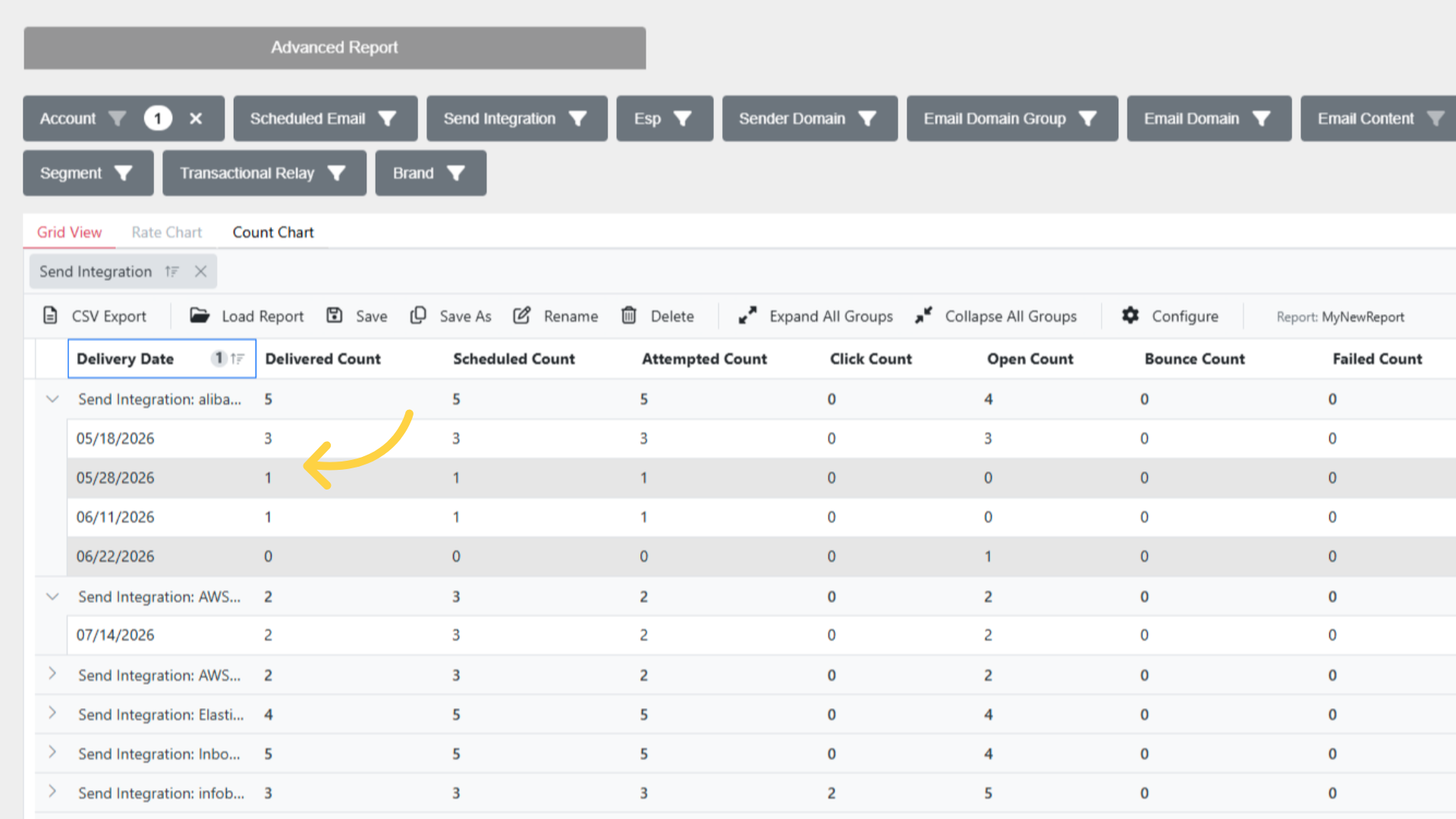 lists, and put the groups in the order you want them nested.
Group by
| Dimension |
|---|
| Delivery Date |
| Delivery Week |
| Delivery Month |
| Delivery Hour |
| Scheduled Emails |
| Send Integrations |
| Esps |
| Sender Domain |
| Email Domain Groups |
| Email Domain |
| Email Contents |
| Templates |
| From Names |
| Subject Lines |
| Triggers |
| Contact Lists |
| Segments |
| Transactional Relays |
| Brands |
Each of these can also be used as a filter, so you can narrow to particular Scheduled Emails or
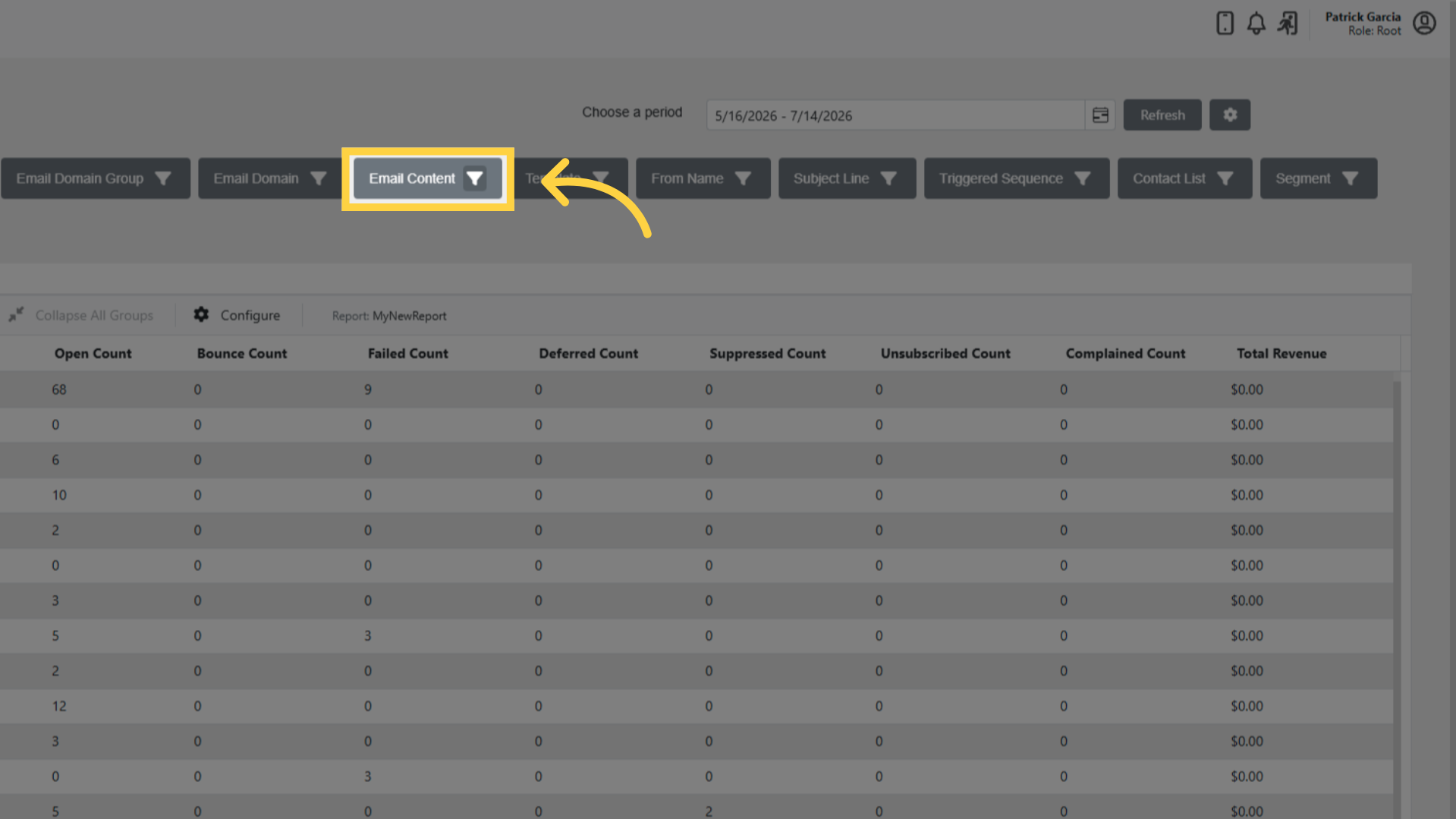
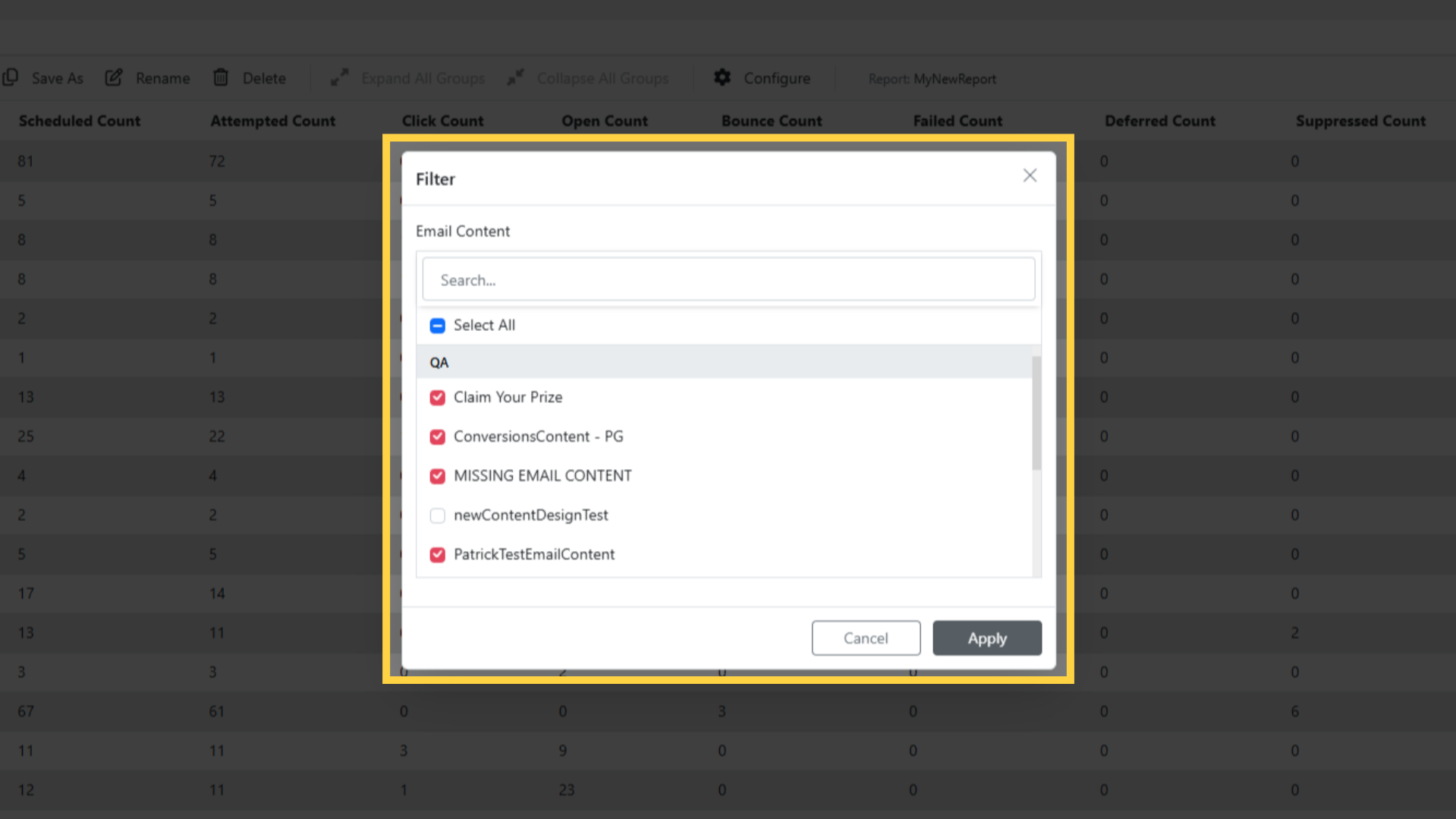
 Sender Domains before grouping.
Columns
Counts:
Delivered, Scheduled, Attempted, Failed, Deferred, Bounce, Suppressed, Unsubscribed, Reply, Complained, Click, Open, Jump Page, Conversion, Unique Click, Unique Open, Bot Click, Bot Open.
Rates:
Click, Jump Page Click, Open, Unsubscribe, Reply, Bounce, Suppressed, Failed, Deferred, Conversion, Complained, Unique Click, Unique Open, Bot Click, Bot Open.
Money: Total Revenue and Cost Per Mille.
Working with the grid
Sort by clicking a column header.
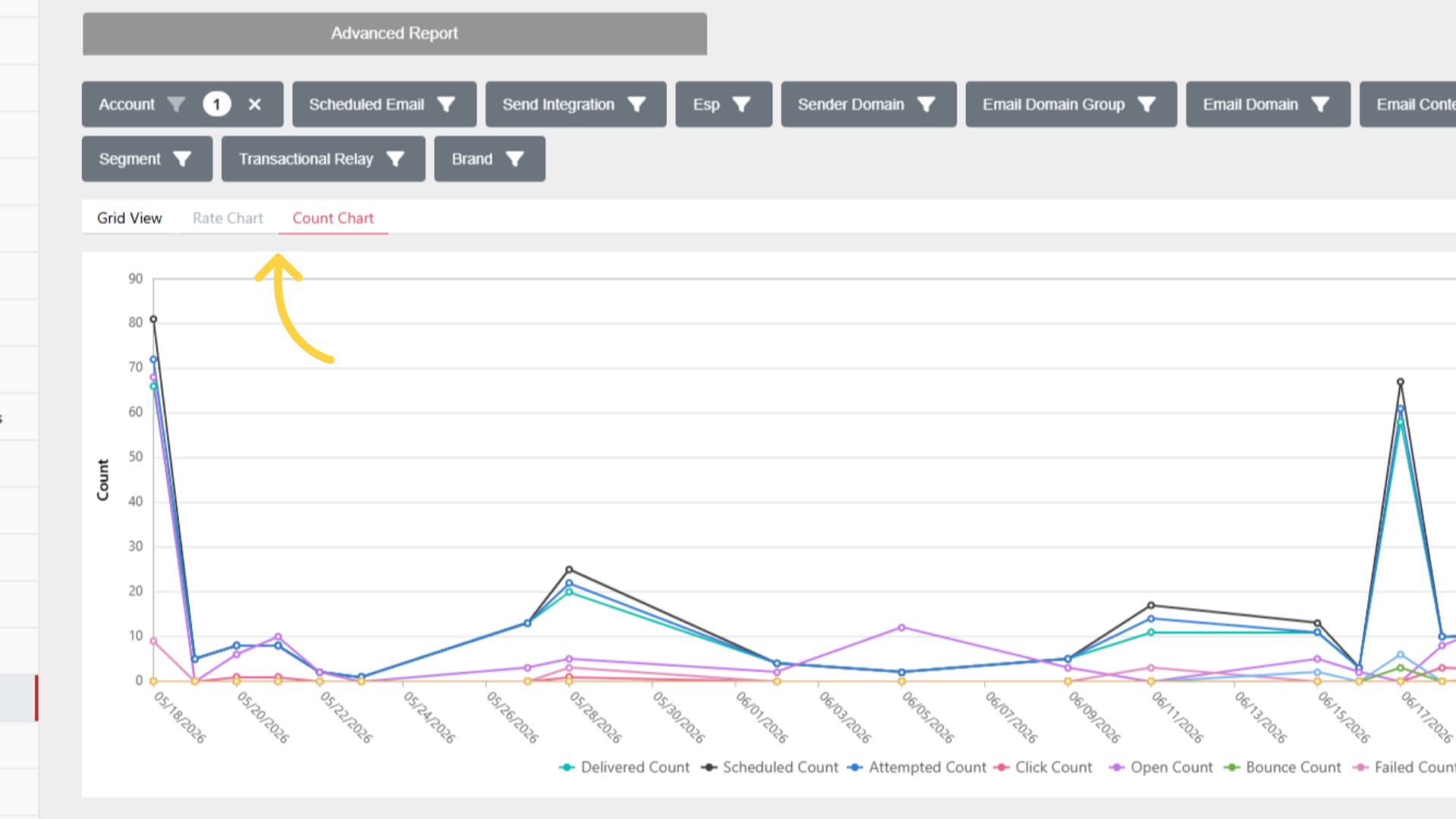
Expand All Groups and Collapse All Groups are in the toolbar once you have grouped.
The grid scrolls rather than paging, and loads more as you go.
Saving and exporting
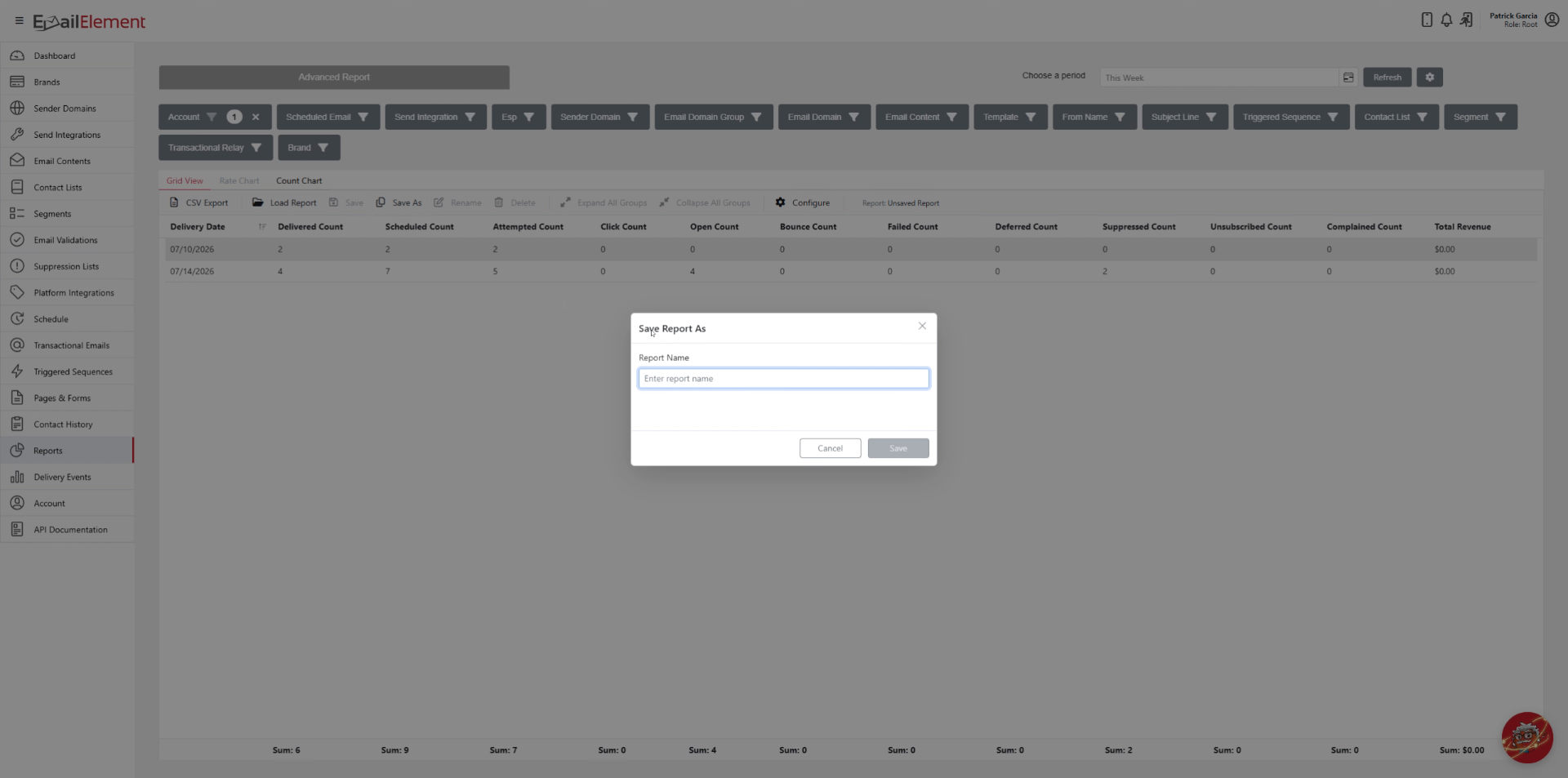
Save, Save As, Rename and Delete keep a report setup under a name.
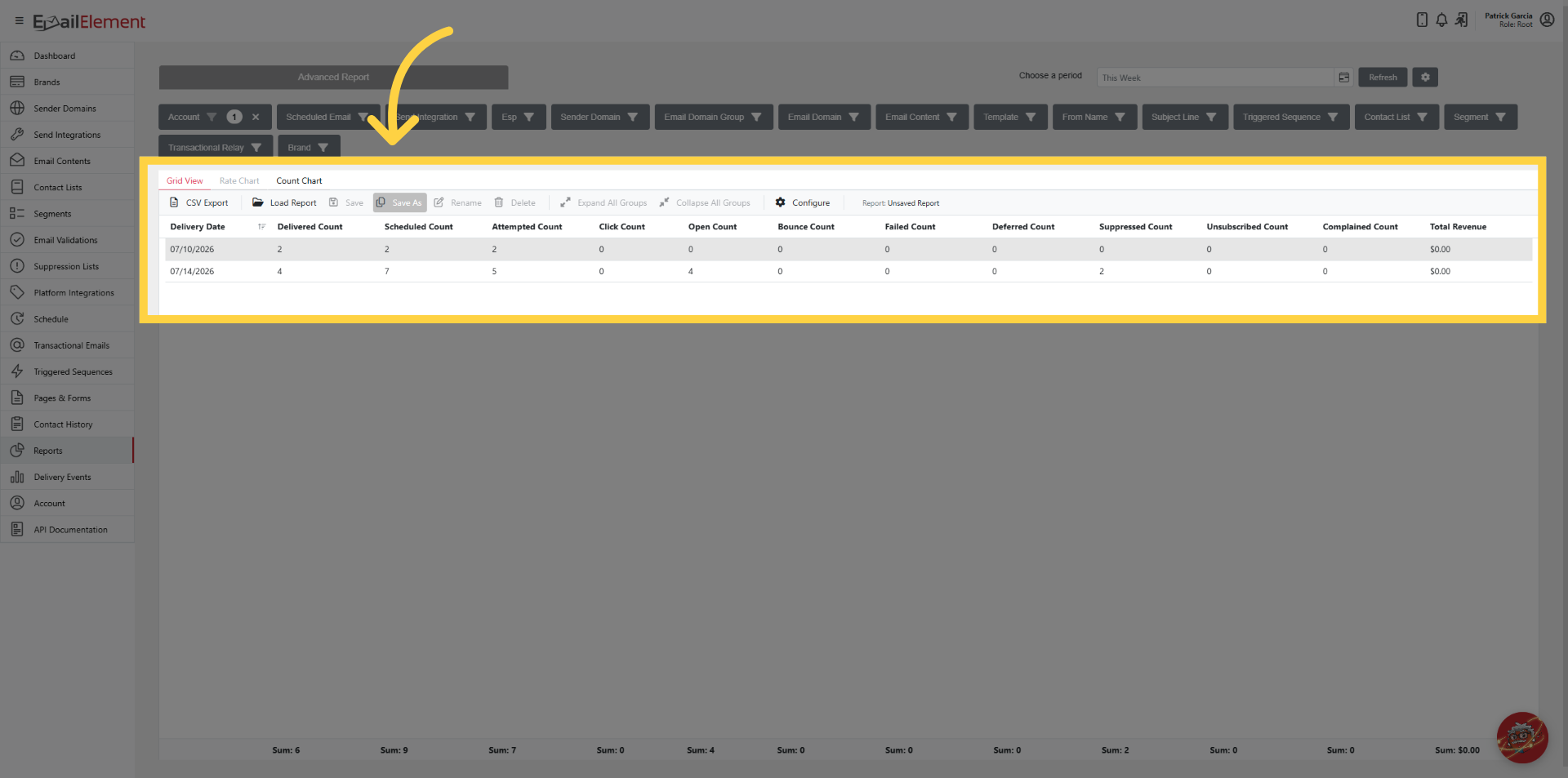
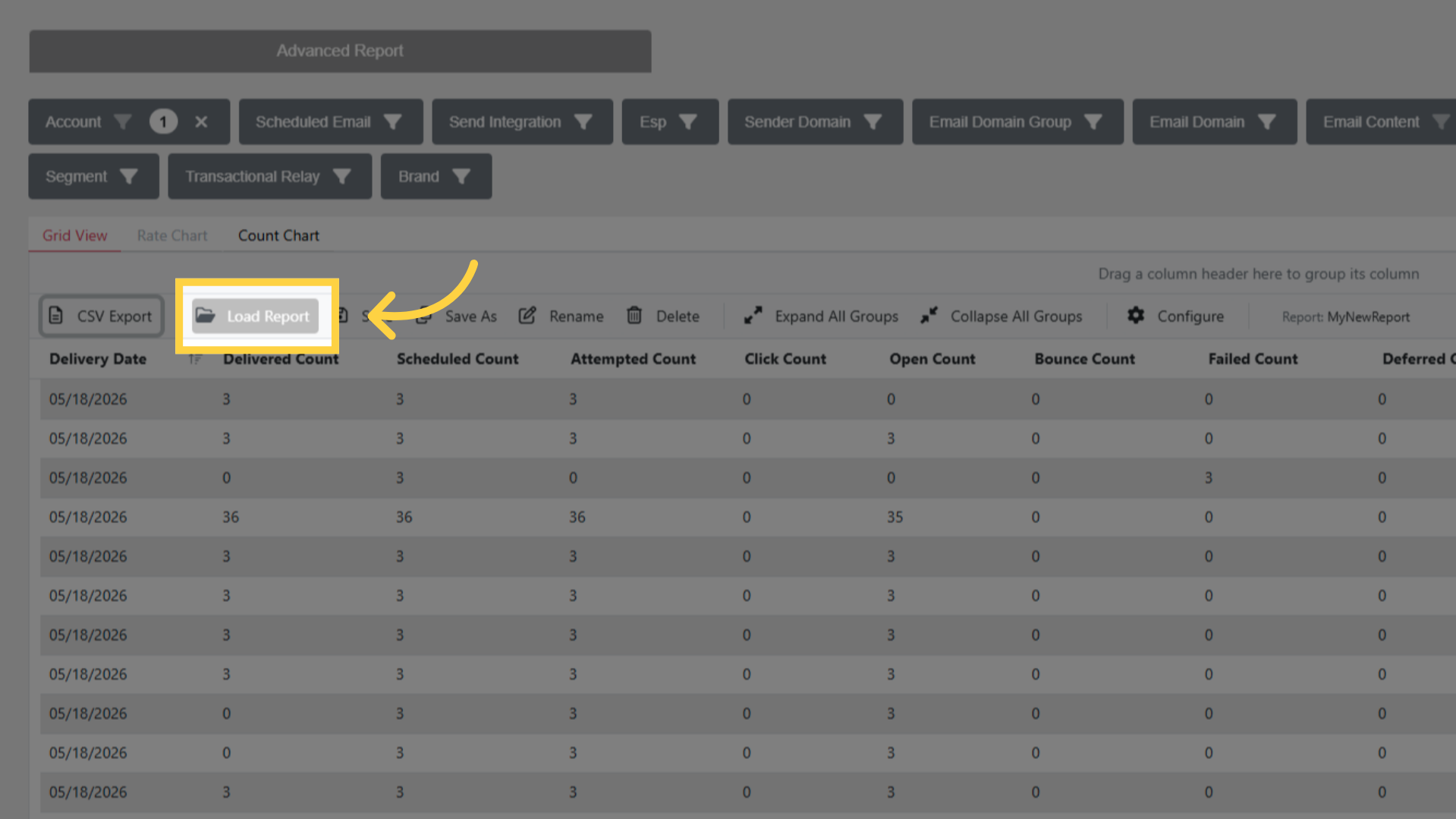
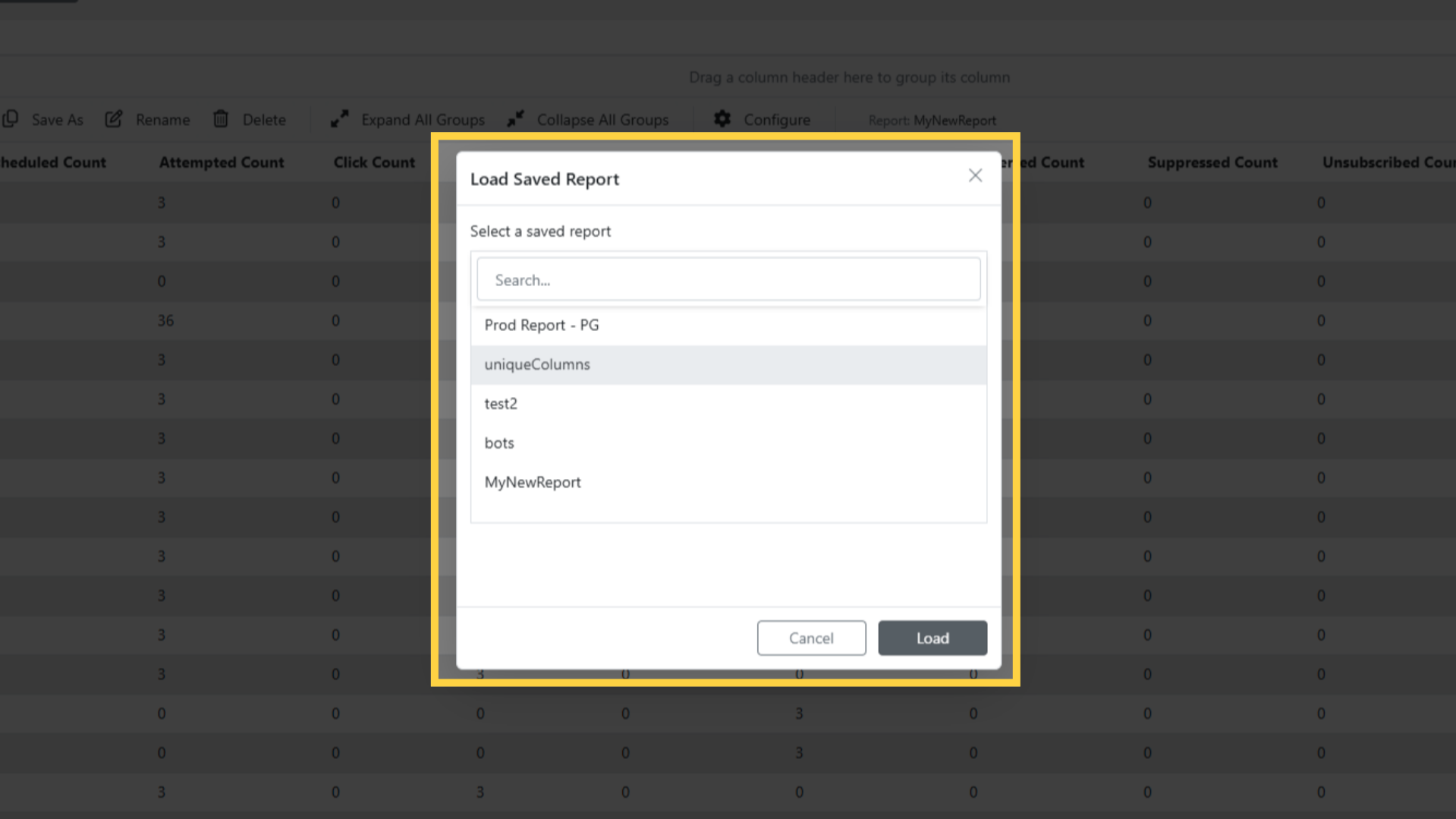
Load Report brings a saved one back.
CSV Export downloads what you are looking at as
advanced_report_<date>.csv.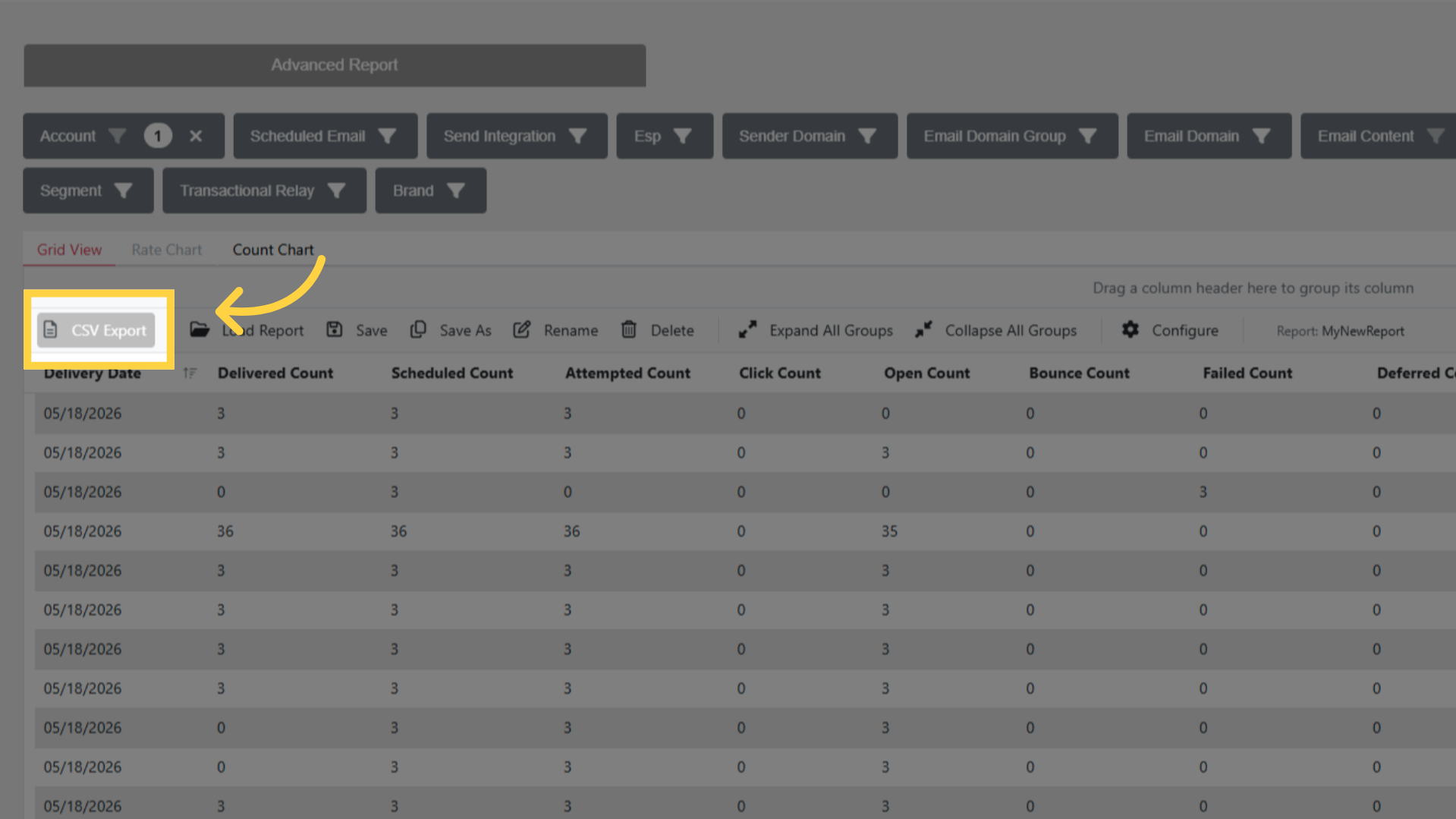
Related pages
- Report Dimensions Reference — what each dimension means
- Contact Report — unique and duplicate contacts by source
- Reports — the reports section