Conversions
Conversions can be tracked using the {SubId} replacement tag. For a complete list of replacement tags visit: Replacement Tags
In order to set up conversion tracking with EmailElement, you will need to:
- Add a Platform Integration. To setup a platform integration, see: Platform Integrations
Email Content
Custom HTML
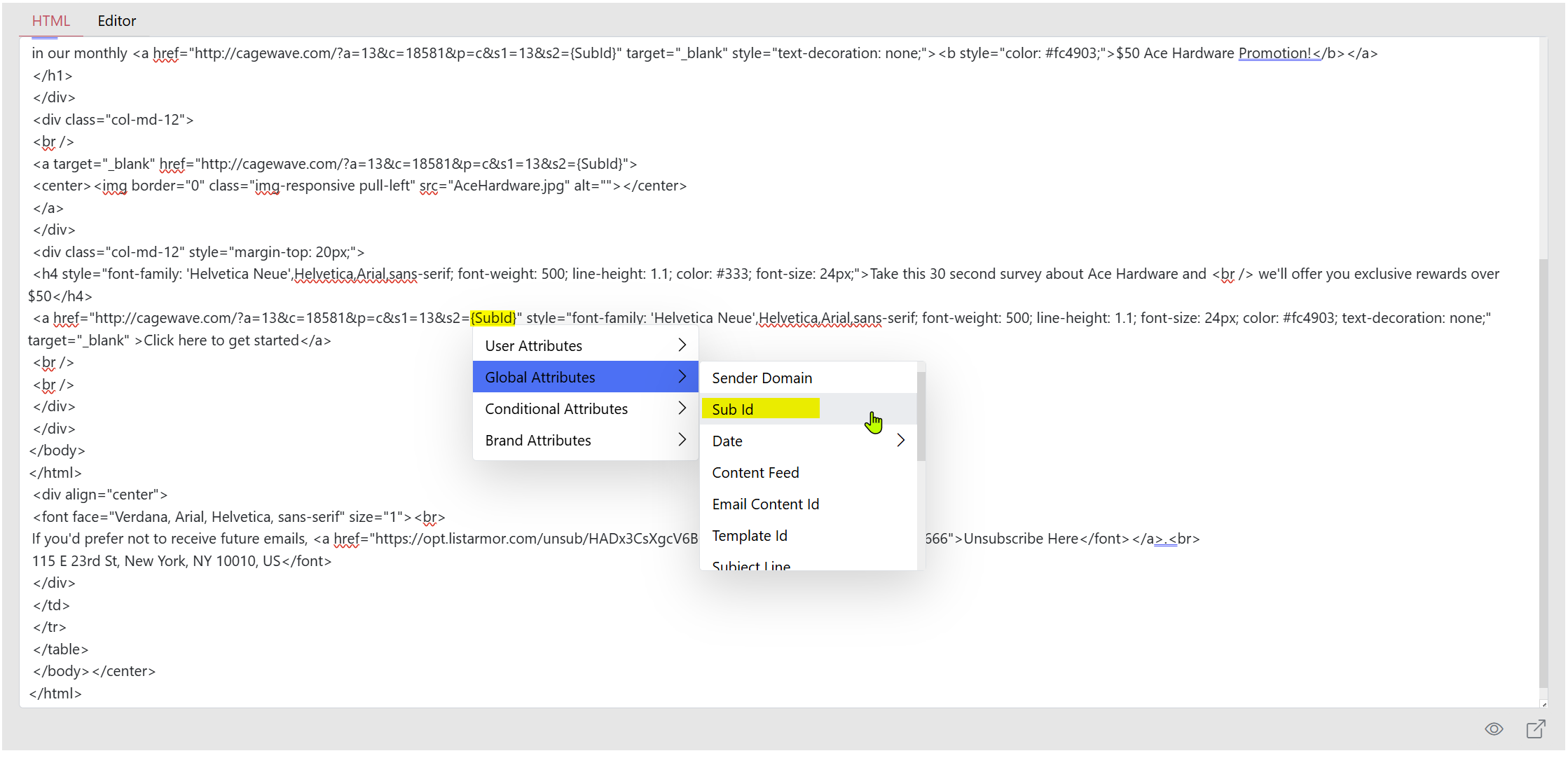
In the body of a Custom HTML type email content, simply right-click to bring up a menu of available tags. Locate the Global Attributes and search for the {SubId} replacement tag.
Add the replacement tag into the conversion links provided by the platform integration:
View Conversion
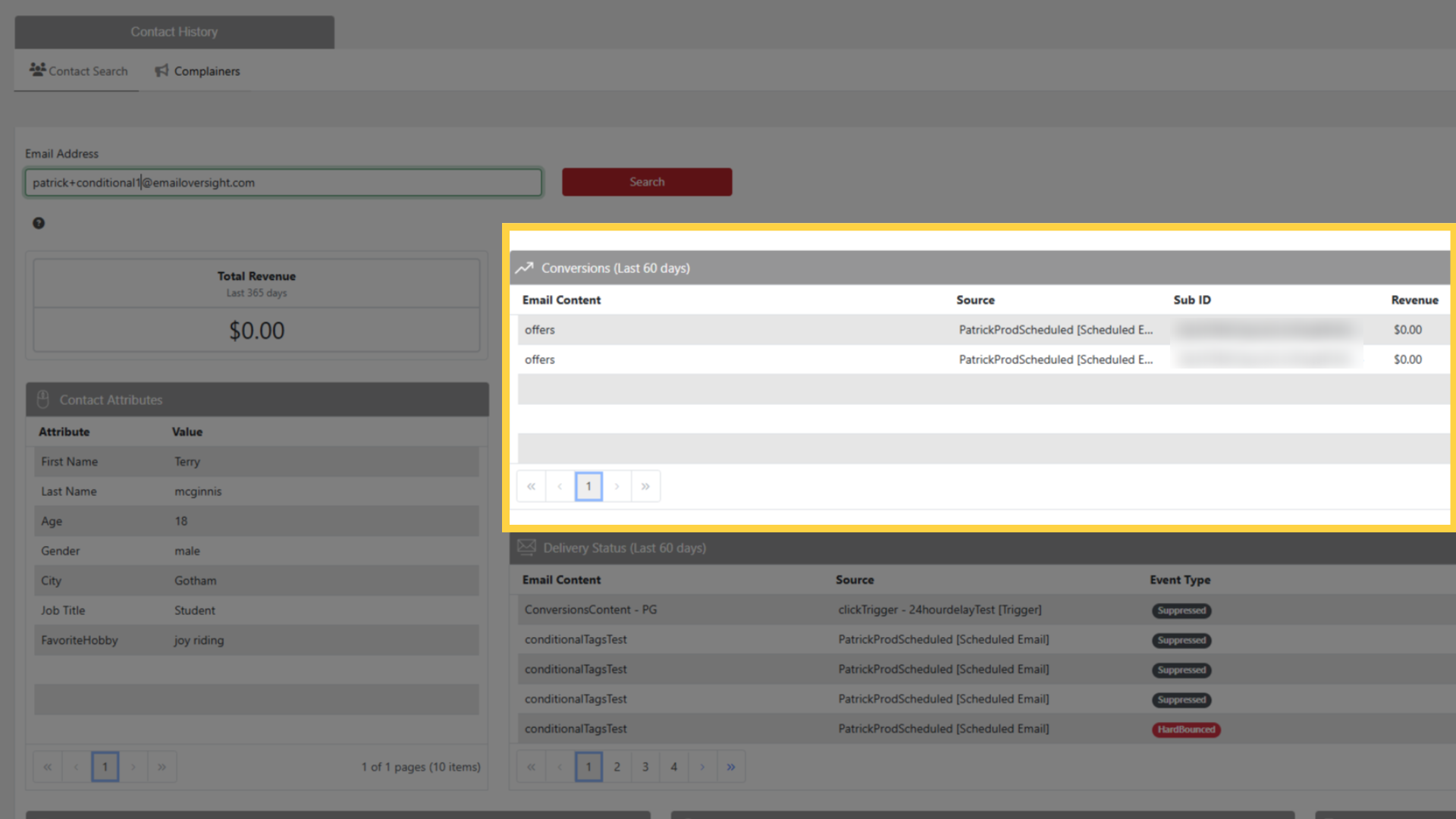
Now when a recipient clicks an offer link and satisfies the conditions to trigger the conversion, you'll be able to see that conversion for the specific user in Contact History, as well as see all conversions using Reports.