
Webhook Setup Walkthrough
Prerequisites
- An HTTPS endpoint that can receive POST requests and return HTTP 200
- The endpoint must be publicly accessible from the internet
Step 1: Create a Webhook
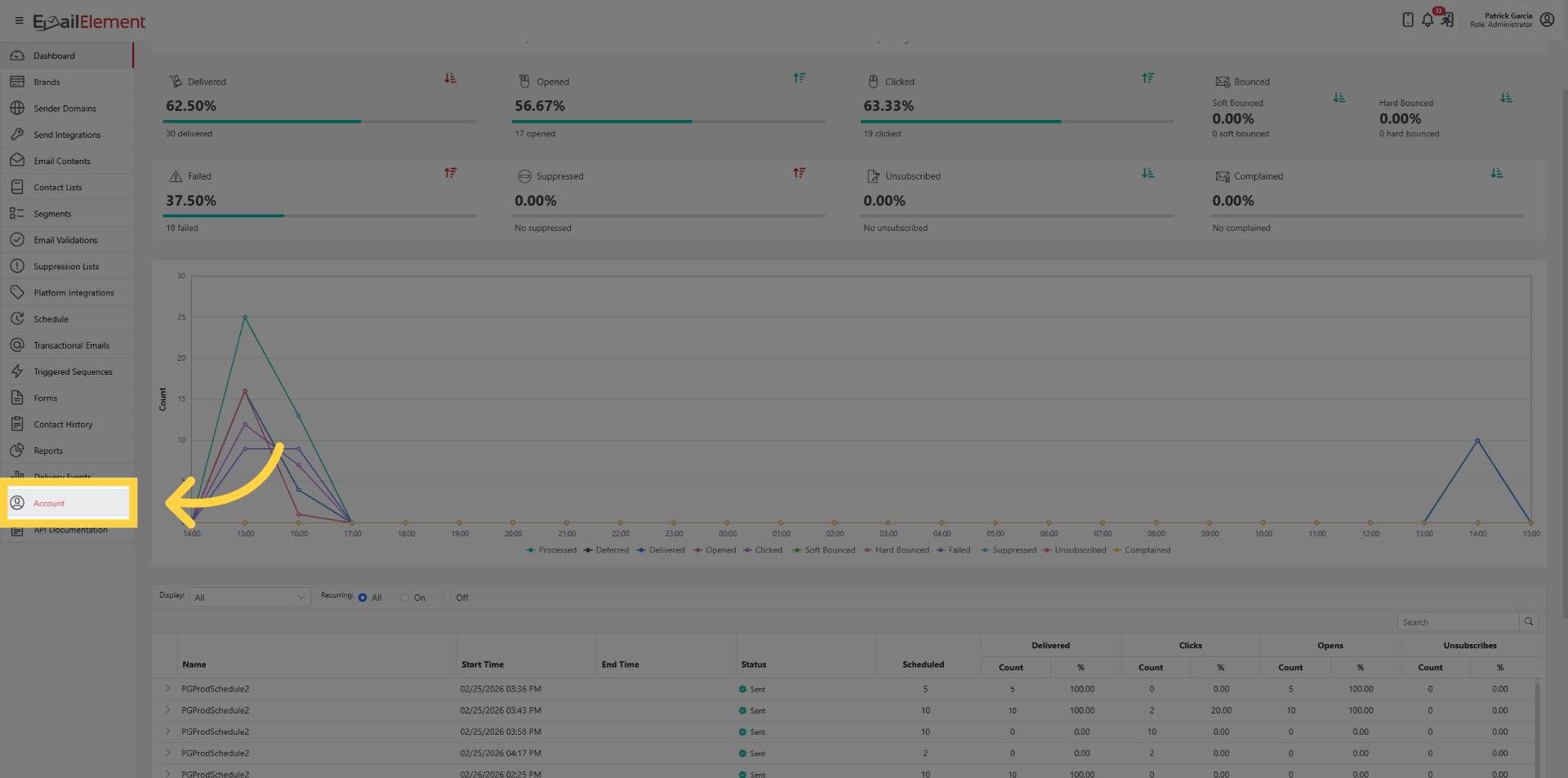
Navigate to Account from the sidebar
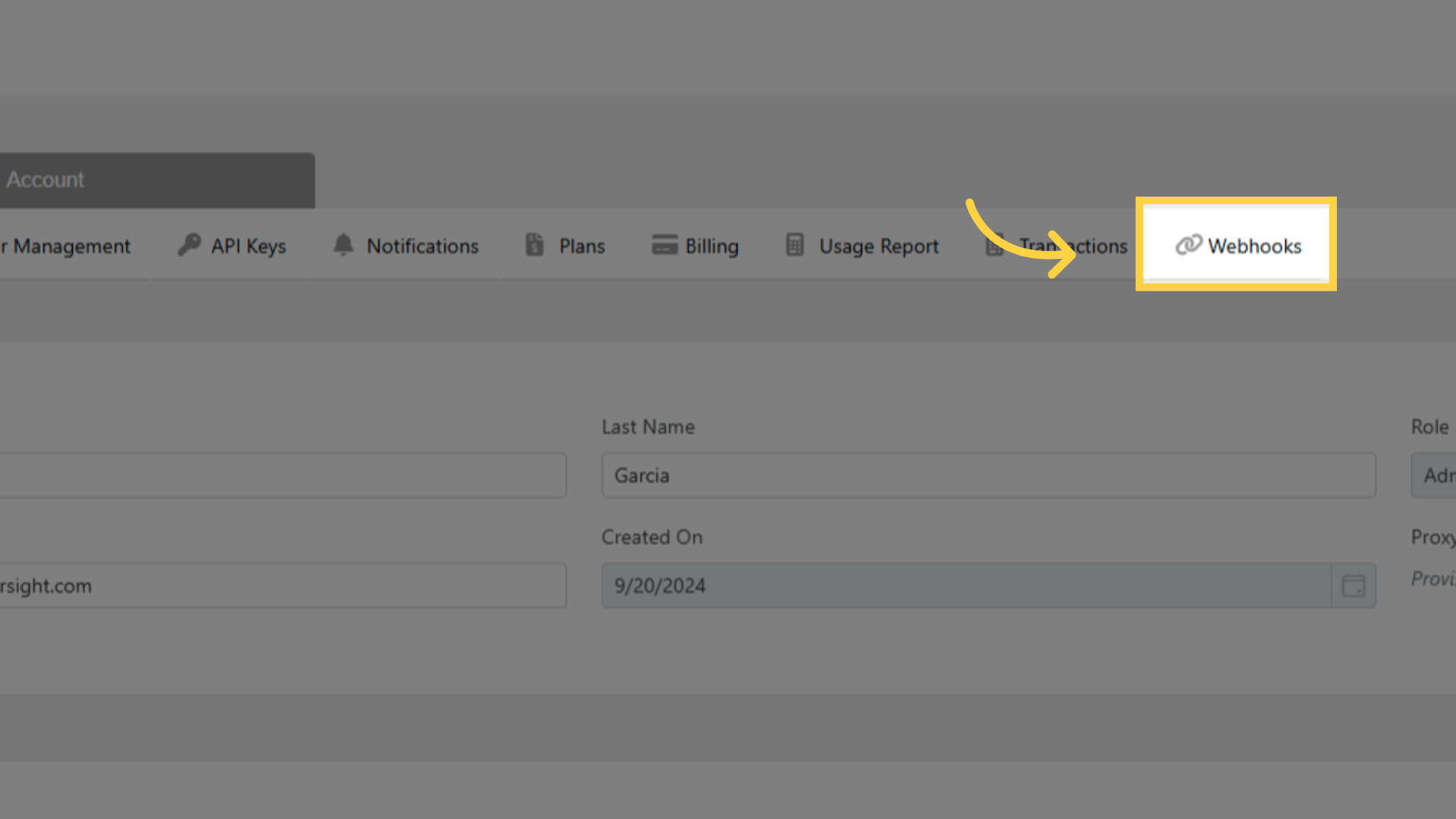
Click the Webhooks tab
Click Add Webhook or Create
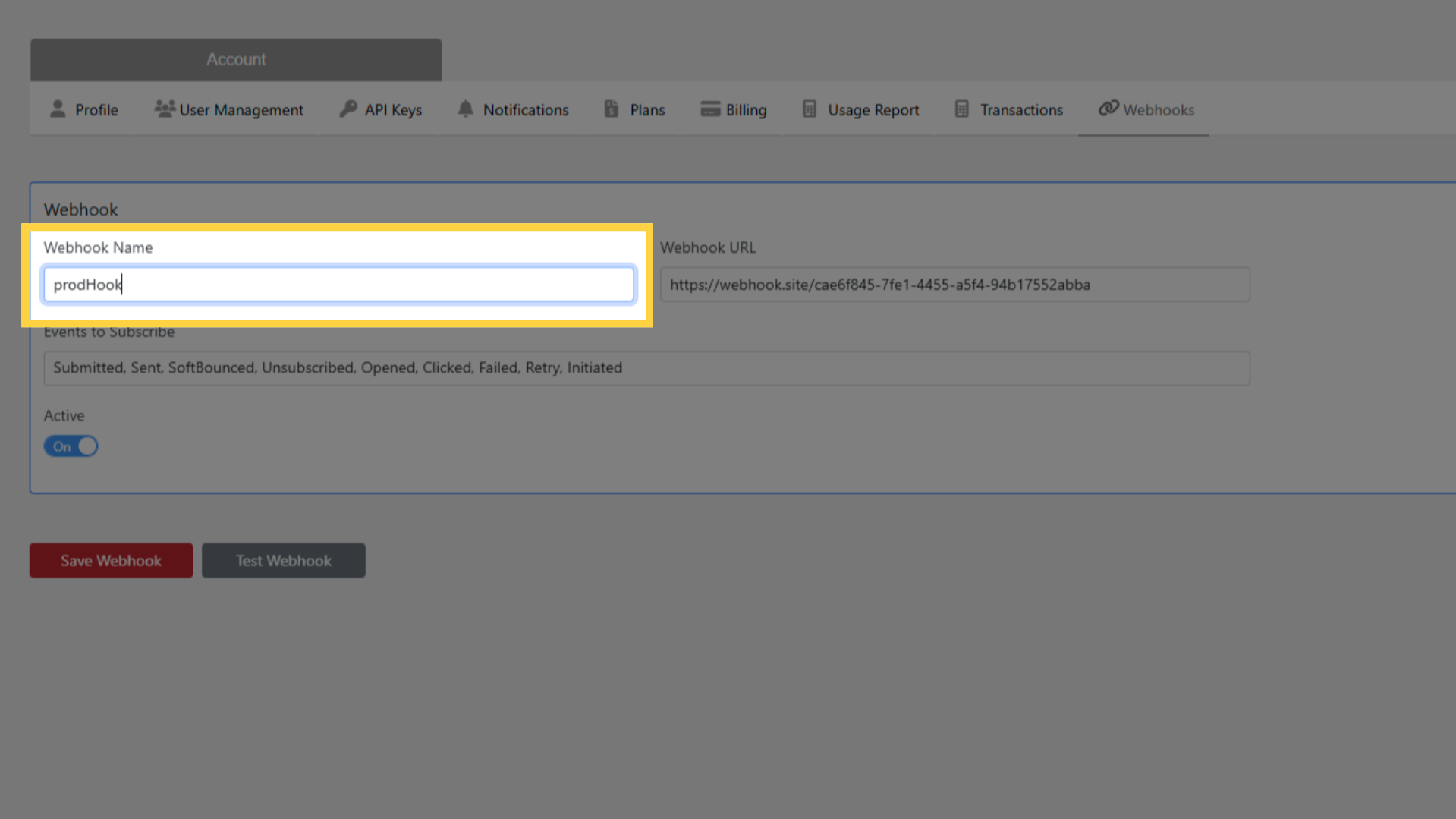
Enter a Name for the webhook (e.g., "CRM Event Sync" or "Analytics Pipeline")
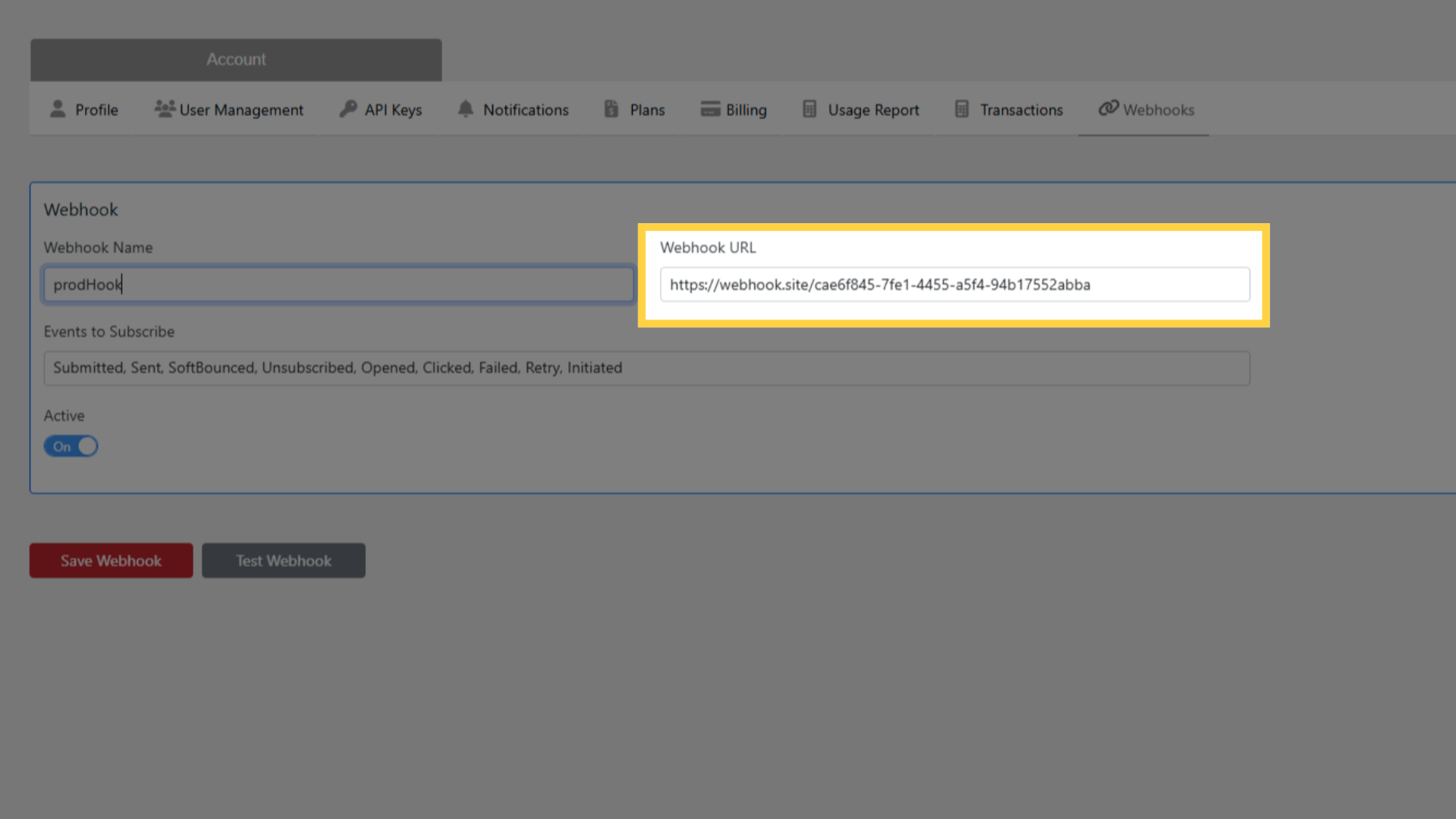
Enter the Webhook URL — must be HTTPS
Under Events to Subscribe, check the event types you want to receive:
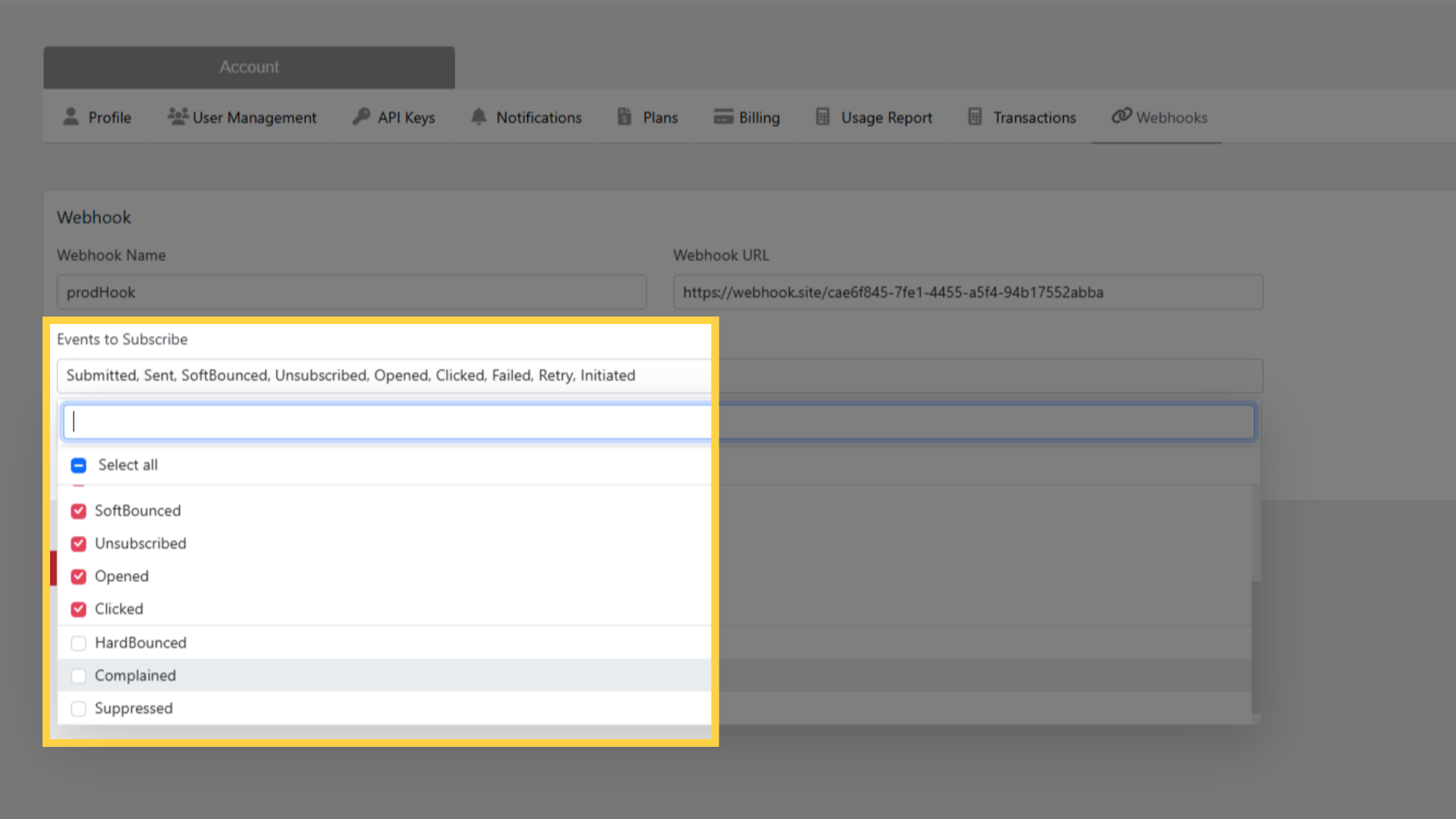
- Initiated — email queued for sending
- Submitted — email submitted to ESP
- Paused — send paused
- Canceled — send canceled
- Retry — retrying after soft bounce
- Sent — ESP confirmed delivery
- Failed — send attempt failed
- SoftBounced — temporary delivery failure
- HardBounced — permanent delivery failure
- Complained — recipient marked as spam
- Suppressed — email blocked by suppression list
- Unsubscribed — recipient unsubscribed
- Opened — recipient opened email
- Clicked — recipient clicked a link
Click Save
Step 2: Test the Webhook
Click Test Webhook next to the newly created webhook
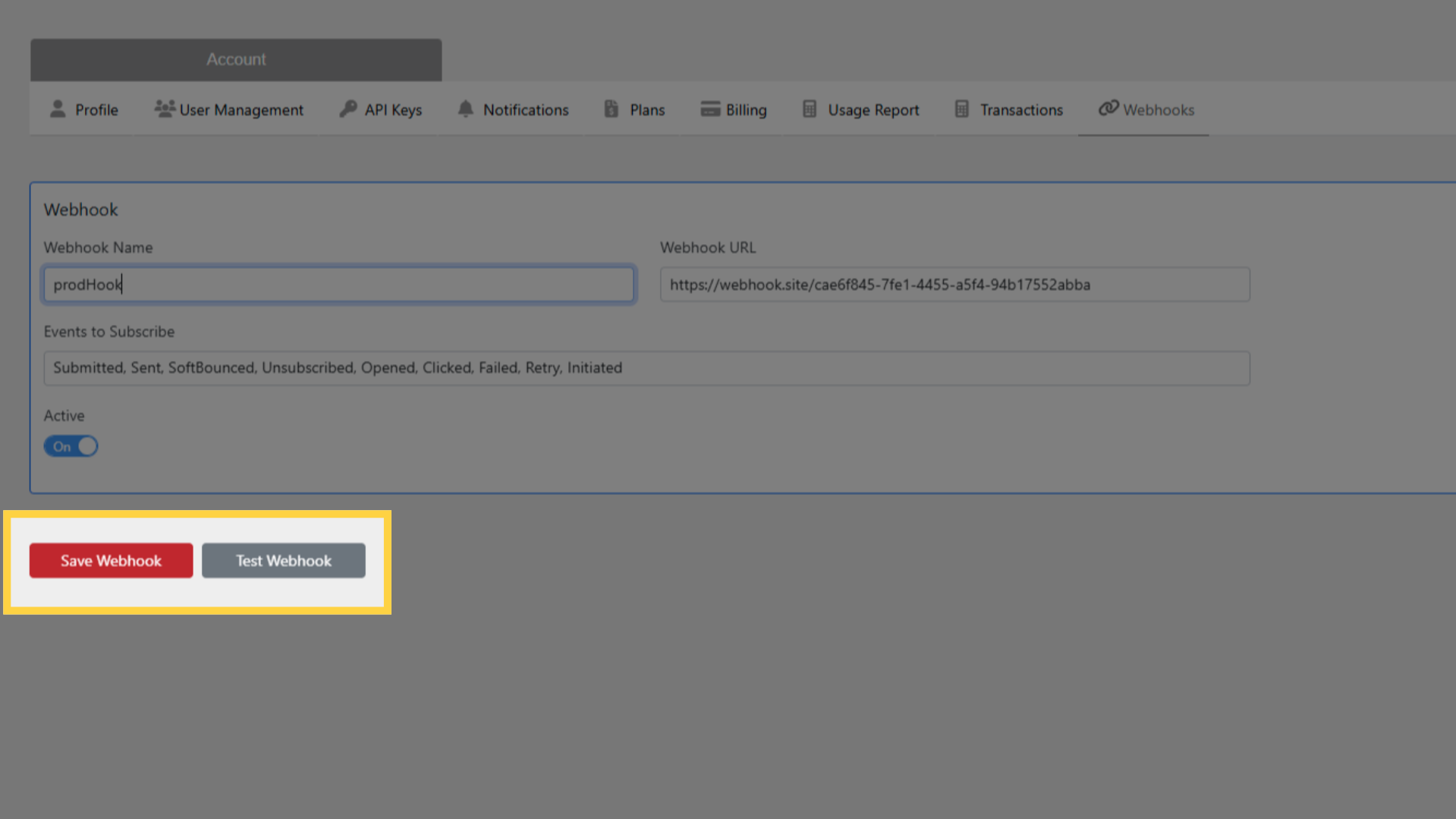
EmailElement sends a test payload to your endpoint
If your endpoint returns HTTP 200, the test passes
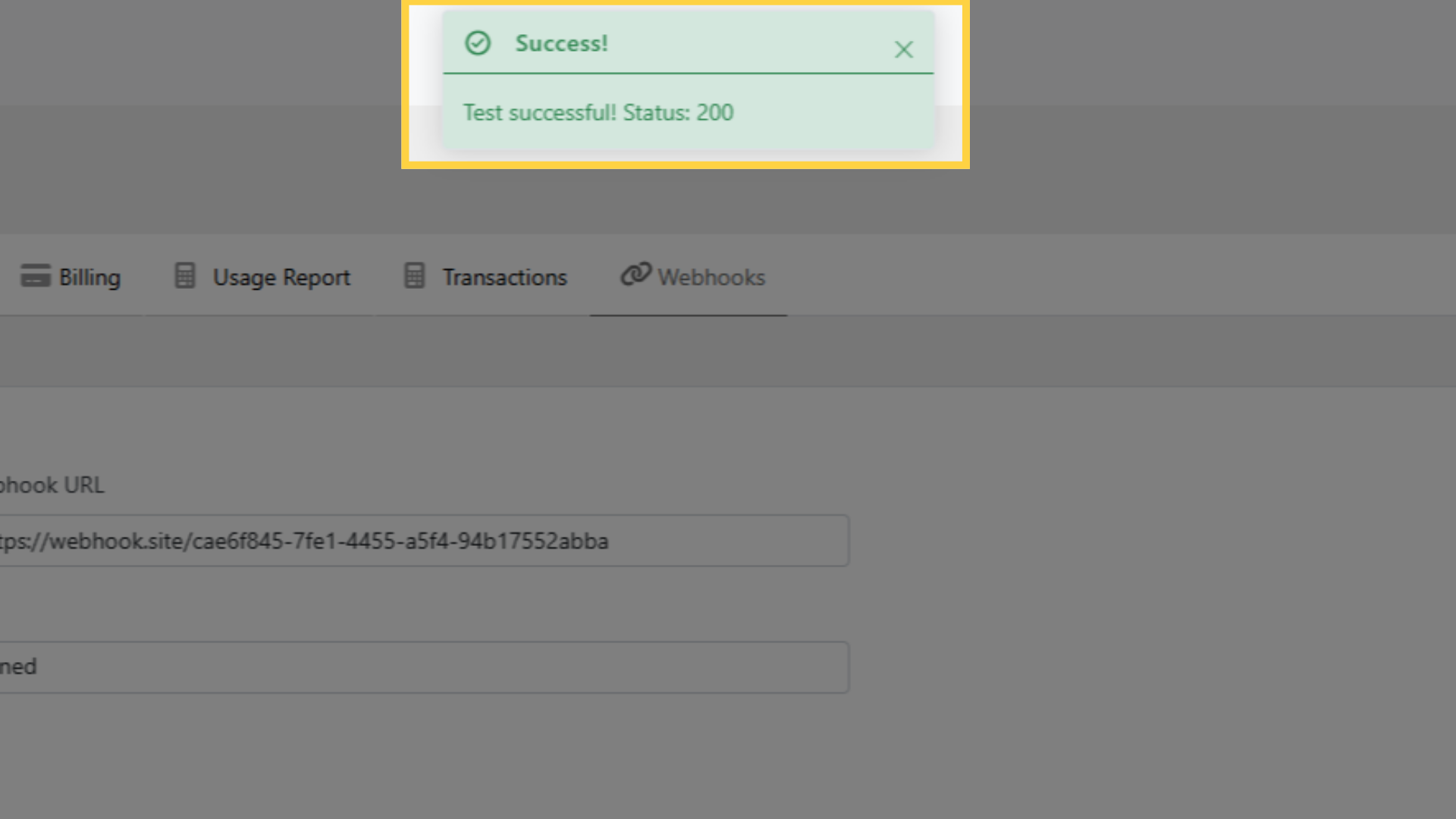
If the test fails:
- Verify the URL is correct and publicly accessible
- Ensure the endpoint accepts POST requests
- Check that the endpoint returns HTTP 200 (not 201, 204, or other codes)
- Verify SSL/TLS certificate is valid (self-signed certificates may be rejected)
Step 3: Receive Events
Once saved and tested, the webhook is active
All matching events from all Send Integrations in your account are sent to the endpoint
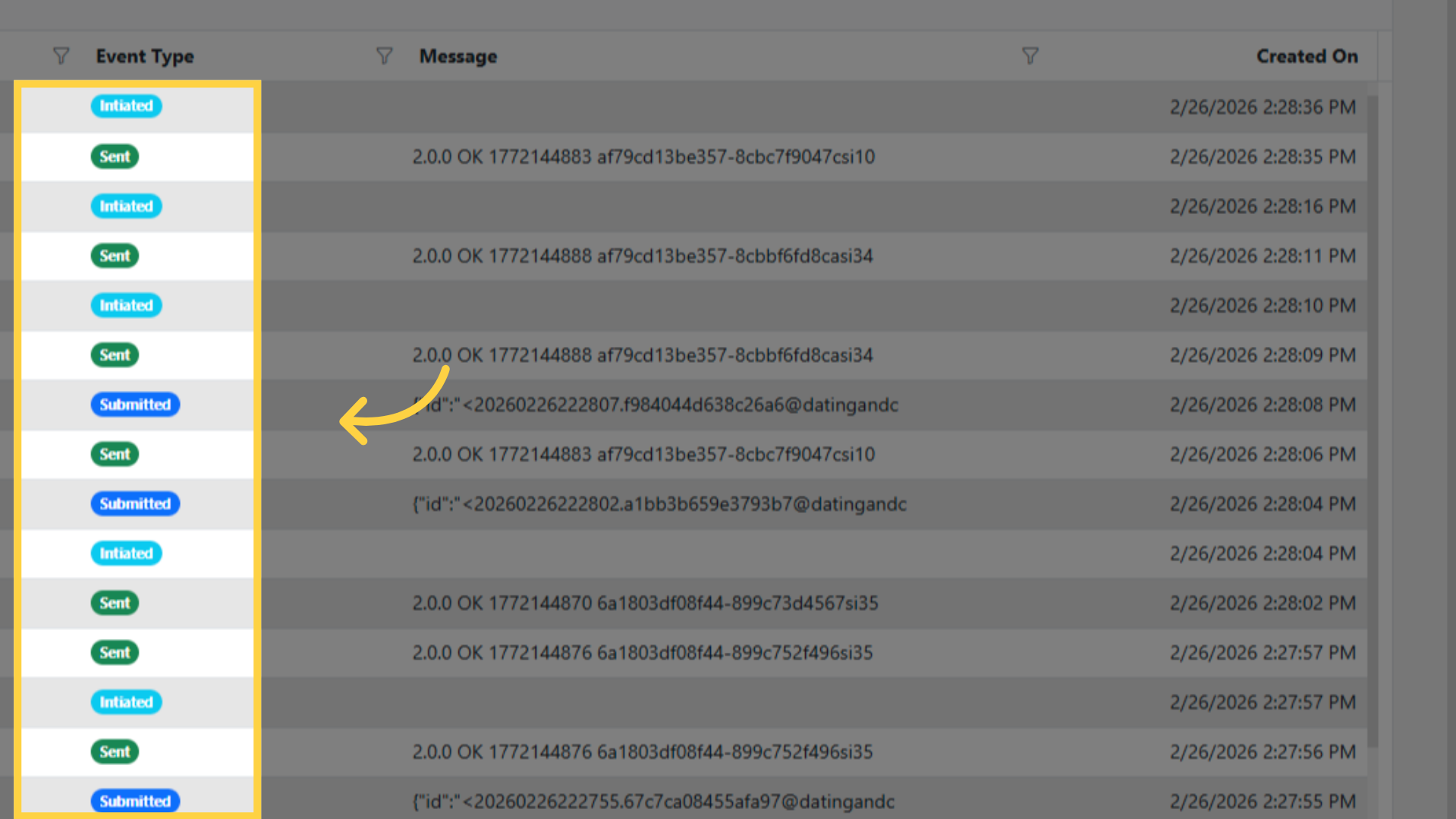
Events are delivered as POST requests with a JSON body
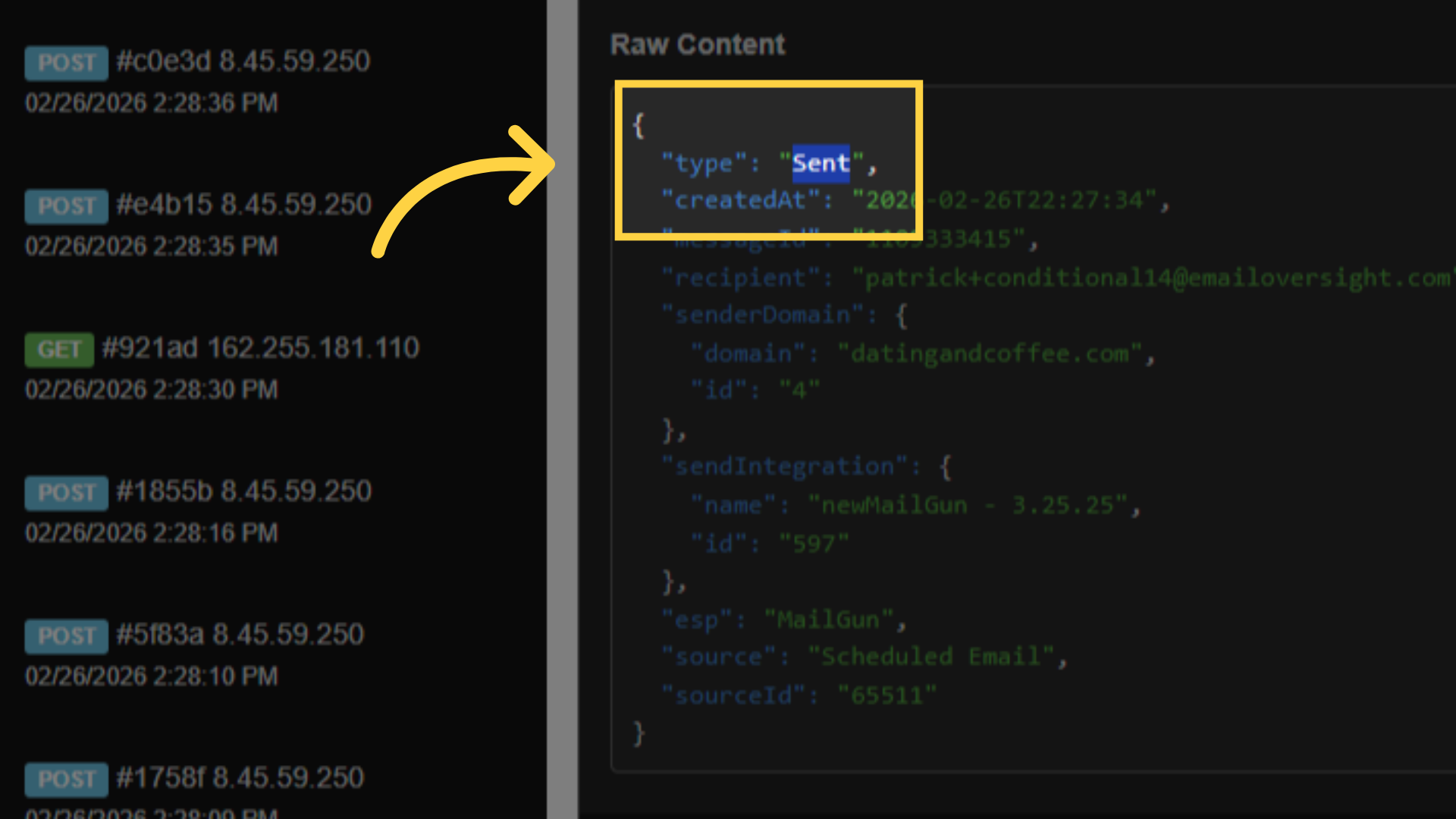
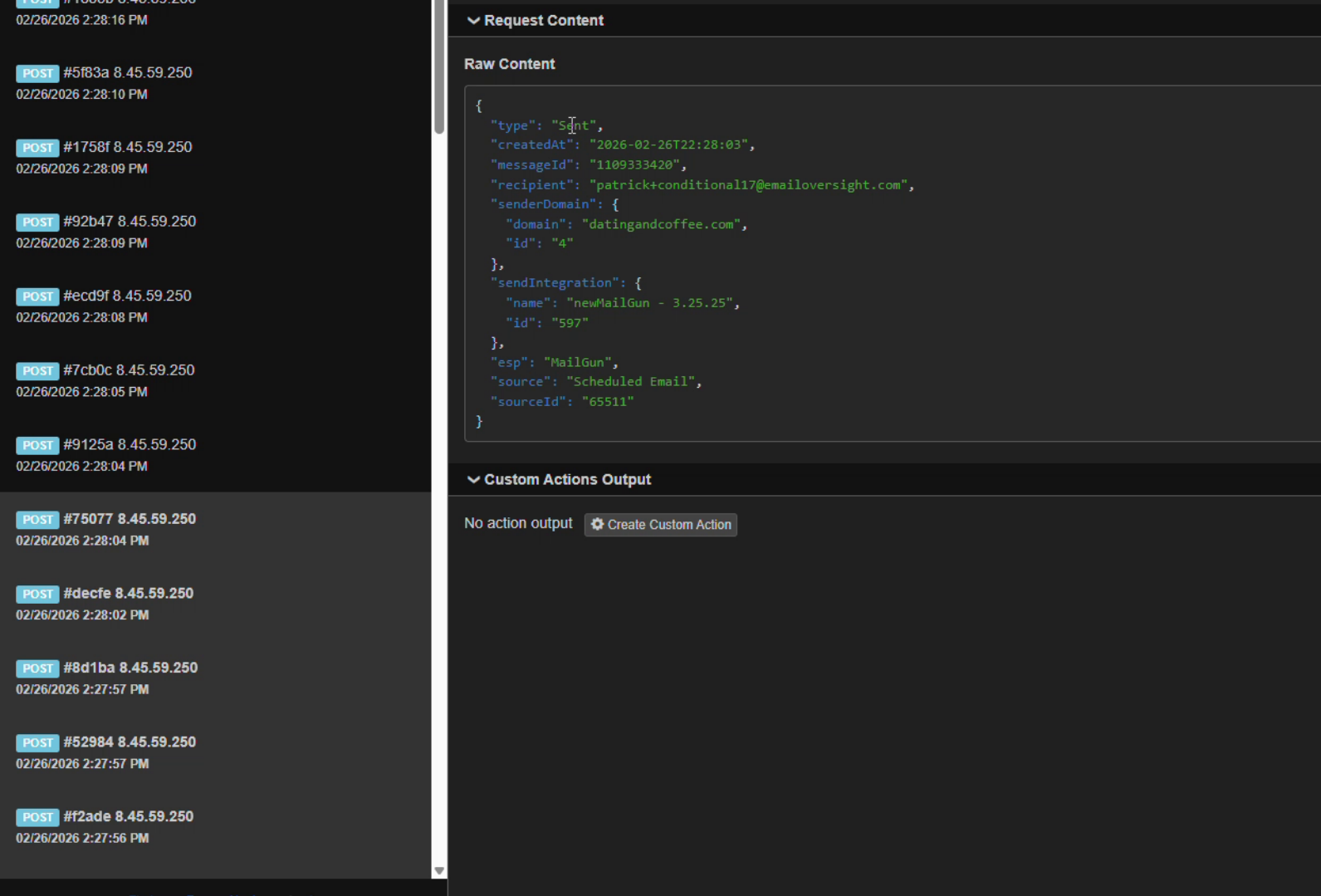
Your endpoint should:
- Parse the JSON payload
- Process or store the event data
- Return HTTP 200 as quickly as possible
If your endpoint does not return 200, EmailElement retries the delivery
Managing Webhooks
Disable: Use the toggle switch next to any webhook to disable it without deleting
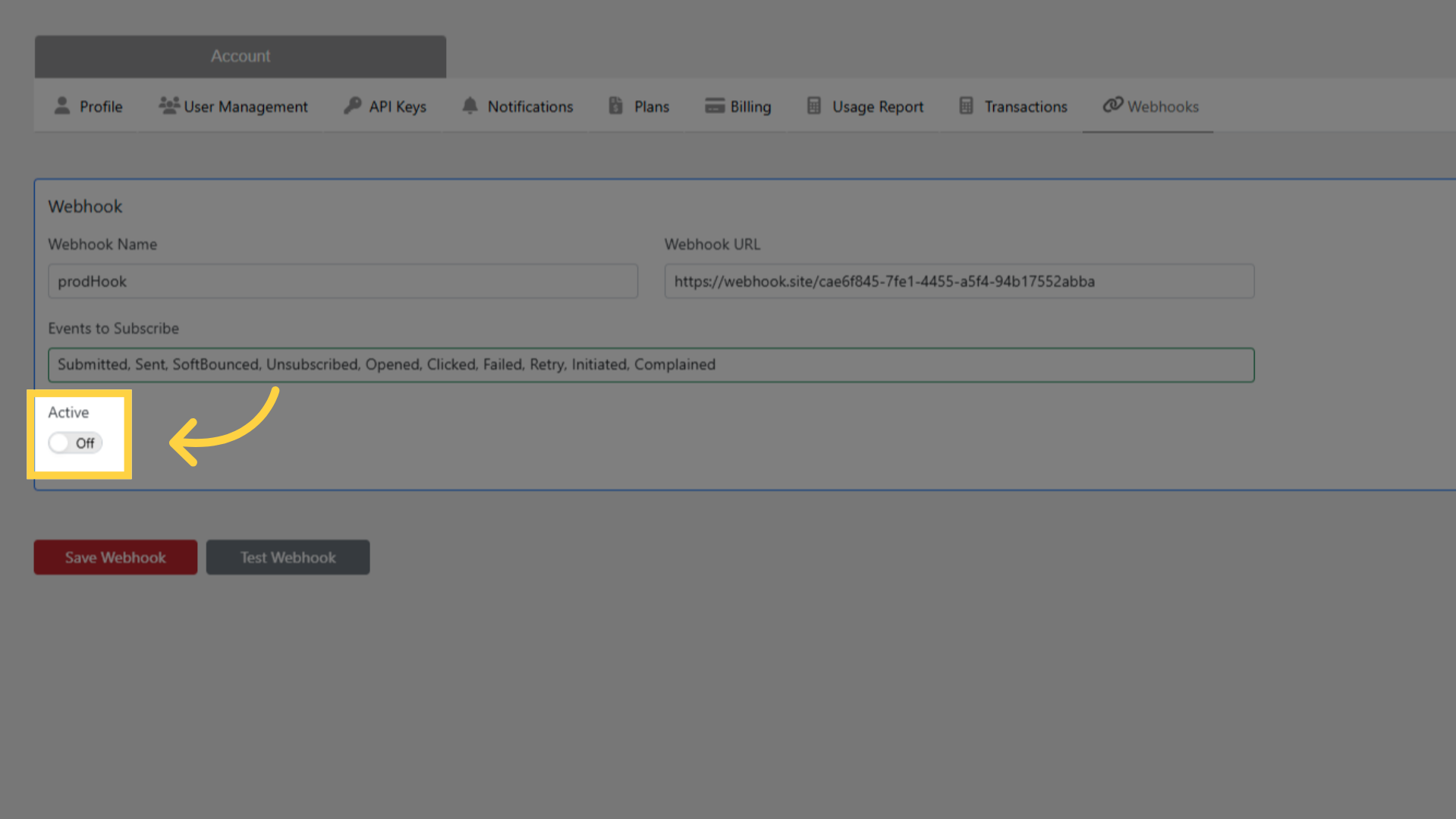
Edit: Click the webhook name to change the URL or subscribed events
Delete: Remove a webhook permanently when no longer needed
Multiple webhooks can be active simultaneously, each with different URLs and event subscriptions
The same event is sent to all active webhooks that subscribe to that event type
Best Practices
- Keep endpoint processing fast — return 200 immediately and process asynchronously
- Log all received payloads for debugging
- Implement idempotency using the MessageId field to handle duplicate deliveries
- Use HTTPS with a valid certificate from a trusted certificate authority
- Monitor your endpoint's health and response times