
Email Validation Report
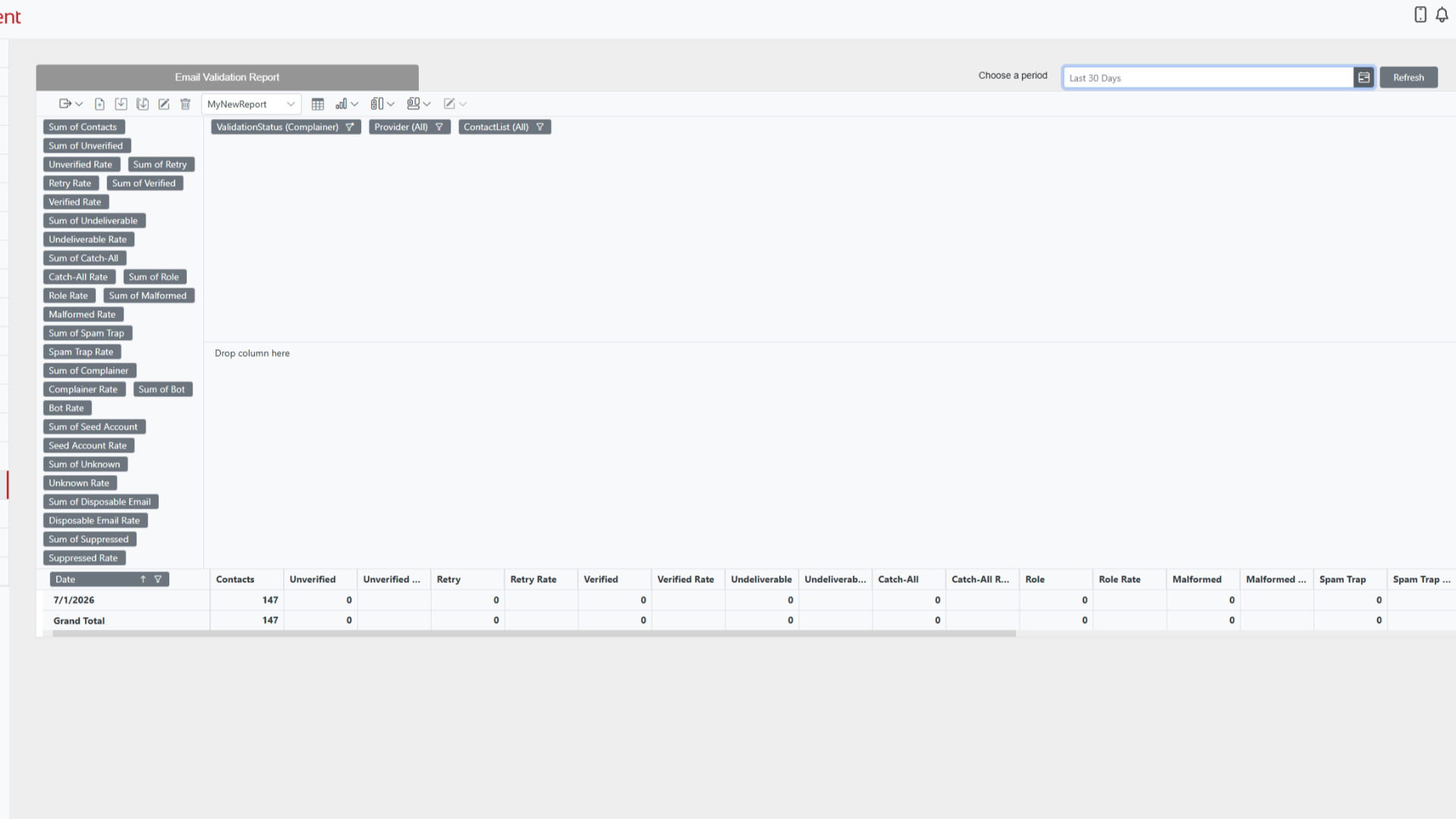
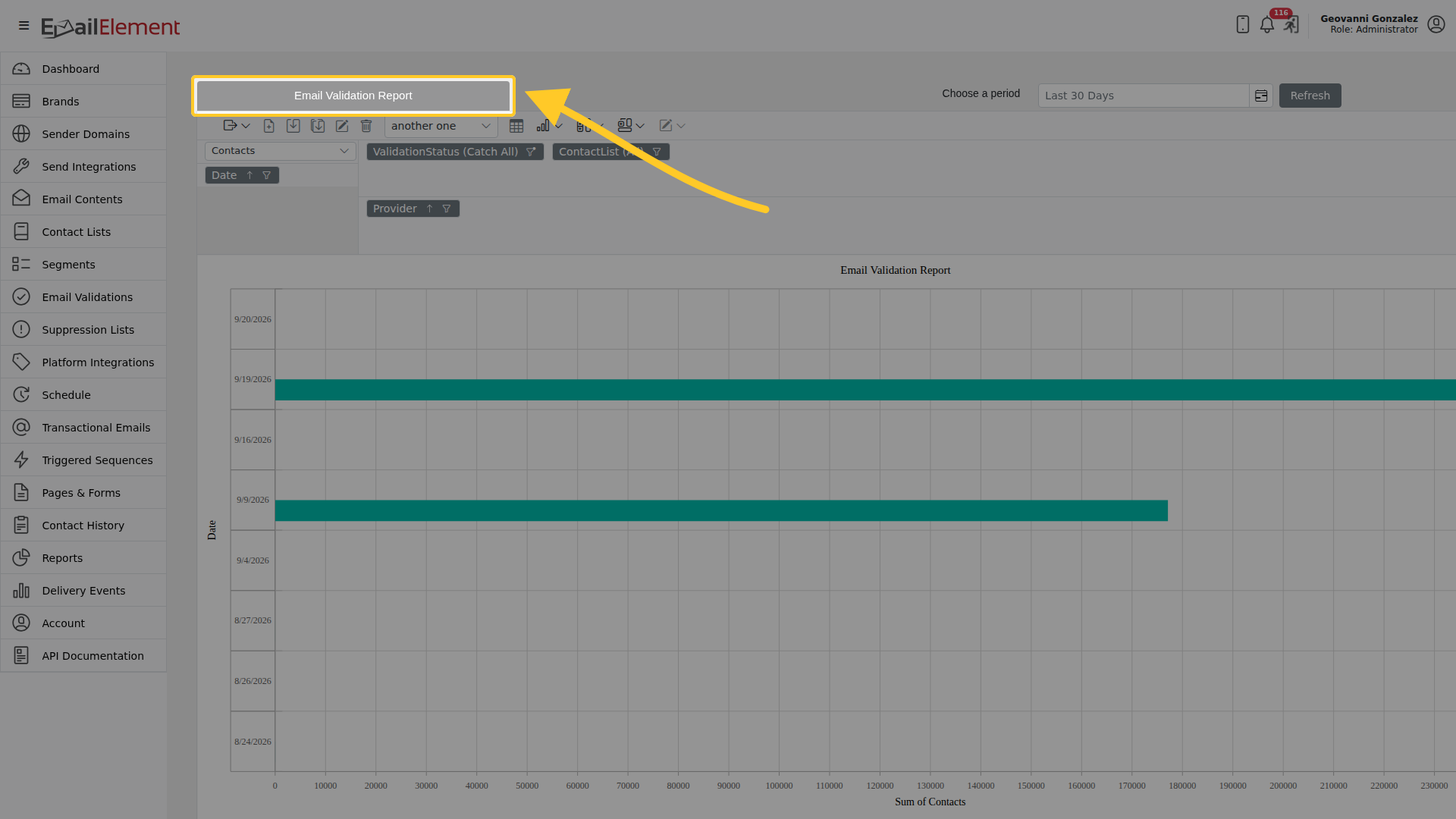
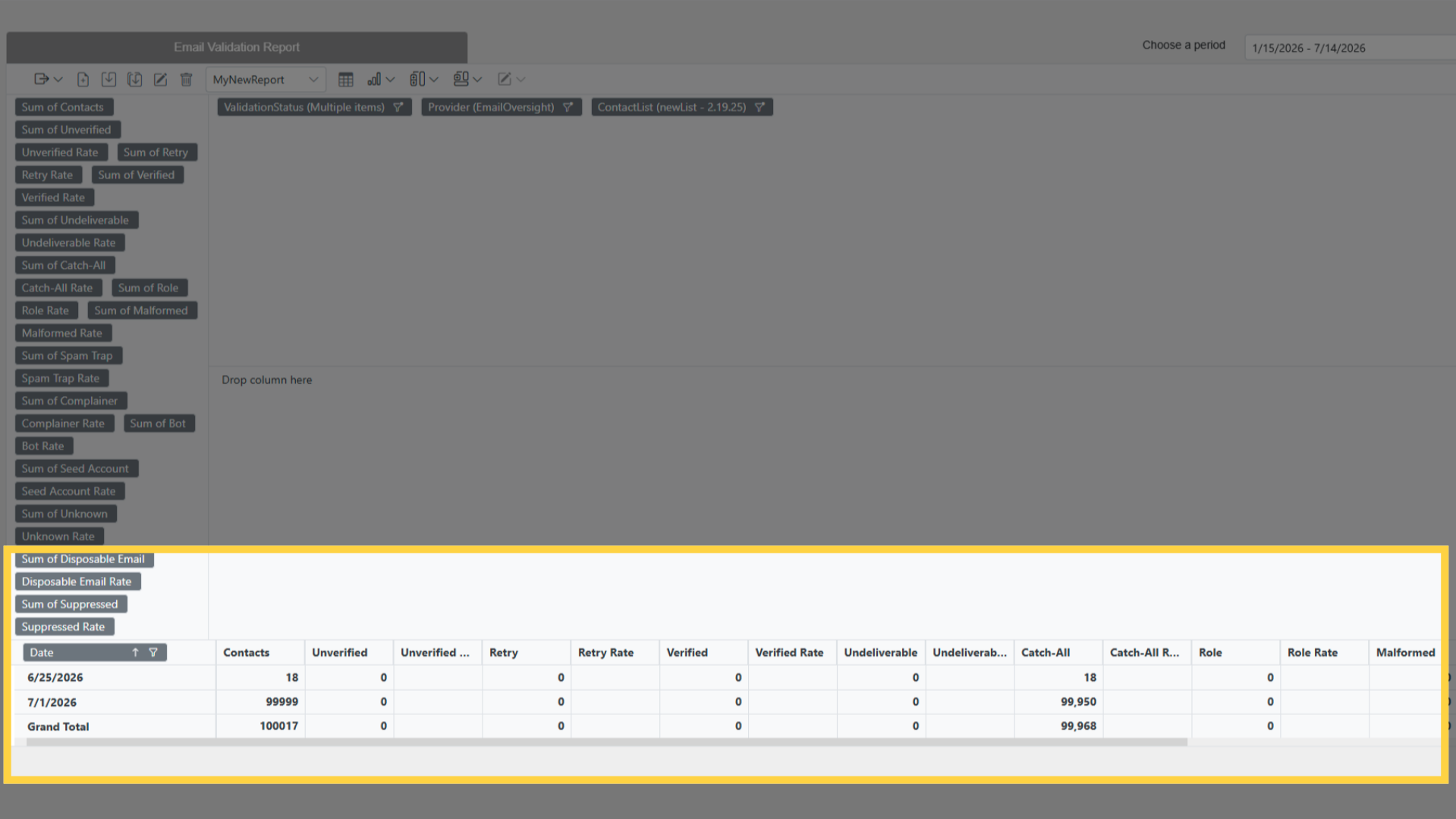
Shows how many contacts were validated each day, and what each validation came back as. It is a pivot table, so you choose which figures to show and can switch to a chart.
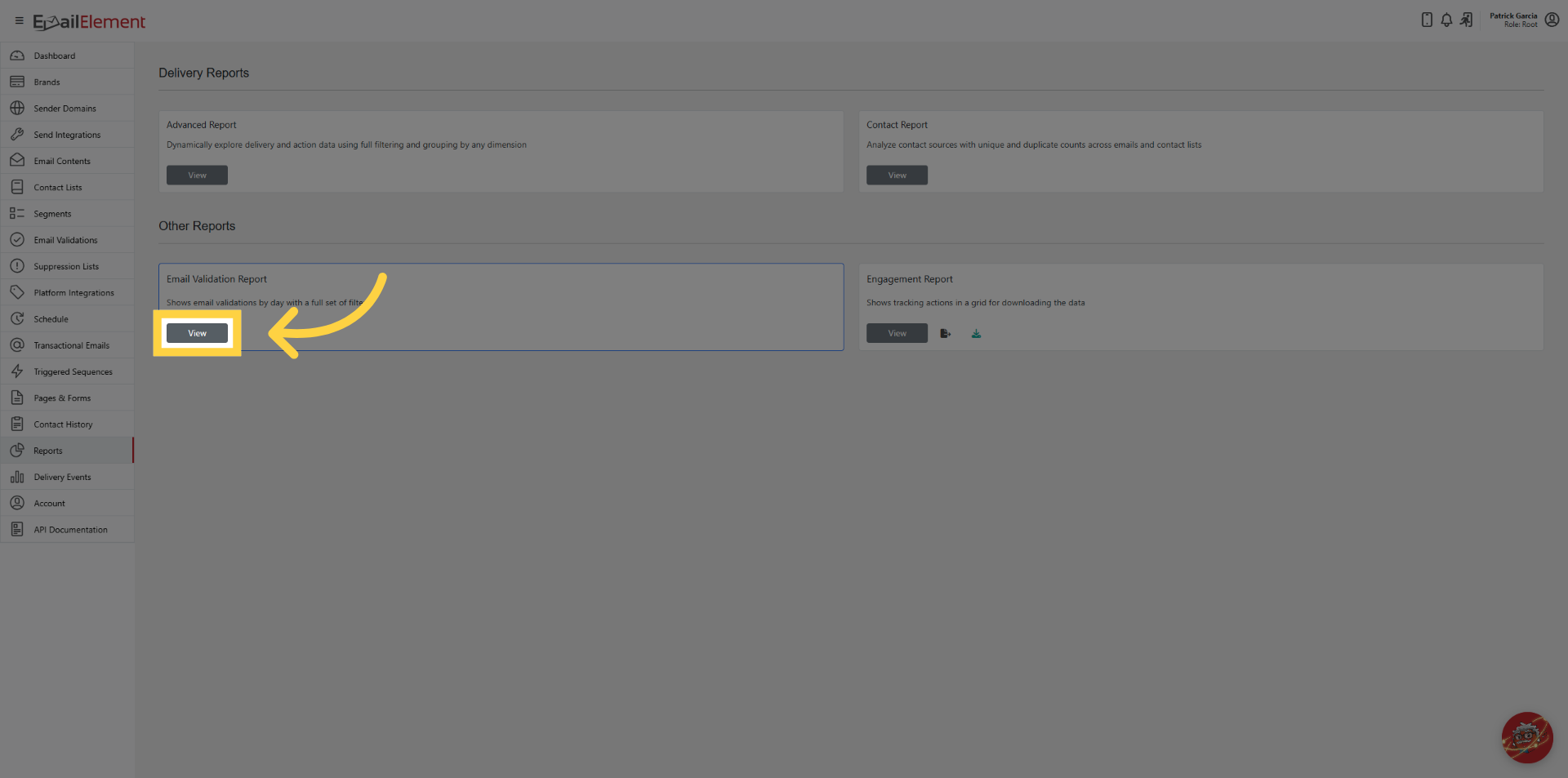
Reports > Email Validation Report > View, or go to /emailvalidationreport.
Choosing a period
The date picker has This Week, Last 30 Days, Last 60 Days, Last 90 Days,
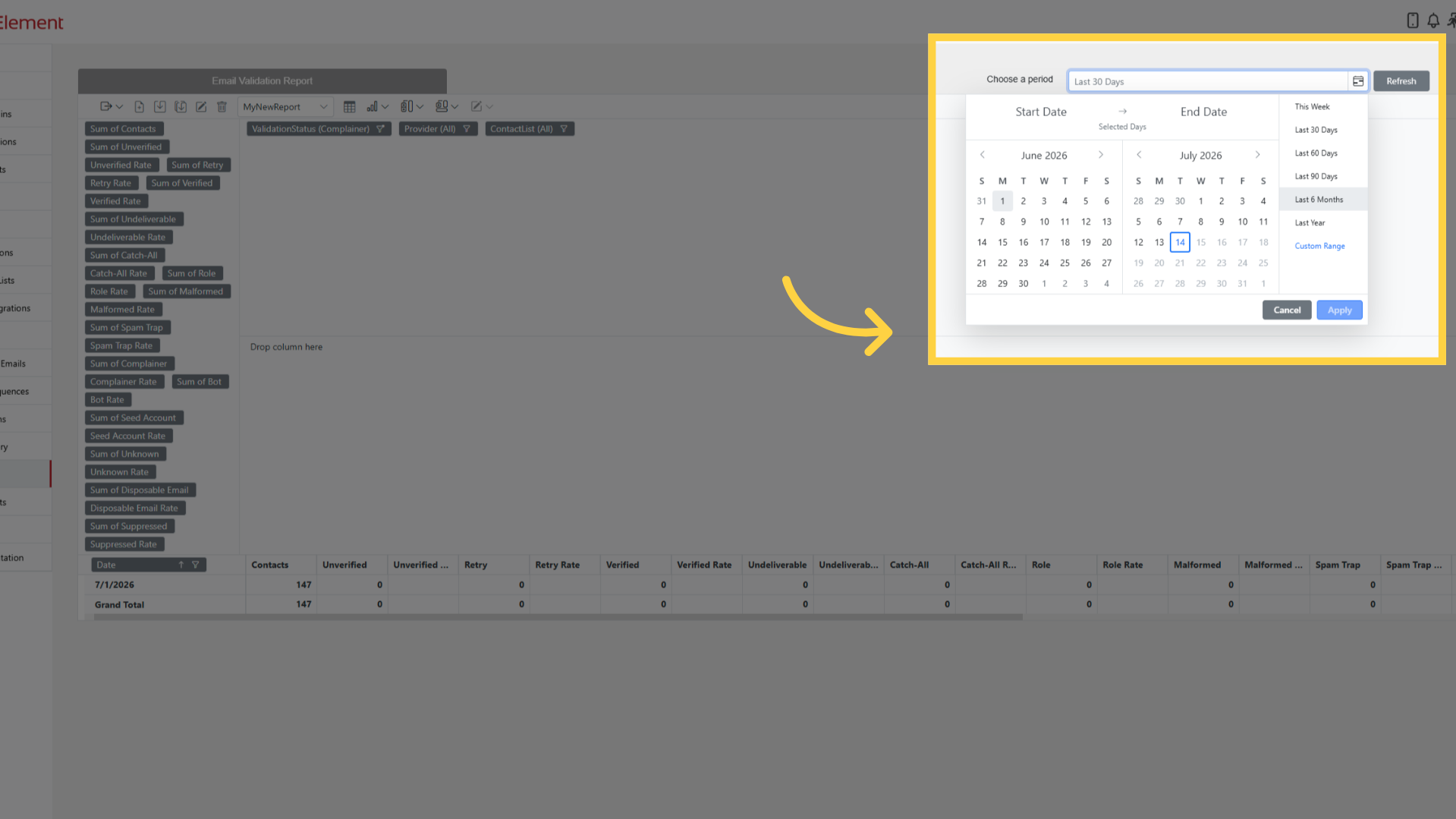 Last 6 Months and Last Year, or pick your own dates. The earliest date you can choose is
one year back, and it opens on the last 30 days. Dates are in your account time zone.
Refresh reloads the figures for the period you picked.
Last 6 Months and Last Year, or pick your own dates. The earliest date you can choose is
one year back, and it opens on the last 30 days. Dates are in your account time zone.
Refresh reloads the figures for the period you picked.
Rows
Rows are the Date, one per day.
Figures
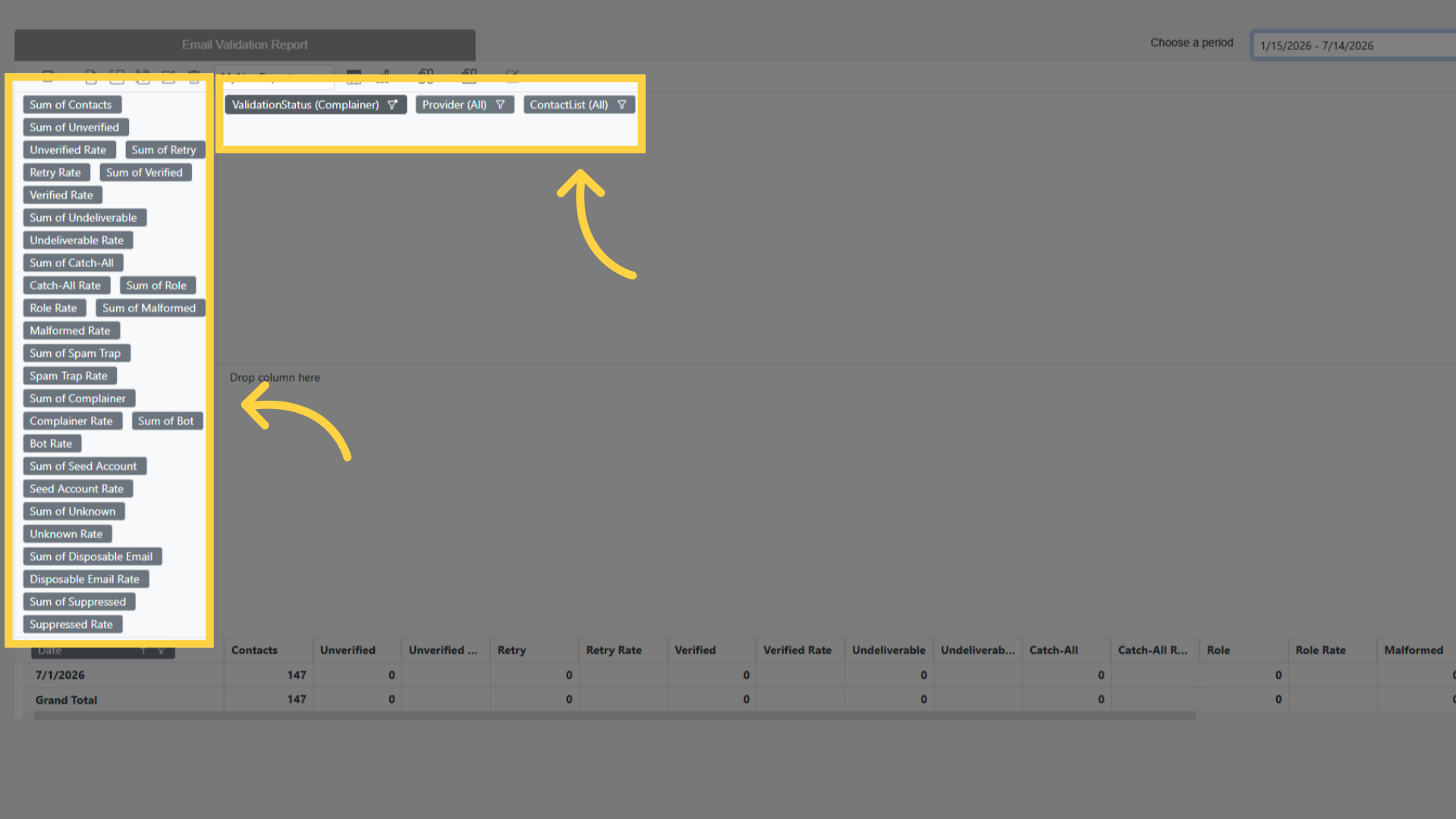
Contacts is the number validated. Every status below has both a count and a rate, and the rate is that status as a share of the contacts validated that day.
| Status | What it means |
|---|---|
| Verified | The address is good |
| Undeliverable | The address does not accept mail |
| Catch-All | The domain accepts anything, so the address could not be confirmed |
| Role | A shared address such as info@ or sales@ |
| Malformed | Not a valid address |
| Spam Trap | A known trap address |
| Complainer | A contact known to report mail as spam |
| Bot | Machine activity rather than a person |
| Seed Account | A seed address used for inbox monitoring |
| Disposable Email | A throwaway address |
| Suppressed | On a suppression list |
| Retry | The check could not finish and will be tried again |
| Failed | The check failed |
| Unverified | Not validated |
| Unknown | The provider gave no usable answer |
Filters
| Filter |
|---|
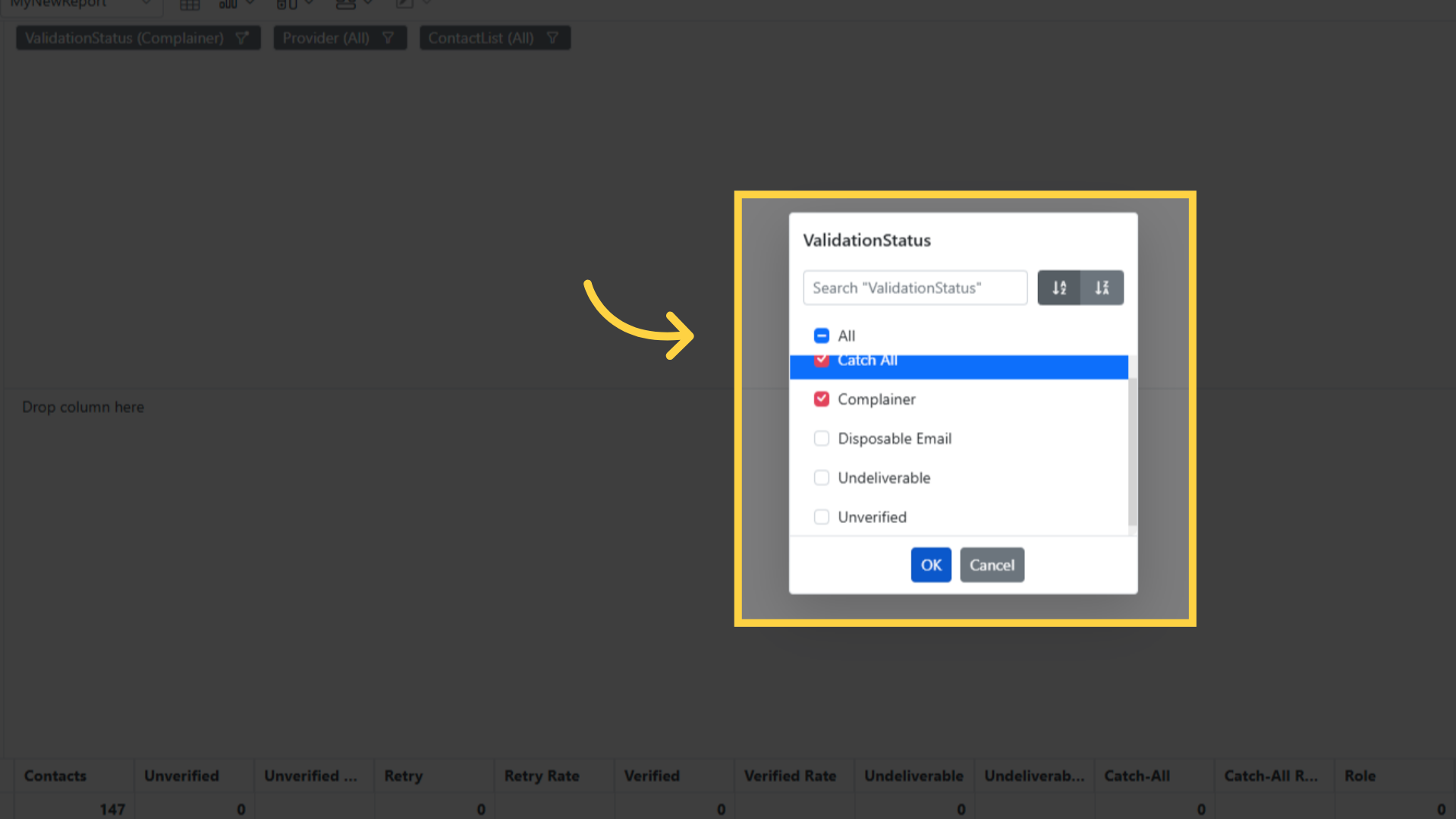
| Validation Status |
| Provider |
| Contact List |
The toolbar
Grid and Chart switch between the table and the chart. You can show both.
Sub-total and Grand total turn those rows on and off.
Formatting changes how numbers are shown.
Field List opens the full list of figures, so you can add back any you removed.
Export downloads the report. Excel and PDF are both available.
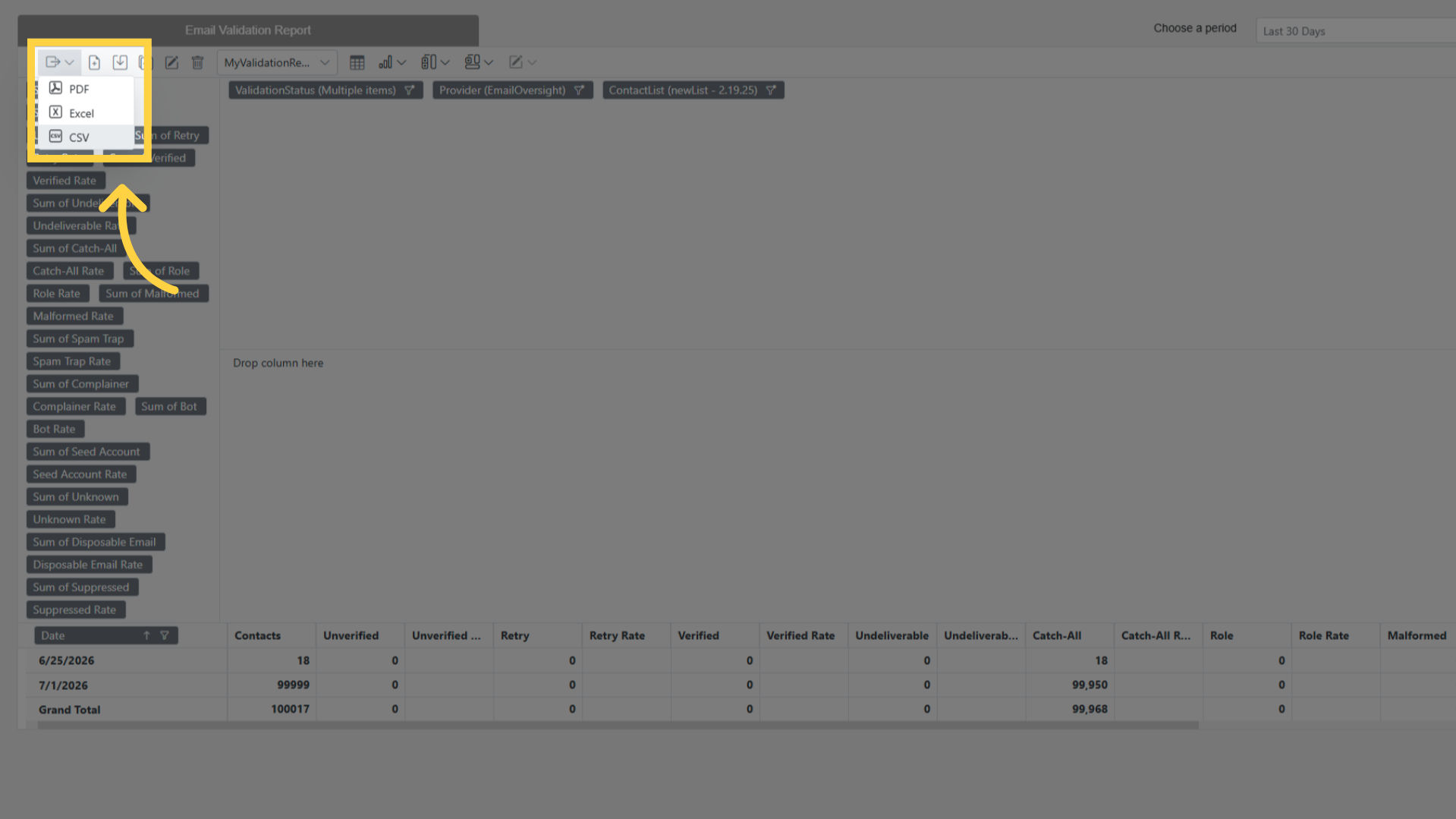
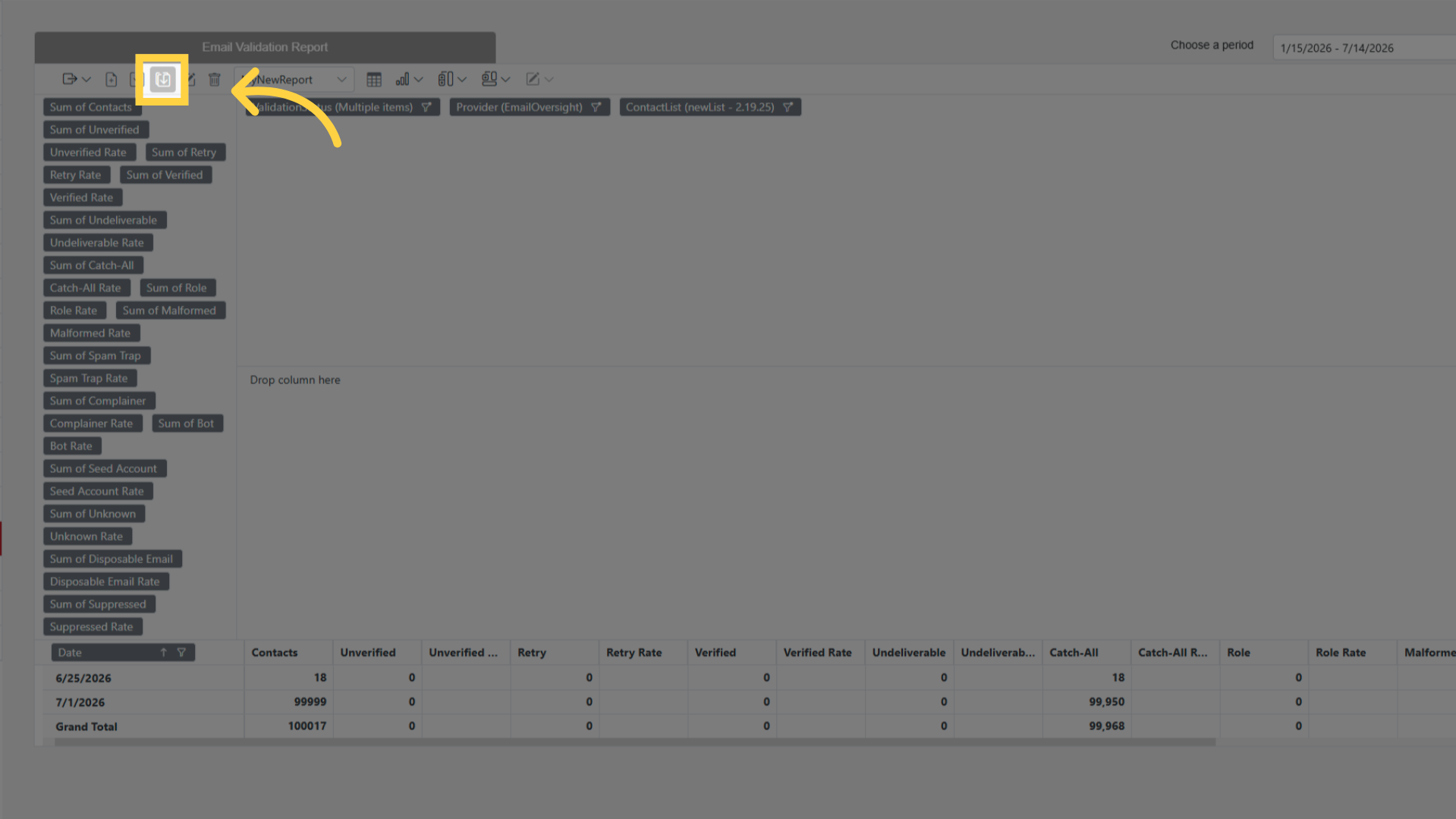
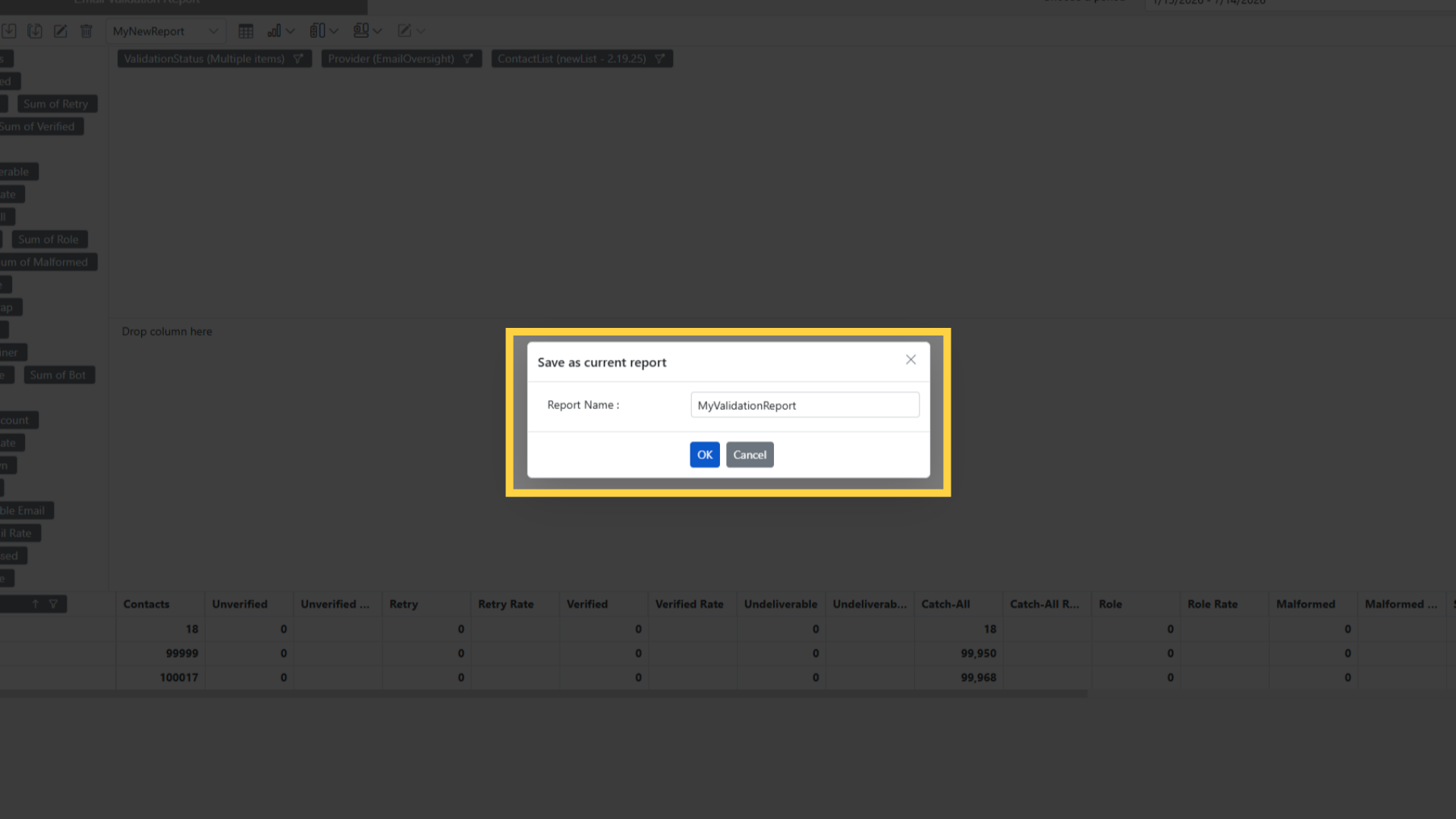
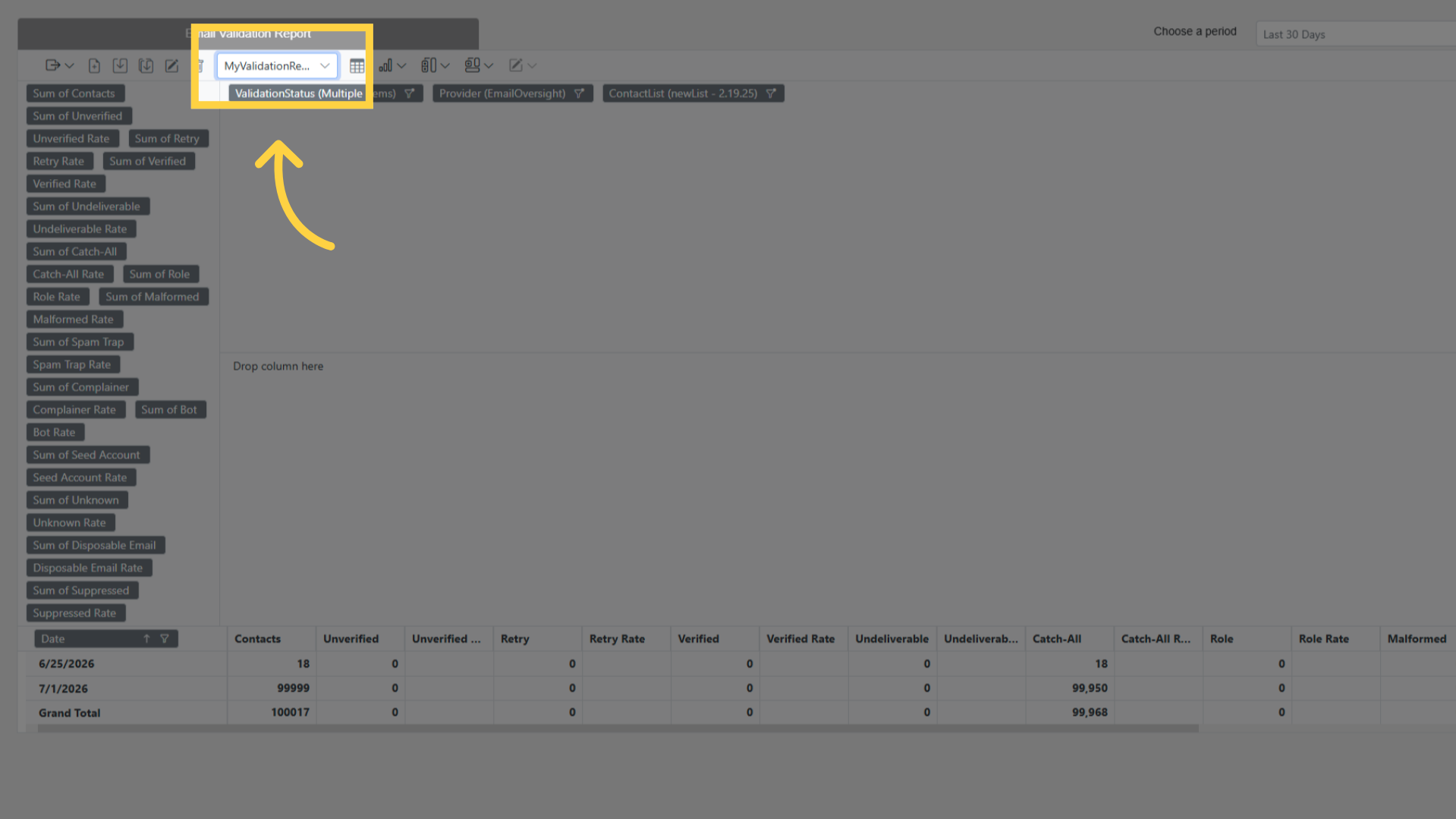
New, Save, Save As, Rename, Remove and Load keep report setups under a name.
Related pages
- Email Validations — setting up validation and choosing a provider
- Contact Lists — the lists the validated contacts belong to
- Reports — the reports section