

HitPath
In order to set up your HitPath account with EmailElement, you will need:
- API Key
- Affiliate URL
- Affiliate ID
1. Get your credentials from HitPath
Your HitPath account, under Tools > API. The affiliate URL is your HitPath tracking domain, and the affiliate ID is on your profile.
2. Choose HitPath in EmailElement
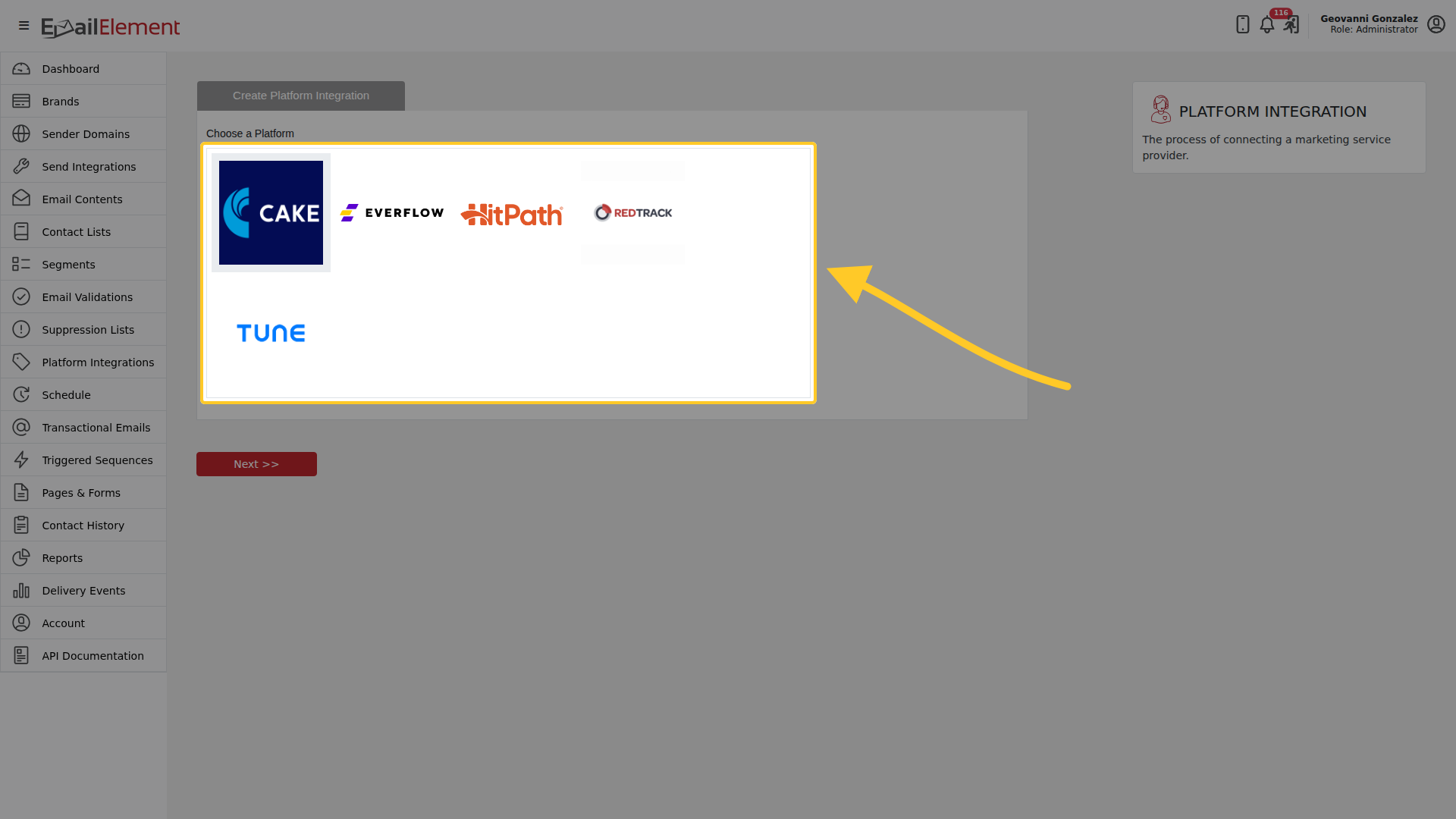
Platform Integrations > Create Platform Integration, then pick HitPath from the list.
3. Enter the credentials
Give the integration a name, then enter the API Key, Affiliate URL and Affiliate ID.
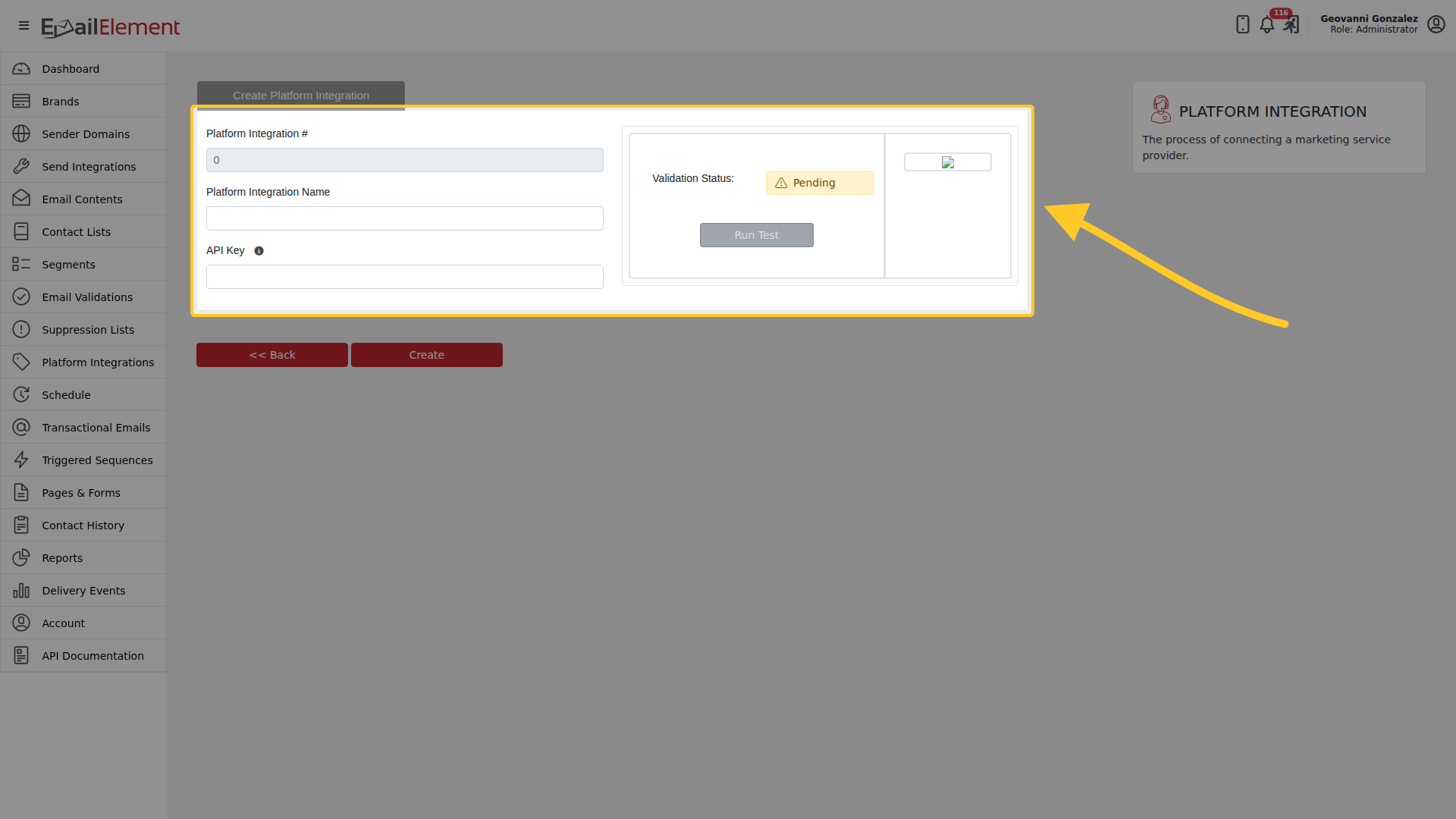
Save to finish. The number at the top is assigned on save.
How conversions arrive
EmailElement asks HitPath for conversions on a schedule, using the credentials above. There is nothing to configure on the HitPath side and no postback URL to paste anywhere: HitPath does not send anything to EmailElement.
A conversion is matched back to the contact by the {SubId} replacement tag, so that tag has to
be in the link the recipient clicked.
Related pages
- Conversions — the
{SubId}tag and where conversions show up - Platform Integrations — the rest of the platforms