Forms Walkthrough
Creating a Full Page Form
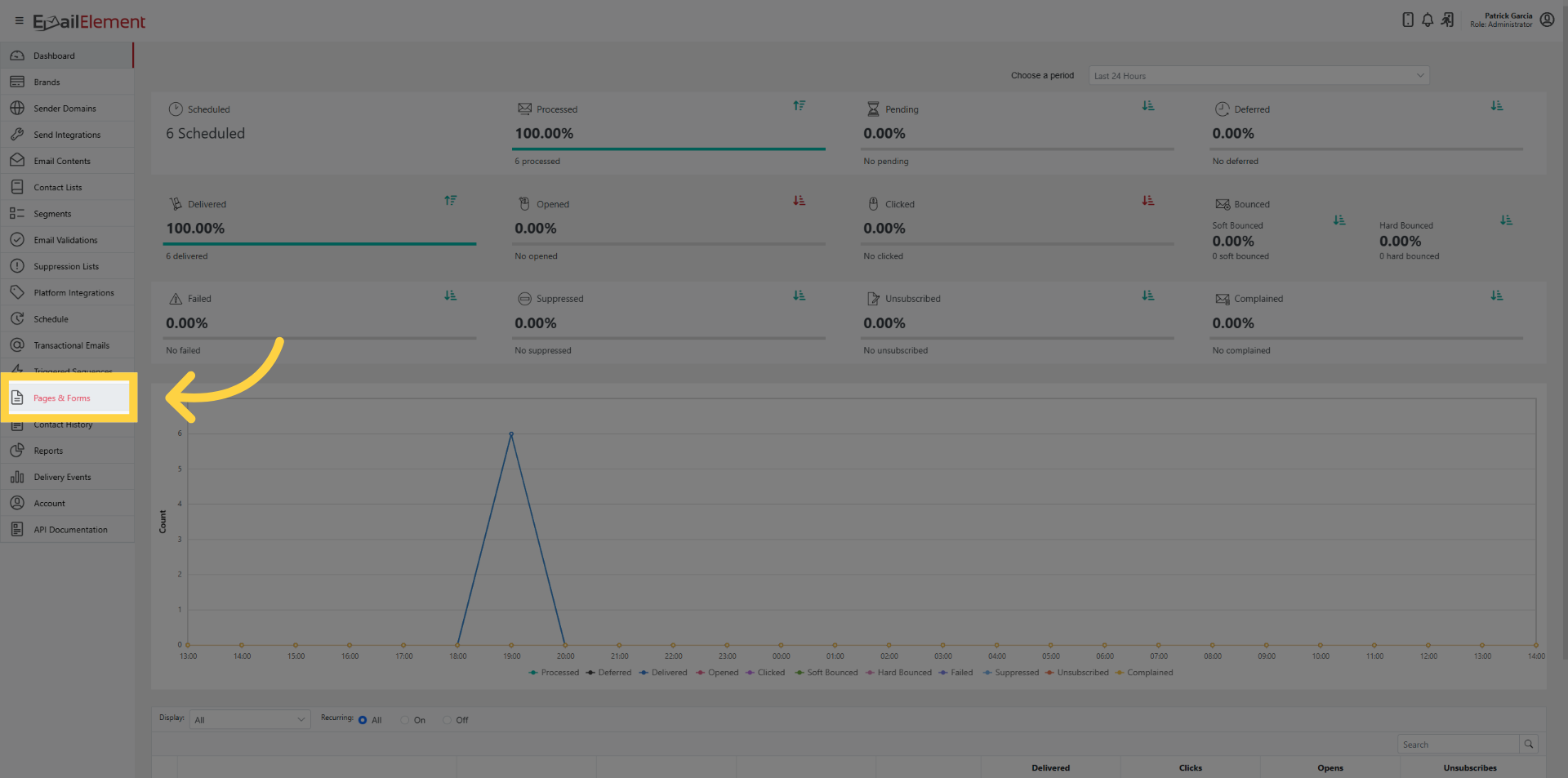
Click Pages & Forms > Create Form
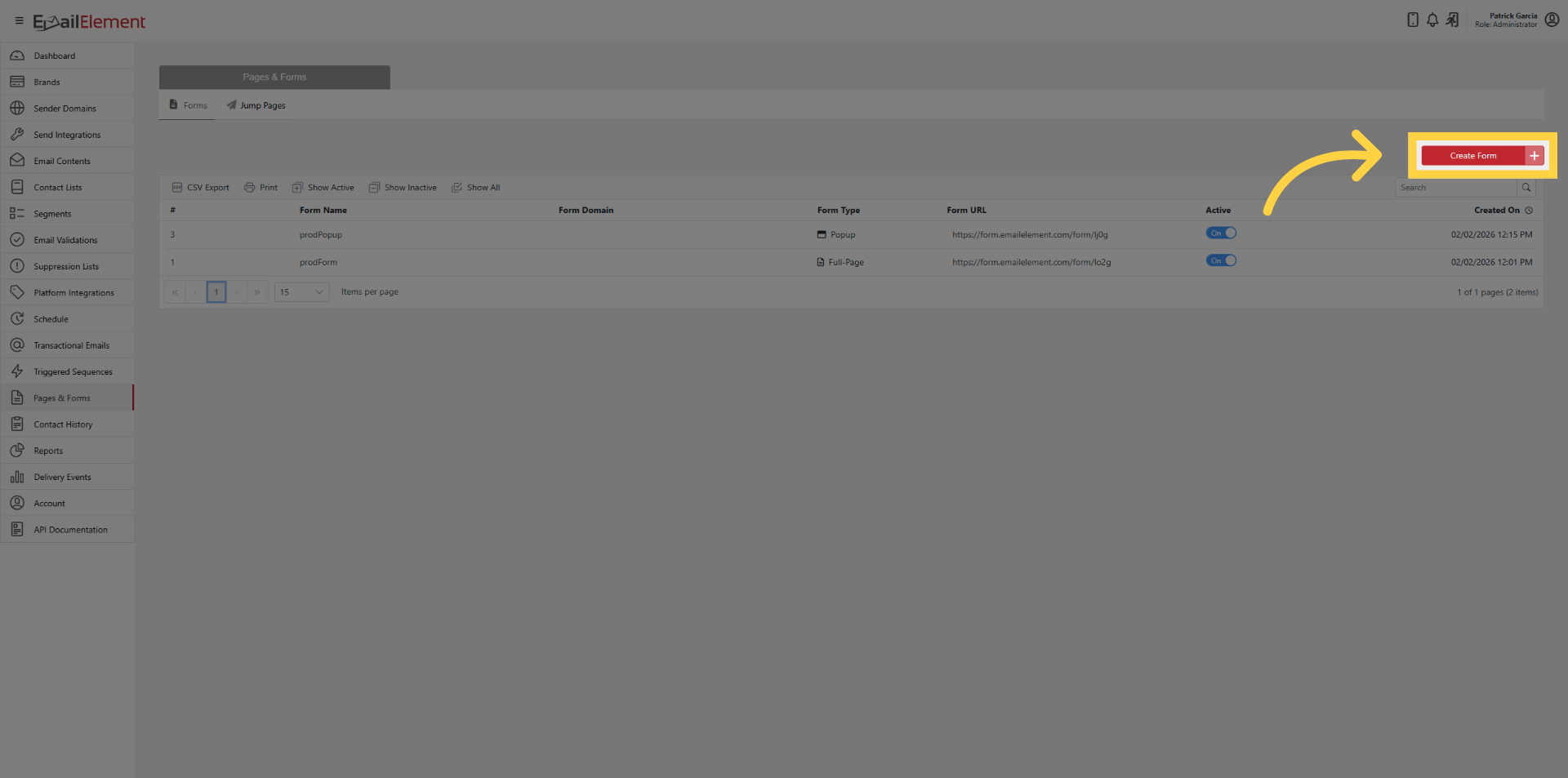
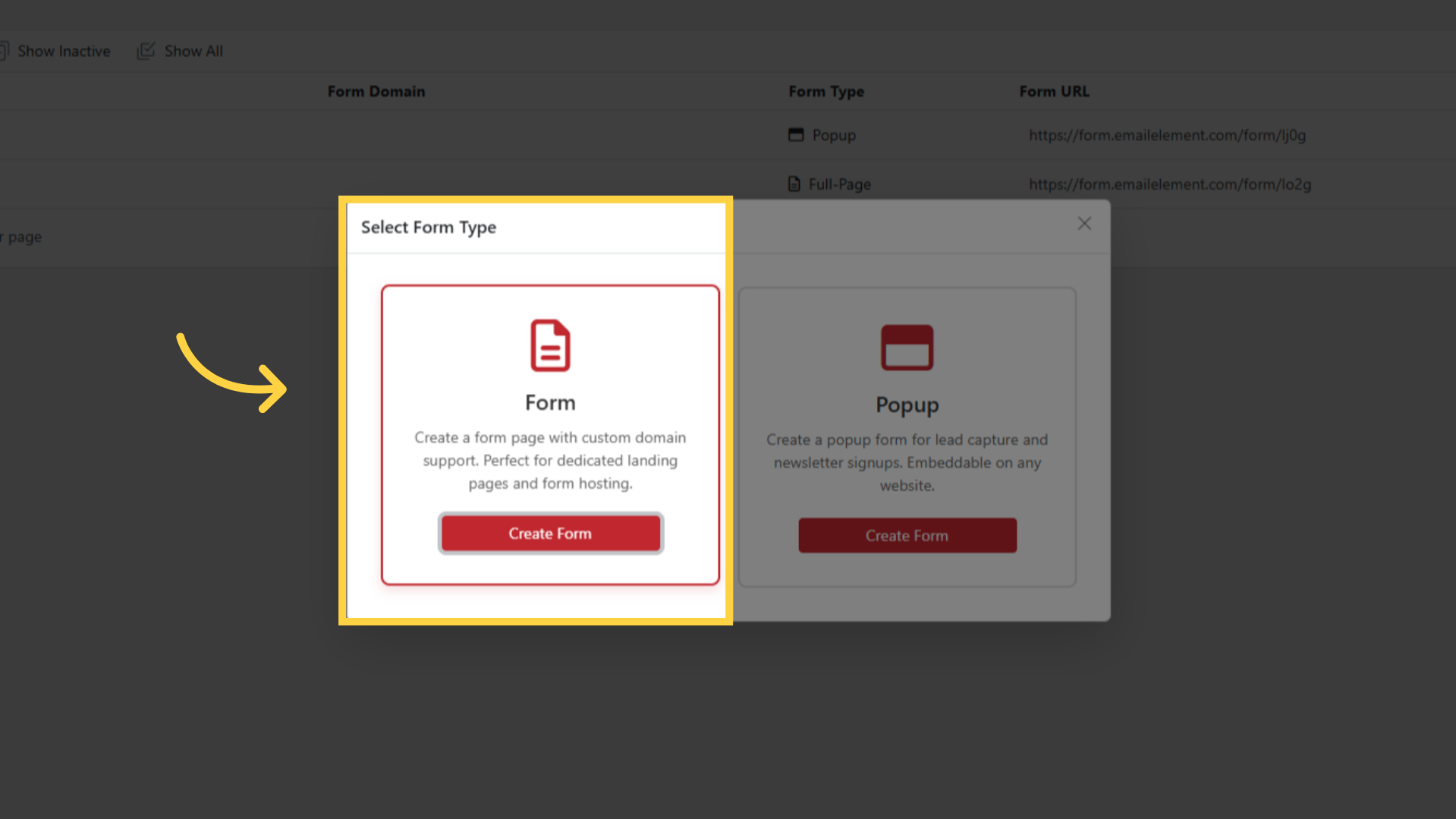
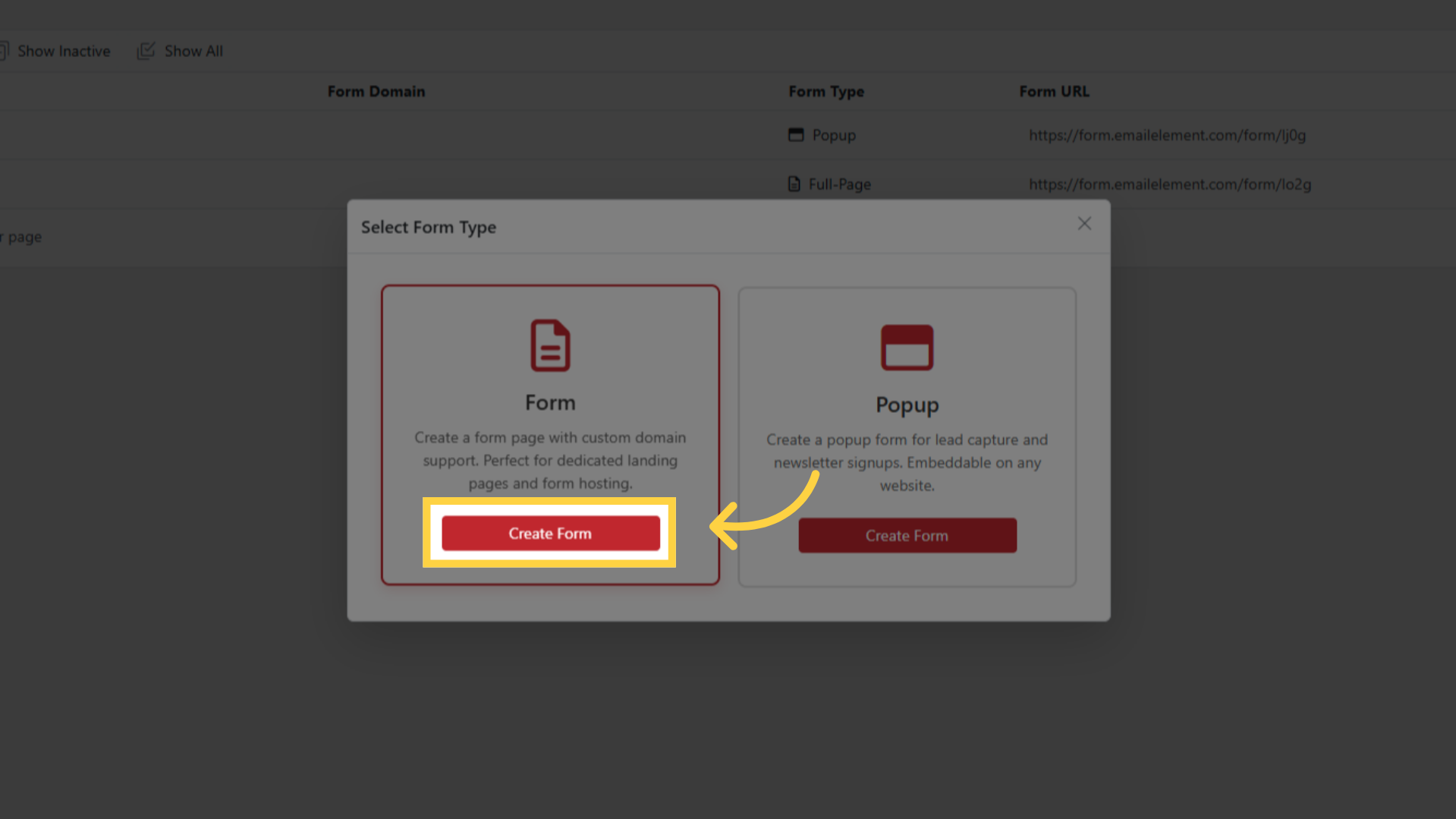
Select Form type > Create Form
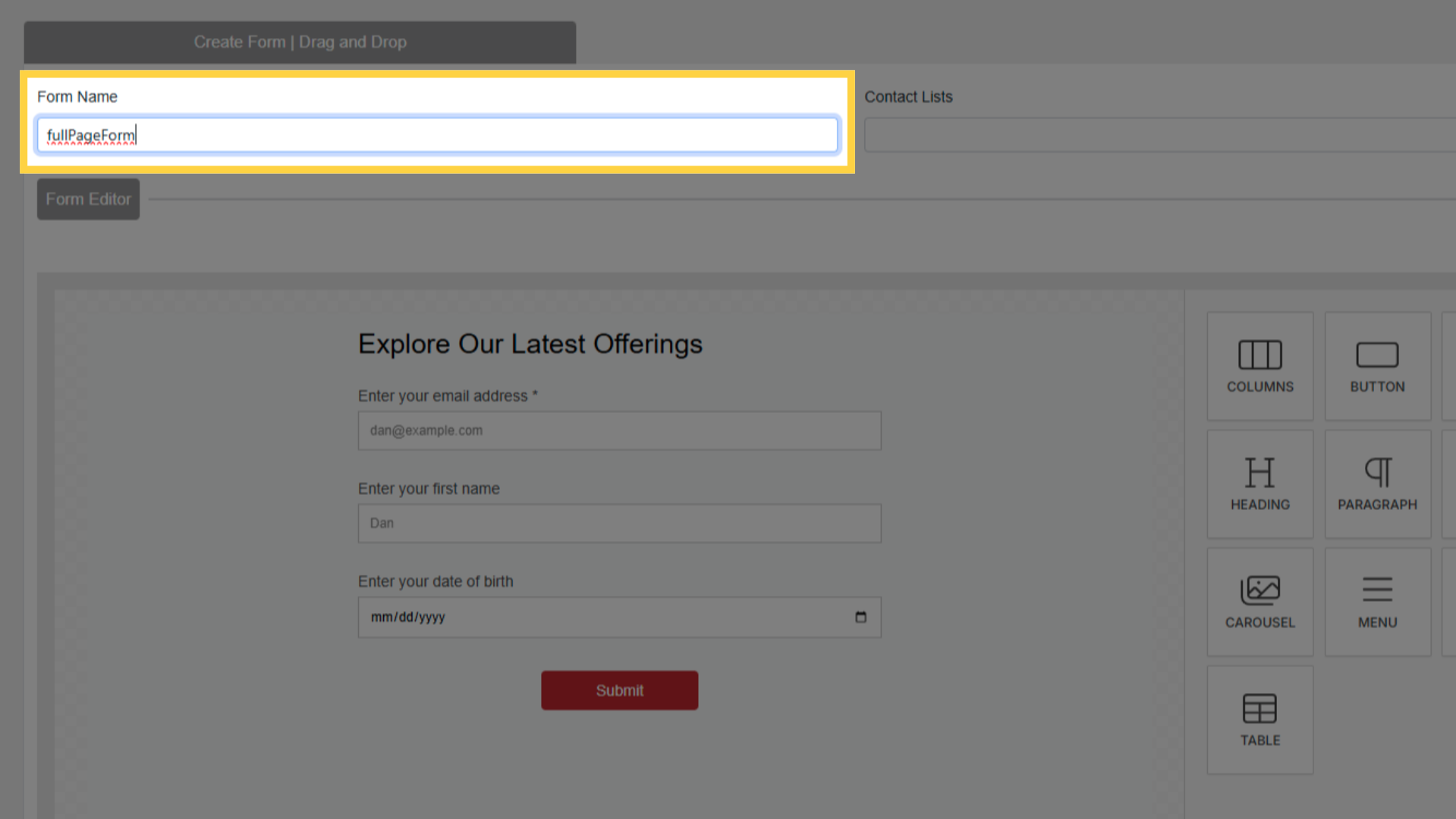
Enter a name
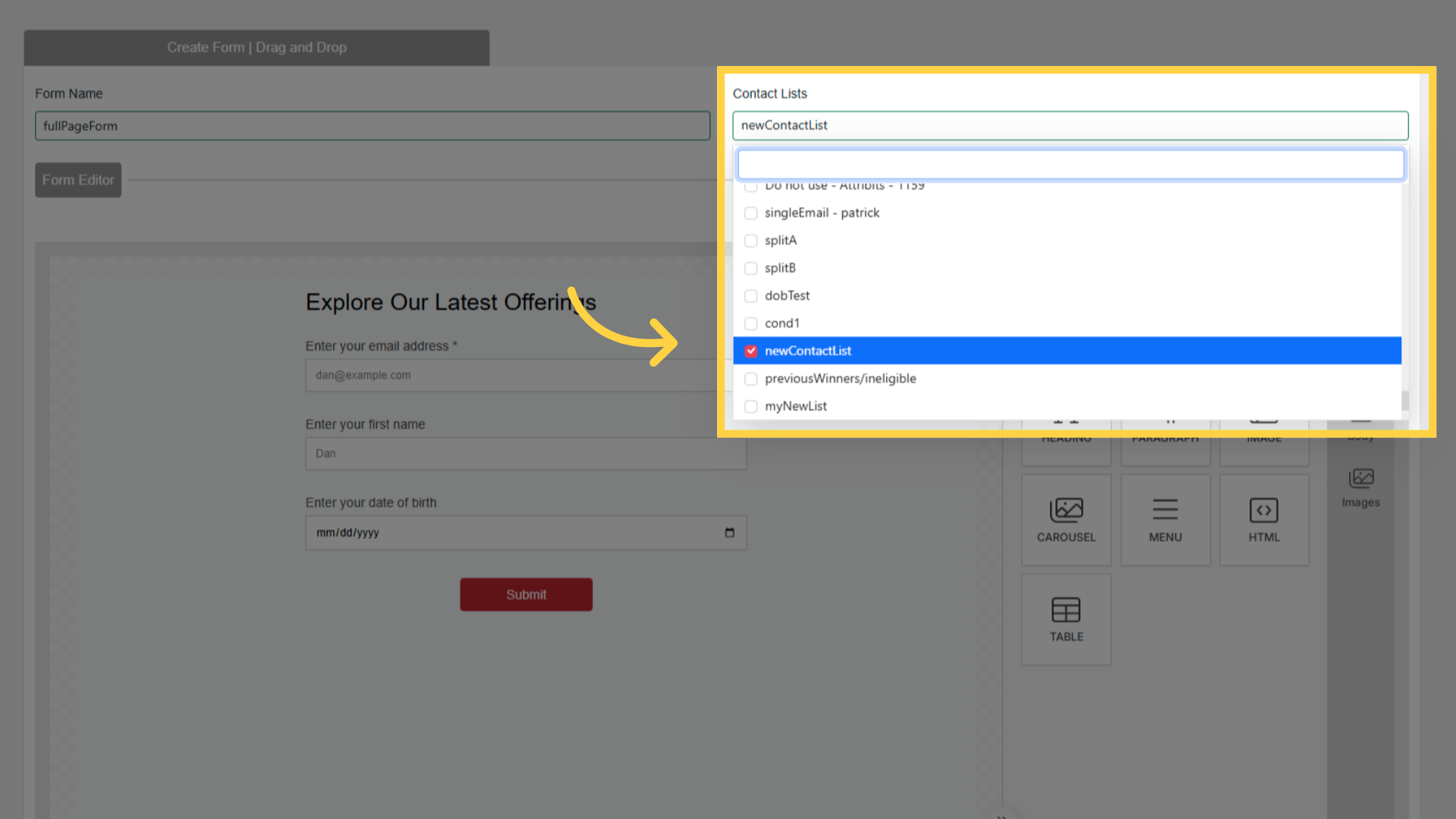
Select a Contact List from dropdown
Default form has: Email (required), First Name, Date of Birth, Submit button
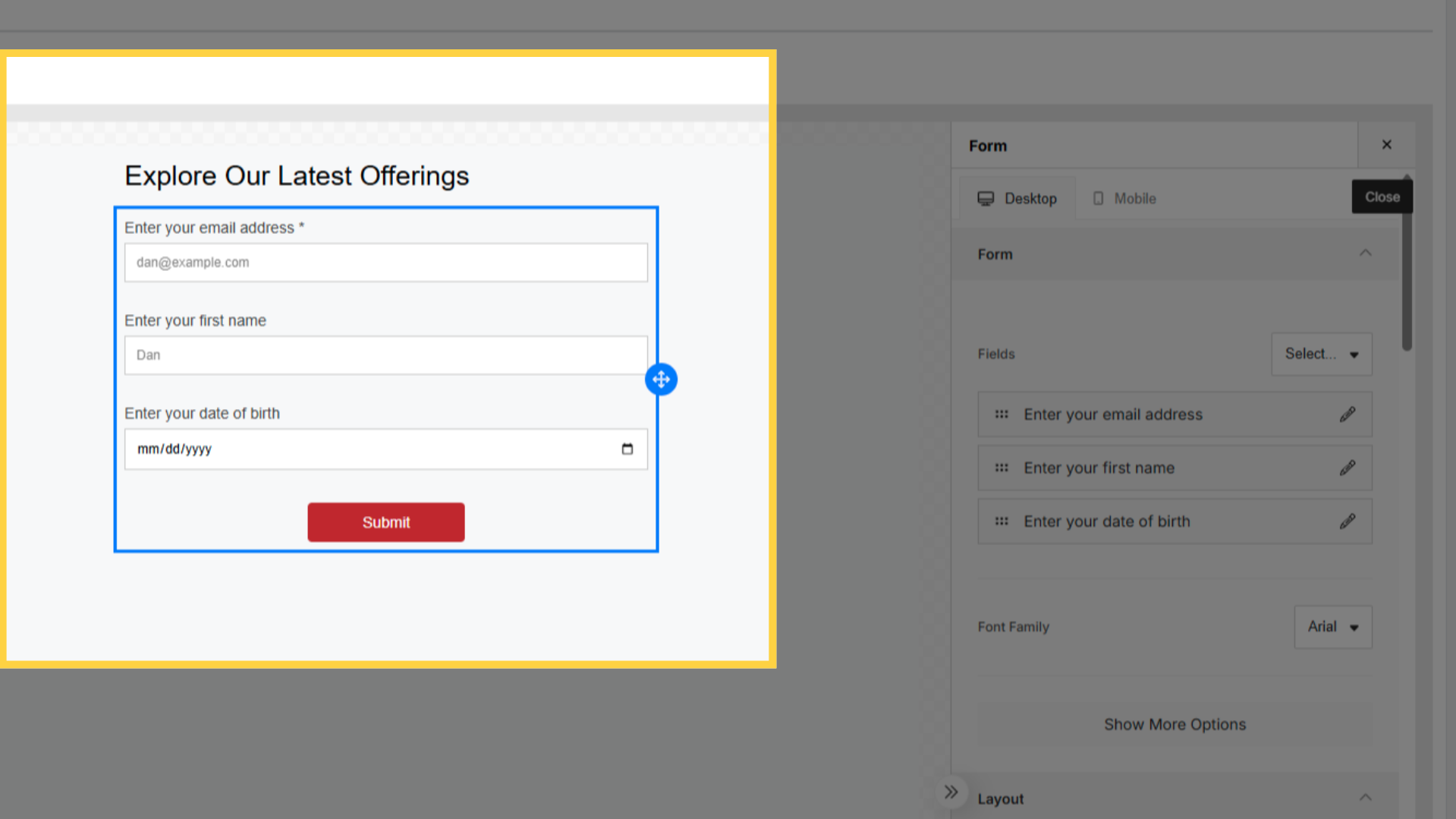
Edit fields on right panel: label, placeholder, field type, required toggle
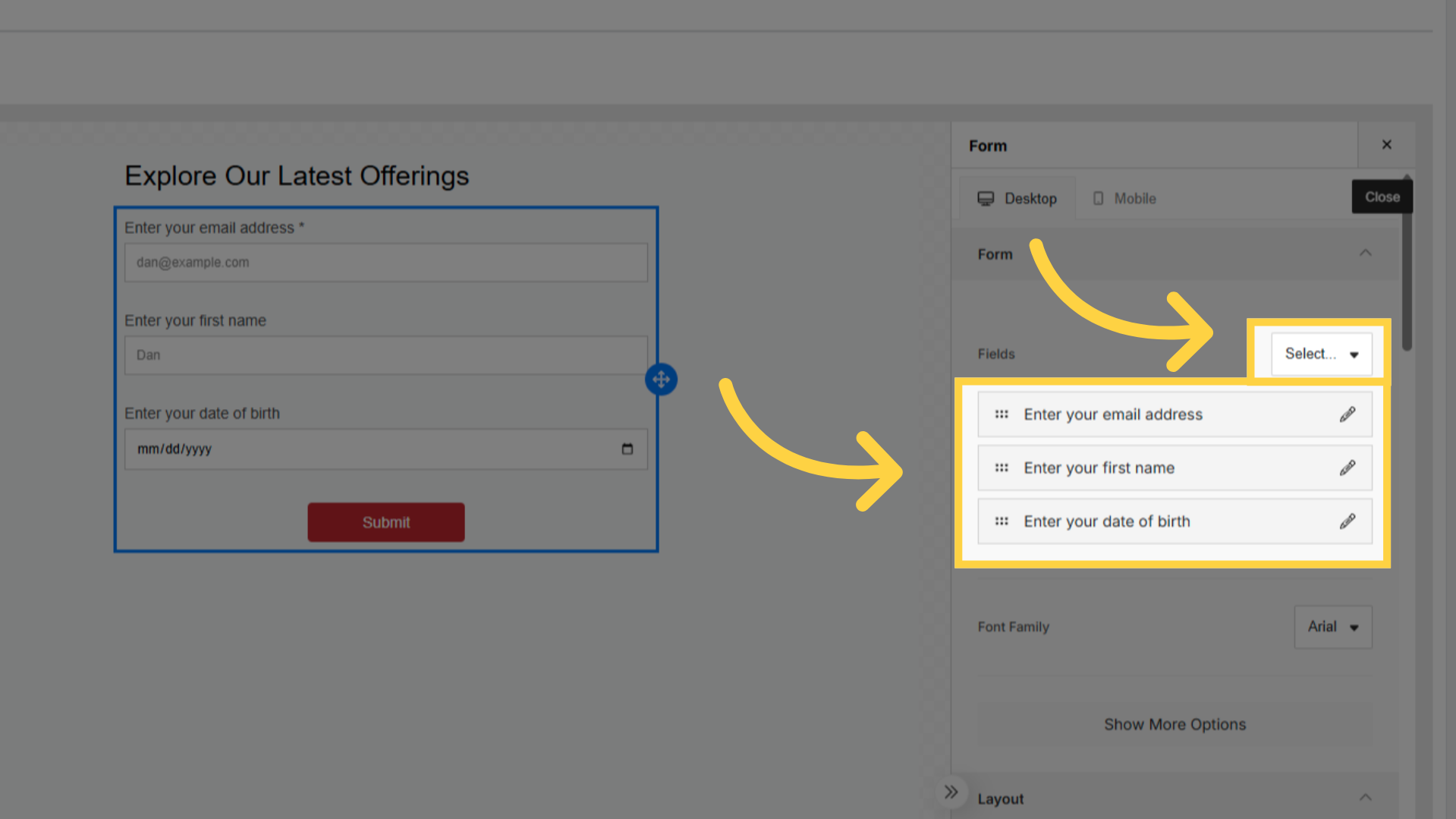
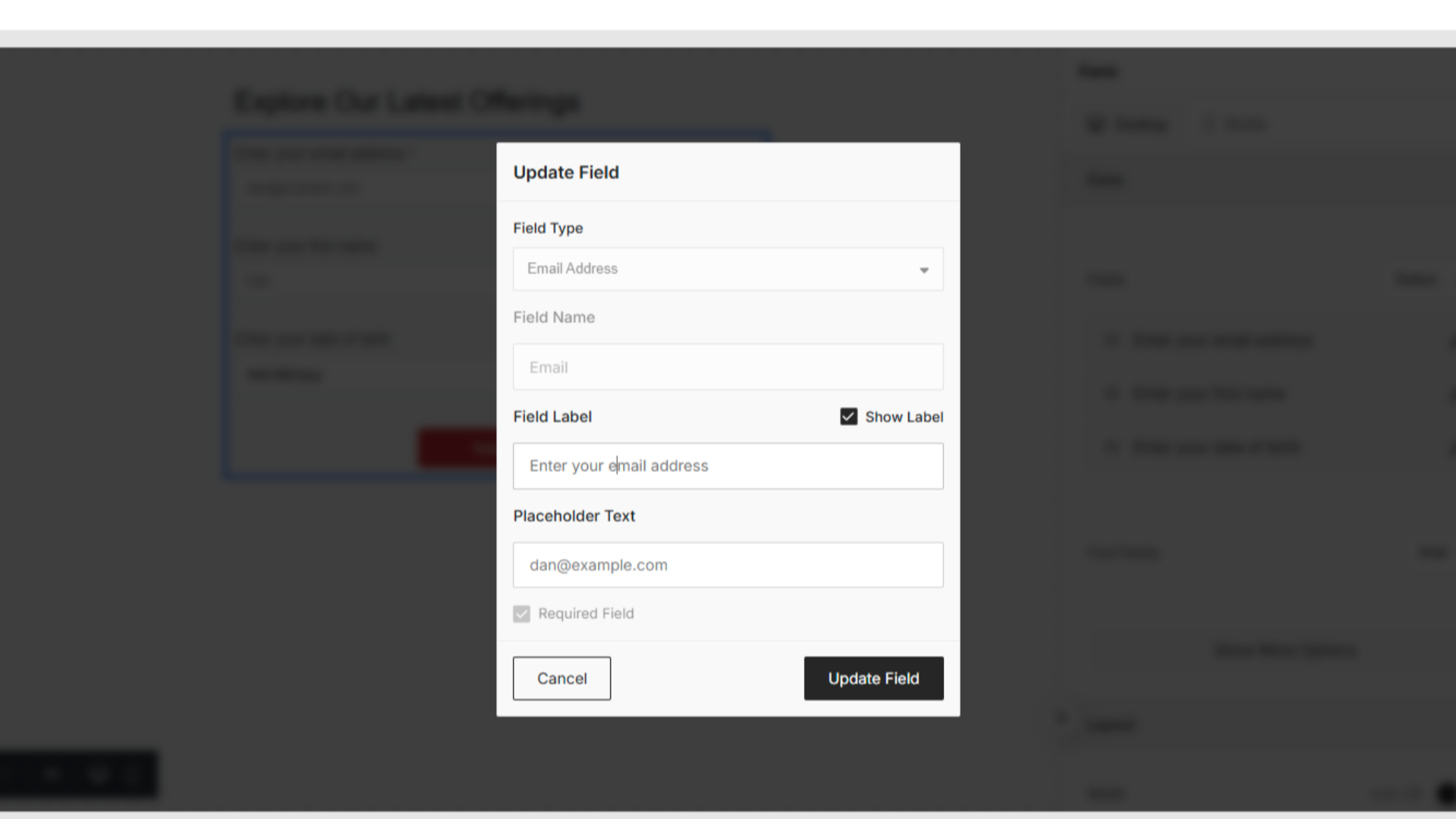
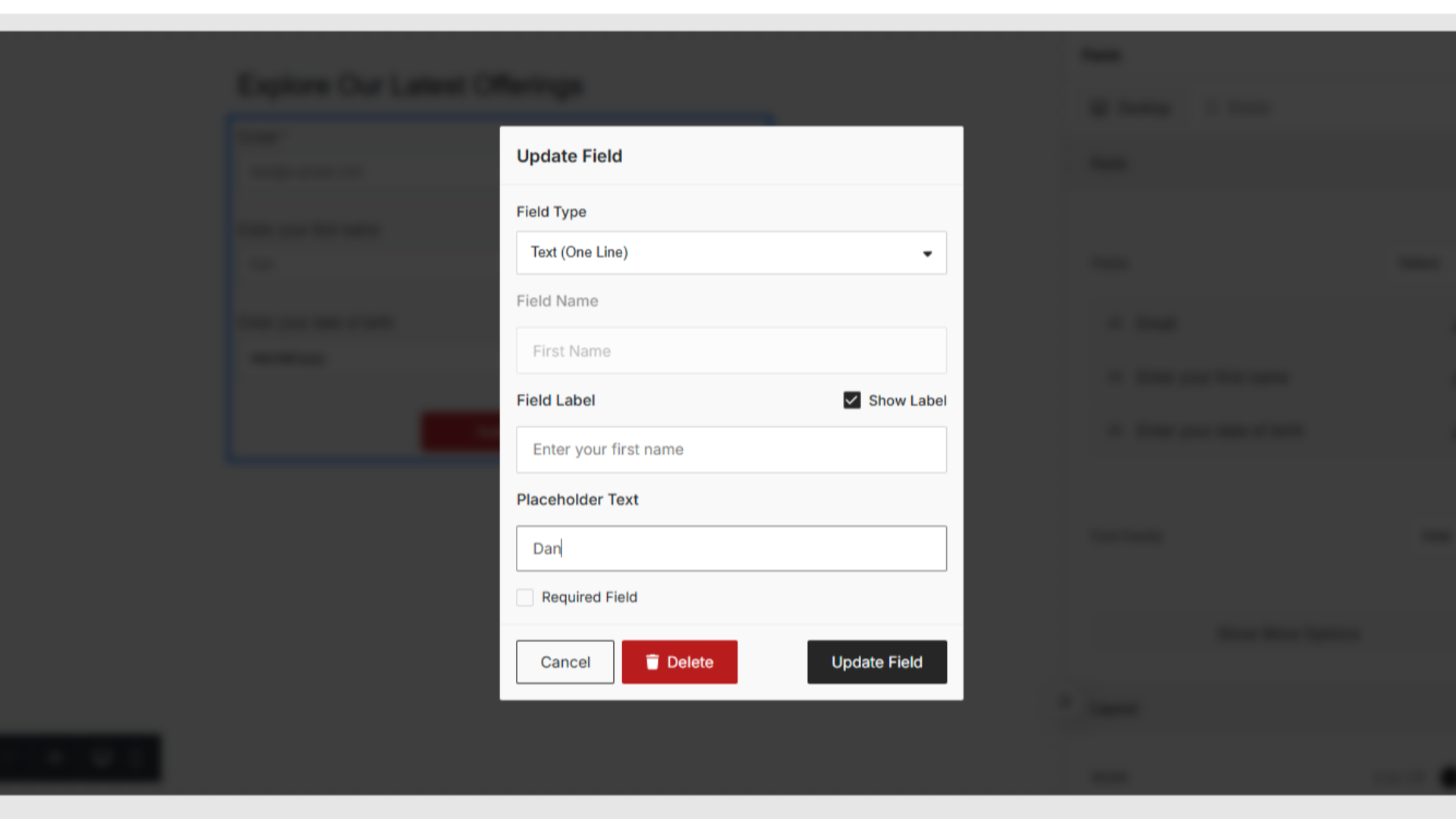
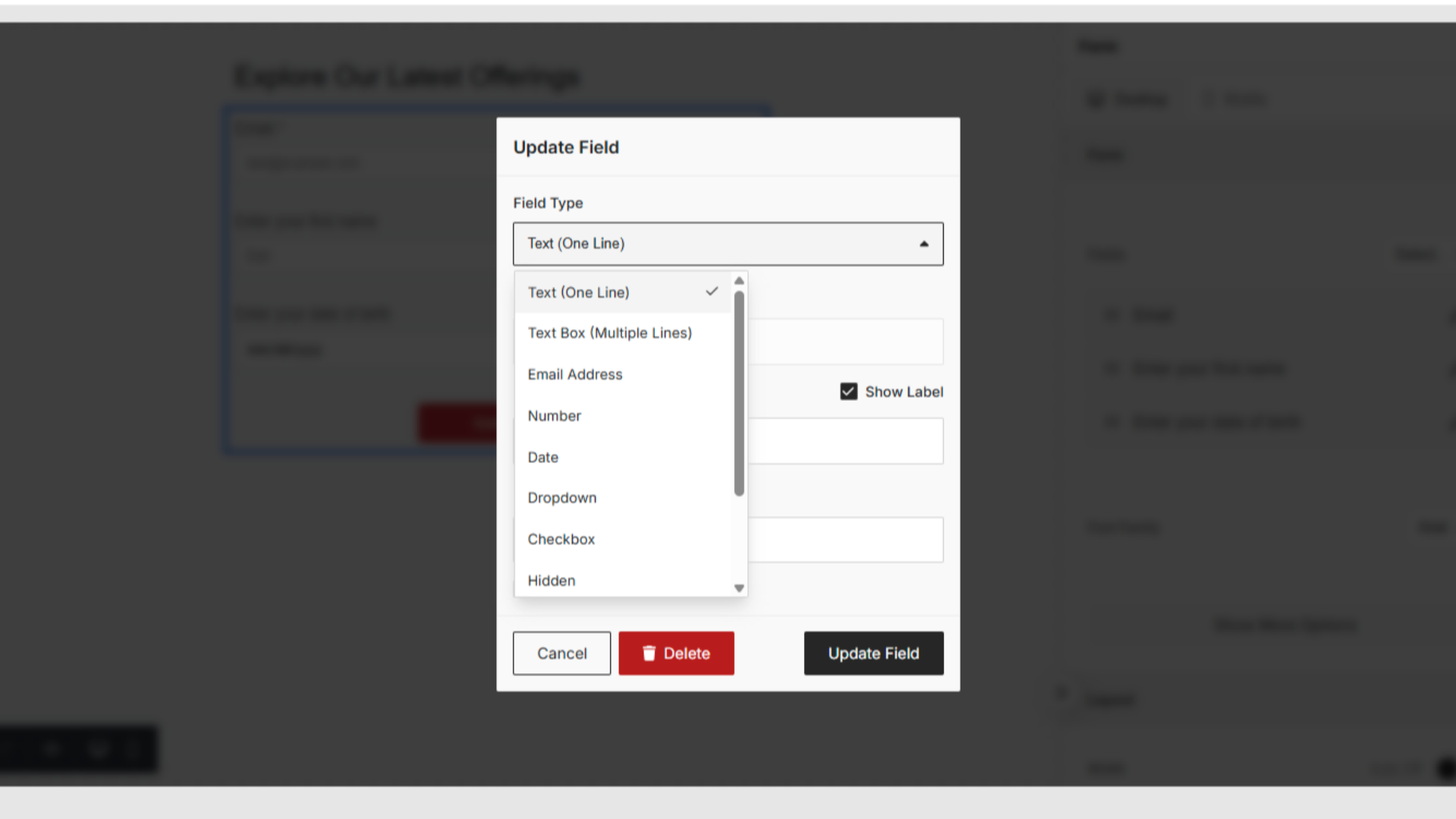
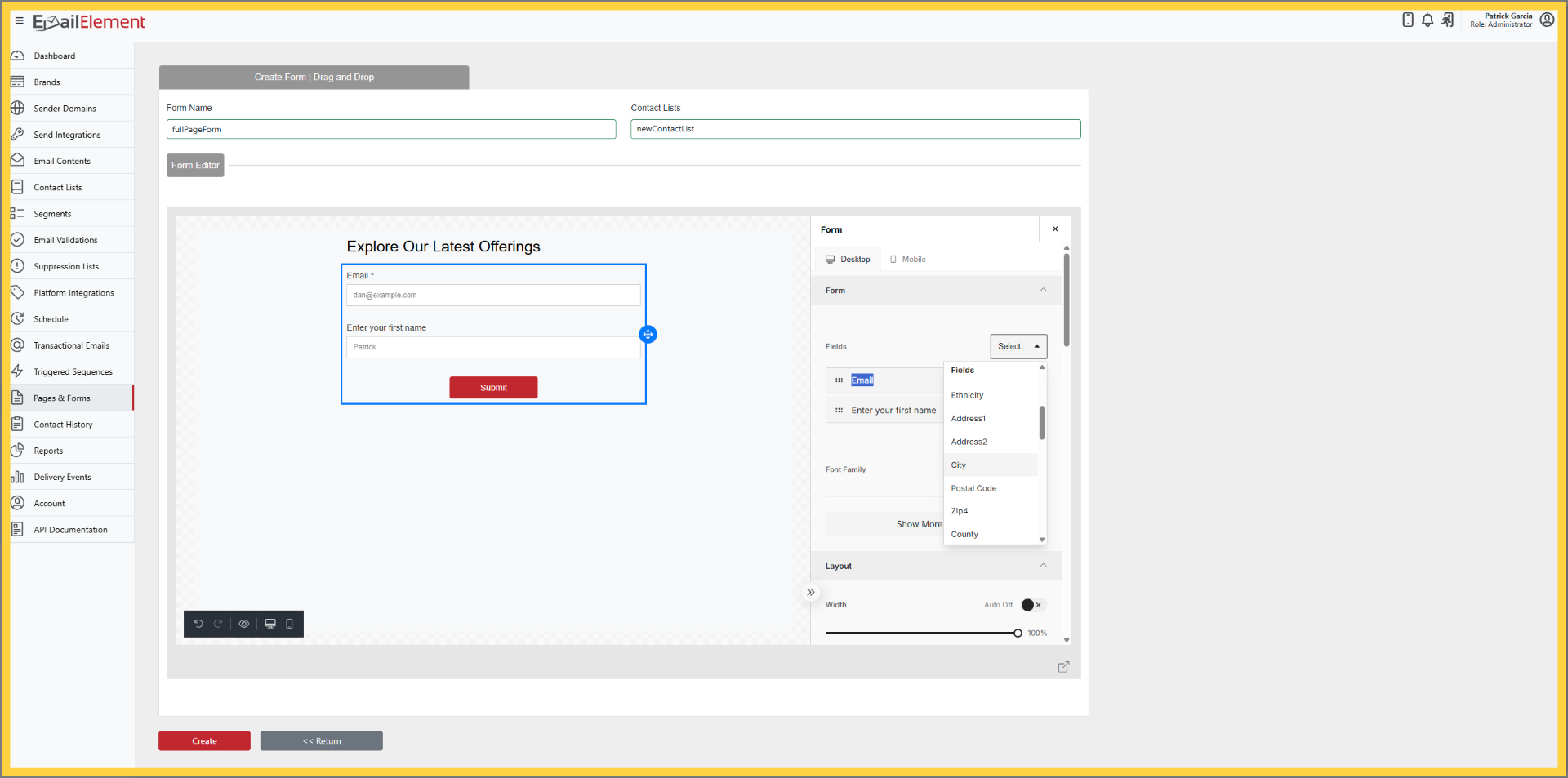
Add new fields from the Fields dropdown
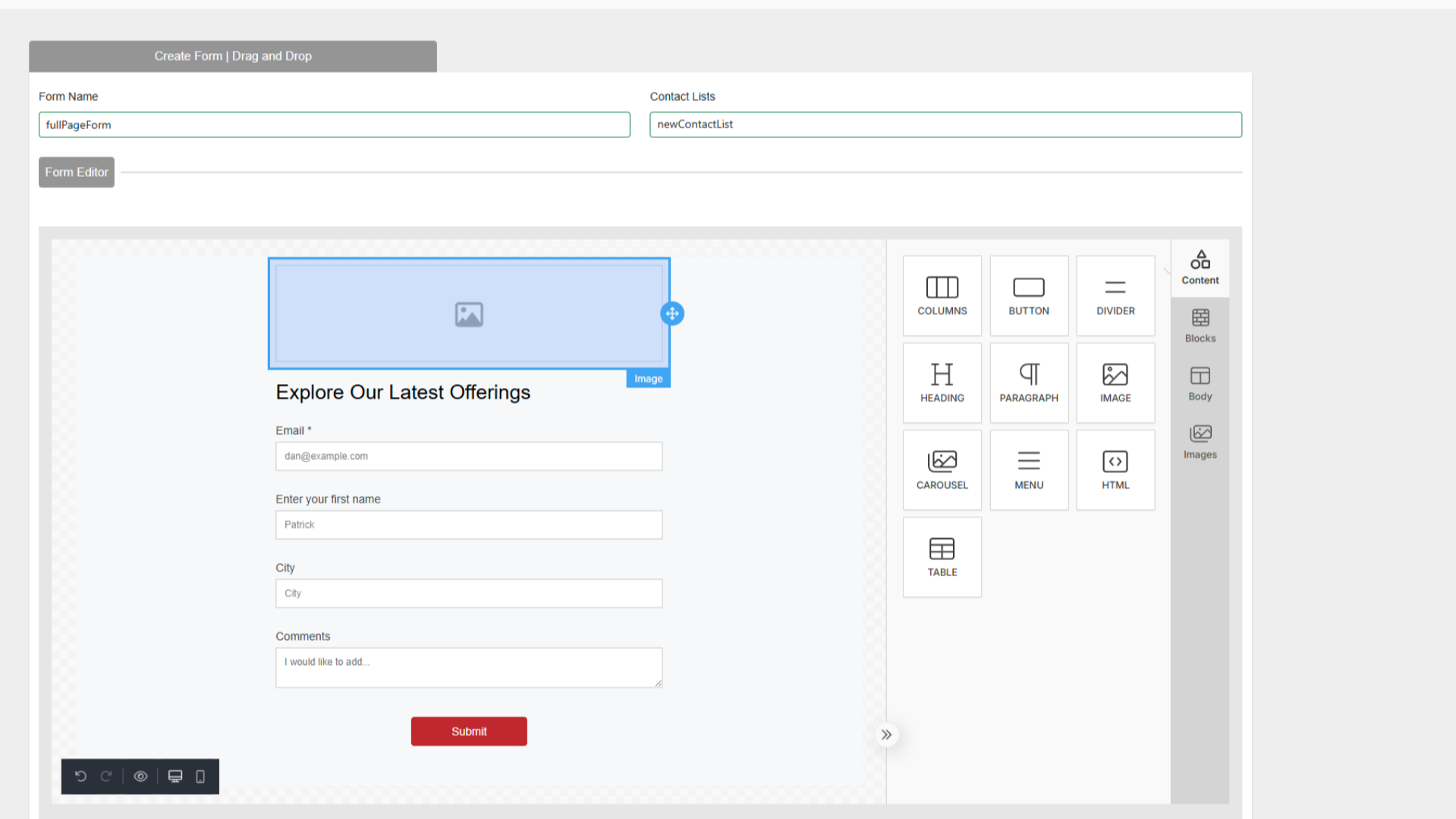
Customize design with visual editor
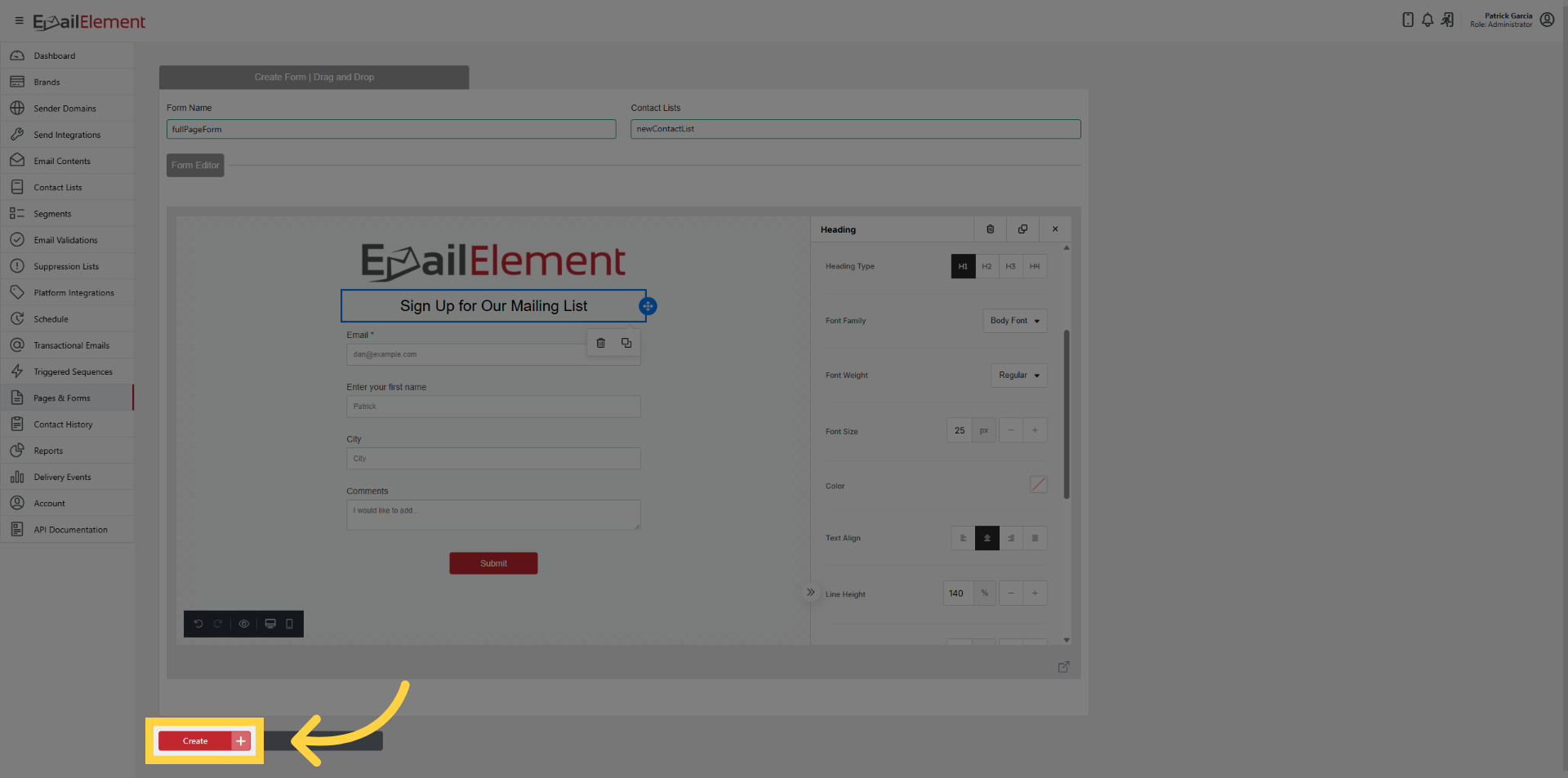
Click Create
Full Page Form Features
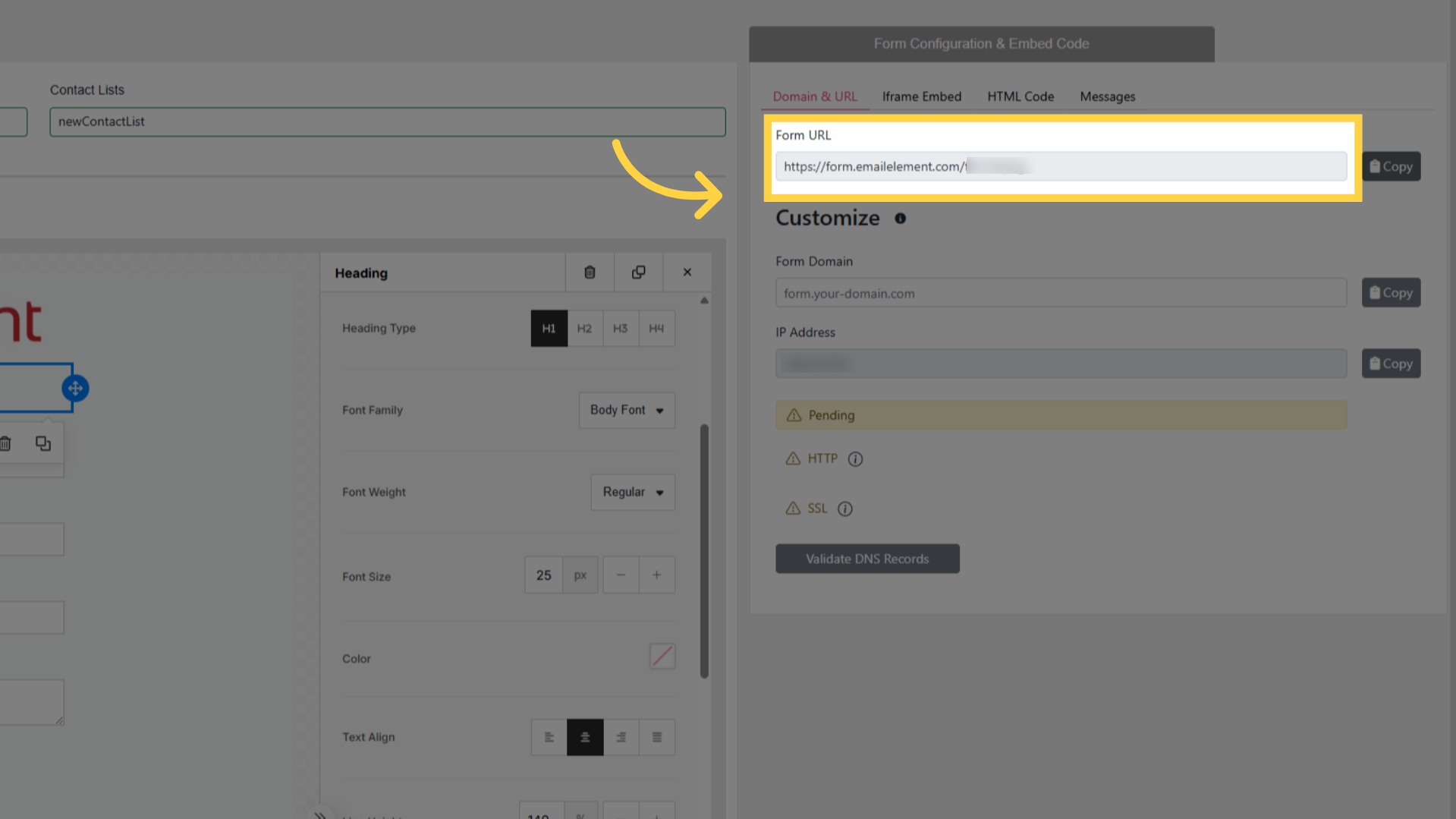
Unique URL generated after creation
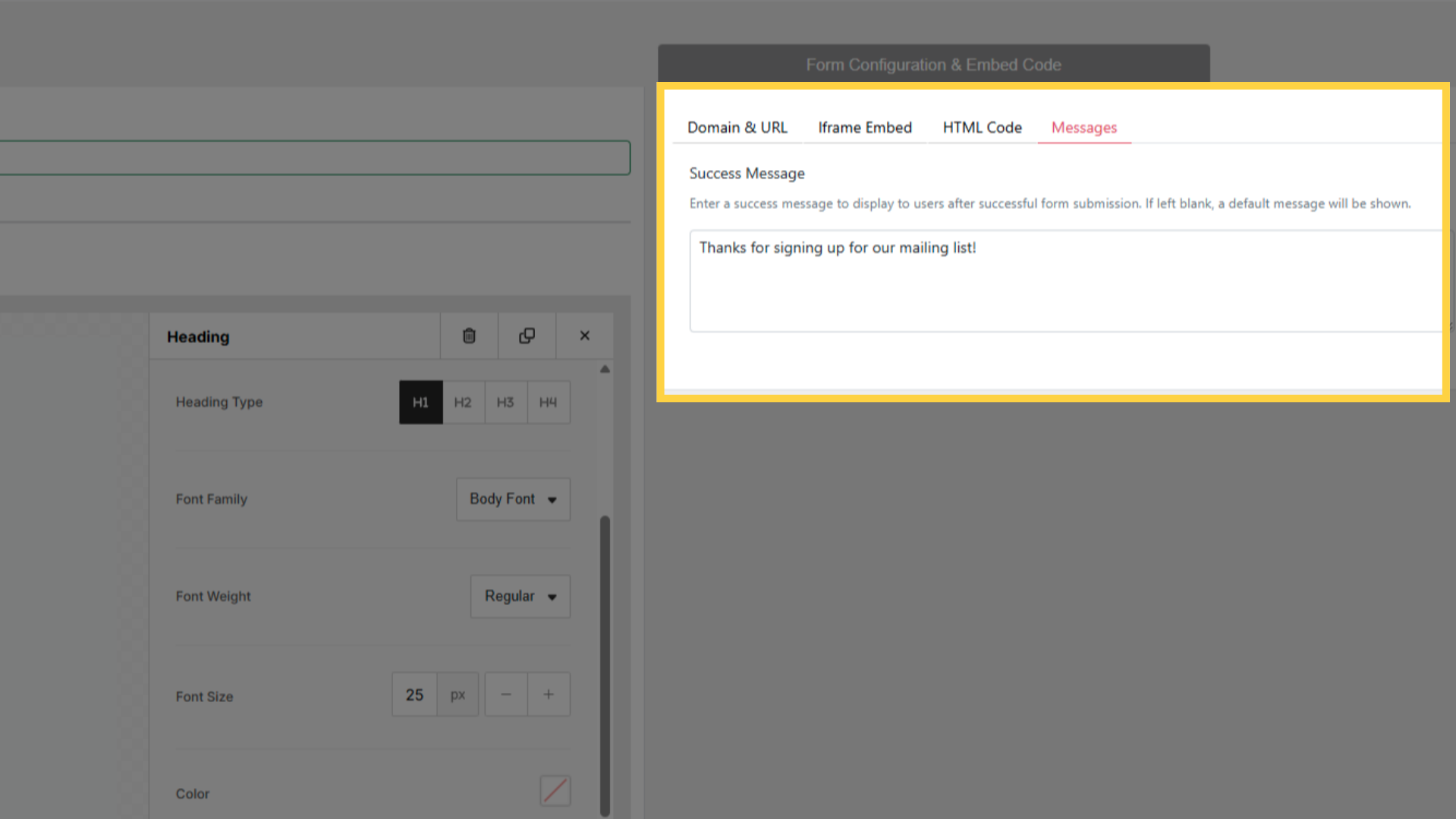
Custom Success Message in Messages tab (default used if not set)
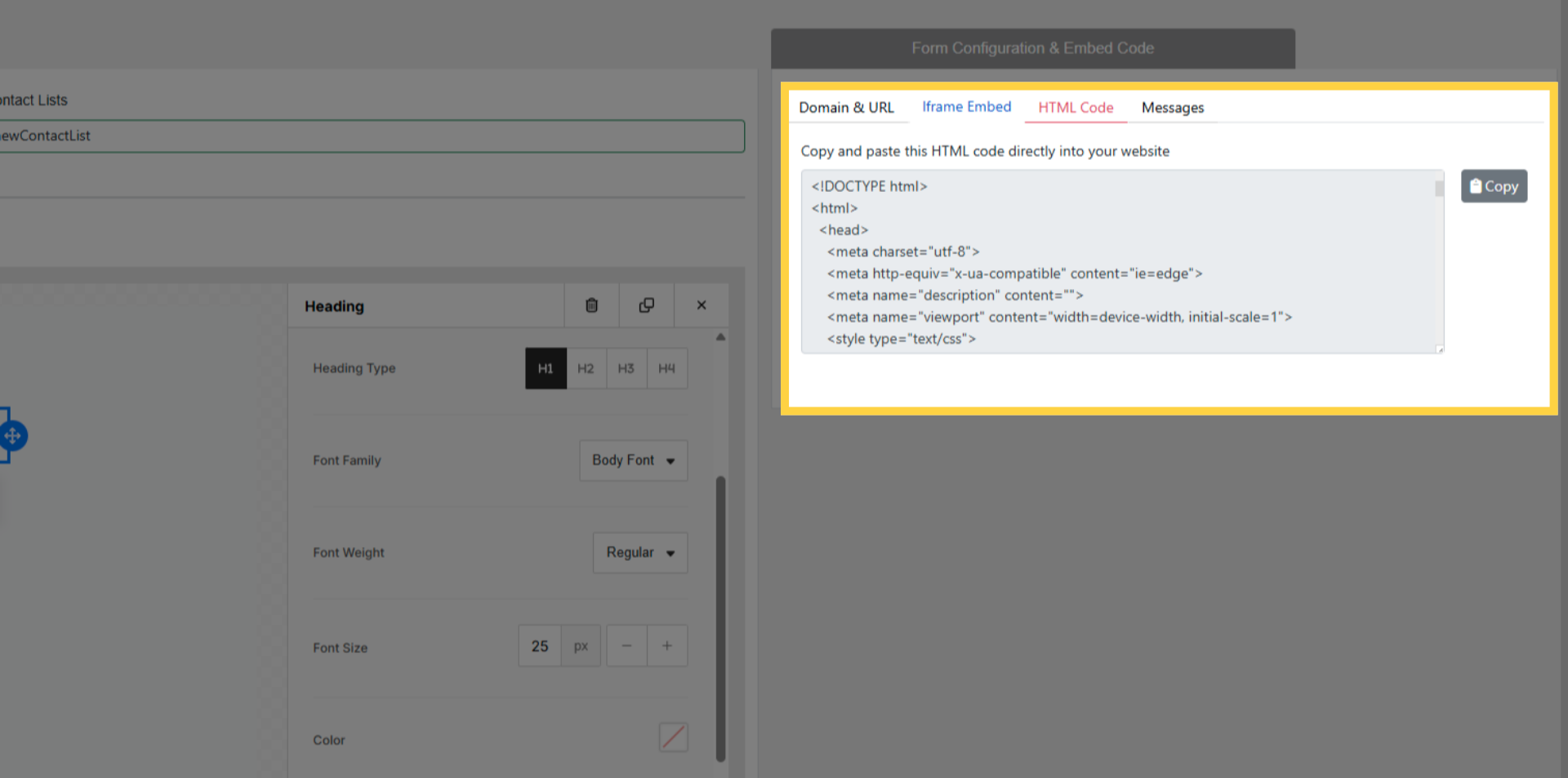
Embed options: HTML Code snippet or iFrame Embed
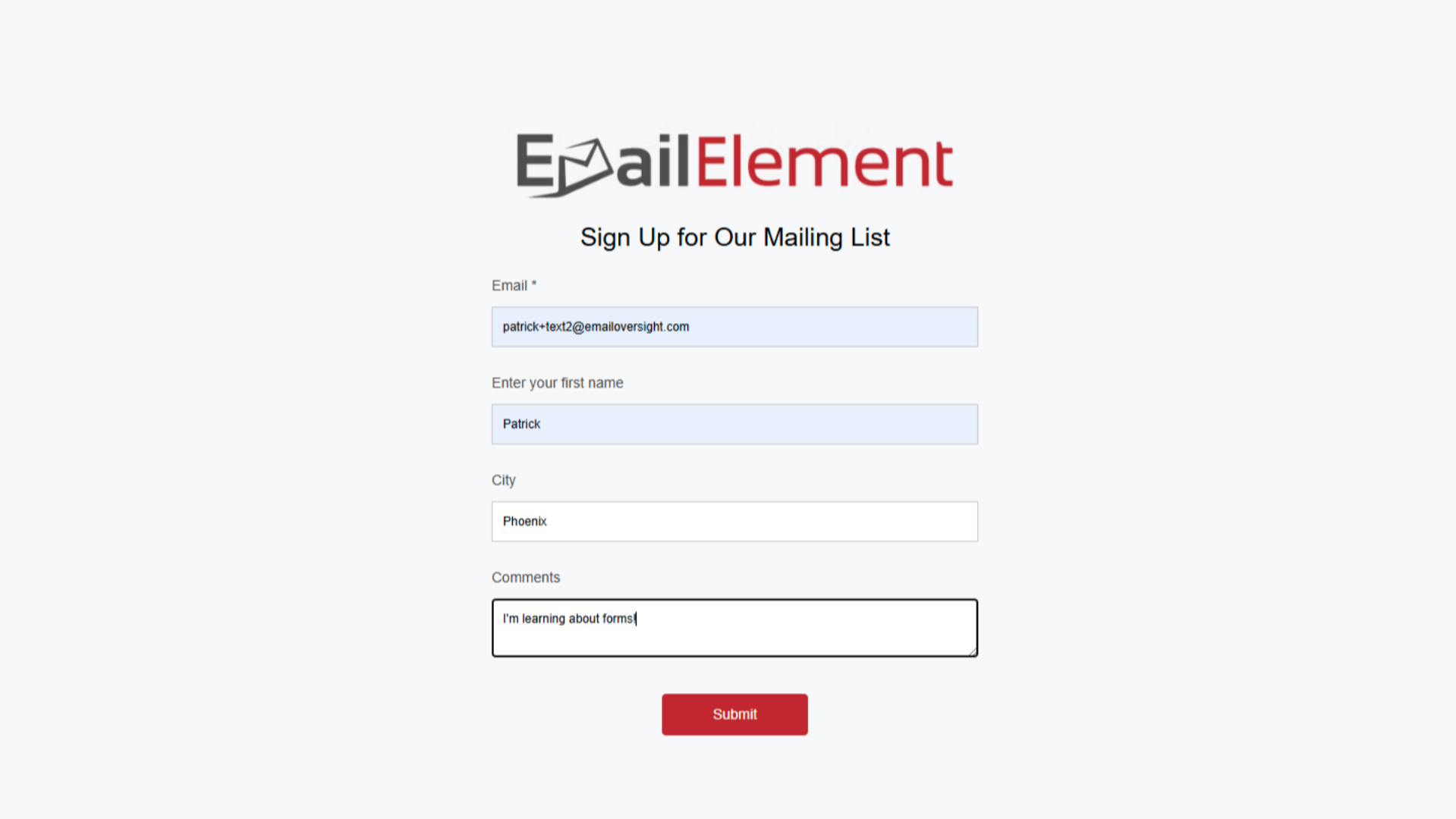
Form URL can be shared directly as a landing page
Creating a Popup Form
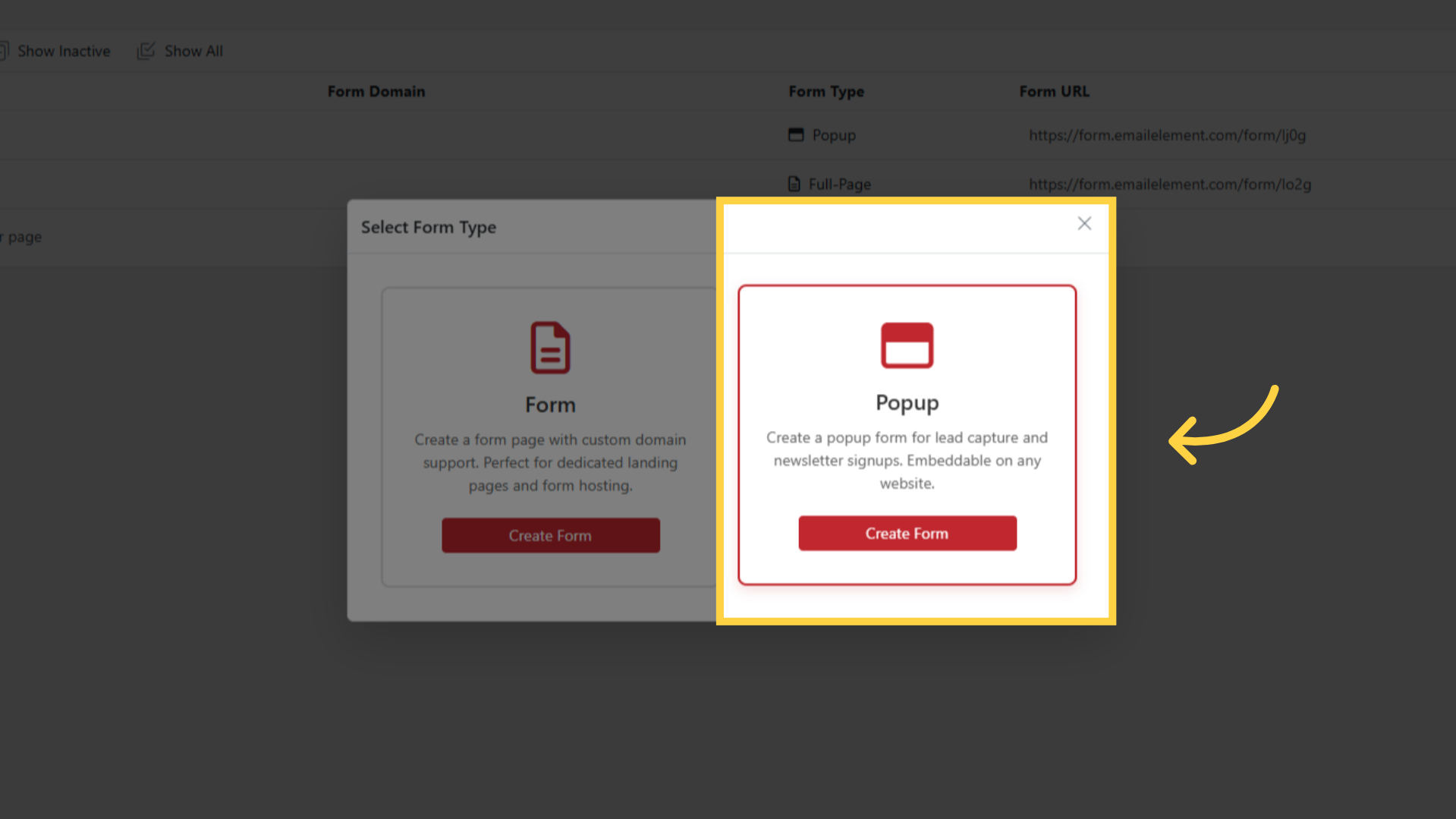
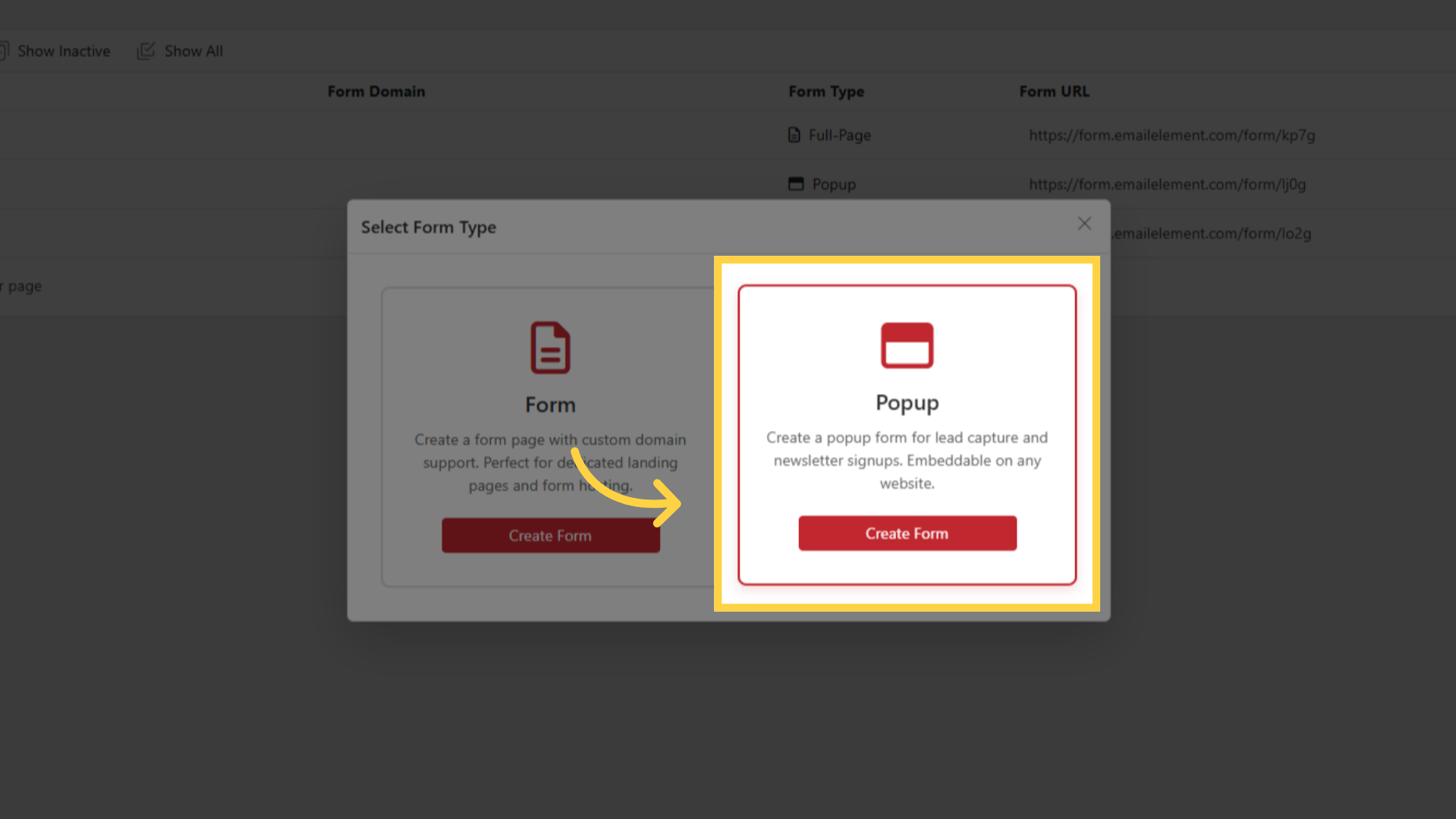
Click Create Form > select Popup type
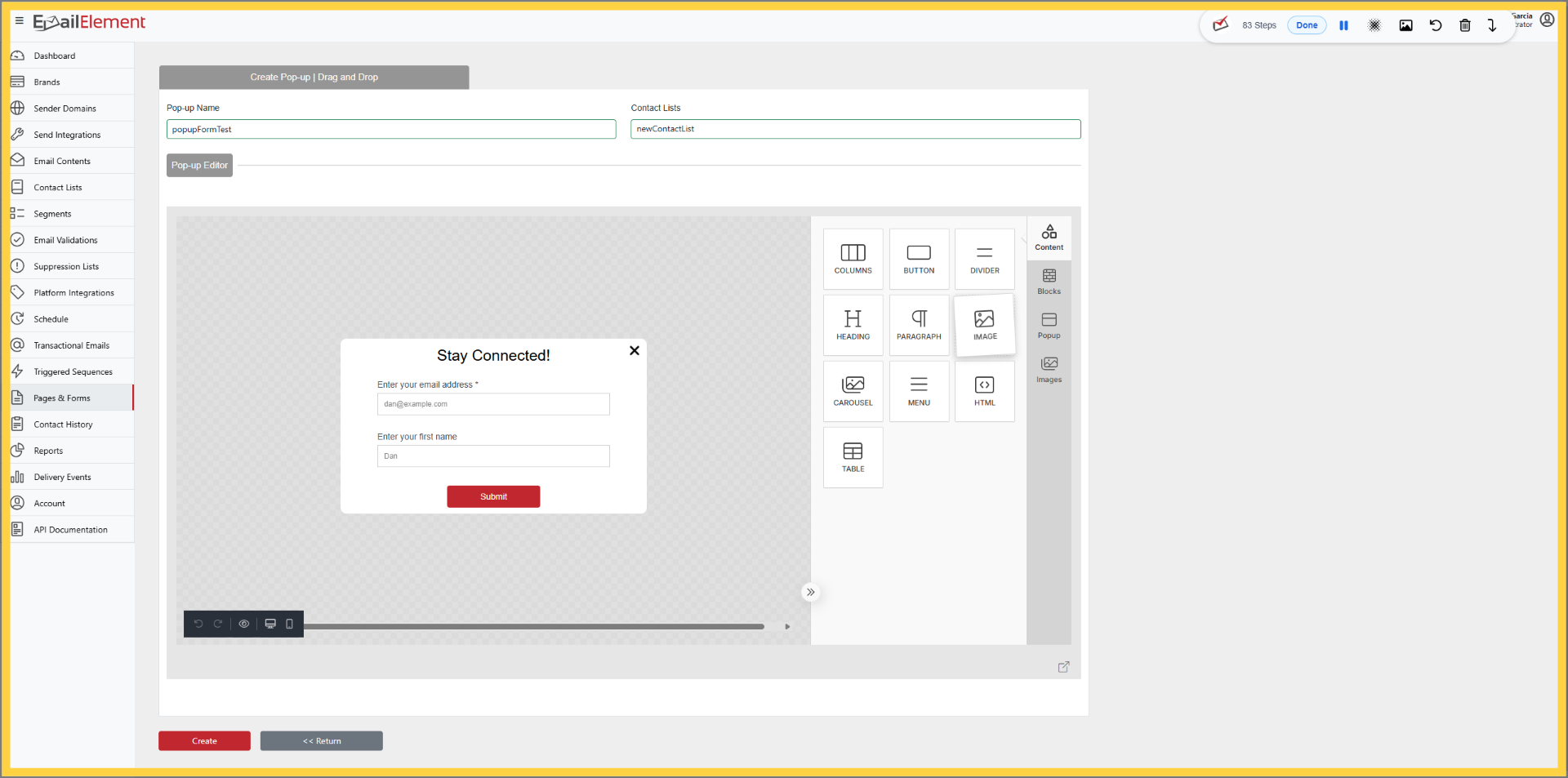
Same field configuration as full-page
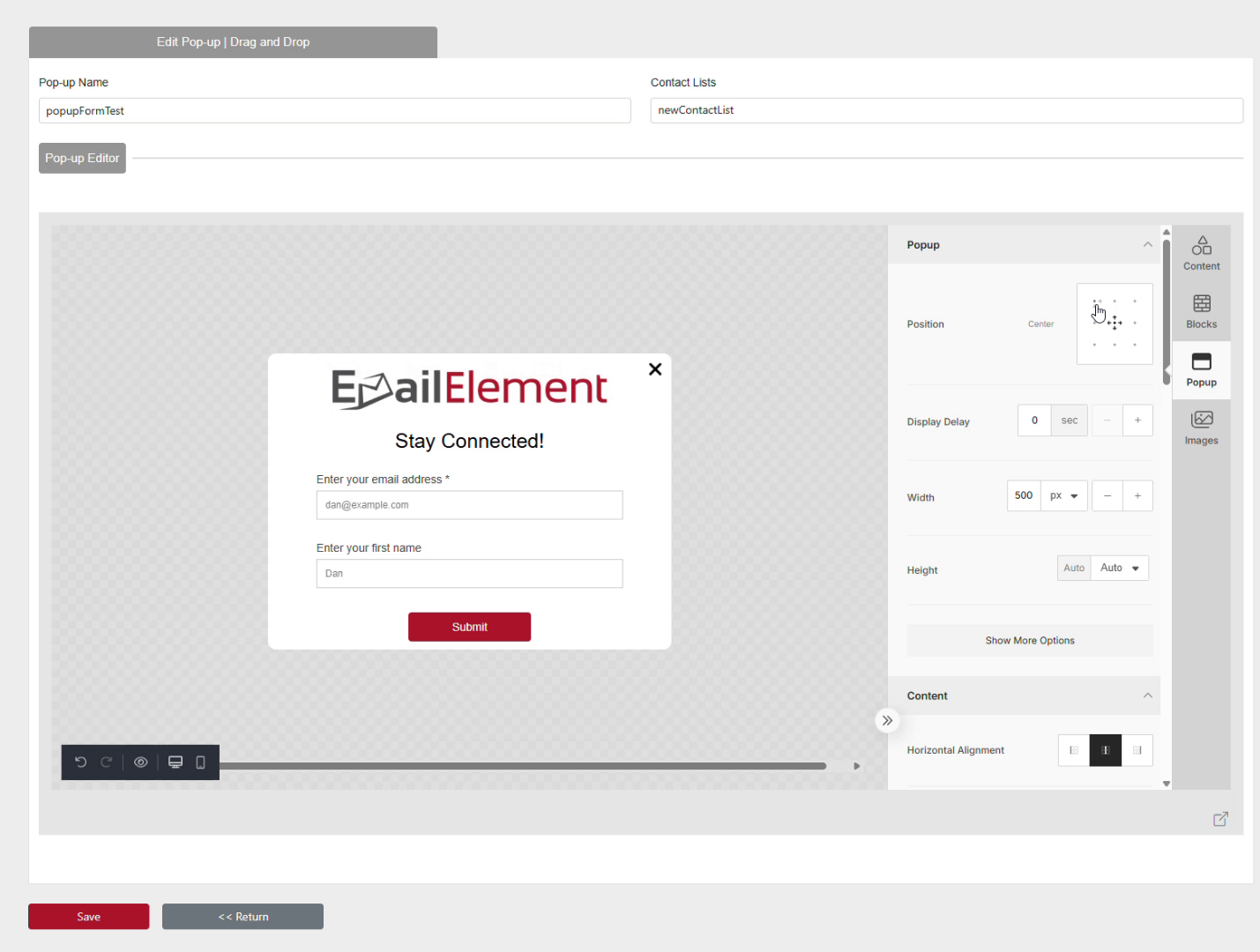
Additional options: popup positioning, close button, overlay settings
URL generated after creation
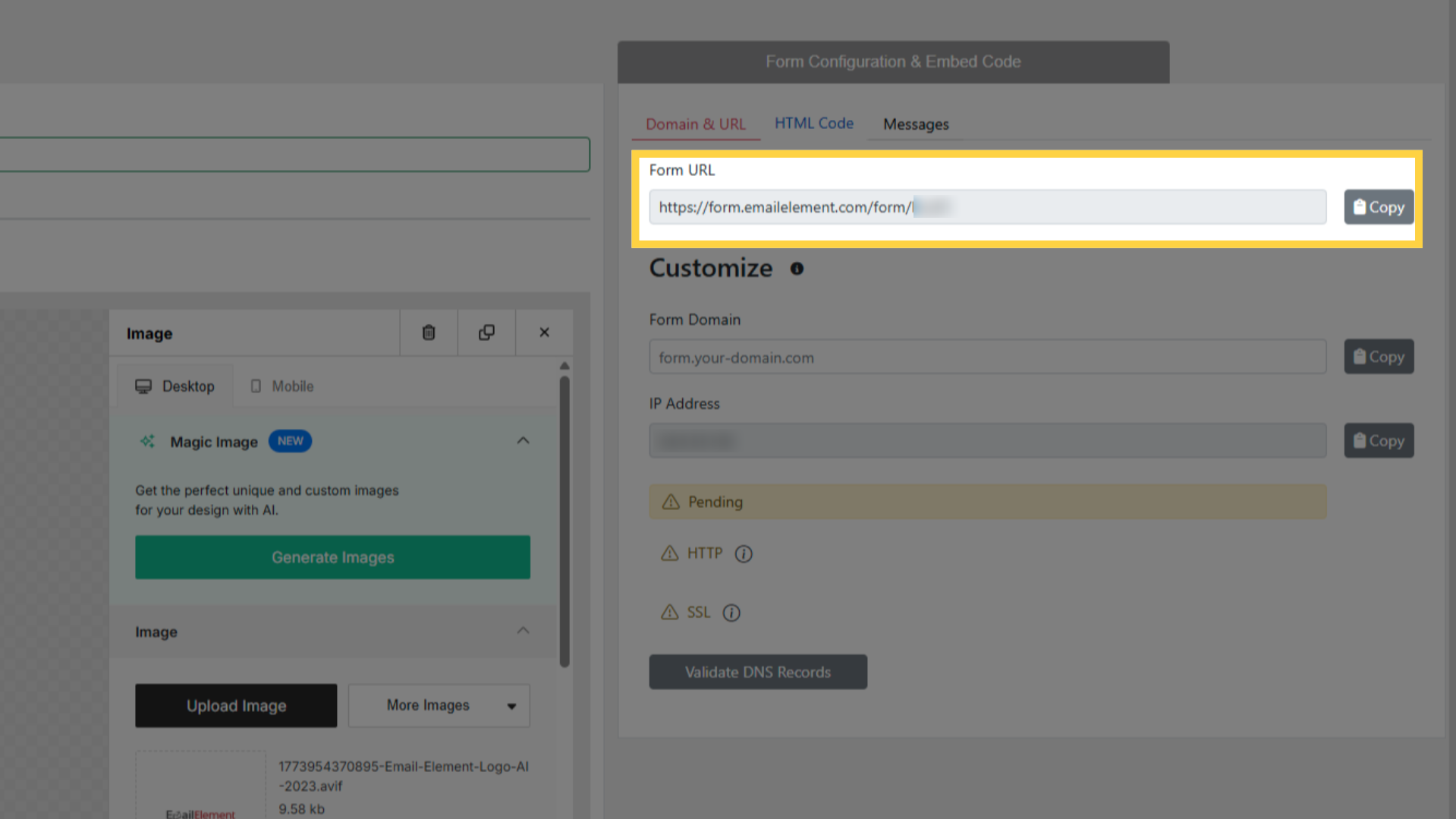
Only HTML embed supported (no iFrame)
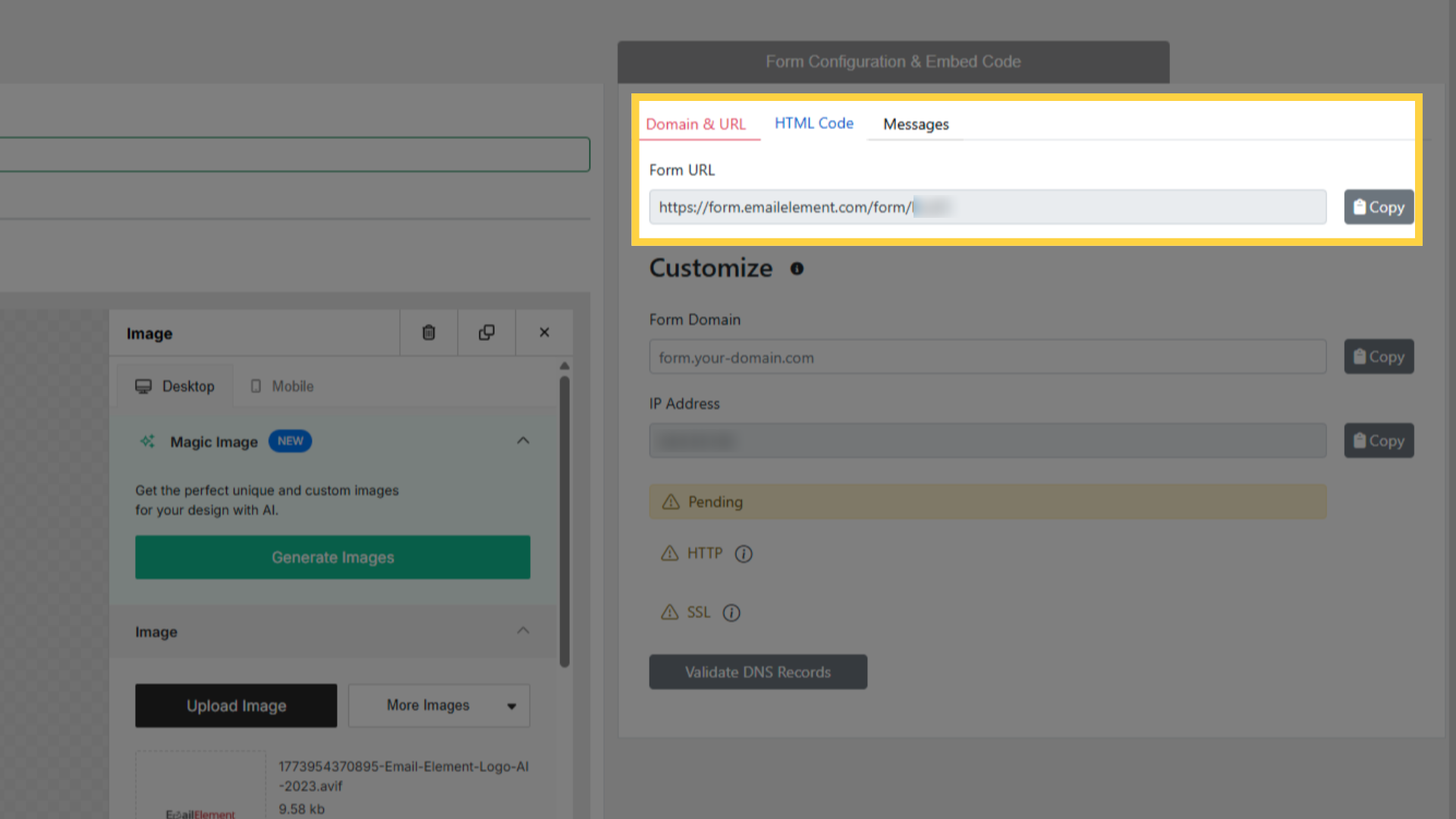
Embedding Forms
HTML Code: copy snippet, paste into your website HTML
iFrame Embed (full-page only): copy iFrame tag, paste into page
Popup HTML: paste into website, form appears as overlay
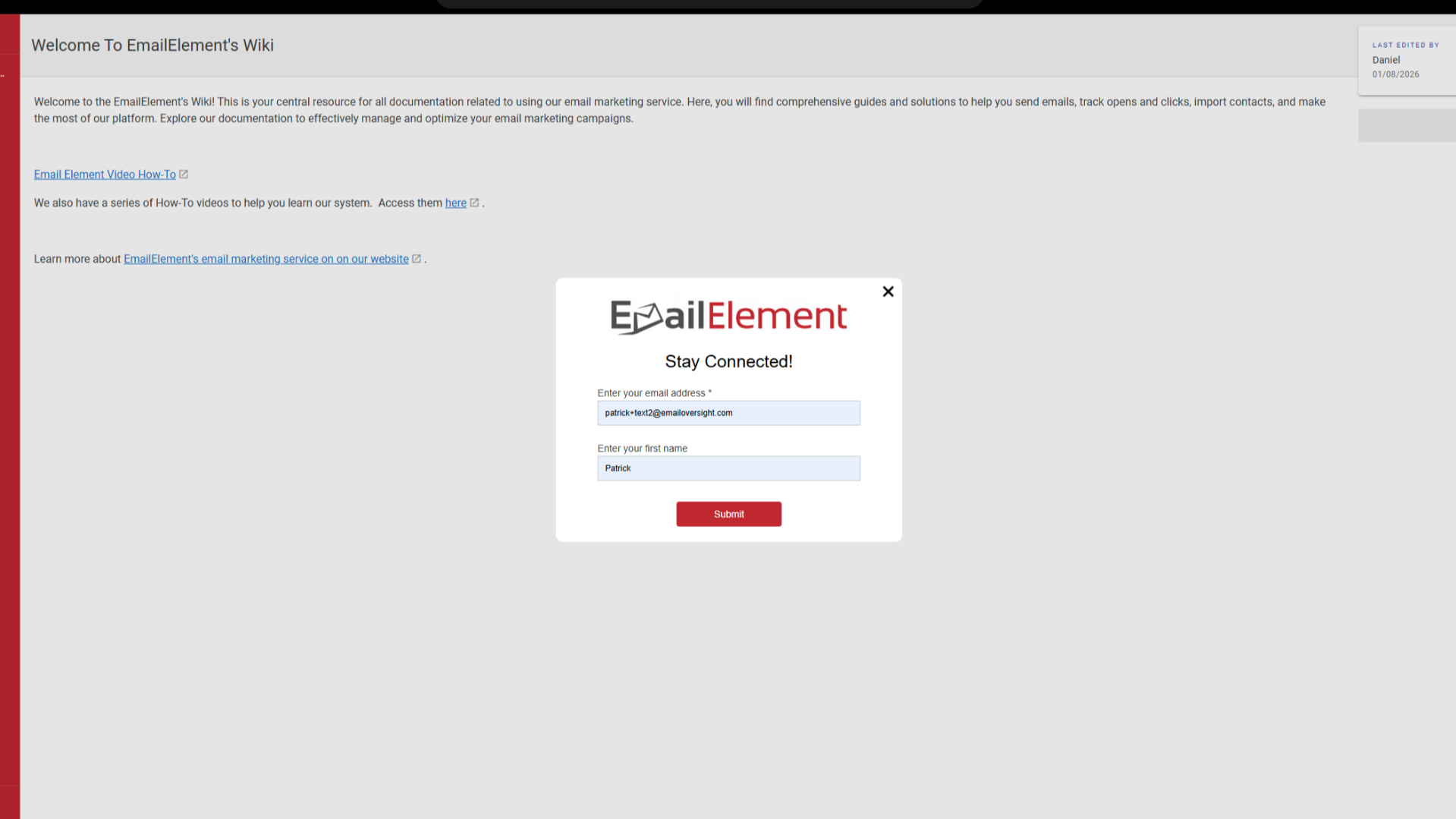
Form Submission
Submitted contacts added to the selected Contact List
All field data stored as contact attributes
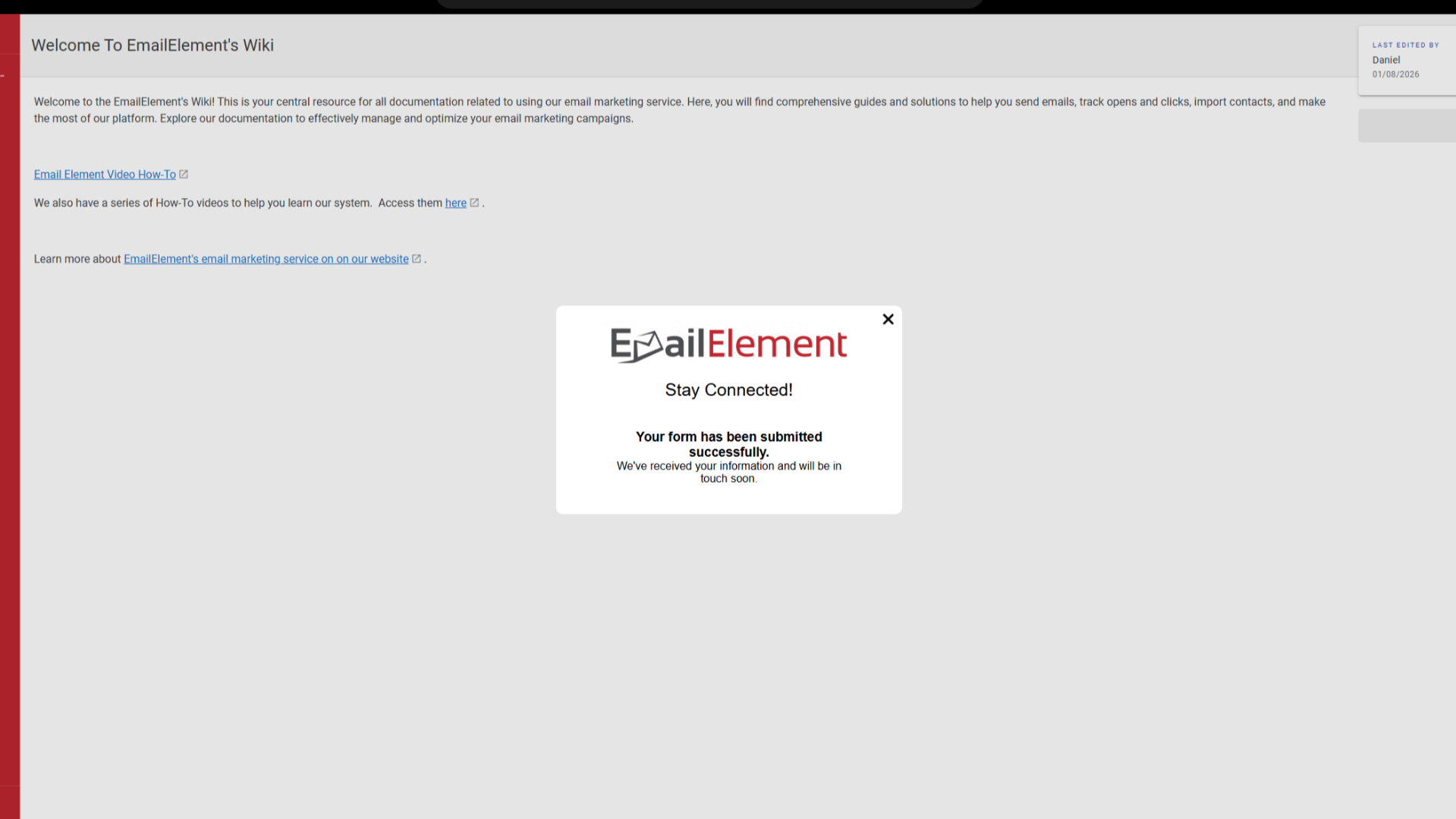
Success message displayed after submission