
Reputation Scoring
Where it is
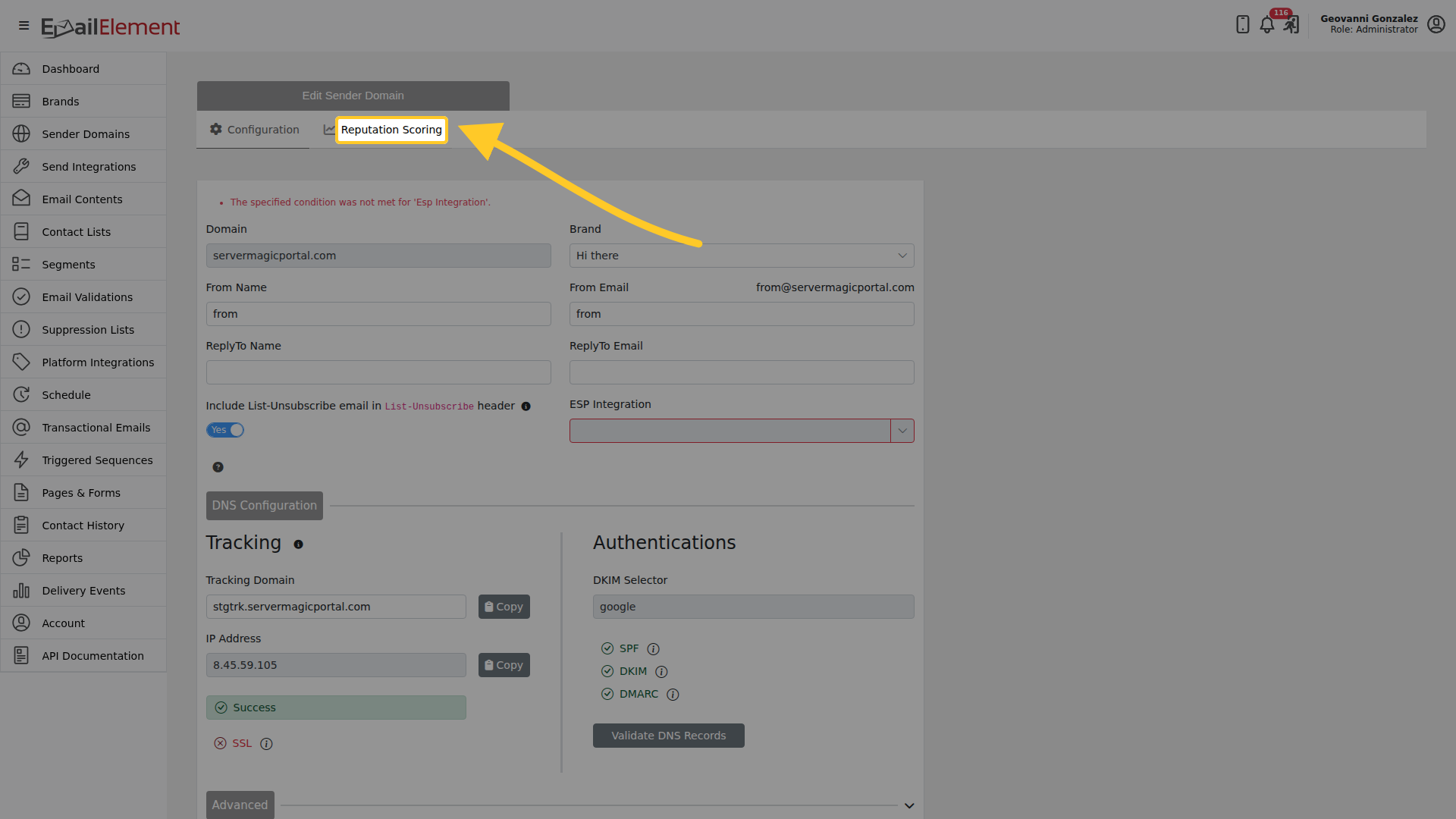
Open a sender domain. Reputation Scoring is the second tab, beside Configuration.
The composite score
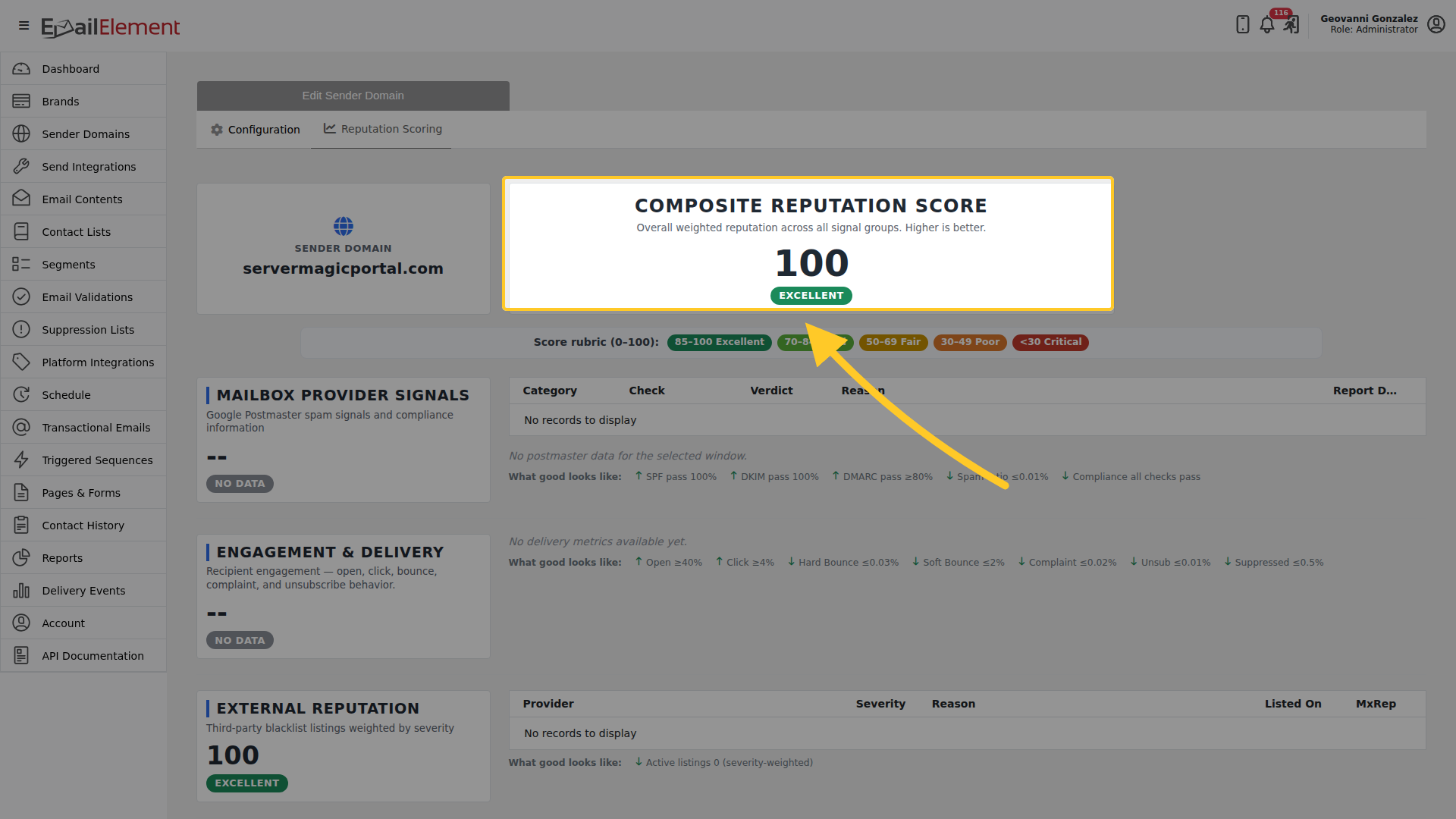
One weighted score across every signal group, out of 100. Higher is better.
| Score | Band |
|---|---|
| 85-100 | Excellent |
| 70-84 | Good |
| 50-69 | Fair |
| 30-49 | Poor |
| under 30 | Critical |
The three signal groups
Each group scores on its own and says what good looks like, so a low number tells you which figure to go and fix.
Mailbox Provider Signals
Google Postmaster spam signals and compliance information.
Good looks like: SPF pass 100%, DKIM pass 100%, DMARC pass 80% or more, spam ratio 0.01% or under, and all compliance checks passing.
Engagement & Delivery
How recipients behave: opens, clicks, bounces, complaints and unsubscribes.
Good looks like: open 40% or more, click 4% or more, hard bounce 0.03% or under, soft bounce 2% or under, complaint 0.02% or under, unsubscribe 0.01% or under, suppressed 0.5% or under.
External Reputation
Third-party blacklist listings, weighted by how serious each one is.
Good looks like: no active listings.
Reading a group with no data
A group shows NO DATA rather than a zero when nothing has been collected for the window. That is not a bad score. Google Postmaster needs volume before it reports anything, and a domain that has not sent yet has no engagement to measure.
Related pages
- Sender Domains — creating and verifying a domain
- Authentication — the SPF, DKIM and DMARC records behind the first group