smtp.com
SMTP.com has a couple of quirks with the way integrations are created in their system.
Webhook Setup
SMTP.com set up requires a channel to be created then that channel is used when setting up the webhooks. When you save your send integration, we create the channel then immediately attempt to set up webhooks but their system sometimes gives an error that the channel does not exist. If this occurs, you will be prompted to re-save your send integration after waiting a minute or so.
Global Restriction
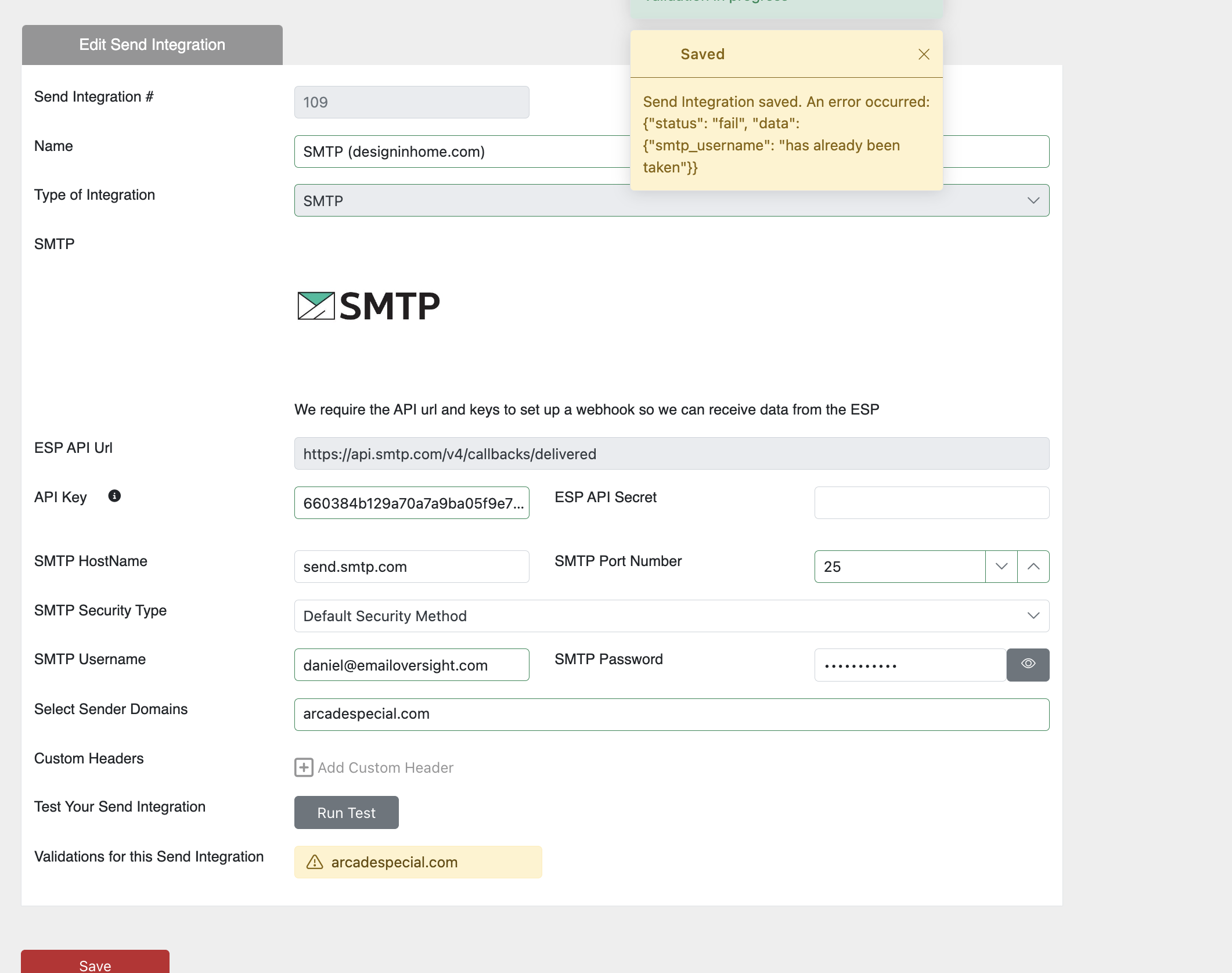
When setting up an smpt.com send integration, an smtp user will be created in your smtp.com account. This user has to be globally unique in SMTP.com's system. You may see an error as shown below if your user already exists on smtp.com. If this happens, choose a different smtp username.